1. Introduction
Thank you for choosing the Vieta Pro Party 220 Portable Bluetooth Speaker. This powerful and versatile speaker is designed to deliver high-quality audio for various occasions, including parties, events, and karaoke sessions. This manual provides essential information for setting up, operating, and maintaining your speaker to ensure optimal performance and longevity.
2. Produit terminéview
The Vieta Pro Party 220 is a self-amplified portable speaker featuring advanced audio technology. It boasts 500W of powerful sound, Bluetooth 5.3 connectivity, Auracast technology, and a long-lasting 10-hour battery. Designed for portability, it includes an integrated handle and trolley-style wheels. Key features include:
- 500W RMS Sound Output: Delivers robust and clear stereo sound with 2" tweeters and 8" woofers.
- Bluetooth 5.3 with Auracast: Ensures stable and fast wireless connections, allowing multiple Auracast-compatible speakers to connect simultaneously.
- Karaoke Compatibility: Includes a wireless microphone and supports additional microphones. Features LED lights that synchronize with music.
- Autonomie de la batterie de 10 heures : Enjoy extended music playback with the rechargeable battery.
- Plusieurs options de connectivité : Mini Jack 3.5mm, AUX, Micro USB, USB MP3 player, and SD card slot.
- Véritable stéréo sans fil (TWS) : Connect two Party 220 speakers for an immersive stereo experience.
- Conception portable : Integrated handle and wheels for easy transport.
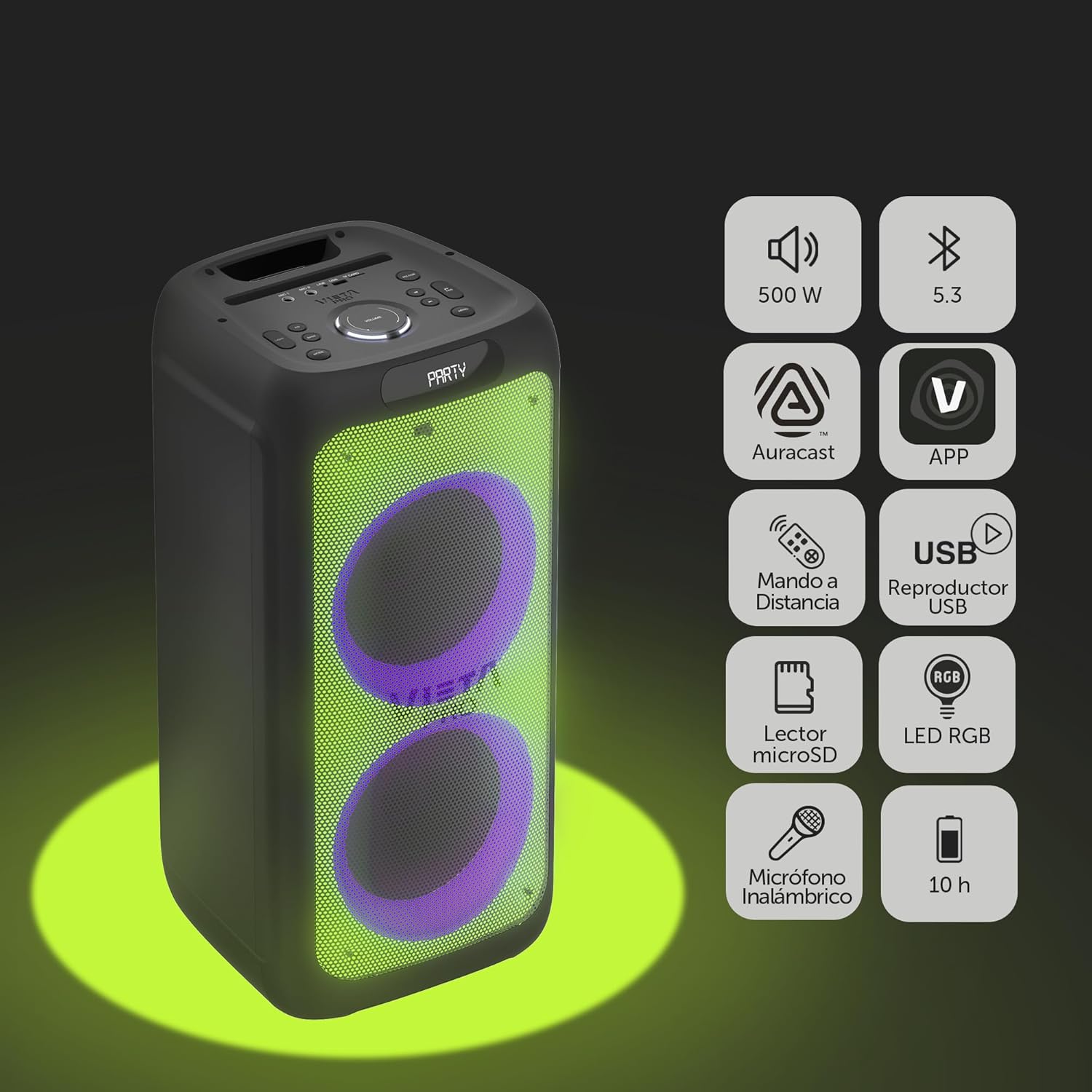
Image 2.1: The Vieta Pro Party 220 speaker highlighting its main features such as 500W power, Bluetooth 5.3, Auracast, app control, remote control, USB player, RGB LED lights, MicroSD reader, wireless microphone, and 10-hour battery life.
3. Contenu de la boîte
Lors du déballage, veuillez vérifier que tous les articles sont présents et en bon état :
- Vieta Pro Party 220 Portable Bluetooth Speaker
- Câble d'alimentation
- Microphone sans fil
- Télécommande
- Manuel de l'utilisateur (ce document)
4. Installation
4.1. Chargement du haut-parleur
Before first use, fully charge the speaker. Connect the provided power cable to the speaker's power input and then to a suitable power outlet. The charging indicator will illuminate. Once fully charged, the indicator may change color or turn off, depending on the model.
Une charge complète offre jusqu'à 10 heures de lecture continue.

Image 4.1: The Vieta Pro Party 220 speaker in a home environment, illustrating its long battery life of up to 10 hours.
4.2. Mise sous/hors tension
Locate the Power button on the speaker's control panel. Press and hold the Power button for a few seconds to turn the speaker ON or OFF.
5. Mode d'emploi
5.1. Couplage Bluetooth
- Turn on the Vieta Pro Party 220 speaker. It will automatically enter Bluetooth pairing mode, indicated by a flashing LED light (usually blue).
- Enable Bluetooth on your audio device (smartphone, tablet, computer).
- Rechercher "Vieta Pro Party 220" in the list of available Bluetooth devices.
- Select the speaker to pair. Once connected, the LED indicator will stop flashing and remain solid.
5.2. Auracast Technology
The Party 220 supports Auracast, allowing you to connect multiple compatible speakers (including other Party 220 units or different brands supporting Auracast) for a synchronized audio experience. Refer to the specific instructions for Auracast pairing, usually initiated via a dedicated button or through the Vieta Pro app (if available).
5.3. Appairage True Wireless Stereo (TWS)
To achieve a true stereo sound experience, you can pair two Vieta Pro Party 220 speakers:
- Ensure both Party 220 speakers are turned on and not connected to any Bluetooth device.
- On one speaker (this will be the primary speaker), press and hold the TWS button (if available) or follow the TWS pairing instructions in the speaker's specific controls.
- The primary speaker will search for the secondary speaker. Once connected, you will hear an audible confirmation, and the LED indicators will reflect the TWS connection status.
- Now, connect your audio device to the primary speaker via Bluetooth as described in section 5.1. Audio will play in stereo across both speakers.
5.4. Wired Connections (AUX, USB, MicroSD)
- Entrée AUX: Connect an external audio device using a 3.5mm audio cable to the AUX input port. The speaker will automatically switch to AUX mode or require manual selection via the Mode button.
- Lecture USB: Insérez une clé USB contenant un fichier audio MP3. fileBranchez le câble dans le port USB. L'enceinte détectera et lira automatiquement le signal. fileUtilisez le panneau de commande ou la télécommande pour naviguer sur les pistes.
- Lecture de carte microSD : Insert a MicroSD card with MP3 audio files into the MicroSD slot. The speaker will automatically detect and play the files.
5.5. Karaoke Function and Wireless Microphone
The Party 220 comes with a wireless microphone for karaoke. Simply turn on the microphone, and it should automatically connect to the speaker. Adjust microphone volume using the dedicated controls on the speaker or remote control. The speaker also has inputs for additional wired microphones.

Image 5.5 : Un gros plan view of the wireless microphone included with the Vieta Pro Party 220 speaker, ready for karaoke use.
5.6. LED RGB Lights
The speaker features dynamic RGB LED lights that can enhance your audio experience. Use the dedicated button on the control panel or the remote control to cycle through different light modes, synchronize them with the music, or turn them off.

Image 5.6: The Vieta Pro Party 220 speaker showcasing its vibrant RGB LED lighting feature.
5.7. Télécommande
The included remote control allows for convenient operation of the speaker from a distance. Functions typically include power, volume, track navigation, mode selection, EQ settings, and LED light control.
6. Entretien
- Nettoyage: Utilisez un chiffon doux et sec pour nettoyer l'extérieur du haut-parleur. N'utilisez pas de nettoyants abrasifs, de cires ni de solvants.
- Stockage: Rangez l'enceinte dans un endroit frais et sec, à l'abri de la lumière directe du soleil et des températures extrêmes.
- Entretien de la batterie: Pour prolonger la durée de vie de la batterie, évitez de la décharger complètement fréquemment. Rechargez l'enceinte régulièrement, même si vous ne l'utilisez pas pendant une période prolongée.
- Exposition à l'eau : While the speaker may have some resistance, avoid direct exposure to water or excessive moisture unless explicitly stated as waterproof.
7. Dépannage
| Problème | Cause possible | Solution |
|---|---|---|
| Pas de courant | Batterie déchargée ; câble d'alimentation mal connecté. | Chargez l'enceinte ; assurez-vous que le câble d'alimentation est correctement branché. |
| Pas de son | Volume trop faible ; mode d’entrée incorrect ; appareil non apparié. | Increase volume on speaker and source device; Select correct input mode (Bluetooth, AUX, USB); Re-pair Bluetooth device. |
| L'appairage Bluetooth échoue | Enceinte non en mode appariement ; appareil trop éloigné ; interférences. | Assurez-vous que l'enceinte est en mode appariement ; rapprochez l'appareil ; désactivez les autres appareils Bluetooth. |
| Le microphone ne fonctionne pas | Microphone off; Battery low in microphone; Volume too low. | Turn on microphone; Replace microphone batteries; Increase microphone volume. |
| L'appairage TWS échoue | Enceintes non en mode de couplage TWS ; trop éloignées l'une de l'autre. | Assurez-vous que les deux enceintes sont en mode de couplage TWS ; rapprochez les enceintes. |
8. Spécifications
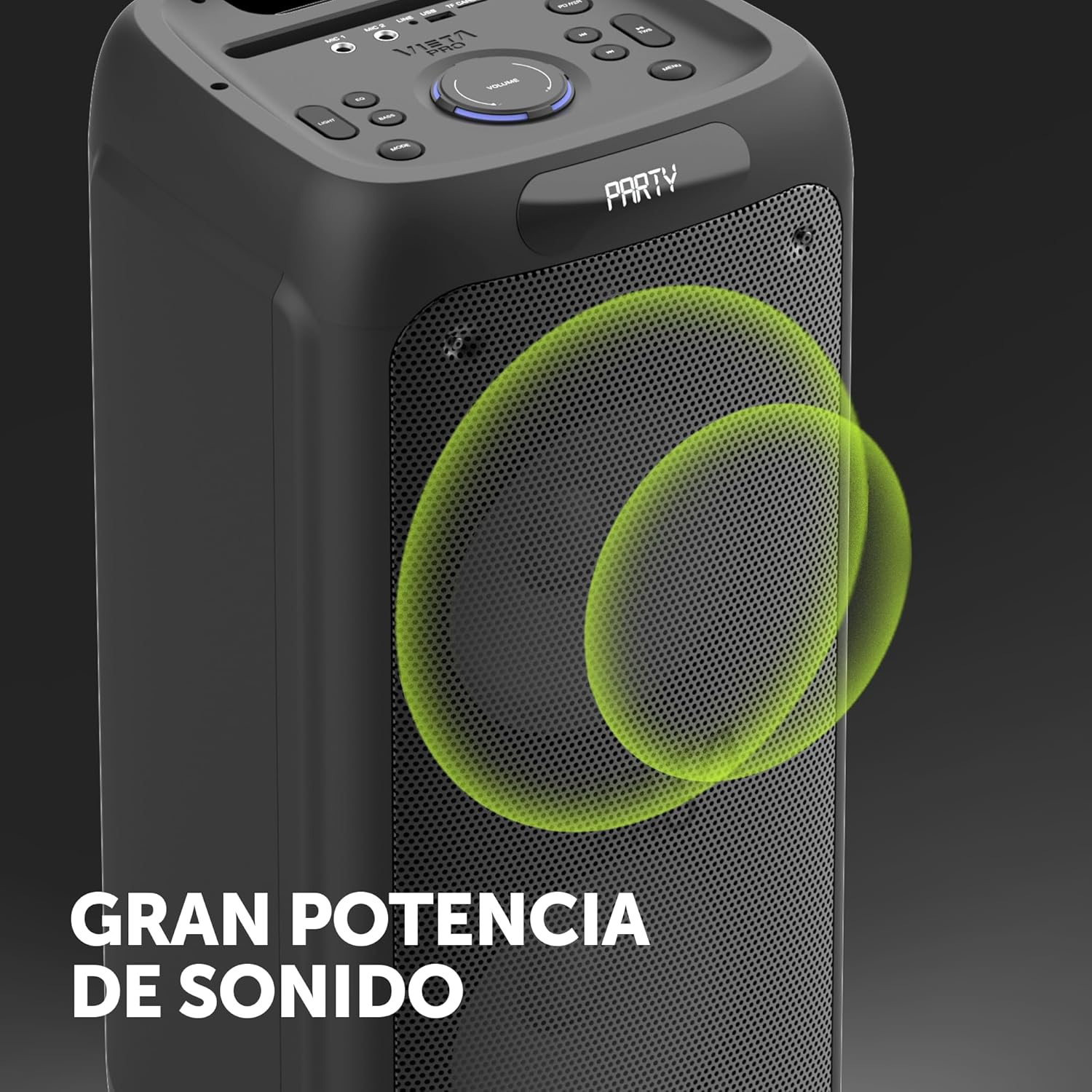
Image 8.1: The Vieta Pro Party 220 speaker, highlighting its powerful sound output.
| Fonctionnalité | Détail |
|---|---|
| Nom du modèle | Fête 220 |
| Numéro de modèle | VM-HW455BK |
| Marque | Vieta Pro |
| Type de haut-parleur | Outdoor, Portable, Self-amplifié |
| Technologie de connectivité | Bluetooth 5.3, AUX, USB, MicroSD |
| Communication sans fil | Bluetooth |
| Puissance de sortie maximale des haut-parleurs | 500 watts (RMS) |
| Mode de sortie audio | Stéréo (avec TWS) |
| Réponse en fréquence | 20 MHz |
| Source d'énergie | Alimenté par batterie |
| Autonomie de la batterie | Jusqu'à 10 XNUMX heures |
| Méthode de contrôle | Télécommande, boutons sur l'appareil |
| Caractéristiques spéciales | Anti-shock, USB Port, Shock resistant, Wireless speakers, Auracast, Karaoke, LED RGB lights |
| Appareils compatibles | MP3 Player, Mobile, PC, DJ Mixer, Tablet, Television |
| Dimensions du produit | 33.7 P x 30 L x 70.5 H cm |
| Poids de l'article | 5 kilogrammes |
| Matériel | Plastique |
| Couleur | Noir |
9. Garantie et assistance
The Vieta Pro Party 220 speaker comes with a limited warranty. Please refer to the warranty card included in your packaging for detailed terms and conditions. For technical support, troubleshooting assistance beyond this manual, or warranty claims, please contact Vieta Pro customer service through their official website ou les coordonnées fournies dans la documentation de votre produit.
Veuillez conserver votre preuve d'achat à des fins de garantie.


