1. Introduction
The STRICH Pipe Tones is a compact, desktop-style multi-effects processor designed for electric guitar and bass. It offers a wide range of features for home practice, recording, and live performance, including numerous effect modules, amp modeling, a looper, drum patterns, and wireless control capabilities. This manual provides detailed instructions to help you get the most out of your device.
2. Contenu du colis
Veuillez vérifier que tous les éléments suivants sont inclus dans votre colis :
- STRICH Pipe Tones Multi-Effects Processor Unit
- External Dual Foot Switch
- TRS Cable (for foot switch connection)
- Câble de chargement USB-C
- User Manuals (for Pipe Tones and Foot Switch)
3. Appareil terminéview
3.1 Commandes du panneau avant

This image displays the front panel of the Pipe Tones unit, highlighting its main interactive elements.
- 1. Écran d'affichage : 2-inch color TFT display for navigating menus, presets, and effect parameters.
- 2. Bouton VOL : Adjusts the overall output volume of the unit (0-100).
- 3. EDIT Knob: Navigates through menus and adjusts parameter values. Pressing the knob confirms selections or enters edit mode.
- 4. Bouton gauche : Navigates left through presets or menu options. Can be used for looper control.
- 5. Bouton droit : Navigates right through presets or menu options. Can be used for looper control.
3.2 Ports du panneau arrière

This image shows the rear panel of the Pipe Tones unit, detailing its connectivity options.
- 6. Interrupteur d'alimentation : Permet d'allumer/d'éteindre l'appareil.
- 7. Port USB-C : Used for charging the built-in battery, connecting to a computer for USB audio interface functionality, and app control.
- 8. IN Jack: 1/4-inch input for connecting your guitar or bass.
- 9. OUT/PHONES Jack: Sortie 1/4 pouce pour le raccordement à un amplifier, mixer, or headphones. Supports stereo output for headphones.
- 10. EXP/CTRL Jack: 1/4-inch input for connecting an external expression pedal or the included dual foot switch for additional control.
4. Installation
4.1 Charge initiale

The Pipe Tones unit features a built-in rechargeable lithium battery, providing approximately 4-5 hours of portable use. Connect the supplied USB-C cable to the USB-C port (7) on the rear panel and to a suitable USB power source (e.g., computer, USB wall adapter). The unit can be used while charging.
4.2 Connexion de votre instrument et de votre périphérique de sortie
- Connect your electric guitar or bass to the IN jack (8) using a standard 1/4-inch instrument cable.
- Connectez des écouteurs, un amplifier, or a mixer to the OUT/PHONES jack (9) using a 1/4-inch cable. For stereo headphones, use a TRS (Tip-Ring-Sleeve) 1/4-inch cable.
4.3 Connecting the External Foot Pedal

Connect the included external dual foot switch to the EXP/CTRL jack (10) using the supplied TRS cable. This allows for hands-free preset switching during performance.
4.4 Mise sous/hors tension
Slide the Power switch (6) to the 'ON' position to power on the unit. The display screen will light up. To power off, slide the switch back to the 'OFF' position.
5. Mode d'emploi
5.1 Navigation de base et préréglages
The Pipe Tones unit comes with 99 factory presets (P01-P99). You can browse through these presets using the Left (4) and Right (5) buttons on the front panel, or by rotating the EDIT knob (3). To save a modified preset, navigate to the save option in the menu.
5.2 Modules d'effets

The unit supports up to ten effect modules running simultaneously, including GATE, OD/FX, AMP, CAB, EQ, MOD, DELAY, REVERB, LOOPER, and DRUM. Press the EDIT knob (3) to enter the effect editing menu. Rotate the EDIT knob to select a module and press to enter its parameters. Rotate the EDIT knob to adjust parameters and press again to confirm or exit.
5.3 DSM Amp Modeling and IR/NAM File Importer

The Pipe Tones features advanced DSM (Dynamic Spectrum Modeling) technology with 30 built-in amp models (25 guitar, 5 bass). It also supports NAM (NFILE) amp model import and third-party IR loading, each with 10 dedicated slots. Access these options within the AMP and CAB modules in the effect editing menu.
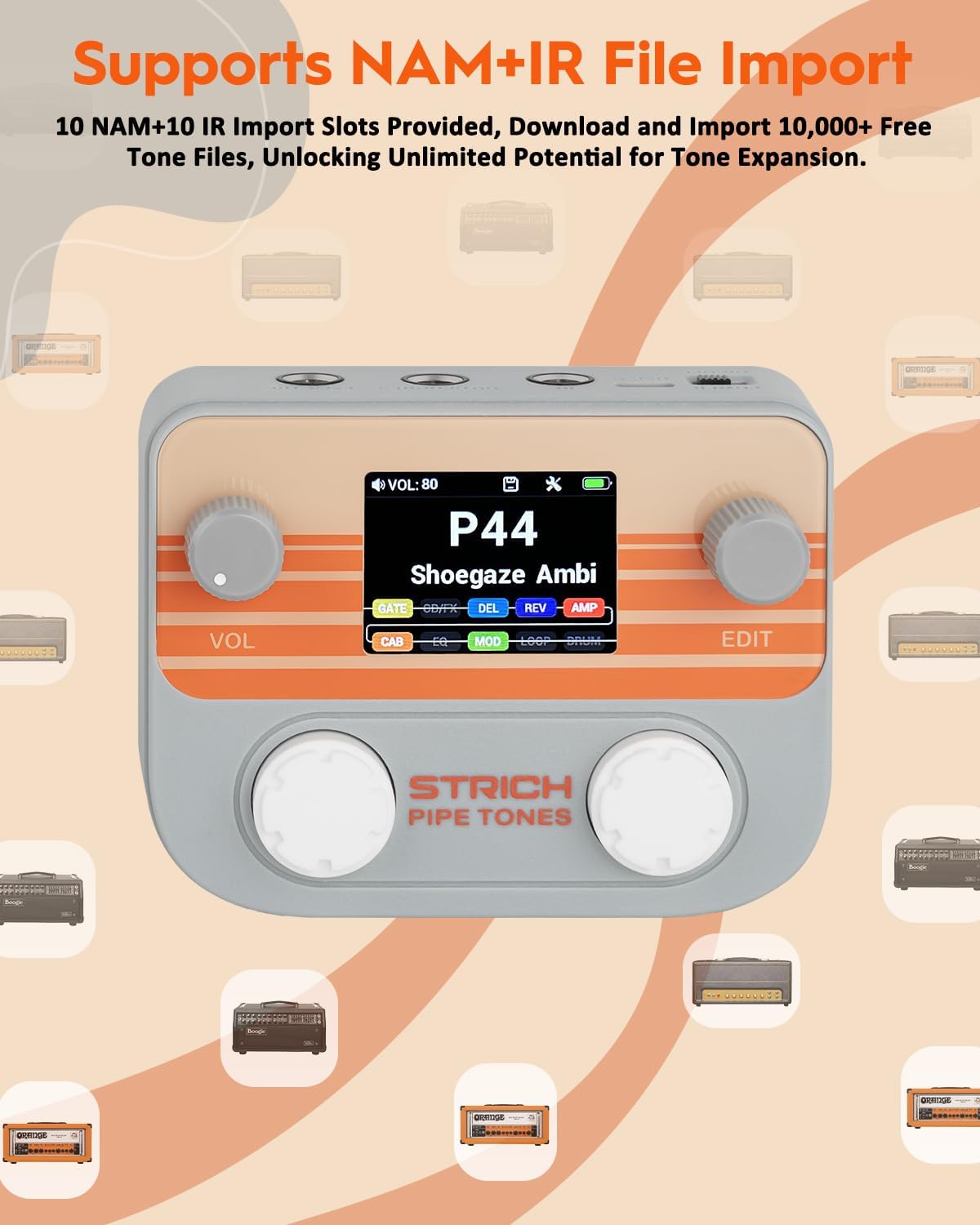
This image illustrates the unit's capability to import NAM and IR files, expanding your tone library.
5.4 Looper et boîte à rythmes
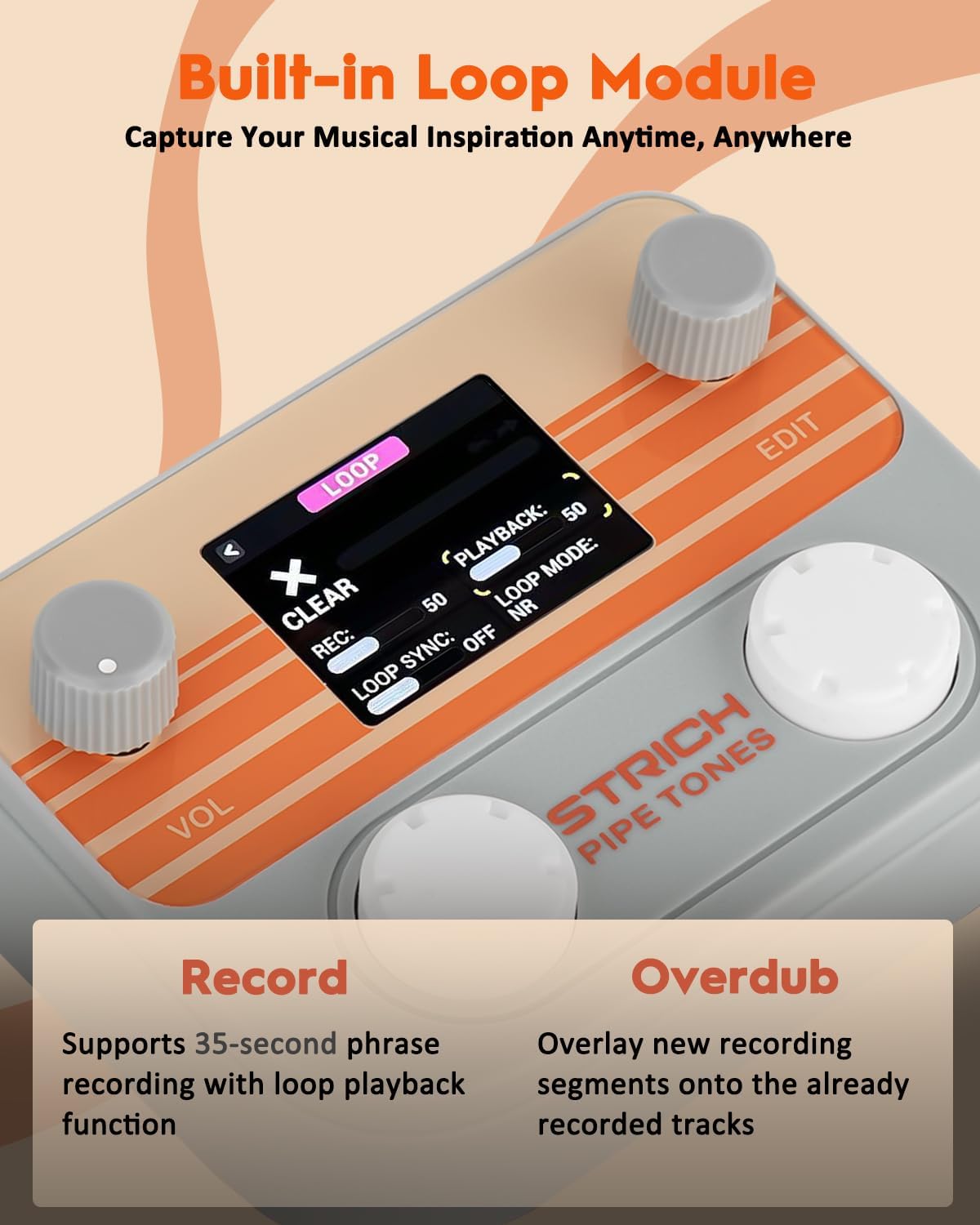
The unit includes a 40-second stereo looper with Auto Rec mode. Access the LOOPER module to record, overdub, and manage your loops. It also has 100 drum patterns available in the DRUM module to practice with.
5.5 Accordeur
To access the built-in tuner, press both the Left (4) and Right (5) buttons simultaneously. The display will show the tuning interface. You can adjust the reference pitch (A4=440Hz) using the EDIT knob (3). Press the EDIT knob again to exit the tuner.
5.6 Wireless Control (App)

The Pipe Tones supports wireless audio playback and app-based control via Bluetooth. Download the dedicated app (available for Android/iOS and PC/Mac) to edit parameters, manage presets, and control various functions remotely. Ensure Bluetooth is enabled on your device and the Pipe Tones unit.
Video: STRICH Pipe Tones Pocket Guitar Multi-Effects Sound Demo (Source: Strich Direct)
Video: STRICH Pipe Tones Pocket Guitar Multi-Effects Play Demo(P90) (Source: Strich Direct)
Video: STRICH Pipe Tones Pocket Multi-Effects Guitar Performance (Source: Strich Direct)
Video: STRICH Pipe Tones Pocket Guitar Effects Game Style Play 01 (Source: Strich Direct)
Interface audio USB 5.7
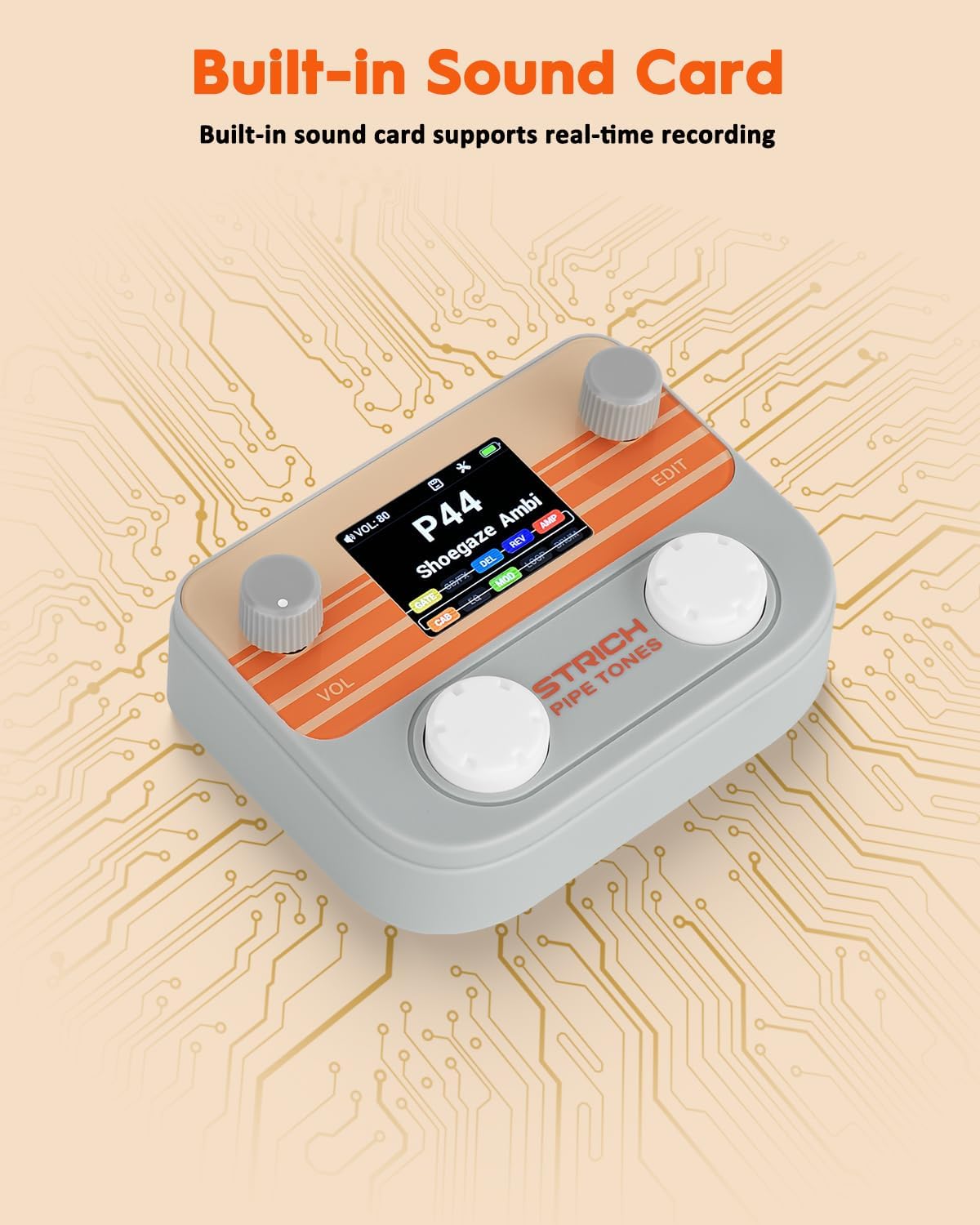
The Pipe Tones has a built-in USB audio interface, offering 48 kHz / 24-bit recording and ASIO support for direct computer recording. Connect the unit to your computer via the USB-C port (7) and select it as your audio input/output device in your DAW.
5.8 External Foot Pedal Control
The external foot pedal allows for hands-free control during live performance. Use the foot switches to cycle through presets (A and B buttons on the foot switch correspond to Left and Right buttons on the unit). Refer to the foot switch manual for advanced configurations.
6. Entretien
6.1 Nettoyage
Wipe the unit with a soft, dry cloth. Do not use abrasive cleaners or solvents, as these may damage the finish.
6.2 Entretien de la batterie
To prolong battery life, avoid fully discharging the unit frequently. Recharge the battery regularly, even if the unit is not in use for extended periods. Store the unit in a cool, dry place.
7. Dépannage
7.1 Pas de son
- Vérifiez toutes les connexions des câbles (entrée instrument, sortie à amp/casque).
- Ensure the unit is powered on and the volume knob (2) is turned up.
- Verify that the output volume on your connected amplifier or headphones is also turned up.
- Check if any effect modules (e.g., GATE) are muting the signal or if the unit is in bypass mode.
7.2 Connectivity Issues (Bluetooth/USB)
- For Bluetooth, ensure the wireless function is enabled in the unit's settings and your device's Bluetooth is on.
- For USB audio, ensure the unit is correctly selected as the audio input/output device in your computer's sound settings or DAW.
- Try restarting both the Pipe Tones unit and the connected device.
7.3 Réinitialisation d'usine
If you encounter persistent issues or wish to restore all settings to their original factory defaults, navigate to the 'FACTORY' option in the system settings menu and select 'Reset'.
8. Spécifications
- Poids de l'article : 1.2 livres
- Dimensions du produit : 7.4 x 5.91 x 2.36 pouces
- Numéro de modèle de l'article : Pipe Tones
- Piles : 1 piles Lithium Polymère requises (incluses)
- Interface matérielle: USB
- Couleur: Gris
9. Garantie et assistance

STRICH is committed to providing excellent customer service.
- Prestations de garantie : The product comes with up to a 12-month warranty.
- Politique de retour: Bénéficiez d'une période de retour gratuite de 30 jours.
- Service client : For any inquiries or support, please contact our customer care team. We aim to provide an e-mail chat assistant response within 24 hours.


