1. Introduction
This manual provides essential information for the safe and efficient use of your LG 34U530A-W UltraWide WFHD IPS Computer Monitor. Please read this manual thoroughly before operating the product and retain it for future reference.
The LG 34U530A-W monitor features a 34-inch 21:9 UltraWide Full HD (2560 x 1080) IPS display, offering a wide viewing experience. Key features include a 100Hz refresh rate, VESA DisplayHDR 400, up to sRGB 99% color coverage, and versatile connectivity options including HDMI, DisplayPort, and USB Type-C. It also integrates Waves MaxxAudio speakers and includes features like Reader Mode and the LG Switch App for enhanced productivity and comfort.
2. Consignes de sécurité
Observe the following safety precautions to prevent hazards or damage to the product.
- Ne placez pas le moniteur à proximité de sources de chaleur ou en plein soleil.
- Assurez une ventilation adéquate autour du moniteur.
- Utilisez uniquement le cordon d'alimentation et l'adaptateur fournis avec le moniteur.
- Do not attempt to disassemble or modify the monitor.
- Keep liquids away from the monitor to prevent electric shock or fire.
- Unplug the monitor from the wall outlet during lightning storms or when unused for long periods.
3. Contenu de la boîte
Verify that all components are included in your product package:
- Unité de surveillance
- Câble d'alimentation
- Câble HDMI
- Base de support
- Col montant
- Manuel de l'utilisateur (ce document)
4. Installation
4.1 Assemblage du support
- Placez l'écran du moniteur face vers le bas sur une surface douce et propre afin d'éviter les rayures.
- Fixez le pied du moniteur à l'arrière jusqu'à ce qu'il s'enclenche.
- Fixez la base du support au col du support à l'aide de la vis fournie.
- Soulevez délicatement le moniteur et placez-le sur une surface stable et plane.
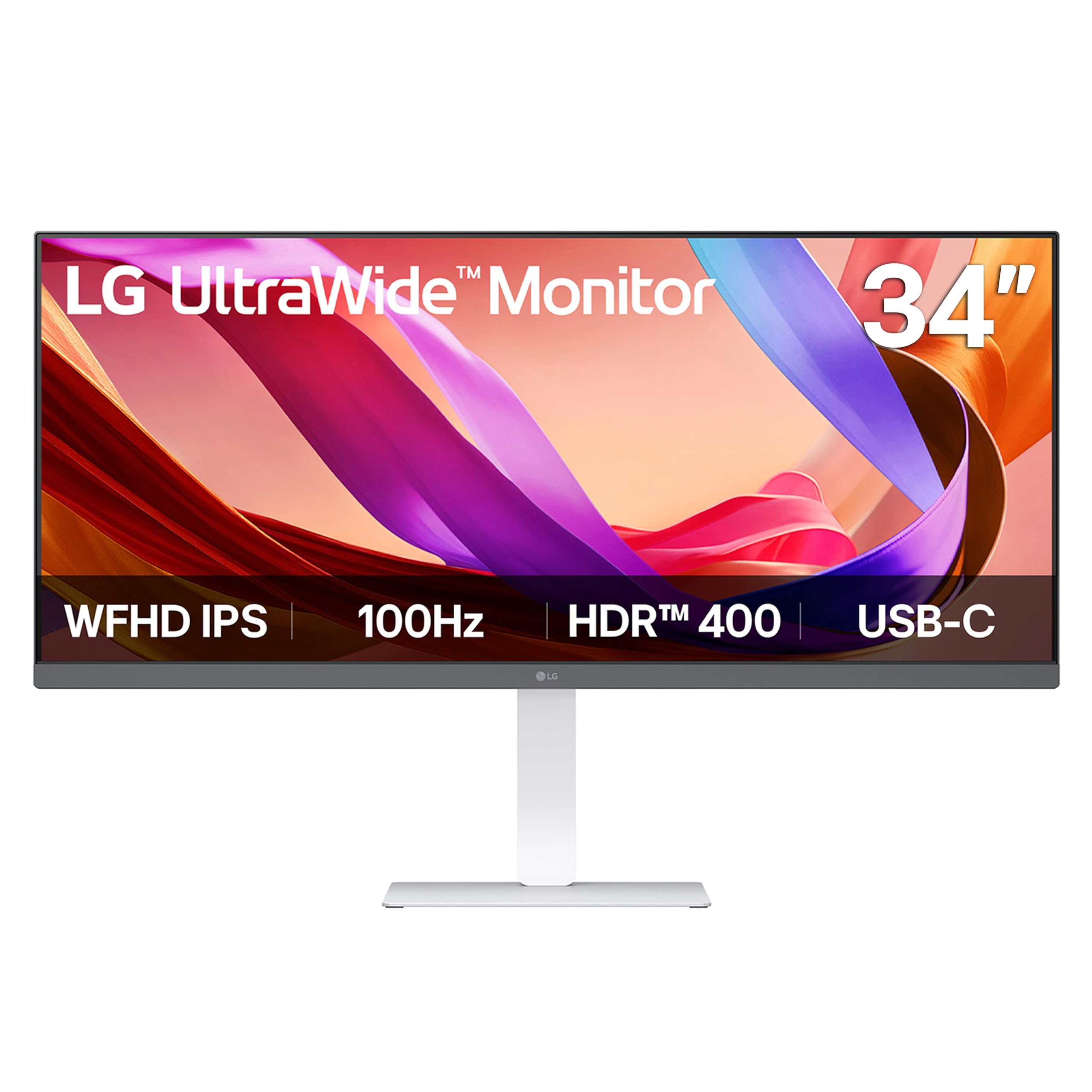
Image : Avant view of the LG 34U530A-W monitor with its stand assembled.
4.2 Connexion du moniteur
Connectez le moniteur à votre ordinateur en utilisant l'une des méthodes suivantes :
- Connexion HDMI : Use the supplied HDMI cable to connect the HDMI port on the monitor to the HDMI port on your computer.
- Connexion DisplayPort : Use a DisplayPort cable (not supplied) to connect the DisplayPort on the monitor to the DisplayPort on your computer.
- Connexion USB Type-C : Use a USB Type-C cable (not supplied) to connect the USB Type-C port on the monitor to the USB Type-C port on your computer. This connection supports both display output and data transfer.
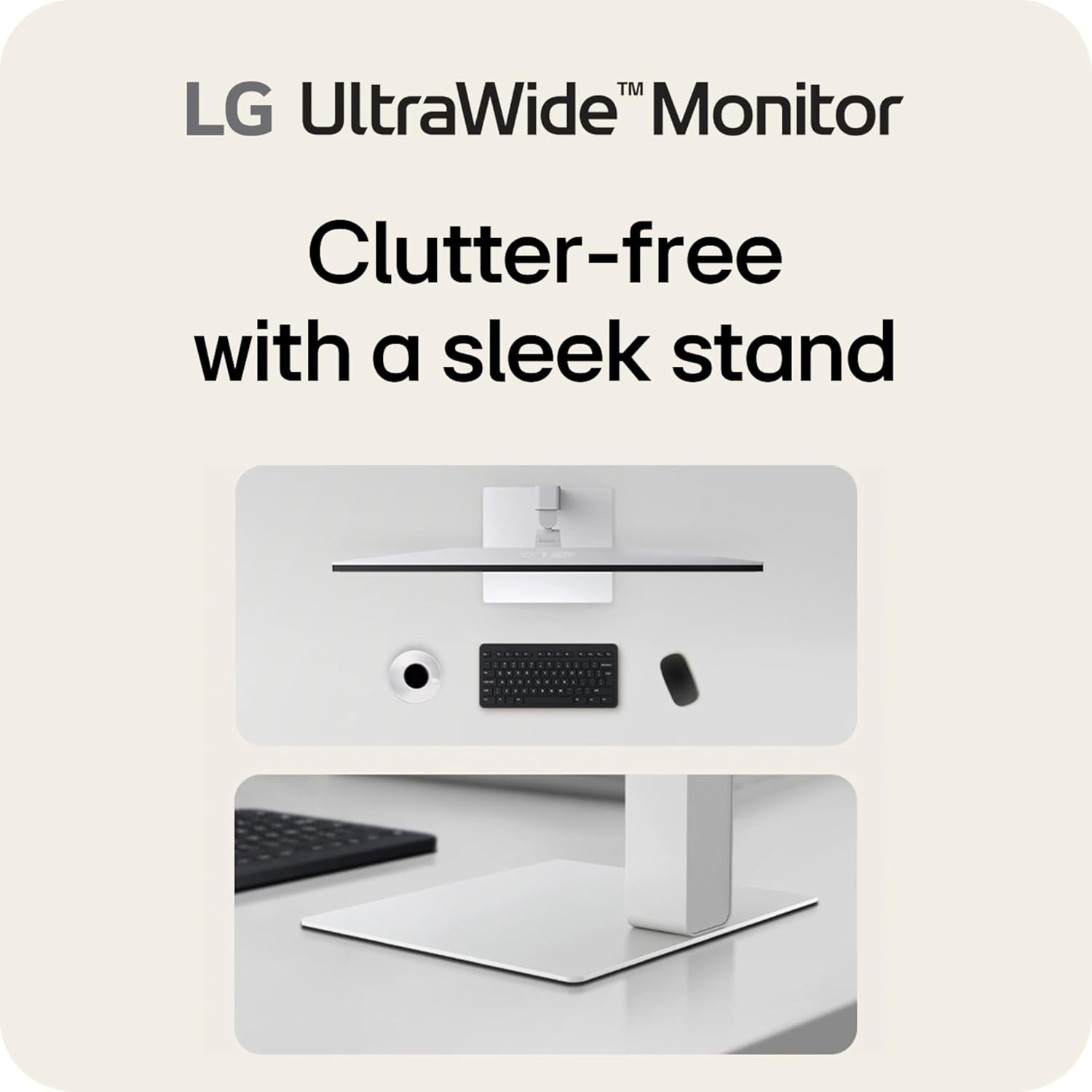
Image : Arrière view of the LG 34U530A-W monitor showing the various input ports including HDMI, DisplayPort, and USB Type-C.
4.3 Mise sous tension
- Branchez le câble d'alimentation au moniteur, puis à une prise murale.
- Press the power button located on the bottom center of the monitor to turn it on.
5. Utilisation du moniteur
5.1 Commandes d'affichage à l'écran (OSD)
The OSD menu allows you to adjust various settings of the monitor. Access the OSD menu by pressing the joystick button located on the bottom center of the monitor.
- Déplacez le joystick vers le haut/bas/gauche/droite pour naviguer dans les options du menu.
- Appuyez sur le joystick pour sélectionner une option ou confirmer un paramètre.
5.2 Réglage des paramètres d'affichage
Dans le menu OSD, vous pouvez modifier des paramètres tels que :
- Luminosité: Ajustez la luminance globale de l'écran.
- Contraste: Control the difference between the brightest and darkest areas of the screen.
- Couleur: Fine-tune color temperature, gamma, and individual RGB values. The monitor supports up to sRGB 99% color coverage for accurate color reproduction.
Video: Demonstrates the LG UltraWide Monitor's sRGB 99% color feature, highlighting vivid and accurate color display.
5.3 Using Productivity Features
- Application LG Switch : This software allows you to effortlessly split the screen into up to 6 sections, customize display layouts, and manage multiple windows for efficient multitasking. Software installation is required; visit LG.com à télécharger.
- Mode lecteur : Adjusts the display to warmer tones and optimized brightness, reducing blue light emission for comfortable reading during extended sessions.
Video: Illustrates the 21:9 UltraWide screen of the LG monitor, showcasing its expanded workspace for multitasking.
5.4 Paramètres audio
The monitor includes built-in stereo speakers with Waves MaxxAudio. You can adjust the volume and other audio settings through the OSD menu.
6. Entretien
6.1 Nettoyage du moniteur
- Débranchez toujours le moniteur avant de le nettoyer.
- Utilisez un chiffon doux et non pelucheux légèrement dampterminer avec de l'eau ou un nettoyant doux et non abrasif spécialement conçu pour les écrans.
- Ne pas vaporiser le nettoyant directement sur l'écran.
- Essuyez délicatement l'écran pour éviter de le rayer.
7. Dépannage
Si vous rencontrez des problèmes avec votre moniteur, consultez les problèmes et solutions courants suivants :
| Problème | Cause possible | Solution |
|---|---|---|
| Pas de courant | Câble d'alimentation non connecté ou prise de courant défectueuse. | Vérifiez que le câble d'alimentation est bien branché. Testez la prise avec un autre appareil. |
| Aucune image à l'écran | Câble vidéo non connecté ou entrée incorrecte sélectionnée. | Vérifiez les connexions du câble vidéo. Sélectionnez la source d'entrée appropriée via le menu OSD. |
| L'image est floue ou déformée. | Résolution ou fréquence de rafraîchissement incorrecte. | Set the display resolution to 2560 x 1080. Ensure the refresh rate is set to 100Hz. |
| Aucun son des haut-parleurs | Volume too low or muted, or audio cable not connected (if using external audio source). | Adjust volume via OSD or computer settings. Check audio cable connections. |
8. Spécifications
| Fonctionnalité | Spécification |
|---|---|
| Numéro de modèle | 34U530A-W.AUS |
| Taille de l'écran | 34 pouces |
| Type de panneau | IPS |
| Résolution | 2560 x 1080 (WFHD) |
| Rapport hauteur/largeur | 21:9 |
| Taux de rafraîchissement | 100 Hz |
| Prise en charge HDR | Écran VESA HDR 400 |
| Gamme de couleurs | sRGB 99 % (typique) |
| Connectivité | HDMI, DisplayPort, USB Type-C |
| Haut-parleurs intégrés | Yes (with Waves MaxxAudio) |
| Ajustements du support | Hauteur, inclinaison, pivotement |
| Dimensions (L x l x H) | 32.1 x 9.1 x 21 pouces |
| Poids | 19.4 livres |
9. Garantie et assistance
Pour obtenir des informations sur la garantie, veuillez consulter la carte de garantie fournie avec votre produit ou visiter le site officiel de LG. webPour obtenir une assistance technique, enregistrer un produit ou demander des renseignements sur le service, veuillez consulter notre site web. Assistance LG ou contactez directement le service client de LG.