Introduction
Thank you for choosing the LYNCAST LumeCube N300 Smart Projector. This manual provides essential information for setting up, operating, and maintaining your device. Please read it thoroughly before use to ensure optimal performance and safety.
Installation
Déballage et composants inclus
Retirez soigneusement tous les articles de leur emballage. Assurez-vous que tous les composants sont présents :
- LYNCAST LumeCube N300 Projector
- Câble HDMI
- Câble d'alimentation
- Kit de nettoyage
- Télécommande
- Manuel de l'utilisateur (ce document)
Mise sous tension
- Connect the power cable to the DC-IN port on the projector and then to a power outlet.
- Appuyez sur le bouton d'alimentation du projecteur ou de la télécommande pour allumer l'appareil.
- The projector will initiate its startup sequence, including automatic focus and keystone correction.
Placement and Projection
The LumeCube N300 is designed for flexible placement, supporting projection on various surfaces and from different angles.
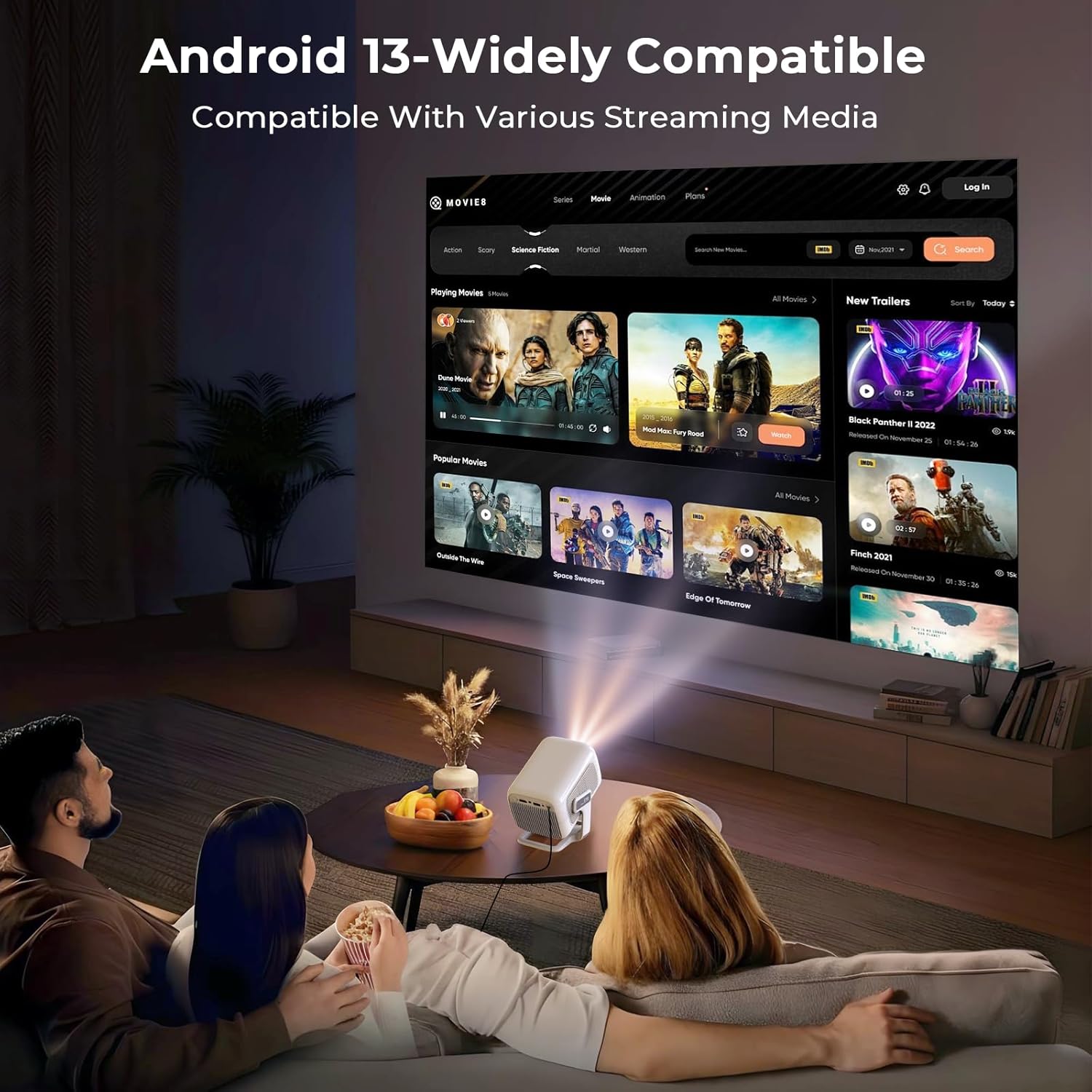
The projector in use, demonstrating its ability to display content from various streaming media platforms via Android 13.
For optimal image quality, place the projector on a stable, flat surface. The device features automatic focus and keystone correction to ensure a clear and rectangular image, even when projected at an angle.
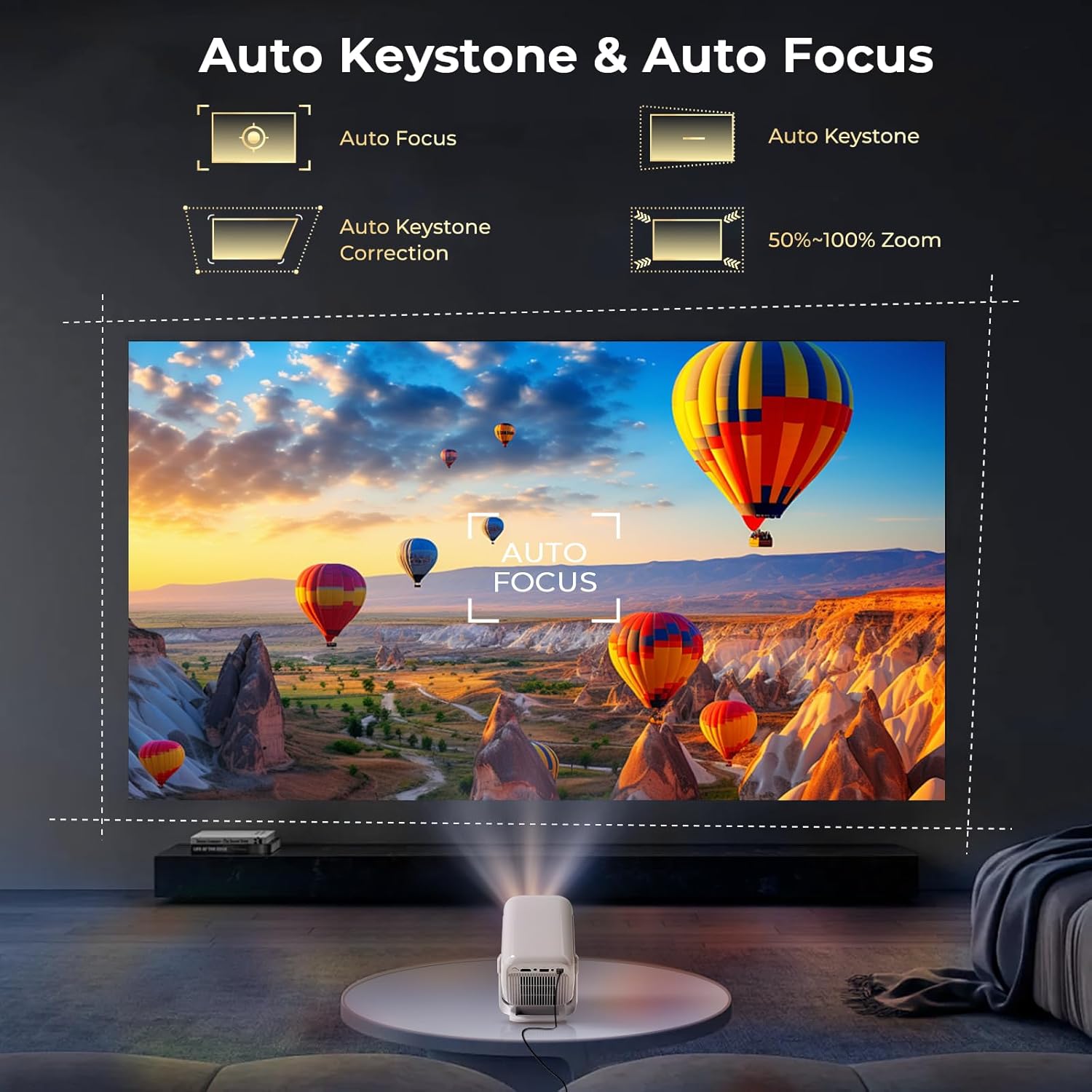
The projector automatically adjusts focus and corrects trapezoidal distortion, ensuring a sharp and rectangular image from various angles.
The projector supports various projection sizes depending on the distance from the screen or wall. Refer to the following guidelines:

The projector supports flexible projection sizes from 60 to 130 inches, allowing for an immersive viewing experience in various room sizes.
The LumeCube N300 can be mounted on a table, ceiling, wall, or floor, offering versatility for any setup.
Official LYNCAST video demonstrating the LumeCube N300 projector's features and various home cinema applications.
Mode d'emploi
Interface utilisateur et navigation
The projector runs on Android 13, providing a user-friendly interface. Use the included remote control to navigate through menus, select applications, and adjust settings. The home screen provides quick access to installed apps and system settings.
Connexion des appareils
The LumeCube N300 offers multiple ways to connect external devices:
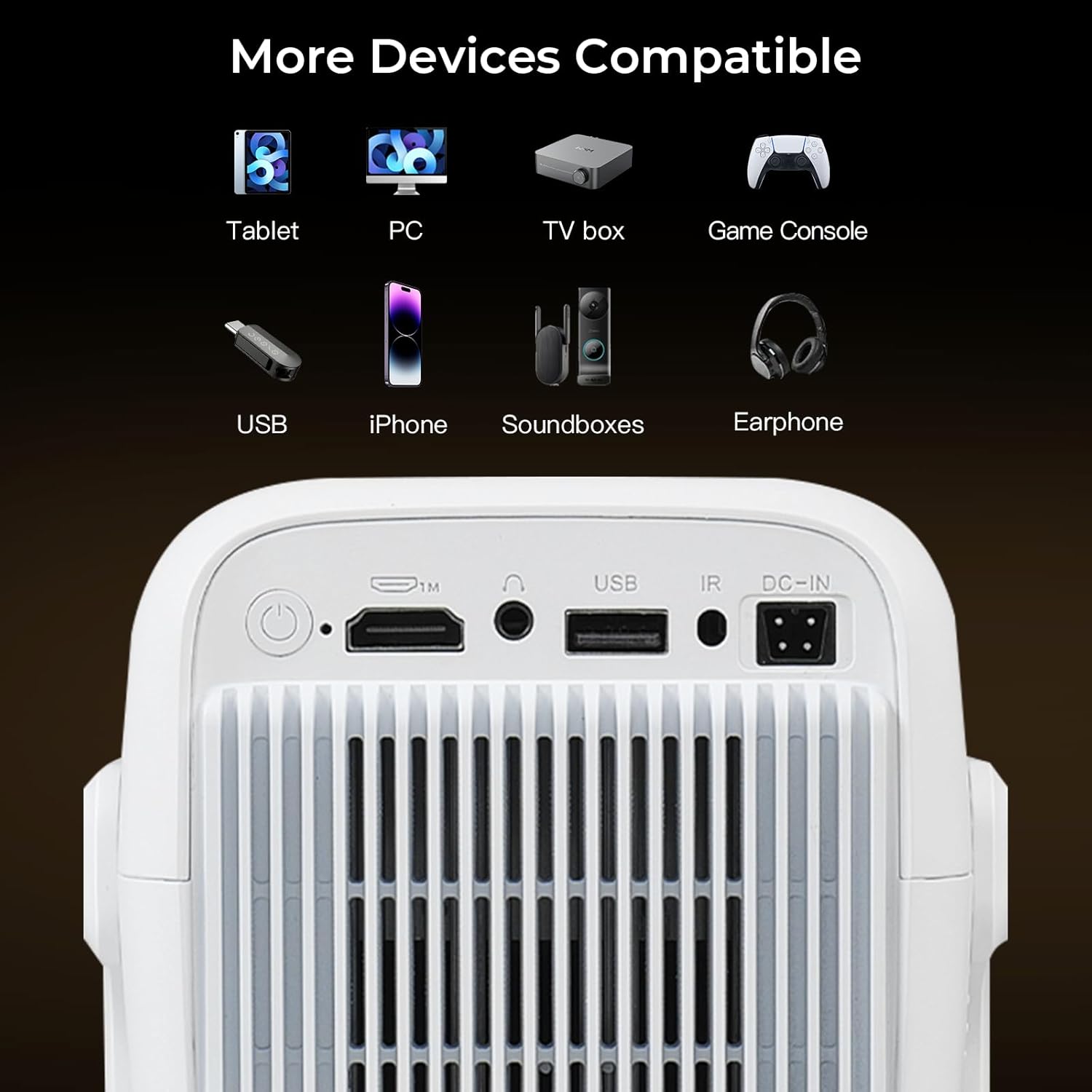
The projector features multiple connectivity options including HDMI, USB, and a 3.5mm audio jack for connecting various external devices.
- HDMI: Connect laptops, gaming consoles (Switch/PS5), or TV sticks using an HDMI cable.
- USB: Branchez des clés USB pour la lecture multimédia.
- Bluetooth 5.4: Pair with external speakers or headphones for enhanced audio.
- Wi-Fi 6 : Connectez-vous à votre réseau domestique pour accéder à Internet et au streaming.
- Miroir de l'écran: Wirelessly cast content from iOS, Android smartphones, tablets (iPad), and PCs.

The projector supports fast and stable wireless screen mirroring from various devices using WiFi 6 technology.
Applications de streaming
With Android 13 and Google CTS certification, the projector provides direct access to a wide range of streaming services:
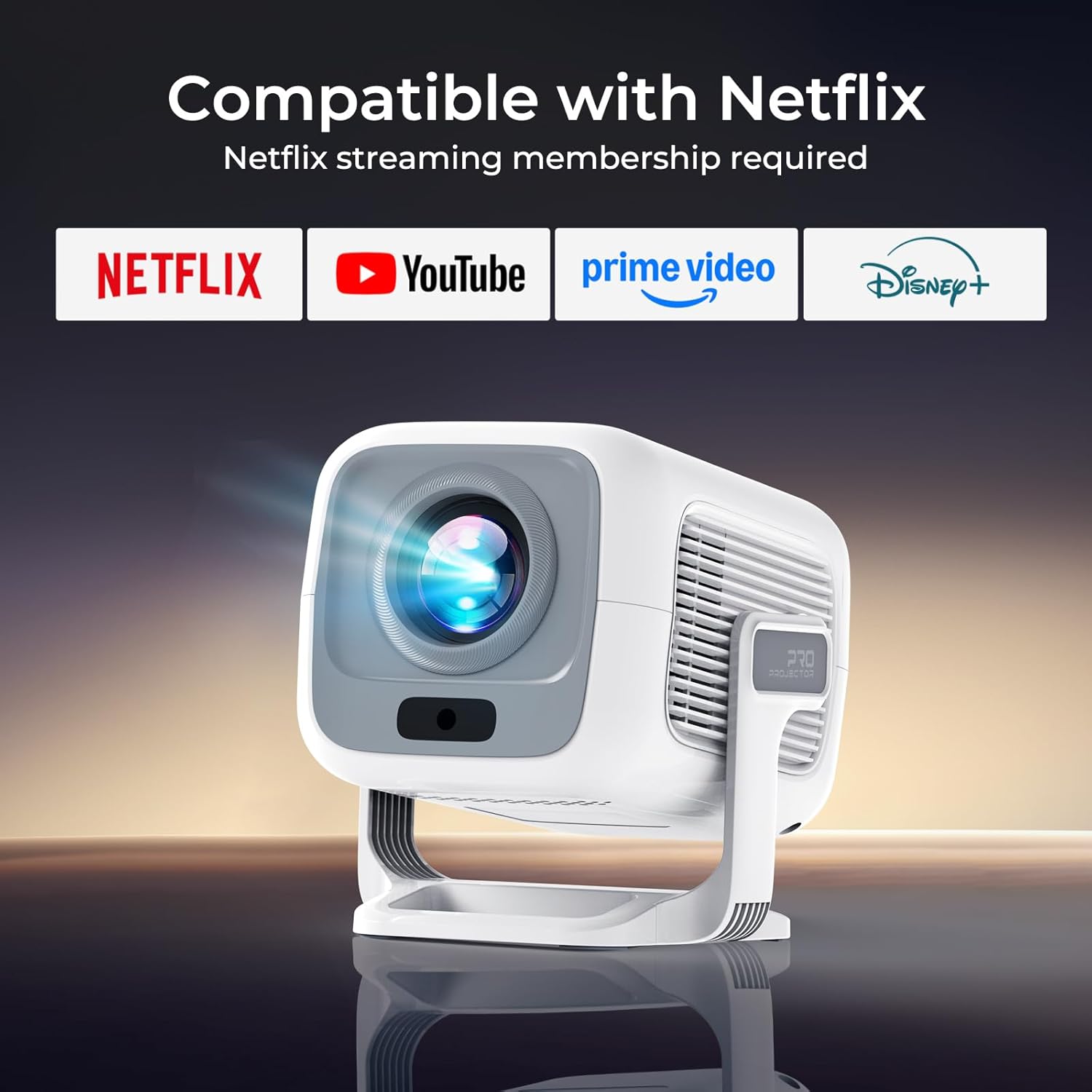
This image illustrates the projector's direct compatibility with popular streaming applications, requiring a membership for each service.
- Netflix
- Prime Video
- YouTube
- Hulu
- Disney+
- Tubé
- Access to over 10,000 apps via the integrated Play Store.
Sortie audio
The projector features dual HiFi stereo speakers with Dolby Atmos support for rich audio. For a more immersive experience, connect external Bluetooth speakers or use the 3.5mm audio jack for wired connections.
Entretien
Nettoyage de l'objectif
To maintain optimal image clarity, regularly clean the projector lens. Use the provided cleaning kit or a soft, lint-free cloth. Avoid abrasive materials or harsh chemicals that could damage the lens coating.
Soins généraux
- Keep the projector in a cool, dry environment.
- Évitez de bloquer les ouvertures de ventilation pour prévenir la surchauffe.
- Protect the device from direct sunlight and extreme temperatures.
- When not in use, cover the lens to prevent dust accumulation.
Dépannage
If you encounter issues with your LYNCAST LumeCube N300 projector, refer to the table below for common problems and solutions.
| Problème | Cause possible | Solution |
|---|---|---|
| Aucune image projetée | Power cable disconnected, projector off, input source incorrect. | Check power connection, turn on projector, select correct input source (HDMI, USB, etc.). |
| Image floue | Flou, correction trapézoïdale non ajustée. | Allow automatic focus to complete. If needed, manually adjust focus via settings. Ensure projector is placed within recommended distance. |
| Image déformée (trapèze) | Le projecteur n'est pas perpendiculaire à l'écran. | Allow automatic keystone correction to complete. If needed, manually adjust keystone via settings. |
| Pas de son | Volume trop faible, périphérique audio externe non connecté/appairé, sortie audio incorrecte sélectionnée. | Increase volume. Check Bluetooth connection for external speakers. Ensure internal speakers or correct external output is selected in settings. |
| Impossible de se connecter au WiFi | Mot de passe incorrect, hors de portée, problème de routeur. | Vérifiez le mot de passe Wi-Fi. Rapprochez le projecteur du routeur. Redémarrez le routeur. |
| La télécommande ne fonctionne pas | Low battery, obstructed signal. | Replace batteries. Ensure no obstacles between remote and projector's IR receiver. |
Caractéristiques
| Fonctionnalité | Détail |
|---|---|
| Marque | LYNCAST |
| Nom du modèle | LumeCube N300 |
| Numéro de modèle | X3AA |
| Résolution native | 1920x1080 (1080P) |
| Prise en charge de la résolution maximale | 3840 x 2160 (4K) |
| Luminosité | 800 ANSI Lumens |
| Rapport de contraste | 10,000:1 |
| Système opérateur | Téléviseur Android 13 |
| Connectivité | Wi-Fi 6, Bluetooth 5.4, HDMI, USB, prise audio 3.5 mm |
| Caractéristiques spéciales | Automatic Focus, Automatic Keystone Correction, Netflix Official License, Google CTS Certified, Dual HiFi Stereo Speakers (Dolby Atmos) |
| Rapport hauteur/largeur | 16:9 |
| Taux de rafraîchissement | 120 Hz |
| Dimensions du produit | 15 x 12 x 13 cm |
| Poids du produit | 635 g |
| Consommation d'énergie | 48 watts |
Garantie et assistance
Informations sur la garantie
The LYNCAST LumeCube N300 projector comes with a 2-year warranty. Additionally, a 365-day full refund policy is available without requiring a return under specific conditions. Please refer to your purchase documentation for full details on warranty terms and conditions.
Assistance clientèle
For any questions, technical assistance, or support inquiries, please contact LYNCAST customer service through the retailer where you purchased the product or visit the official LYNCAST website pour les coordonnées.


