Introduction
This manual provides essential information for setting up, operating, and maintaining your Google Pixel 10 Pro smartphone. The Pixel 10 Pro features advanced AI capabilities with Gemini, a high-quality triple rear camera system, a long-lasting battery, and a 6.3-inch Super Actua Display.
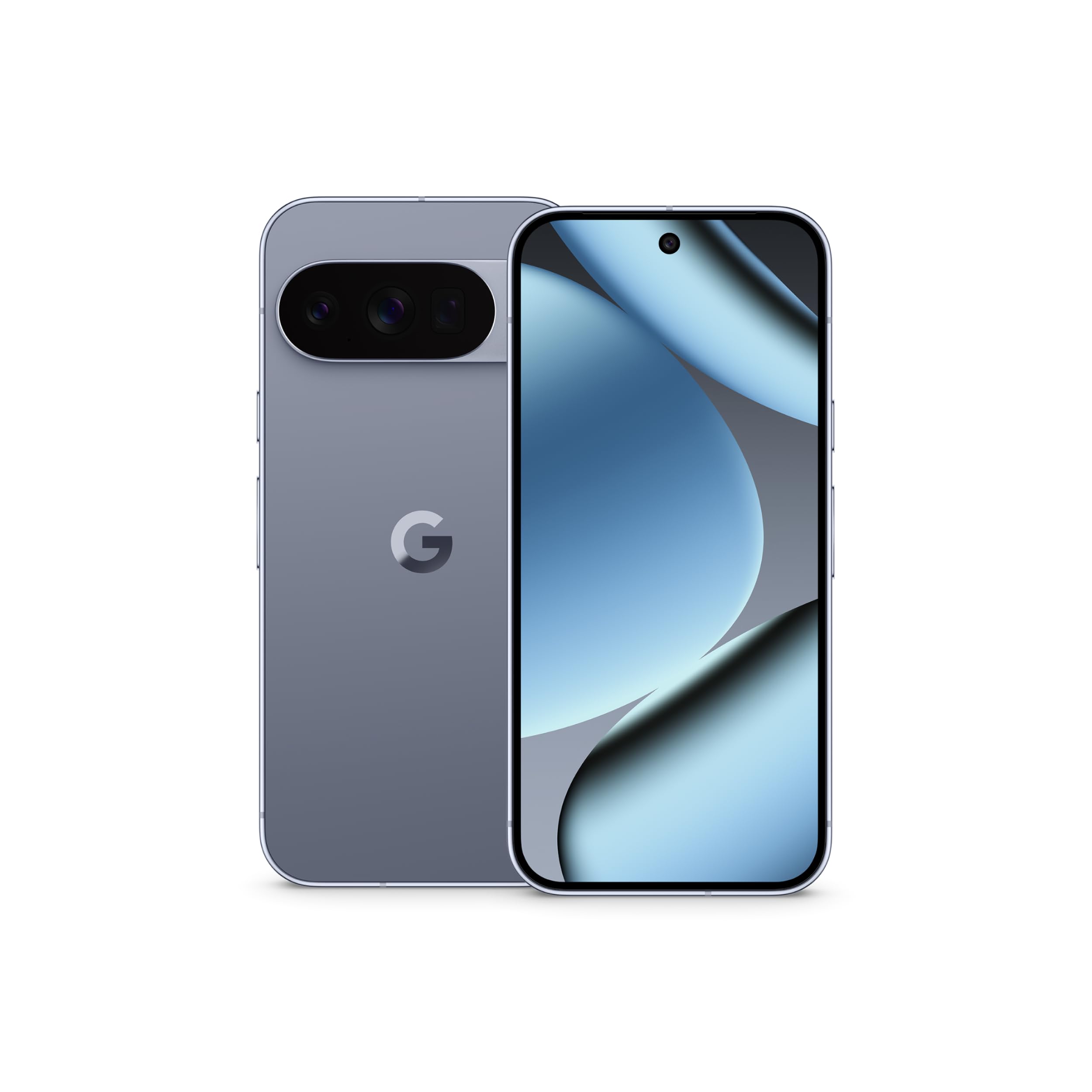
Figure 1: Google Pixel 10 Pro in Moonstone.
Qu'y a-t-il dans la boîte
Your Google Pixel 10 Pro package includes the following items:
- Google Pixel 10 Pro Cell Phone
- Câble USB-C vers USB-C (2.0)
- Livret de garantie
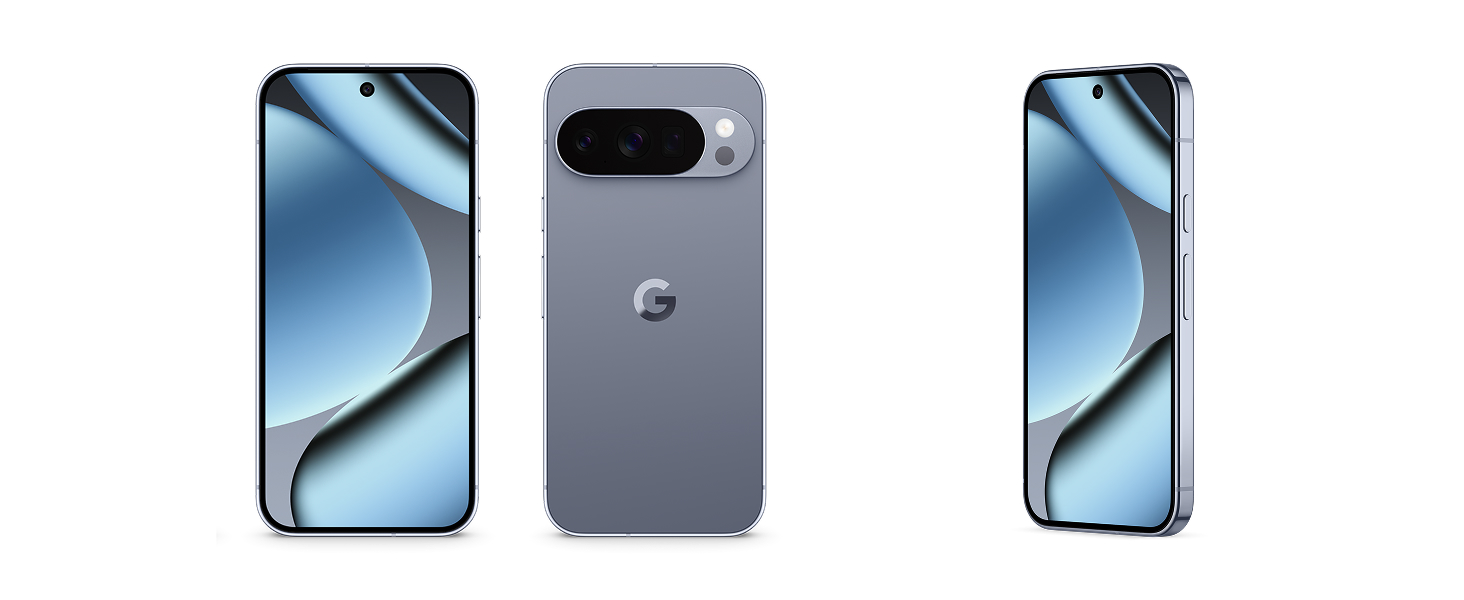
Figure 2: Included items in the Pixel 10 Pro packaging.
Physique surview
Familiarize yourself with the physical components of your Pixel 10 Pro.
Devant View
The front of the device features the 6.3-inch Super Actua Display, designed for high brightness and clarity. A small punch-hole cutout at the top houses the front camera.

Figure 3: The Super Actua Display of the Pixel 10 Pro.
Arrière View et système de caméra
The back of the Pixel 10 Pro features a distinctive triple rear camera system housed in a horizontal bar. This system includes a 50 MP main sensor, an ultrawide lens, and a telephoto lens, enabling advanced photography features like 100x Pro Res Zoom and super steady videos.

Figure 4 : Arrière view highlighting the camera system.
Side and Bottom Components
The device's sides house the power button and volume rocker. The bottom edge typically includes the USB-C port for charging and data transfer, along with speaker grilles and microphones.

Figure 5 : Côté view of the Pixel 10 Pro.
Installation
Mise sous tension initiale
To power on your Pixel 10 Pro for the first time, press and hold the power button located on the right side of the device until the Google logo appears on the screen. Follow the on-screen prompts to complete the initial setup process.
Vidéo 1 : Un bref aperçuview of the Google Pixel 10 Pro, including initial power-on and display of the Google logo.
Activation eSIM
The Pixel 10 Pro is eSIM-only, meaning you do not need a physical SIM card. You can activate your eSIM digitally during the phone setup process or later through your carrier's settings. This allows for flexible carrier changes and storing multiple numbers.
Video 2: An unboxing video of the Google Pixel 10 Pro XL, demonstrating the initial setup and contents.
Mode d'emploi
Assistant IA Gemini
The Pixel 10 Pro integrates the Gemini AI Assistant, offering a natural, free-flowing conversational experience. You can use Gemini Live to interact with your surroundings by pointing your camera at objects or chat with Gemini to brainstorm ideas and manage tasks across applications.

Figure 6: Using Gemini Live to identify objects with the camera.
Utilisation de la caméra
The Pixel 10 Pro's pro camera system excels in various lighting conditions. Utilize the 100x Pro Res Zoom for detailed distant shots and the advanced Google AI models for stunning 50 MP images. The device also supports super steady 8K video recording.

Figure 7: Demonstrating the 100x Pro Res Zoom capability.

Figure 8: Capturing super steady videos with the 50 MP camera.
Batterie et charge
The Pixel 10 Pro is equipped with a 4870 mAh battery, providing over 24 hours of usage on a single charge. For optimal performance, use the included USB-C to USB-C cable for charging. The device supports fast charging and Pixelsnap wireless charging.
Connectivité
This is an unlocked Android phone, offering flexibility to choose your preferred carrier and data plan. It is compatible with major carriers such as Google Fi, Verizon, T-Mobile, and AT&T. The device supports Bluetooth, NFC, Wi-Fi, and GPS for comprehensive connectivity.
Entretien et soins
The Pixel 10 Pro is built with durable aluminum and Corning Gorilla Glass Victus 2, providing scratch and drop resistance. It also features IP68 water protection, making it resilient against dust and water exposure.

Figure 9: The Pixel 10 Pro's durable construction.
Video 3: Demonstrating the IP68 water protection of the Pixel 10 Pro XL.
Dépannage
If you encounter issues with your Pixel 10 Pro, consider the following:
- Redémarrer l'appareil : Un simple redémarrage peut résoudre de nombreux petits problèmes logiciels.
- Vérifier la connectivité : Ensure Wi-Fi, Bluetooth, or cellular data are enabled and functioning correctly.
- Mises à jour logicielles : Regularly check for and install software updates to ensure optimal performance and security. Google provides 7 years of security and software updates.
- Fonctionnalités de sécurité : The Pixel helps protect against spam, scams, and phishing. Your phone will automatically lock if lost or stolen.

Figure 10: Pixel 10 Pro security and data protection features.
Caractéristiques
| Fonctionnalité | Détail |
|---|---|
| Nom du modèle | Pixel 10 Pro |
| Numéro de modèle de l'article | G4QUR |
| Afficher | 6.3 Inches Super Actua OLED, 1280 x 2856 pixels, 120 Hz Refresh Rate |
| Processeur | Google Tensor G5 (3.78 GHz) |
| BÉLIER | 16 Go |
| Stockage | 128 Go |
| Système opérateur | Android 16 |
| Caméra arrière | Triple Pro Camera System (50 MP main, Ultrawide, Telephoto with 100x Pro Res Zoom) |
| Caméra frontale | Oui |
| Capacité de la batterie | 4870 mAh (24+ hours talk time) |
| Connectivité | Bluetooth, NFC, Wi-Fi, GPS, 5G mmWave & Sub-6 |
| Dimensions | 6 x 2.8 x 0.3 pouces |
| Poids de l'article | 11.3 onces |
| Couleur | Pierre de lune |
Garantie et assistance
Your Google Pixel 10 Pro comes with a Warranty Booklet detailing coverage and terms. Google is committed to providing 7 years of regular security and software updates for your device. For additional support, please refer to the official Google support website or the provided warranty information.


