NIVIAN NV-ACCESS-RFID

NIVIAN NV-ACCESS-RFID IP68 RFID Access Control System Instruction Manual

Model: NV-ACCESS-RFID

1. Produit terminéview

The NIVIAN NV-ACCESS-RFID is an IP68-rated outdoor RFID access control system designed for secure door access. It supports up to 2,000 users and offers convenient configuration via a remote control. This system provides a robust and reliable solution for managing access in various environments.

Caractéristiques principales :

  • RFID Card and Key Fob Access: Securely opens doors using EM 125kHz proximity cards and key fobs for quick, contactless entry.
  • Capacité d'utilisateurs élevée : Supports up to 2,000 users, making it suitable for communities, businesses, or facilities with high personnel turnover.
  • Configuration de la télécommande : Manage users, cards, and functions easily with the included remote control, eliminating the need for internet connection or additional software.
  • IP68 Outdoor Rating: Features a robust, water-resistant, and dustproof design, ideal for outdoor installations. Constructed from durable ABS material.
  • Wiegand System Compatibility: Easily integrates into existing security systems through its 26-bit Wiegand input/output and configurable NO/NC relay output.

Contenu du colis :

  • NIVIAN Access Control Unit (NV-ACCESS-RFID)
  • Remote Control for configuration
  • Installation accessories (screws, wall plugs)
  • Manuel d'utilisation

Produit View:

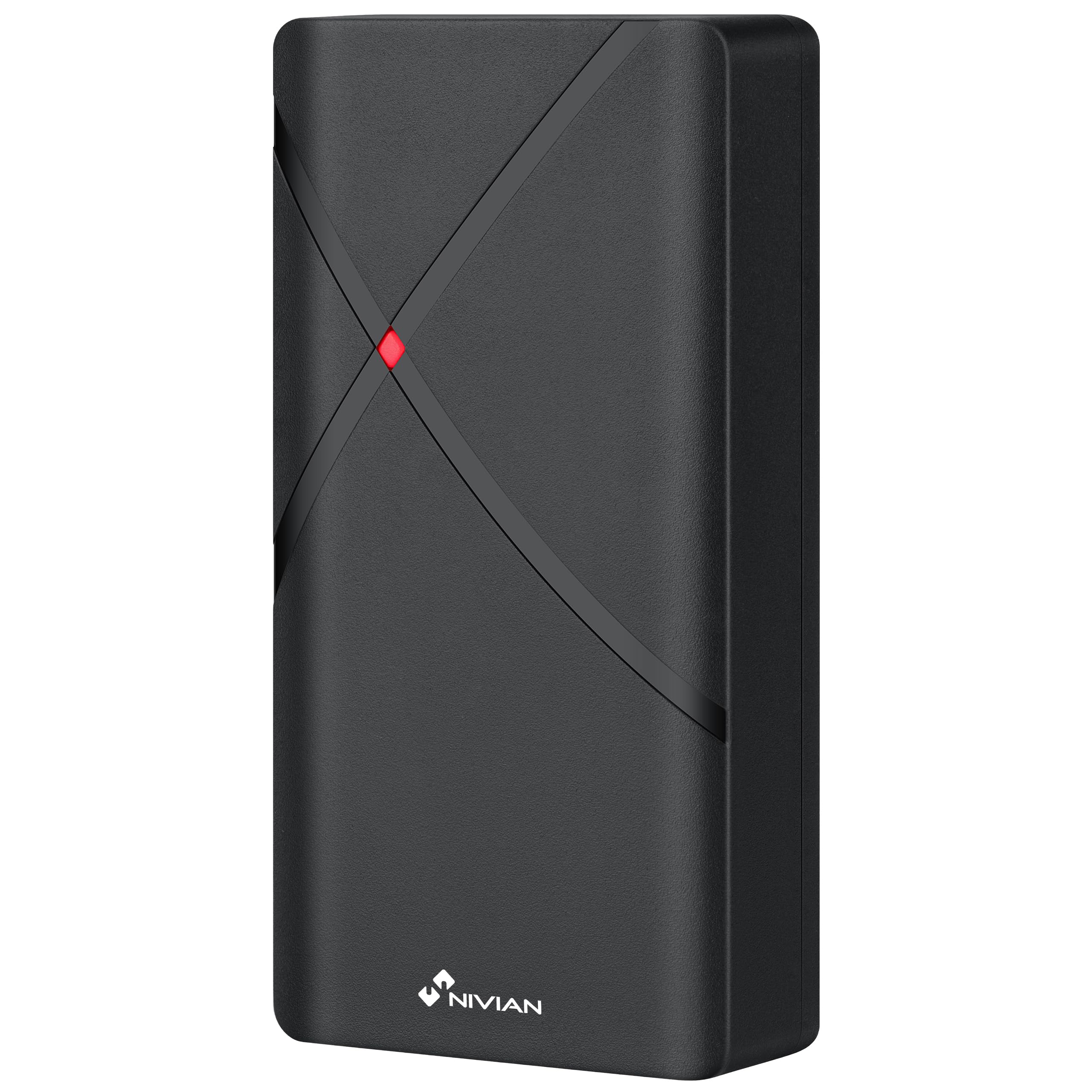
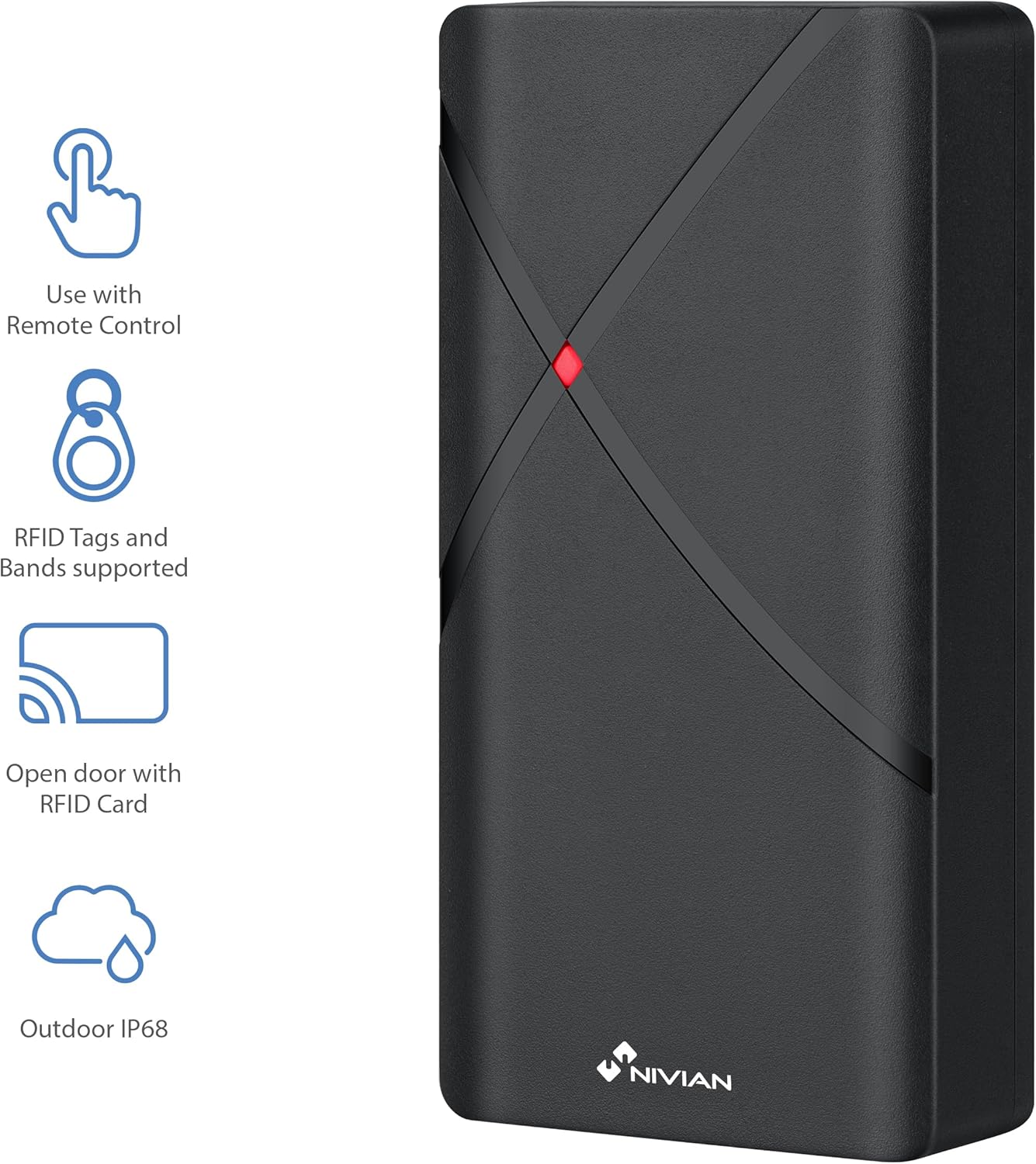
NIVIAN NV-ACCESS-RFID Access Control Unit with feature icons
Figure 1 : Face avant view of the NIVIAN NV-ACCESS-RFID Access Control Unit, highlighting its remote control compatibility, RFID tag support, RFID card opening, and IP68 outdoor rating.
NIVIAN NV-ACCESS-RFID Access Control Unit in a weatherproof and anti-vandalism metal alloy casing
Figure 2: The NIVIAN NV-ACCESS-RFID unit demonstrating its weatherproof and anti-vandalism metal alloy construction, suitable for outdoor use.

2. Guide d'installation

Proper installation is crucial for the optimal performance and security of your NIVIAN NV-ACCESS-RFID system. Please follow these steps carefully.

2.1 Montage de l'unité

  • Choose a suitable mounting location, ensuring it is within reach of necessary wiring and provides clear access for users. The IP68 rating allows for outdoor placement.
  • Use the provided mounting template (if included) to mark drilling points on the wall or door frame.
  • Drill holes and insert wall plugs. Secure the unit to the surface using the provided screws.
  • Assurez-vous que l'unité est solidement fixée et stable.
NIVIAN NV-ACCESS-RFID Access Control Unit mounted on a narrow door frame
Figure 3: The access control unit designed for installation on narrow door frames, demonstrating its compact form factor.
NIVIAN NV-ACCESS-RFID Access Control Unit mounted on a glass door
Figure 4: The access control unit mounted on a glass door, showcasing its versatility in installation environments.

2.2 Schéma de câblage

Connect the access control unit to your power supply, electric lock, and optional exit button or doorbell according to the following diagram. Always ensure power is disconnected before performing any wiring.

Diagram showing wiring options for the NIVIAN NV-ACCESS-RFID system, including power supply, electric lock, remote control, and optional exit button
Figure 5: Wiring diagram illustrating the connections for power supply, electric lock, remote control, and optional exit button for the access control system.

Video 1: This video demonstrates the installation scheme for the access control system, detailing how to connect the various components such as the door access control unit, lock, power supply, exit button, proximity card reader, and doorbell.

3. Mode d'emploi

The NIVIAN NV-ACCESS-RFID system is designed for user-friendly operation. This section covers basic access methods and user management.

3.1 Granting Access with RFID Cards/Key Fobs

  • To grant access, simply present a pre-programmed RFID card or key fob to the reader area on the unit.
  • The unit will emit an audible signal and/or visual indicator (e.g., green light) to confirm successful access.
A hand presenting an RFID card to the NIVIAN NV-ACCESS-RFID unit for door access
Figure 6: A user presenting an RFID card to the access control unit to gain entry, illustrating the contactless operation.

3.2 User Management (via Remote Control)

The remote control allows for easy management of users without complex software. Refer to the remote control's specific instructions for detailed programming steps.

  • Ajout d'utilisateurs : Use the remote control to enter programming mode, then follow the prompts to add new RFID cards or key fobs.
  • Suppression d'utilisateurs : Access programming mode via the remote control and select the option to delete specific user cards or all users.
  • Modification du code maître : The remote control can also be used to change the system's master programming code for enhanced security.

4. Spécifications techniques

FonctionnalitéSpécification
Numéro de modèleNV-ACCESS-RFID
MarqueNIVIEN
Dimensions (L x l x H)12 x 7 x 2 cm
Poids300 grammes
Indice de protection IP (Ingress Protection)IP68 (Résistant à l'eau et à la poussière)
Capacité de l'utilisateurJusqu'à 2,000 utilisateurs
Méthode d'accèsRFID (EM 125kHz cards/key fobs)
ConfigurationTélécommande
MatérielABS résistant
CompatibilitéWiegand systems (26-bit input/output)
Source d'énergieFilaire électrique

5. Entretien

  • Nettoyage: Essuyez régulièrement l'appareil avec un chiffon doux et sec.amp Chiffon. Évitez les nettoyants abrasifs ou les solvants.
  • Inspection: Periodically check for any signs of damage, loose connections, or wear and tear.
  • Mises à jour du micrologiciel : Vérifiez le fabricant webConsultez ce site pour toute mise à jour du micrologiciel disponible afin de garantir des performances et une sécurité optimales.

6. Dépannage

ProblèmeCause possibleSolution
L'unité ne s'allume pasPas d'alimentation électrique ou câblage défectueux.Check power connections and ensure the power supply is active. Verify wiring according to the installation diagram.
RFID card/fob not recognizedCard/fob not programmed or damaged. Incorrect card type.Ensure the card/fob is correctly programmed into the system using the remote control. Try a different card/fob. Verify it's an EM 125kHz type.
Door does not unlock after successful scanElectric lock malfunction or incorrect wiring.Check the electric lock's functionality independently. Verify the wiring between the access control unit and the lock. Ensure relay output is correctly configured (NO/NC).
La télécommande ne fonctionne pasBattery low or out of range.Replace the remote control battery. Ensure you are within the effective range of the unit.

7. Assistance et garantie

For technical support, warranty information, or additional resources, please visit the official NIVIAN website ou contacter le service client.

NIVIAN branding with links to NIVIANHOME WEB, Instagram, and YouTube for support and tutorials
Figure 7: NIVIAN support information, including links to their website, INStagram, and YouTube channel for technical assistance and tutorials.

Documents connexes - NV-ACCESS-RFID

Préview Manuel d'utilisation du système de contrôle d'accès Wi-Fi pour maison intelligente Nivian NV-ACCESS-PIN-RFID-W
Ce manuel d'utilisation fournit des instructions détaillées pour le système de contrôle d'accès WiFi domestique intelligent Nivian NV-ACCESS-PIN-RFID-W, couvrant l'installation, la configuration, le fonctionnement, le partage et la programmation.
Préview Manuel d'utilisation de la caméra solaire NIVIAN 4G : Configuration, installation et paramètres
Découvrez comment installer et configurer votre caméra solaire NIVIAN 4G grâce à ce manuel d'utilisation complet. Apprenez-en davantage sur l'intégration avec l'application mobile, les fonctionnalités de l'appareil, les conseils d'installation et les paramètres avancés des modèles NV-CAM01-SOLAR 4G et NV-CAM02S-SOLAR 4G.
Préview NIVIAN NV-VIDEOINTERCOM-2-BASIC : Guide de démarrage rapide et d'installation
Guide de démarrage rapide complet et instructions d'installation pour le système d'interphone vidéo 2 fils NIVIAN NV-VIDEOINTERCOM-2-BASIC. Découvrez comment installer, connecter et utiliser votre appareil.
Préview Manuel d'installation de l'interphone vidéo 2 fils Nivian NV-VIDEOINTERCOM-2BASIC
Manuel d'installation et d'utilisation complet du système d'interphone vidéo 2 fils Nivian NV-VIDEOINTERCOM-2BASIC. Ce manuel couvre la configuration, les schémas de connexion, les fonctions des boutons et les paramètres système.
Préview Manuel d'utilisation du contrôleur de porte de garage Wi-Fi intelligent Nivian NVS-GARAGEMINISWITCH-W
Manuel d'utilisation du contrôleur de porte de garage WiFi intelligent Nivian NVS-GARAGEMINISWITCH-W, détaillant l'installation, la configuration de l'application, l'utilisation et les informations de sécurité.
Préview Manuel d'utilisation de l'interphone vidéo intelligent Nivian
Un guide complet pour l'installation, la configuration et l'utilisation du système d'interphone vidéo intelligent Nivian. Apprenez à connecter les unités intérieures et extérieures, à configurer l'intégration avec l'application mobile et à utiliser diverses fonctionnalités comme la surveillance par caméra IP et le mode « Ne pas déranger ».