Introduction
This manual provides essential information for setting up, operating, maintaining, and troubleshooting your TECNO Spark GO 2 smartphone. Please read this guide carefully to ensure optimal performance and longevity of your device.
Installation
1. Déballage et inspection initiale
Carefully remove all items from the packaging. Verify that all components listed in the 'What's in the Box' section are present and undamaged.
2. Insertion de la carte SIM et de la carte mémoire
- Repérez le tiroir SIM sur le côté de votre appareil.
- Insérez l'outil d'éjection du tiroir SIM fourni dans le petit trou situé à côté du tiroir et appuyez doucement jusqu'à ce que le tiroir sorte.
- Placez votre ou vos cartes Nano-SIM et/ou votre carte microSD (le cas échéant) dans les emplacements désignés sur le plateau, en veillant à respecter l'orientation correcte.
- Repoussez délicatement le plateau dans l'appareil jusqu'à ce qu'il s'enclenche.
3. Chargement de l'appareil
Before first use, fully charge your TECNO Spark GO 2. Connect the provided USB cable to the phone's charging port and the power adapter. Plug the adapter into a wall outlet. The device supports 15W fast charging.

Surview of TECNO Spark GO 2 features, including AI, durability, display, and battery.
4. Mise sous tension et configuration initiale
Press and hold the Power button until the TECNO logo appears. Follow the on-screen instructions to select your language, connect to Wi-Fi, and set up your Google account.
Utilisation de l'appareil
1. Navigation de base
The TECNO Spark GO 2 features a responsive touchscreen. Use gestures such as tap, swipe, pinch-to-zoom, and long-press to navigate the interface, open apps, and interact with content.
2. Fonctions d'affichage
Experience smooth visuals on the 6.67-inch Punch-Hole Display with a 120Hz refresh rate. This high refresh rate provides a fluid scrolling and viewexpérience de travail.

The 120Hz Dynamic Punch-hole Display offers smooth visuals.
3. Ella AI with Indian Language Support
Your device includes Ella, an AI assistant that supports voice commands in various Indian regional languages. Utilize Ella for productivity tasks and smart interactions.

Ella AI provides support for multiple Indian languages.
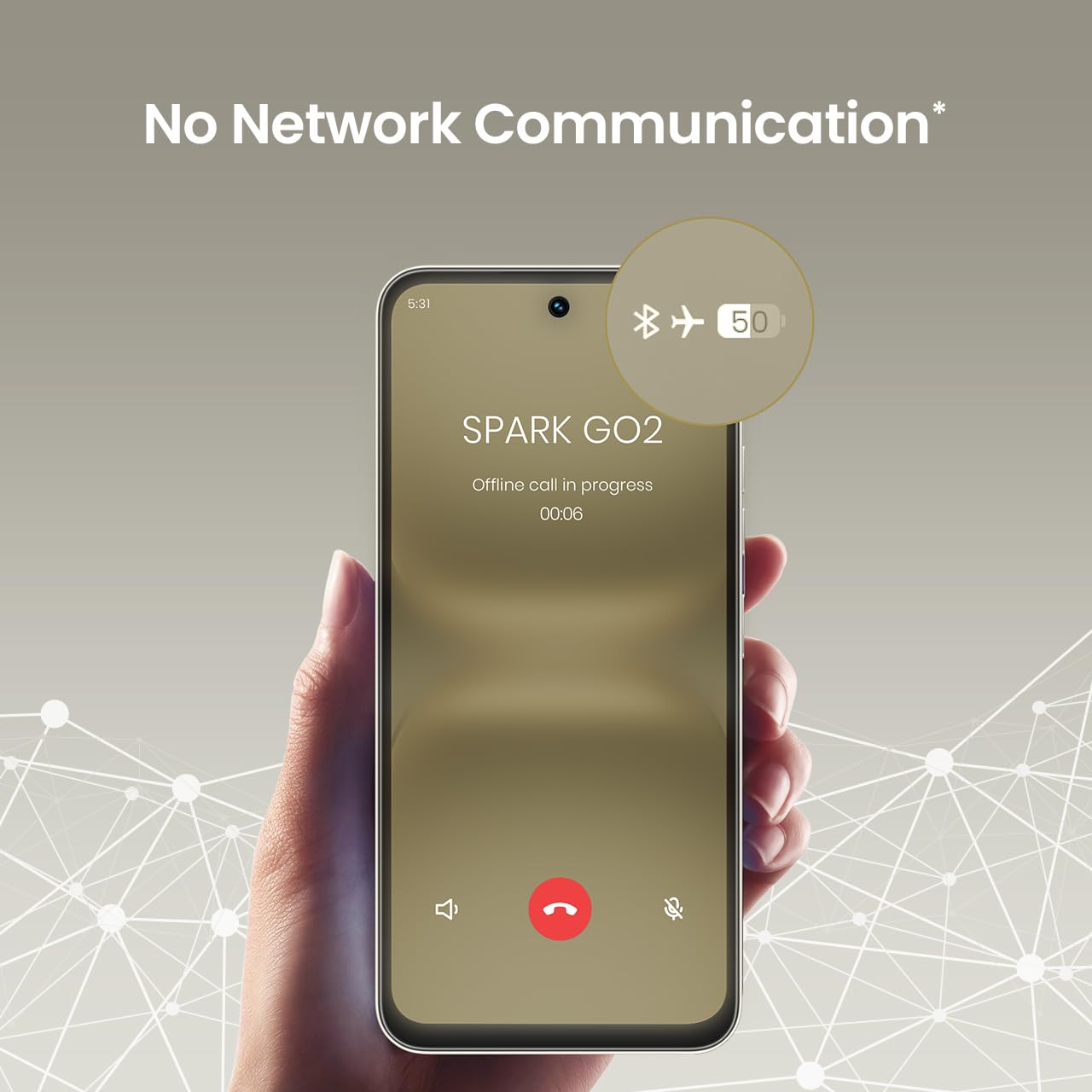
4. No Network Communication Feature
The TECNO Spark GO 2 features a unique 'No Network Communication' capability, allowing certain functions even in areas without cellular signal. Refer to the device's settings for details on how to utilize this feature.

The 'No Network Communication' feature allows limited functionality without cellular service.
5. Utilisation de l'appareil photo
Your device is equipped with a 13MP main camera and an 8MP front camera. Open the Camera application to capture photos and videos. Explore various modes and settings for different photographic effects.
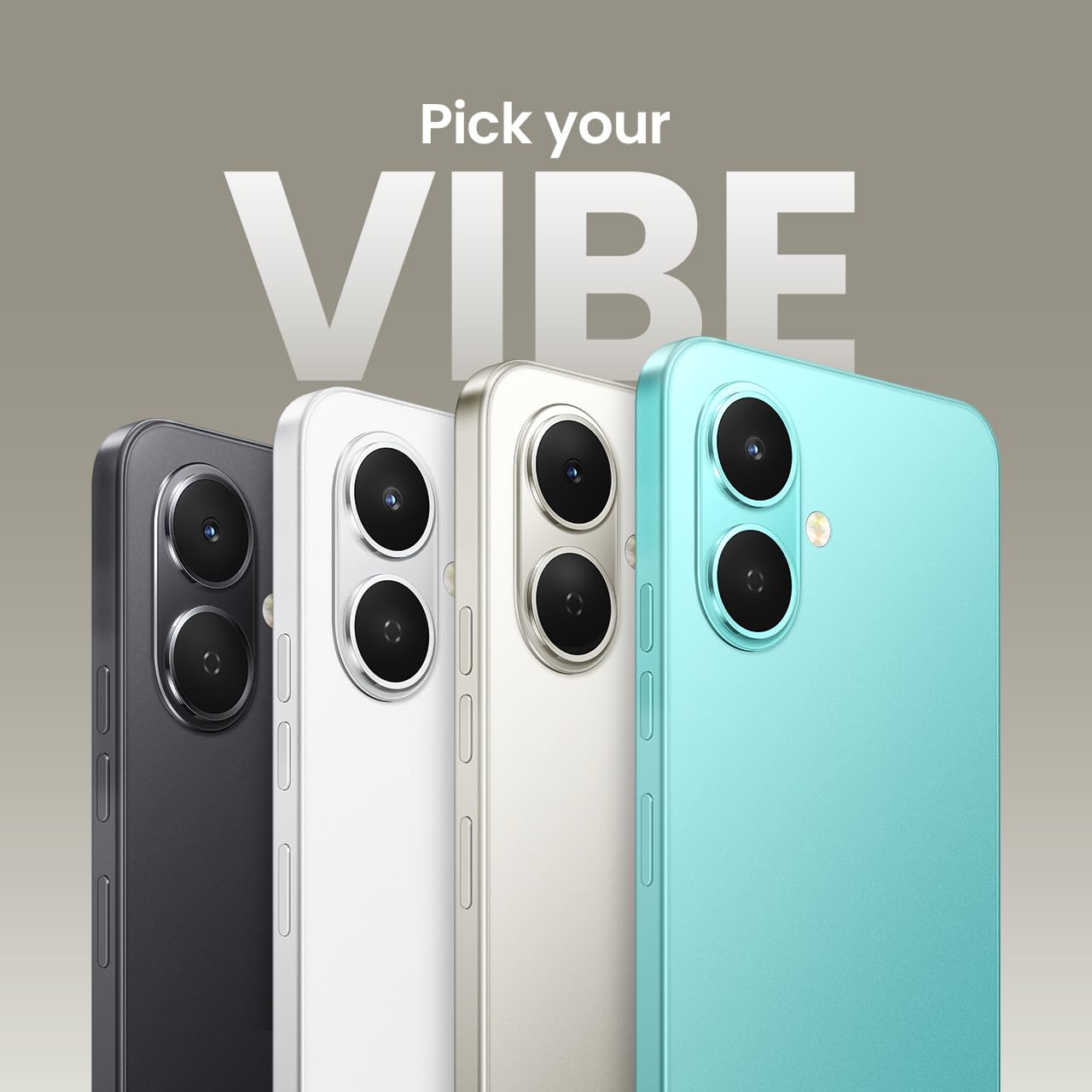
The TECNO Spark GO 2 features a 13MP main camera and an 8MP front camera.
6. AI Active Noise Cancellation
Benefit from AI Active Noise Cancellation during calls to ensure clearer audio by reducing background noise.

AI Active Noise Cancellation enhances call clarity.
Entretien
1. Durabilité et protection
The TECNO Spark GO 2 is IP64 rated and SGS certified, offering protection against dust and splashes. While durable, avoid submerging the device in water or exposing it to excessive dust.

The TECNO Spark GO 2 is IP64 rated for dust and splash resistance.
2. Entretien de la batterie
To maximize battery life, avoid extreme temperatures. Use only the provided charger and cable. For optimal performance, keep the battery charge between 20% and 80% when possible.
La batterie de 11 000 mAh prend en charge la charge rapide de 15 W.
3. Mises à jour logicielles
Regularly check for and install software updates to ensure your device has the latest features, security patches, and performance enhancements. This contributes to the promised 4 years of lag-free performance.
4. Nettoyage
Utilisez un chiffon doux non pelucheux pour nettoyer l'écran et le boîtier de votre téléphone. Évitez d'utiliser des produits chimiques agressifs ou des matériaux abrasifs.
Dépannage
1. L'appareil ne répond pas
Si votre appareil ne répond plus, maintenez le bouton d'alimentation enfoncé pendant environ 10 à 15 secondes pour forcer un redémarrage.
2. La batterie se décharge rapidement
Check for background apps consuming power. Adjust screen brightness, disable unnecessary features like GPS or Bluetooth when not in use, and ensure your software is up to date.
3. Problèmes de connectivité réseau
If you experience issues with cellular or Wi-Fi connectivity, try restarting your device. Verify that your SIM card is correctly inserted and that you are within network coverage. For Wi-Fi, ensure the router is functioning correctly.
4. Retard de performance
Close unused applications, clear cache, and ensure sufficient storage space. The device is designed for lag-free performance for up to 4 years, supported by its UNISOC T7250 processor and up to 8GB RAM (including virtual RAM).

The TECNO Spark GO 2 is engineered for 4 years of lag-free performance.

The device offers up to 8GB RAM for smooth multitasking.
Caractéristiques
| Fonctionnalité | Détail |
|---|---|
| Système opérateur | Android 15 |
| BÉLIER | 4 GB (Up to 8GB with virtual RAM) |
| Stockage interne | 64 Go |
| Numéro de modèle | KM4 |
| Dimensions du produit | 16.6 x 7.7 x 0.8 cm |
| Poids de l'article | 186 g |
| Puissance nominale de la batterie | 5000 mAh |
| Prise en charge de la charge | Charge rapide 15 W |
| Afficher | 6.67" Punch-Hole Display, 120Hz Refresh Rate, 720 x 1600 Resolution |
| Caméra principale | 13 MP |
| Caméra frontale | 8 MP |
| Connectivité | Bluetooth, Infrared, USB, Wi-Fi, 4G Carrier Aggregation 2.0 |
| Prise audio | 3.5 mm |
| Caractéristiques spéciales | Ella AI with Indian Language Support, IP64 SGS Certified, No Network Communications, AI Active Noise Cancellation |
| Couleur | Gris titane |
Qu'y a-t-il dans la boîte
The TECNO Spark GO 2 package typically includes the following items:
- TECNO Spark GO 2 Smartphone
- Étui de téléphone
- Adaptateur secteur
- Éjecteur de plateau SIM
- Câble USB
Garantie et assistance
For warranty information and customer support, please refer to the warranty card included with your product or visit the official TECNO Mobile India website. The manufacturer is G Mobiles India.
For technical assistance or service inquiries, please contact TECNO customer service through their official channels.


