1. Introduction
Welcome to the GOBOULT Pyro Smartwatch user manual. This guide provides essential information for setting up, operating, and maintaining your new smartwatch. The GOBOULT Pyro combines advanced technology with a sleek design, offering features such as a vibrant AMOLED display, Bluetooth calling, comprehensive health monitoring, and various sports modes.
Veuillez lire attentivement ce manuel afin de garantir une utilisation correcte et d'optimiser votre expérience avec l'appareil.

Image 1.1: The GOBOULT Pyro Smartwatch in Charcoal Black. This image displays the watch face and strap, highlighting its overall design.
2. Principales caractéristiques
The GOBOULT Pyro Smartwatch is equipped with a range of features designed to enhance your daily life and fitness routine:
- Écran AMOLED de 1.43 pouce : Enjoy an ultra-clear and vibrant display with 600 nits brightness and Always-On Display functionality.
- Rotating Dial Navigation: Effortlessly browse menus and switch between applications.
- Bluetooth Calling 5.3: Make and receive calls directly from your wrist with enhanced audio quality.
- IP68 Water & Dust Resistance: Designed to withstand dust, sweat, and water immersion.
- 150+ Cloud-Based Watch Faces: Personalize your smartwatch to match your style.
- Plus de 120 modes sportifs : Track various fitness activities with real-time insights.
- Assistant vocal IA : Control tasks hands-free using voice commands.
- Surveillance de la santé : Includes SpO2, heart rate, blood pressure, stress, sleep, and menstrual cycle tracking.
- Smart Productivity Features: Remote camera control, flashlight, world clock, weather updates, and 'Find My Phone' functionality.

Image 2.1 : Un surview montrerasing key features of the GOBOULT Pyro Smartwatch, including the working dial, Always-On Display, 600 nits brightness, 120+ sports modes, Bluetooth calling, health monitoring, and IP68 water resistance.
3. Installation
3.1. Déballage et inspection initiale
À l'ouverture du colis, vérifiez que tous les composants sont présents et intacts. La boîte doit contenir :
- GOBOULT Pyro Smartwatch
- Câble de chargement
- Manuel de l'utilisateur (ce document)
- Carte de garantie
3.2. Recharge de la montre connectée
Before first use, fully charge your GOBOULT Pyro Smartwatch. Connect the provided charging cable to the charging port on the back of the smartwatch and to a standard USB power adapter (not included). A full charge typically takes approximately 150 minutes.
Note: Use a compatible charger to avoid damage. The smartwatch requires 1 AAA battery (included) for internal functions, but the main power is supplied via the charging cable.
3.3. Appairage avec votre smartphone
Pour débloquer toutes les fonctionnalités de votre montre connectée, associez-la à votre smartphone via Bluetooth :
- Download the official GOBOULT companion app from your smartphone's app store (available for Android and iOS).
- Assurez-vous que Bluetooth est activé sur votre smartphone.
- Ouvrez l'application GOBOULT et suivez les instructions à l'écran pour ajouter un nouvel appareil.
- Select 'GOBOULT Pyro' from the list of available devices.
- Confirmez la demande de jumelage sur votre smartphone et votre montre connectée.
Once paired, the smartwatch will synchronize data and notifications with your phone.
4. Fonctionnement
4.1. Affichage et navigation
The GOBOULT Pyro features a 1.43-inch AMOLED display with 600 nits brightness, ensuring clear visibility even in bright sunlight. The Always-On Display (AOD) feature allows you to see essential information without fully activating the screen.

Image 4.1: The 1.43-inch AMOLED display of the GOBOULT Pyro Smartwatch, showcasing its vibrant colors and clarity, along with the Always-On Display feature and 600 nits brightness.
Navigate through menus and apps using the touchscreen and the intuitive rotating dial. Rotate the dial to scroll through lists or zoom, and press it to select items or return to the home screen.

Image 4.2: Close-up of the GOBOULT Pyro Smartwatch demonstrating the rotating action bezel for navigation through menus and options.
4.2. Personnalisation des cadrans de montre
Personalize your smartwatch with over 150 cloud-based watch faces. You can change watch faces directly from the smartwatch settings or through the companion app. The app also allows for custom watch face options.

Image 4.3: A visual representation of the 150+ cloud-based watch faces available for the GOBOULT Pyro Smartwatch, including options for custom watch faces.
4.3. Appels Bluetooth
With Bluetooth 5.3, you can make and receive calls directly from your smartwatch. The device features a dedicated microphone and speaker for clear, hands-free communication. Ensure your smartwatch is connected to your phone via Bluetooth for this feature to work.

Image 4.4: The GOBOULT Pyro Smartwatch displaying an incoming call, illustrating the Bluetooth calling feature with its dedicated microphone and speaker.
4.4. Modes sportifs et suivi d'activité
The smartwatch supports over 120 sports modes, allowing you to track a wide range of physical activities. Select your desired sport from the menu to monitor real-time data such as duration, calories burned, and heart rate.

Image 4.5: The GOBOULT Pyro Smartwatch displaying a running activity summary, highlighting the availability of 120+ sports modes for tracking various physical activities.
4.5. Surveillance de la santé
The GOBOULT Pyro provides 24/7 health monitoring capabilities:
- Moniteur de fréquence cardiaque : Surveille votre fréquence cardiaque en continu.
- Surveillance SpO2 : Mesure votre taux d'oxygène dans le sang.
- Surveillance de la pression artérielle: Fournit des estimations de votre tension artérielle.
- Sleep & Stress Monitoring: Analyzes sleep patterns and stress levels.
- Suivi du cycle menstruel féminin : Permet de suivre et de prévoir les cycles menstruels.
For accurate readings, ensure the smartwatch is worn snugly on your wrist. Consult a medical professional for any health concerns; the smartwatch is not a medical device.

Image 4.6 : L'arrière view of the GOBOULT Pyro Smartwatch, showing the optical PPG tech sensors used for health monitoring features like heart rate, SpO2, and blood pressure tracking.
4.6. AI Voice Assistant and Smart Features
Access your AI voice assistant (Siri or Google Assistant) for hands-free commands. The smartwatch also offers additional smart features:
- SMS & Push Notifications: Receive alerts for messages and app notifications.
- Contrôle de la caméra à distance : Utilisez votre montre comme déclencheur à distance pour l'appareil photo de votre téléphone.
- Lampe de poche: Activate a simple flashlight function.
- Horloge mondiale: View heures dans différents fuseaux horaires.
- Détails météorologiques : Recevez les dernières mises à jour météorologiques.
- Trouver mon téléphone : Localisez votre smartphone associé.
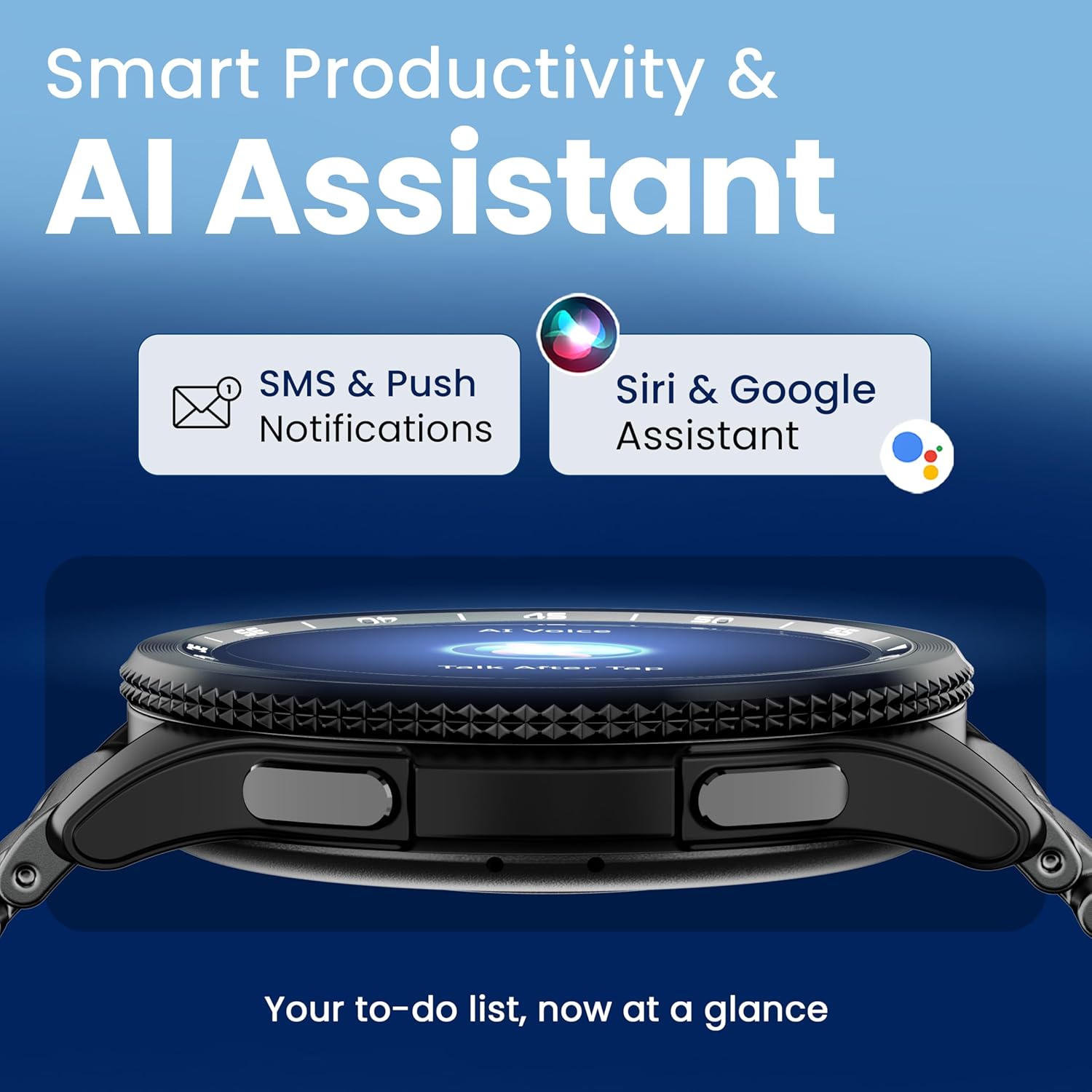
Image 4.7: The GOBOULT Pyro Smartwatch displaying the AI Voice Assistant interface, alongside icons for SMS and push notifications, indicating smart productivity features.

Image 4.8: The GOBOULT Pyro Smartwatch displaying the 'Find Phone' feature, with additional icons for remote camera control, flashlight, world clock, and weather details.
5. Entretien
5.1. Résistance à l'eau et à la poussière (IP68)
The GOBOULT Pyro Smartwatch is IP68 rated, meaning it is resistant to dust and can withstand immersion in water up to 1.5 meters for 30 minutes. This makes it suitable for daily wear, including during workouts and in rainy conditions. However, it is not recommended for diving, high-pressure water activities, or prolonged submersion.
Important: Water resistance is not a permanent condition and may decrease over time with normal wear. Avoid exposing the watch to hot water, steam, or detergents, as these can compromise the seals.
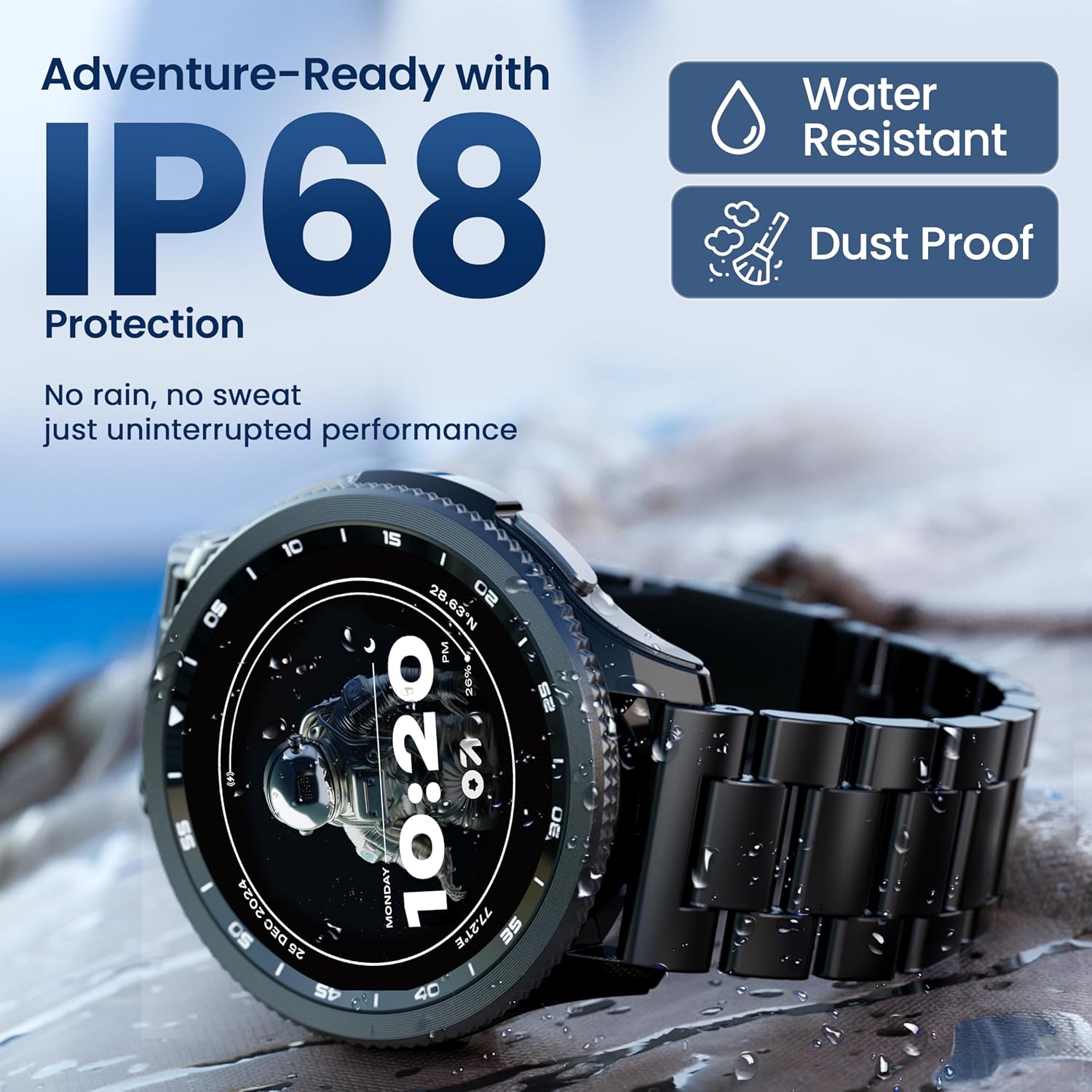
Image 5.1: The GOBOULT Pyro Smartwatch shown with water droplets, illustrating its IP68 water and dust resistance for uninterrupted performance in various conditions.
5.2. Nettoyer votre montre connectée
Pour garder votre montre connectée propre et fonctionner de manière optimale :
- Essuyez l'écran et le boîtier avec un chiffon doux non pelucheux.
- Si nécessaire, dampHumidifiez légèrement le chiffon avec de l'eau. Évitez d'utiliser des produits chimiques agressifs ou des matériaux abrasifs.
- Nettoyez régulièrement les contacts de charge pour garantir une charge efficace.
- Si le bracelet est amovible, nettoyez-le séparément en fonction de son type de matériau.
5.3. Entretien de la batterie
Pour prolonger la durée de vie de la batterie :
- Évitez les températures extrêmes.
- Ne laissez pas la batterie se décharger complètement avant de la recharger fréquemment.
- Si vous devez ranger la montre pendant une période prolongée, chargez-la à environ 50 % et éteignez-la.
6. Dépannage
If you encounter issues with your GOBOULT Pyro Smartwatch, refer to the following common solutions:
| Problème | Solution possible |
|---|---|
| La montre connectée ne s'allume pas | Assurez-vous que la montre est complètement chargée. Branchez-la au chargeur pendant au moins 30 minutes. |
| Impossible de jumeler avec le smartphone | Check if Bluetooth is enabled on your phone. Ensure the smartwatch is in pairing mode. Restart both devices and try again. Make sure the companion app is installed and updated. |
| Lectures de santé inexactes | Assurez-vous que la montre est bien ajustée à votre poignet, ni trop serrée ni trop lâche. Nettoyez les capteurs situés au dos de la montre. Évitez les mouvements brusques pendant les mesures. |
| Les notifications n'apparaissent pas | Verify that notification permissions are granted to the GOBOULT app on your smartphone. Check the app's settings to ensure notifications are enabled for desired applications. Ensure Bluetooth connection is stable. |
| La batterie se décharge rapidement | Reduce screen brightness. Disable Always-On Display if not needed. Limit background app refresh. Ensure no apps are constantly running in the background. Frequent Bluetooth calling can also consume more power. |
| Charging issues (e.g., not connecting to charger) | Ensure the charging cable is correctly aligned with the magnetic contacts on the watch. Clean the charging contacts on both the cable and the watch. Try a different USB power source. |
| Rotating dial not working | Check for any physical obstruction or debris around the dial. Gently clean the area. If the issue persists, a software glitch might be present; try restarting the watch. |
7. Spécifications
Below are the technical specifications for the GOBOULT Pyro Smartwatch:
| Fonctionnalité | Détail |
|---|---|
| Marque | GOBOULT |
| Série de modèles | Pyro |
| Taille de l'écran | 1.43 pouces |
| Type d'affichage | Écran AMOLED |
| Luminosité | Nits 600 |
| Connectivité | Bluetooth 5.3 |
| Compatibilité du système d'exploitation | Android, iOS |
| Résistance à l'eau | IP68 |
| Capacité de la batterie | 300 millièmeamp Heures |
| Durée de vie moyenne de la batterie | Jusqu'à 7 jours |
| Temps de charge de la batterie | Environ 150 minutes |
| Poids de l'article | 68 g |
| Composants inclus | Smartwatch, Charging Cable, User Manual, Warranty Card |
8. Garantie et assistance
8.1. Informations sur la garantie
Your GOBOULT Pyro Smartwatch comes with a manufacturer's warranty. Please refer to the included Warranty Card for detailed information regarding warranty terms, conditions, and duration. Keep your proof of purchase for warranty claims.
8.2. Assistance clientèle
For technical assistance, troubleshooting beyond this manual, or warranty service, please contact GOBOULT customer support. Contact details can typically be found on the Warranty Card or the official GOBOULT website. When contacting support, please have your product model (Pyro) and purchase details ready.


