1. Introduction
The XIXIMENG Super Console X2 Pro is a versatile entertainment system designed to provide a comprehensive experience for gaming, media consumption, and application usage. It integrates three distinct operating systems: EmuELEC 4.5 for retro gaming, Android 9.0 TV for smart TV functionalities and app downloads, and Coreelec for advanced multimedia playback. This device features a powerful S905X2 chip, dual-band Wi-Fi, Bluetooth 5.0, and 4K Ultra-HD output, making it suitable for various entertainment scenarios.
2. Contenu du colis
Veuillez vérifier que tous les éléments énumérés ci-dessous sont inclus dans votre colis :
- 1 x Super Console X2 Pro Unit
- 2 manettes sans fil
- 1 x adaptateur secteur
- 1 x HD Câble
- 1 x télécommande
- 1 carte TF (256 Go)
- 1 x Manuel d'utilisation

Image 2.1: Super Console X2 Pro unit with two wireless controllers, HD cable, power adapter, and remote control.

Image 2.2 : Représentation visuelle de tous les éléments inclus dans l'emballage du produit.
3. Installation
- Se connecter à l'écran : Use the provided HD Cable to connect the Super Console X2 Pro to an HD-compatible display device such as a TV, projector, or PC monitor. Ensure the cable is securely inserted into both the console's HD output port and the display's HD input port.
- Connecter l'alimentation : Plug the power adapter into the console's power input port, then connect the adapter to a standard electrical outlet.
- Insérer la carte TF : Ensure the pre-loaded TF card is inserted into the console's TF card slot.
- Mise sous tension : Appuyez sur le bouton d'alimentation de la console ou utilisez la télécommande pour allumer l'appareil.
- Connect Wireless Controllers: Insert the USB receiver for the wireless controllers into an available USB port on the console. The controllers should automatically pair. If not, refer to the controller's specific pairing instructions.
- Connexion réseau (facultative) : For online features, navigate to the system settings (typically within the Android system) to connect to your Wi-Fi network. The console supports 2.4G and 5G dual-band Wi-Fi.

Image 3.1: The console's compatibility with various HD devices including TVs, monitors, and projectors.
4. Mode d'emploi
4.1 Commutation du système
The Super Console X2 Pro features a 3-in-1 system. You can easily switch between EmuELEC 4.5, Android 9.0 TV, and Coreelec using the included remote control. No need to change SD cards or reboot the device for system transitions.
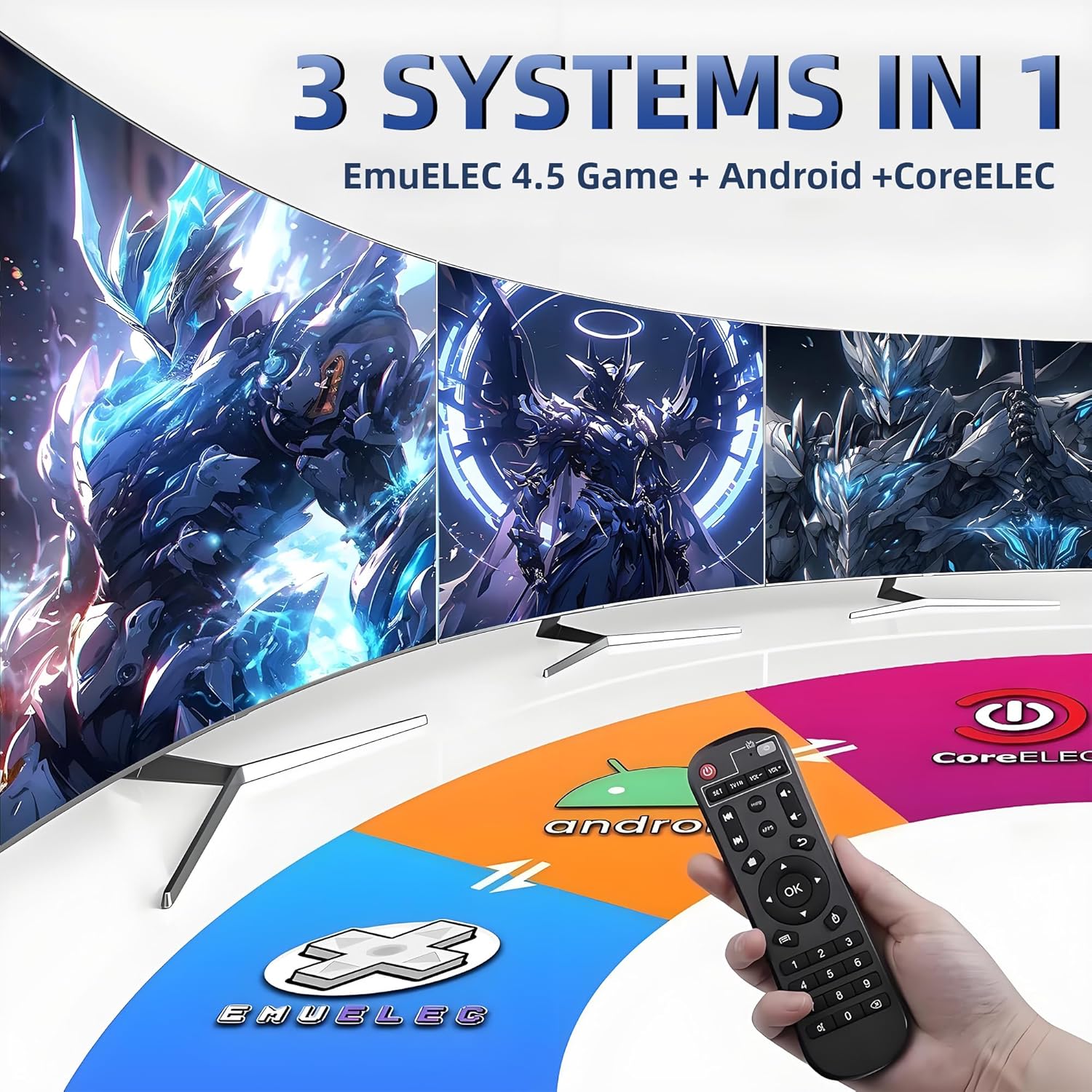
Image 4.1: The console's integrated 3-in-1 system interface, showing EmuELEC, Android, and Coreelec options.
4.2 EmuELEC 4.5 (Gaming System)
- Access a library of over 70,000 pre-installed retro games.
- Supports over 60 emulators for various classic gaming platforms.
- Features for adding/deleting games and saving game progress are available.
- Supports multiple languages for global accessibility.
4.3 Android 9.0 TV (Smart TV System)
- Download and install various applications from the app store.
- Stream online videos and other multimedia content.
- Provides a platform for general smart TV functionalities.
4.4 Coreelec (Multimedia System)
- Supports common audio and video formats.
- Connects to home media servers for high-quality multimedia content playback.
4.5 Jeux multijoueurs
The console supports multiplayer gaming, allowing two players to engage simultaneously using the included wireless controllers. The USB receiver connects both controllers.
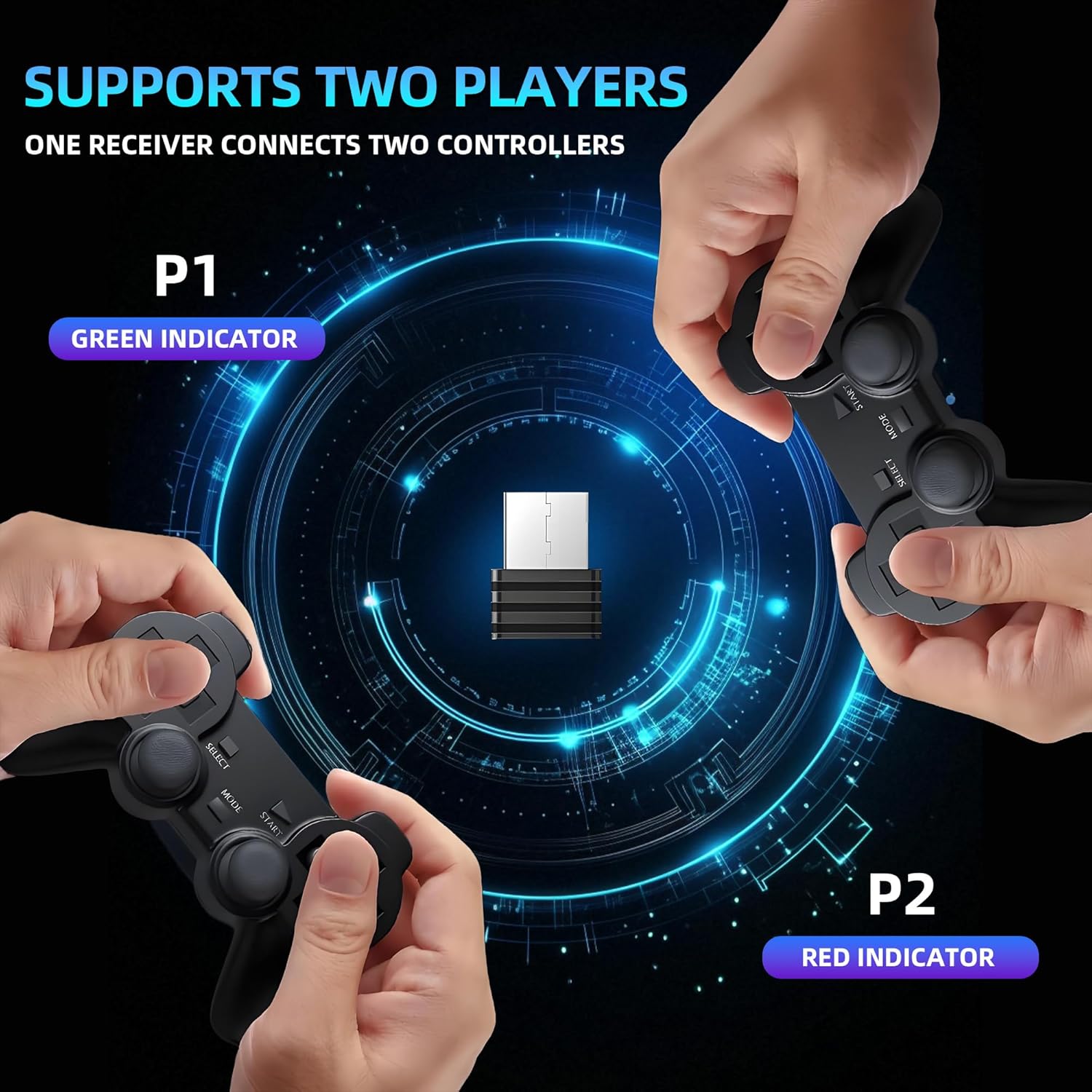
Image 4.2: Illustration of two players using wireless controllers connected to the console via a single receiver.
4.6 Connectivité
- Wifi: Equipped with 2.4G + 5G dual-band Wi-Fi for stable and fast internet connectivity.
- Bluetooth 5.0: Allows convenient connection of various peripherals, such as Bluetooth gamepads and wireless headphones.
5. Entretien
- Adaptateur secteur : Always use the original power adapter provided with the console. Using incompatible or inferior power supplies can damage the device.
- Relations: Ensure all external device connections (HD cable, USB devices) are firm and secure to prevent unstable data transmission or damage.
- Manutention physique : Avoid exposing the console to strong vibrations, impacts, or collisions.
- Ventilation: Ensure the device is well-ventilated during operation to prevent overheating. Do not block ventilation openings.
- Stockage: When not in use for extended periods, store the console in a dry and cool environment.
- Cache Cleaning: Regularly clean the game emulator cache. This can typically be done through the Android system settings and helps improve performance.

Image 5.1: The console's internal design featuring an oversized cooling panel to manage chip temperature.
6. Dépannage
- Pas d'alimentation : If the console does not power on, check that the power adapter is securely connected to both the console and a working electrical outlet.
- Pas d'affichage : Ensure the HD cable is firmly connected to both the console and your display device. Verify that your TV or monitor is set to the correct HD input source.
- Problèmes de contrôleur : If wireless controllers are unresponsive, ensure their USB receiver is properly inserted into the console. Check the controller batteries and replace if necessary. If issues persist, try re-pairing the controllers according to their specific instructions.
- Retard des performances : If games or applications experience lag, ensure the console has adequate ventilation. Try cleaning the emulator cache through the Android system settings. Close any unnecessary background applications.
- Problèmes de connexion réseau : Verify your Wi-Fi settings in the Android system. Check your router's status and try restarting both the console and your router.
7. Spécifications
| Fonctionnalité | Spécification |
|---|---|
| Nom du modèle | Super Console X2 Pro |
| Jeu de puces | Amlogic S905X2 |
| Processeur | Quad Core ARM Cortex-A53 1.8GHz |
| GPU | Mali-G31 MP2 |
| BÉLIER | 2 Go DDR4 |
| ROM | FLASH 8 Go |
| Capacité de stockage | 256GB (via TF Card) |
| Systèmes d'exploitation | EmuELEC 4.5, Android 9.0 TV, Coreelec |
| Jeux préinstallés | 70,000+ |
| Émulateurs pris en charge | 60+ |
| Wifi | Double bande 2.4G + 5 GHz |
| Bluetooth | Bluetooth 5.0 |
| Sortie vidéo | 4K Ultra-HD |
| Fabricant | XIXIMENG |

Image 7.1: Detailed specifications of the console's core components, highlighting the S905X2 chip's capabilities.
8. Assistance
For any technical assistance, operational questions, or issues not covered in this manual, please contact the seller directly. The technical support team is available to help resolve any problems you may encounter.


