Introduction
This manual provides essential information for the safe and efficient operation of your SYLVOX Elf S3 Outdoor Soundbar. The Elf S3 is designed to deliver immersive audio with Dolby Atmos technology, featuring IP65 waterproofing for outdoor use, Bluetooth 5.3 connectivity, and a 2.1 channel sound system with 120W peak power. It includes 4 EQ modes and a Digital Signal Processor (DSP) for customized sound. Please read this manual thoroughly before using the product and retain it for future reference.
Consignes de sécurité
- Source d'alimentation : Utilisez uniquement l'adaptateur secteur spécifié. Assurez-vous que la prise de courant correspond à la tension.tage exigences.
- Résistance à l'eau : The soundbar is IP65 waterproof. However, avoid submerging it in water or exposing it to high-pressure water jets. Ensure all port covers are securely closed when exposed to moisture.
- Placement: Install the soundbar in a stable location, away from direct heat sources, strong magnetic fields, or excessive vibrations. Ensure proper ventilation.
- Nettoyage: Débranchez l'appareil avant de le nettoyer. Utilisez un chiffon doux et sec. N'utilisez pas de nettoyants liquides ni d'aérosols.
- Entretien: N’essayez pas de réparer ce produit vous-même. Confiez toute réparation à un technicien qualifié.
Qu'y a-t-il dans la boîte
Lors du déballage, veuillez vérifier que tous les éléments énumérés ci-dessous sont présents et en bon état :
- SYLVOX Elf S3 Soundbar
- Télécommande
- Câble d'alimentation
- Manuel d'utilisation
- Mounting Brackets (for wall mounting)
- AAA Batteries (2, for remote)
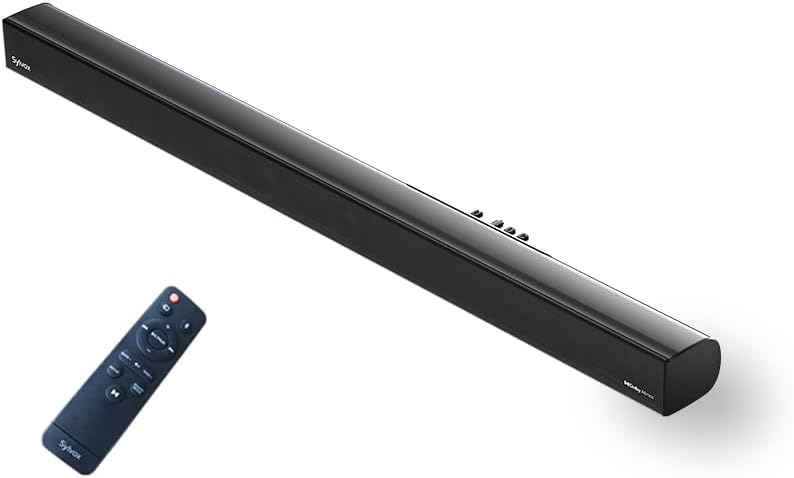
Image: The SYLVOX Elf S3 Soundbar and its accompanying remote control.
Produit terminéview
The SYLVOX Elf S3 features a sleek, ultra-slim design with a durable metal and plastic construction. The rear panel houses various input ports for versatile connectivity.
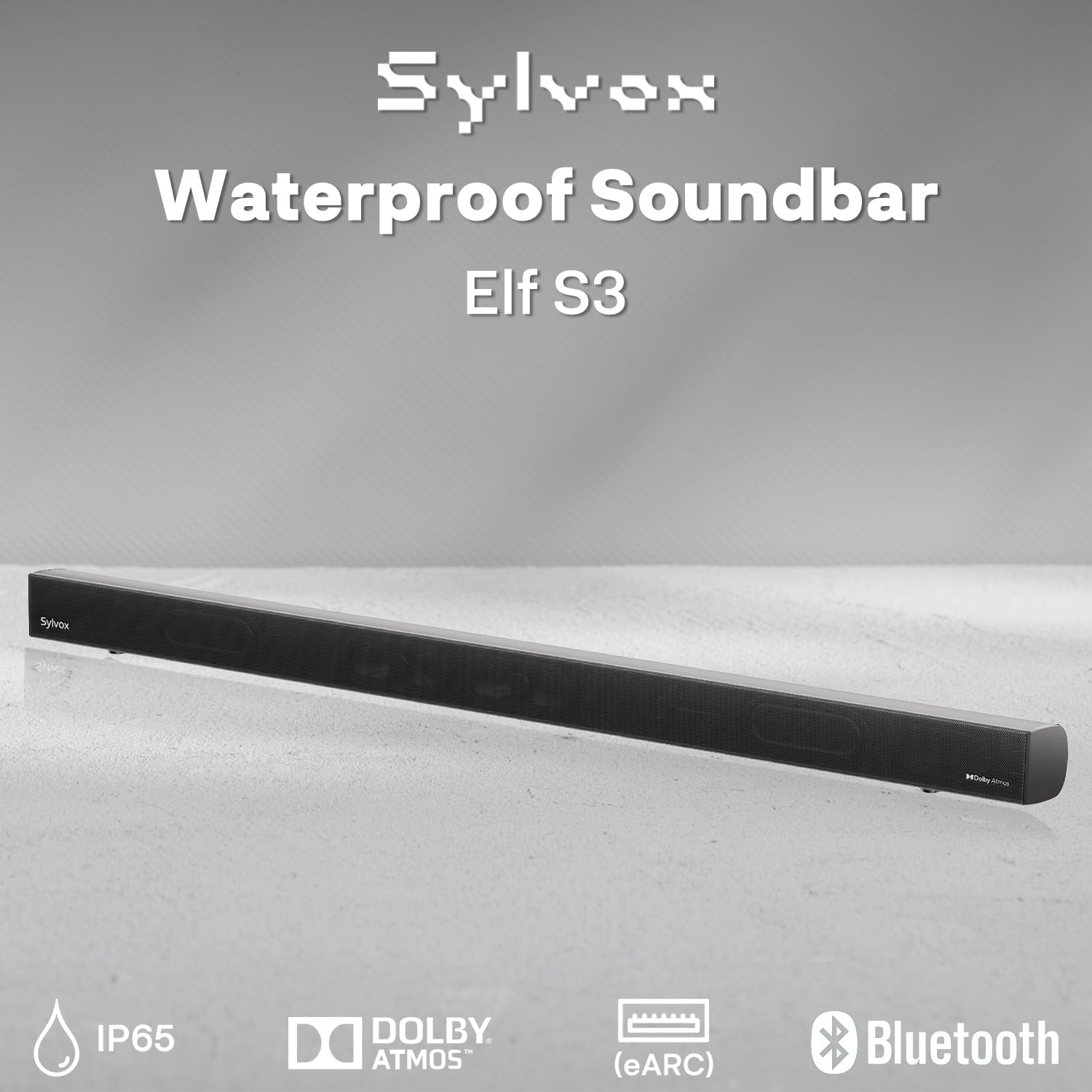
Image: Close-up of the soundbar's rear panel, highlighting the various input ports including Optical, HDMI eARC, and USB.
Installation
Options de montage
The SYLVOX Elf S3 Soundbar can be wall-mounted for optimal placement with your outdoor TV. Use the included mounting brackets and follow the instructions provided in the separate mounting guide for secure installation.

Image: The soundbar is shown mounted directly beneath an outdoor television, illustrating a typical installation scenario.
Connexion à votre téléviseur
The soundbar offers multiple connectivity options to integrate with your television:
- HDMI eARC : For the best audio quality and control, connect an HDMI cable from the soundbar's HDMI eARC port to your TV's HDMI eARC/ARC port. This allows for seamless audio return and control.
- Optique: Connectez un câble optique du port OPTIQUE de la barre de son à la sortie audio optique de votre téléviseur.
- AUX: Use an AUX cable to connect the soundbar to your TV's audio output.
- USB: Pour lire des fichiers multimédias directement depuis une clé USB.

Image: A visual diagram illustrating how to connect the soundbar to various devices using HDMI, Optical, AUX, and Bluetooth.
Appariement Bluetooth
To connect your smartphone, tablet, or PC via Bluetooth 5.3:
- Allumez la barre de son.
- Press the Bluetooth button on the remote control or the soundbar's control panel to enter Bluetooth pairing mode. The indicator light will flash.
- On your device, enable Bluetooth and search for 'SYLVOX Elf S3'.
- Select the soundbar from the list of available devices to pair. Once connected, the indicator light will turn solid.
Utilisation de la barre de son
Marche/Arrêt
Press the Power button on the remote control or the soundbar's control panel to turn the unit on or off.
Sélection d'entrée
Use the 'Source' button on the remote or soundbar to cycle through available input sources (HDMI eARC, Optical, AUX, Bluetooth, USB).
Modes d'égalisation
The soundbar features 4 preset EQ modes to optimize audio for different content types. Use the 'EQ' button on the remote to switch between modes:
- Mode vidéo: Améliore les effets sonores et les dialogues au cinéma.
- Mode Musique : Optimise le son pour la lecture de musique.
- Mode Actualités : Clarifies dialogue for news and talk shows.
- Mode de jeu: Offre un son immersif pour les jeux vidéo.
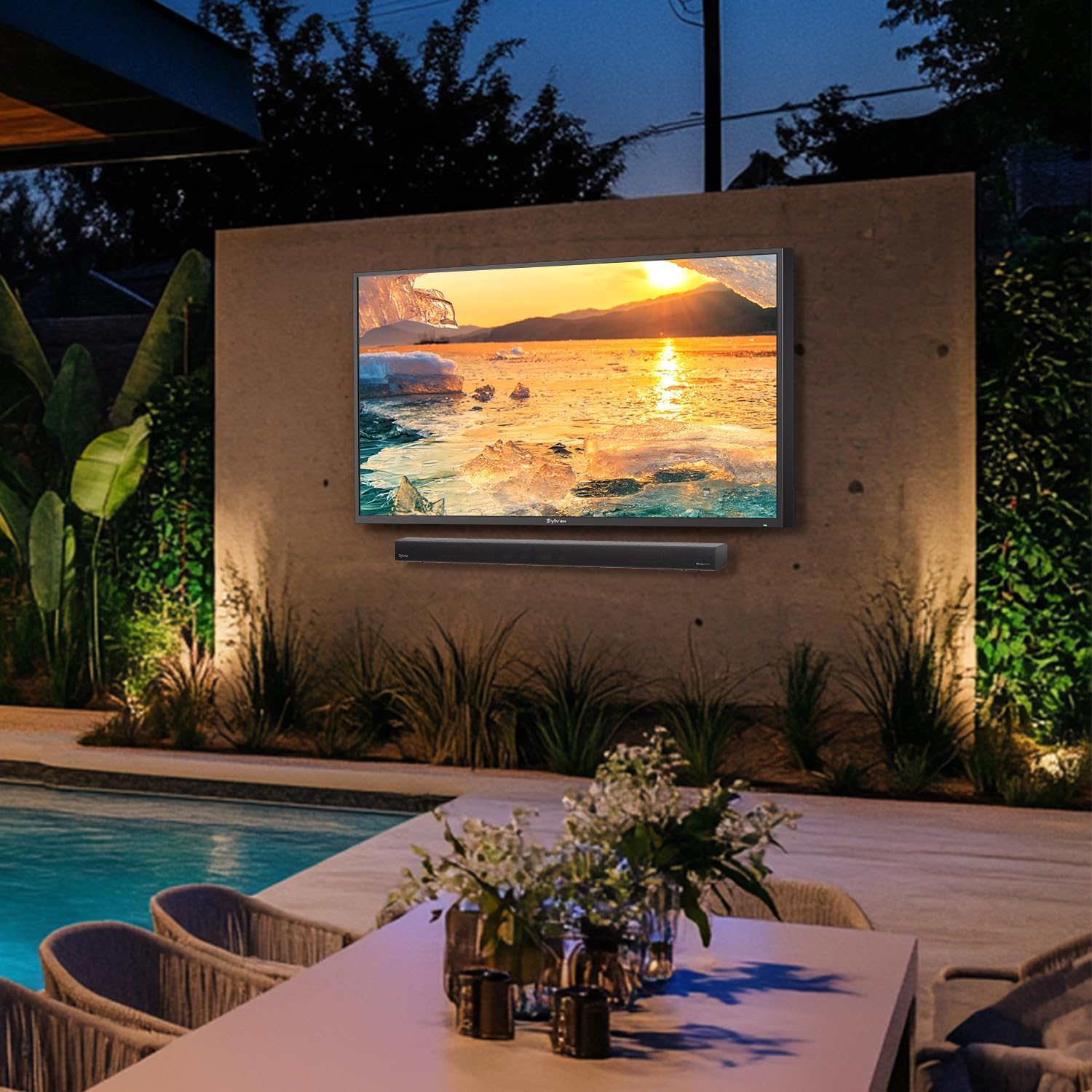
Image: Visual representation of the soundbar's four EQ modes, each tailored for different audio experiences.
Contrôle du volume
Adjust the volume using the Volume Up (+) and Volume Down (-) buttons on the remote control or the soundbar's control panel.
Télécommande
The included remote control provides full functionality for managing your soundbar settings and inputs.

Image: The remote control for the SYLVOX Elf S3 Soundbar, showing various buttons for power, input, volume, and EQ modes.
Entretien
The SYLVOX Elf S3 Soundbar is designed with an IP65 waterproof rating, making it suitable for outdoor environments. This rating ensures protection against dust ingress and low-pressure water jets from any direction.
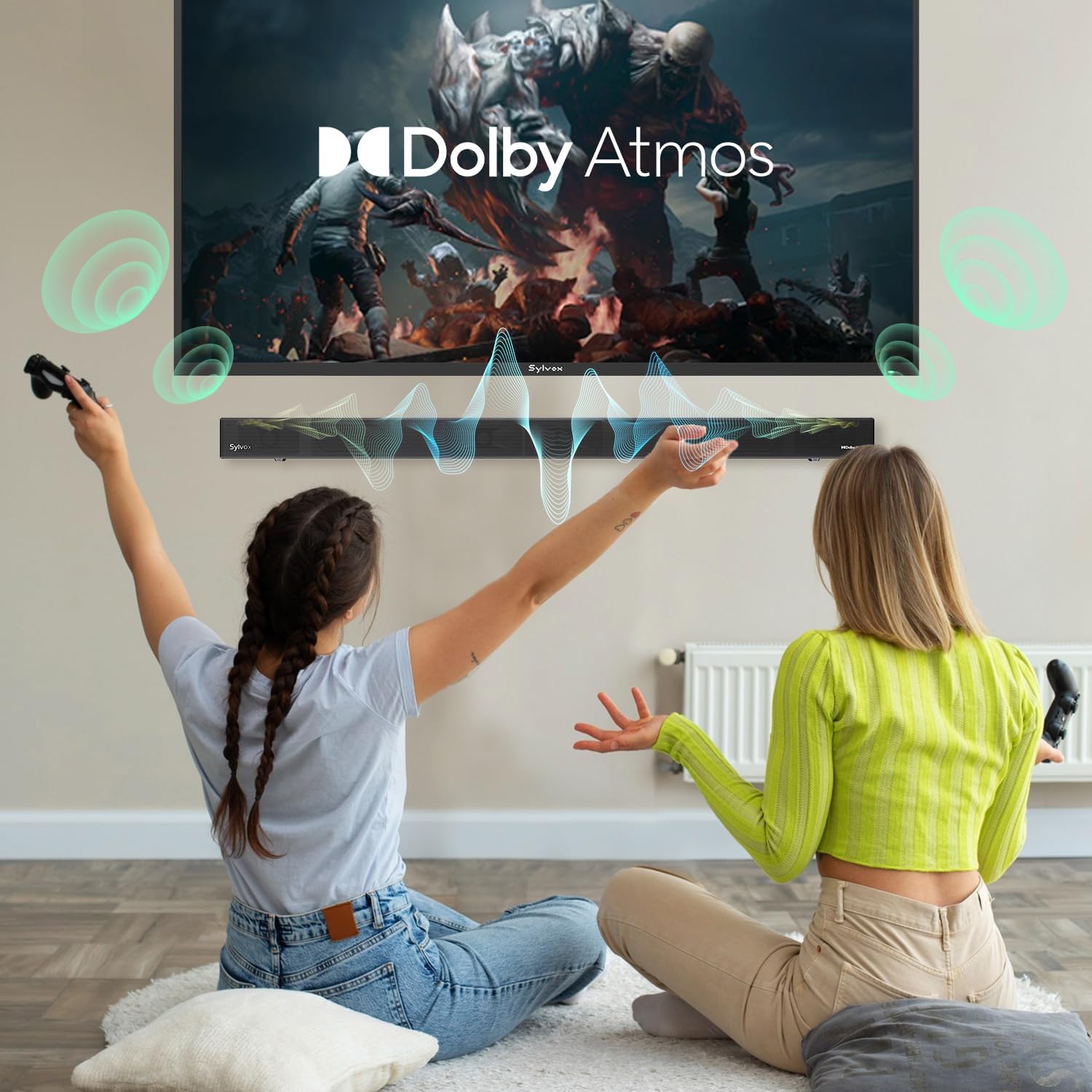
Image: The soundbar is shown with water splashing on its surface, illustrating its IP65 waterproof capability.
Video: A demonstration of the SYLVOX Outdoor TV and Sound Bar undergoing a waterproof test, showcasing its durability against water exposure.
To clean the soundbar, gently wipe the surface with a soft, damp cloth. Avoid using harsh chemicals or abrasive materials that could damage the finish or waterproof seals. Ensure all port covers are properly sealed after use or cleaning to maintain water resistance.
Dépannage
| Problème | Cause possible | Solution |
|---|---|---|
| Pas de courant | Câble d'alimentation non connecté ; prise de courant non active. | Vérifiez le branchement du câble d'alimentation ; essayez une autre prise. |
| Pas de son | Incorrect input source selected; TV volume too low; cables not connected properly. | Select correct input source; increase TV volume; check cable connections. |
| Bluetooth ne se connecte pas | Barre de son non en mode appariement ; appareil trop éloigné ; interférences. | Assurez-vous que la barre de son est en mode appariement ; rapprochez l’appareil ; redémarrez les deux appareils. |
| La télécommande ne fonctionne pas | Piles déchargées ; obstruction entre la télécommande et la barre de son. | Remplacez les piles ; retirez tout obstacle. |
Caractéristiques
| Fonctionnalité | Détail |
|---|---|
| Nom du modèle | Elfe S3 |
| Type de montage | Support mural |
| Matériel | Métal, plastique |
| Type de haut-parleur | Barre de son |
| Configuration des canaux de son surround | 2.1 |
| Puissance de sortie maximale du haut-parleur | 80 Watts (60W RMS, 120W Peak) |
| Technologie de connectivité | Bluetooth 5.3, HDMI eARC, Optical, AUX, USB |
| Niveau de résistance à l'eau | Étanchéité IP65 |
| Dimensions du produit | 3.5"P x 20"L x 2.5"H |
| Poids de l'article | 4.85 livres |
| Composants inclus | Soundbar, Remote, Power Cable, User Manual |
| Piles | 2 piles AAA requises (incluses) |
Garantie et assistance
The SYLVOX Elf S3 Outdoor Soundbar comes with a limited warranty. Please refer to the warranty card included in your product packaging for specific terms and conditions. For technical support, troubleshooting assistance, or warranty claims, please contact SYLVOX customer service through their official website ou les coordonnées fournies dans la documentation de votre produit.


