1. Introduction
The NEDIS SmartLife Outdoor Pan-Tilt Spotlight Camera (WIFICO22CWT) is designed to enhance your home security with advanced features and seamless integration. This manual provides essential information for the proper installation, operation, and maintenance of your camera.
Key features include a 3MP (1296p) sensor for clear images, remote pan and tilt control, automatic tracking, color and infrared night vision, two-way audio, motion and sound detection with instant notifications, and an IP65 weatherproof rating for outdoor reliability.
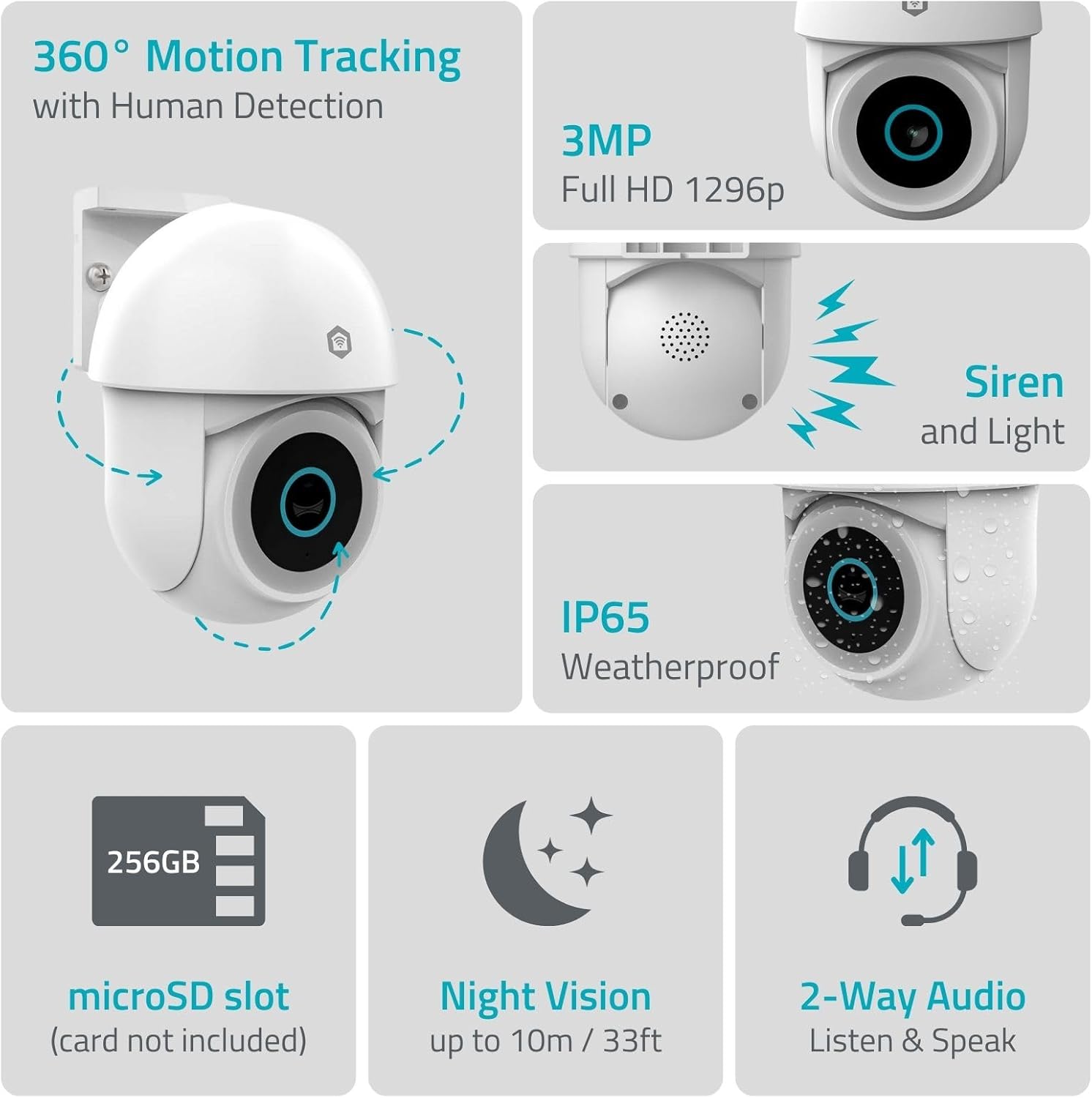
Image 1.1 : Terminéview of NEDIS SmartLife Outdoor Camera features, including 360-degree motion tracking, 3MP resolution, siren and light, IP65 weatherproofing, microSD slot, night vision, and two-way audio.
2. Contenu du colis
Veuillez vérifier que le colis contient les éléments suivants :
- NEDIS SmartLife Outdoor Pan-Tilt Spotlight Camera (WIFICO22CWT)
- Adaptateur secteur (5 V CC)
- Support de montage et vis
- Guide de démarrage rapide (ce manuel)
3. Installation
3.1. Installation de l'application
- Téléchargez le Nedis Smart Life application depuis l'App Store (iOS) ou Google Play Store (Android).
- Créez un nouveau compte ou connectez-vous si vous en avez déjà un.
3.2. Mise sous tension et connexion initiale
- Connectez la caméra à l'adaptateur secteur et branchez-la sur une prise électrique.
- Attendez que le voyant de l'appareil photo clignote, indiquant qu'il est prêt pour l'appairage.
- Open the Nedis SmartLife app, tap '+' to add a new device, and follow the on-screen instructions to connect the camera to your 2.4 GHz Wi-Fi network.
3.3. Installation de la carte microSD (facultatif)
For local storage of recordings, install a microSD card (up to 256GB, not included).
- Locate the microSD card slot on the camera (refer to the camera diagram in the quick start guide).
- Carefully insert the microSD card into the slot until it clicks into place.
- Format the microSD card via the camera settings in the Nedis SmartLife app.
3.4. Montage de la caméra
The camera comes with a wall/ceiling mount. Choose a suitable location with a clear view et à portée du Wi-Fi.

Image 3.1: Camera dimensions for mounting reference.
- Marquez les emplacements de perçage en utilisant le support de montage comme gabarit.
- Percez des trous et insérez des chevilles si nécessaire.
- Secure the mounting bracket to the wall or ceiling with screws.
- Attach the camera to the mounting bracket and adjust its initial angle.
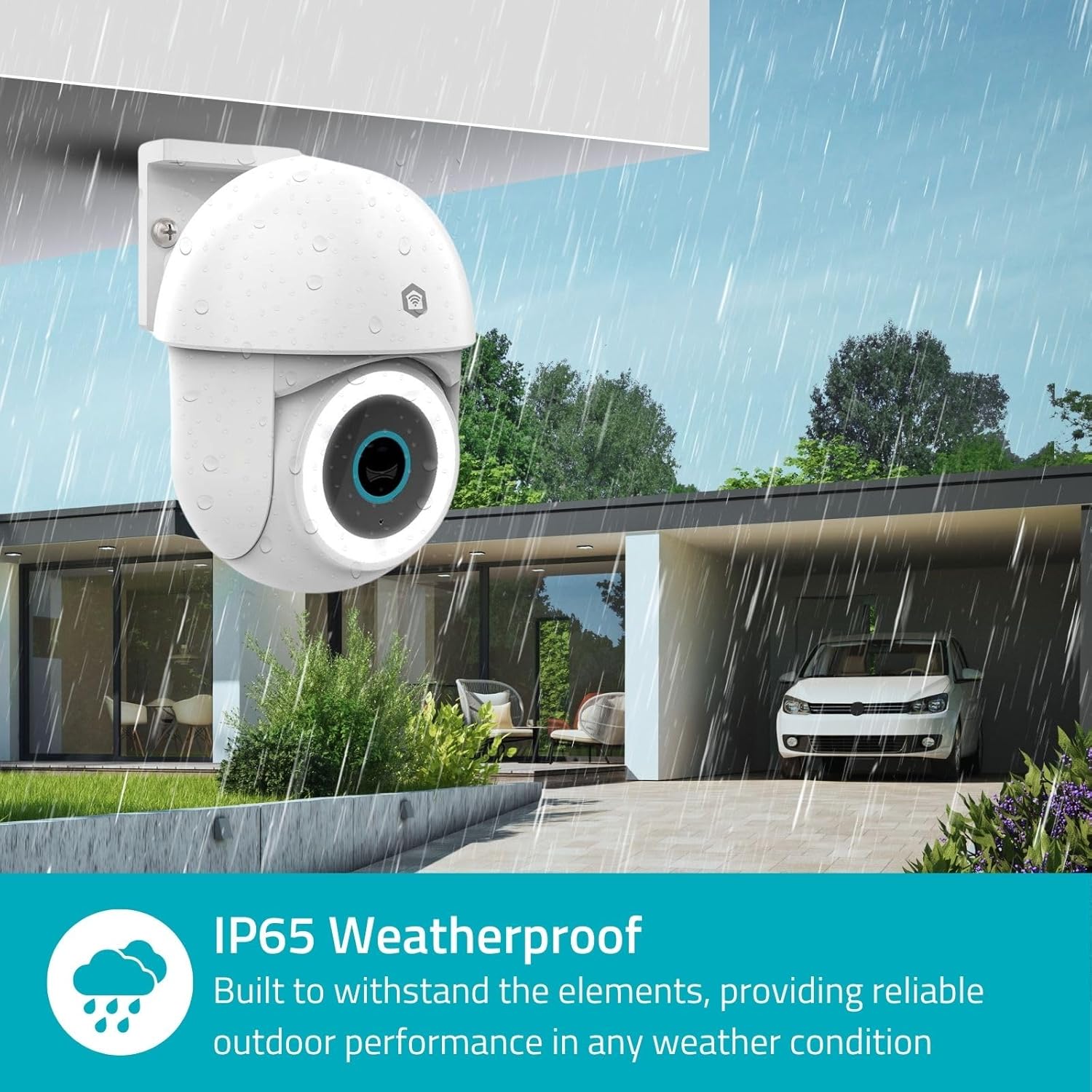
Image 3.2: The IP65 weatherproof design ensures reliable outdoor performance in various weather conditions.
4. Mode d'emploi
4.1. Vivre View et commande panoramique/inclinaison
Access the live feed from your camera through the Nedis SmartLife app. Use the on-screen controls to remotely pan (horizontal) and tilt (vertical) the camera to monitor a wide area.
4.2. Détection et suivi des mouvements
The camera features advanced motion detection, including human detection, to minimize false alarms. You can customize detection zones within the app.
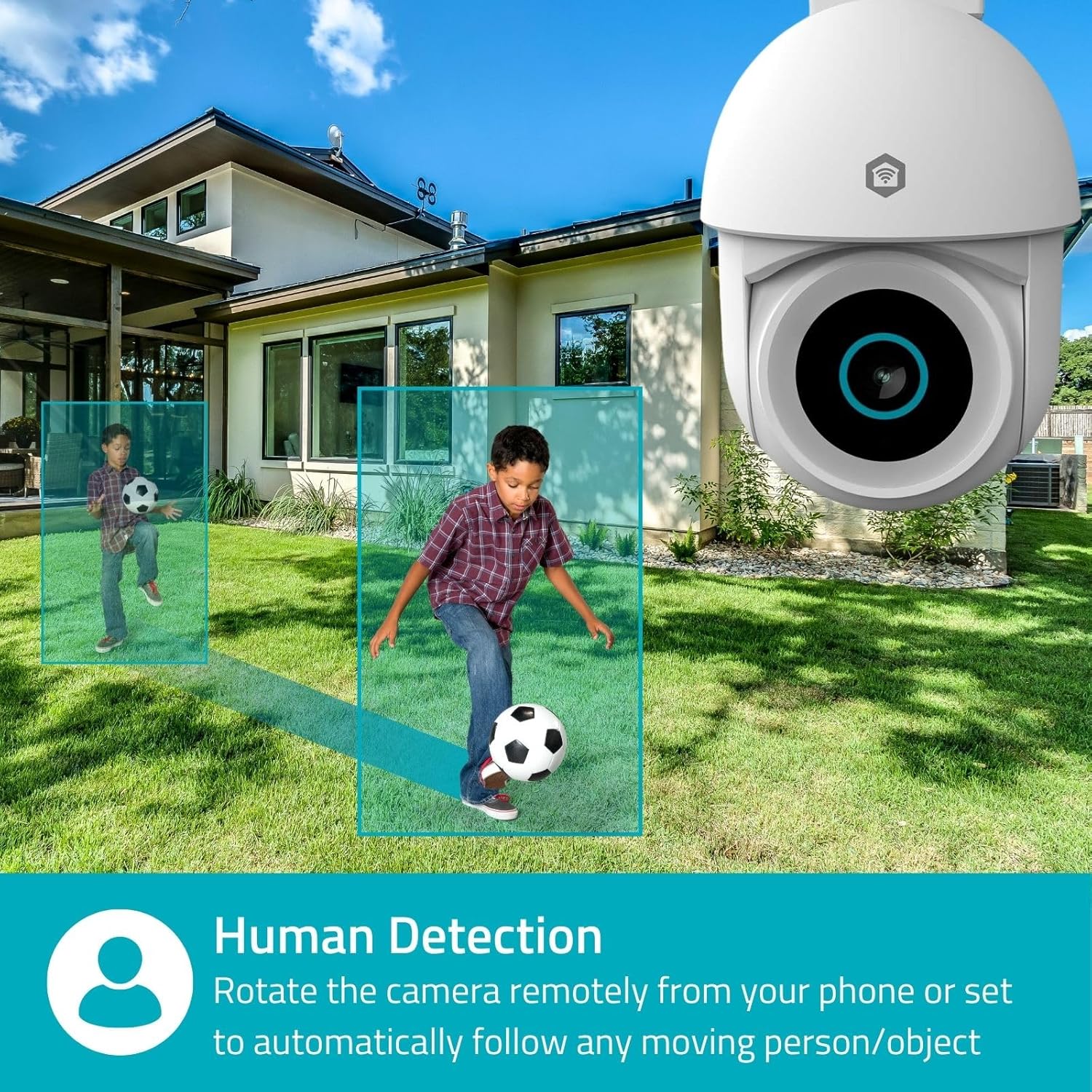
Image 4.1: Human Detection allows the camera to automatically follow moving persons or objects.
Activer Suivi automatique in the app settings to have the camera automatically follow detected movement.
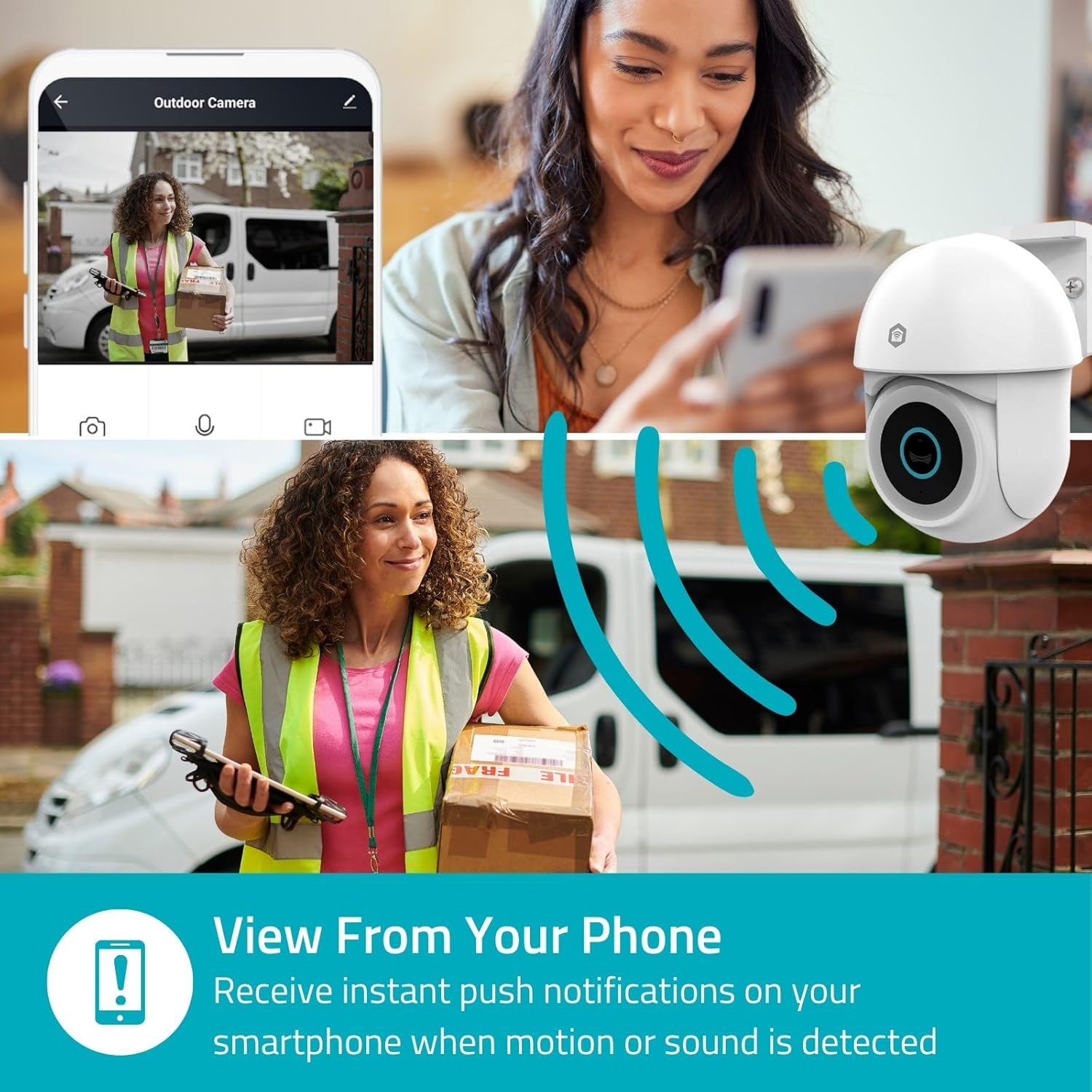
Image 4.2: Receive instant push notifications on your smartphone when motion or sound is detected.
4.3. Audio bidirectionnel
Utilize the built-in microphone and speaker for two-way communication. You can listen to the environment and speak through the camera via the app.
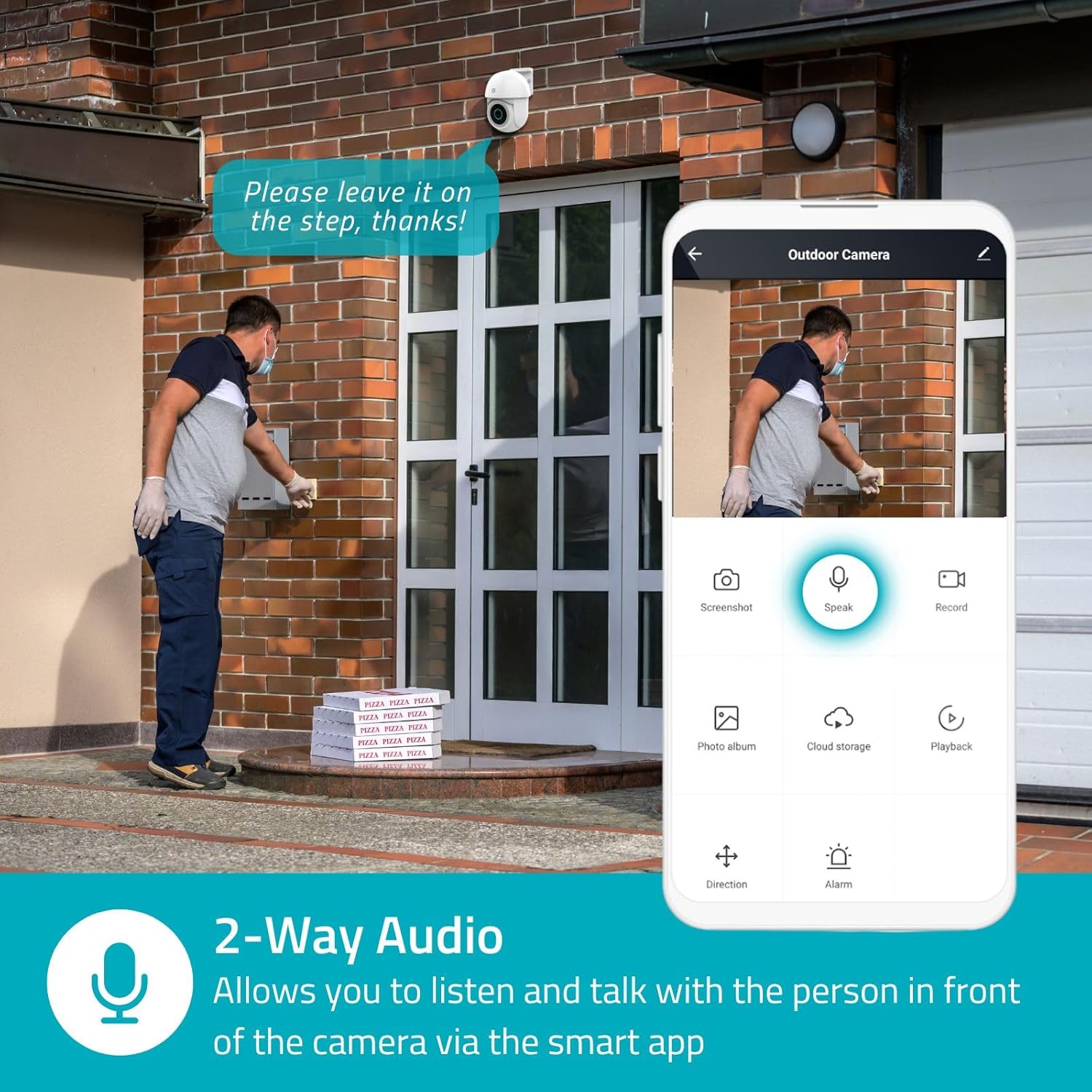
Image 4.3: Two-Way Audio allows you to listen and talk with individuals in front of the camera.
4.4. Vision nocturne
La caméra prend en charge deux modes de vision nocturne :
- Vision nocturne couleur: Achieved using dimmable white LEDs, providing full-color images in low light.
- Vision nocturne infrarouge: Standard black and white night vision using infrared LEDs, effective up to 10 meters (33 feet).

Image 4.4: Comparison of Day Mode and Night Mode, illustrating the camera's 3MP resolution and 10m night vision capability.
4.5. Spotlight and Siren
When motion is detected, you can configure the camera to activate its white LEDs (spotlight) and/or a siren. This can deter intruders or provide illumination.

Image 4.5: The camera's light and siren can be activated upon motion detection to deter unwanted visitors.
4.6. Enregistrement et lecture
Recordings can be stored on a microSD card (up to 256GB) or via optional cloud storage. Access and playback recorded footage through the Nedis SmartLife app.
4.7. Mode de confidentialité
Activate Privacy Mode in the app to temporarily disable recording and live view when you are home, ensuring your privacy.
4.8. Intégration à la maison intelligente
The camera is compatible with Google Home and Amazon Alexa, allowing for voice control and integration into your smart home ecosystem.
5. Entretien
- Nettoyage: Essuyez délicatement l'objectif et le boîtier de l'appareil photo avec un chiffon doux et sec.amp tissu. N'utilisez pas de produits chimiques agressifs ou de nettoyants abrasifs.
- Mises à jour du micrologiciel : Regularly check the Nedis SmartLife app for available firmware updates to ensure optimal performance and security.
- Alimentation: Vérifiez que l'adaptateur secteur et le câble ne sont pas endommagés.
6. Dépannage
6.1. La caméra ne se connecte pas au Wi-Fi
- Assurez-vous que votre réseau Wi-Fi fonctionne en 2.4 GHz. La caméra n'est pas compatible avec le Wi-Fi 5 GHz.
- Vérifiez que le mot de passe Wi-Fi est correctement saisi.
- Lors de l'installation, rapprochez la caméra de votre routeur Wi-Fi.
- Redémarrez votre routeur et votre caméra.
6.2. Mauvaise qualité vidéo
- Vérifiez la puissance de votre signal Wi-Fi. Un signal faible peut affecter la qualité vidéo.
- Assurez-vous que l'objectif de la caméra est propre et dégagé de toute obstruction.
- Adjust the video resolution settings in the app if your network bandwidth is limited.
6.3. Détection de mouvement défaillante
- Vérifiez que la détection de mouvement est activée dans les paramètres de l'application.
- Check the sensitivity settings and detection zones.
- Assurez-vous qu'aucun obstacle physique ne bloque la caméra. view.
6.4. No Audio or Two-Way Audio Issues
- Vérifiez les paramètres de volume du microphone et du haut-parleur dans l'application.
- Assurez-vous que le microphone de votre smartphone n'est pas coupé lorsque vous parlez via l'application.
- Vérifiez la connectivité réseau pour la transmission audio en temps réel.
7. Spécifications
| Fonctionnalité | Spécification |
|---|---|
| Numéro de modèle | WIFICO22CWT |
| Résolution | 3 MP (1296p) |
| Connectivité | Wi-Fi (2.4 GHz) |
| Fonction panoramique/inclinaison | Oui |
| Indice résistant aux intempéries | IP65 |
| Vision nocturne | Color (white LEDs) & IR (up to 10m) |
| Audio bidirectionnel | Oui |
| Options de stockage | MicroSD (up to 256GB, not included), Cloud Storage (optional) |
| Puissance d'entrée | 5 V CC |
| Dimensions (L x l x H) | 10 x 8.3 x 11 cm |
| Poids | 292 grammes |
| Caractéristiques spéciales | Human Detection, Auto-Tracking, Spotlight, Siren, Privacy Mode, Onvif support |
| Compatibilité | Google Home, Amazon Alexa |
8. Garantie et assistance
This product comes with a standard manufacturer's warranty. For detailed warranty information, please refer to the warranty card included in your package or visit the official NEDIS website.
For technical support, troubleshooting assistance, or further inquiries, please contact NEDIS customer service through their official website ou les coordonnées fournies dans l'emballage du produit.
Ressources en ligne :
- Visitez le NEDIS website for product updates and support.
- Check the Nedis SmartLife app for FAQs and in-app support options.


