1. Introduction
Thank you for choosing the Norwii N76 Rechargeable Wireless Presentation Remote. This device is designed to enhance your presentations with seamless slide control and a powerful green laser pointer. It offers broad compatibility across various operating systems and presentation software, ensuring a smooth and engaging experience for your audience.
Please read this manual carefully to understand the features and proper operation of your new presentation remote. Keep this manual for future reference.
2. Contenu du colis
Vérifiez que tous les éléments sont présents dans votre colis :
- Présentateur sans fil Norwii N76
- Récepteur USB-A
- Câble de chargement USB
- Premium Portable Case
- Manuel d'utilisation

3. Produit terminéview
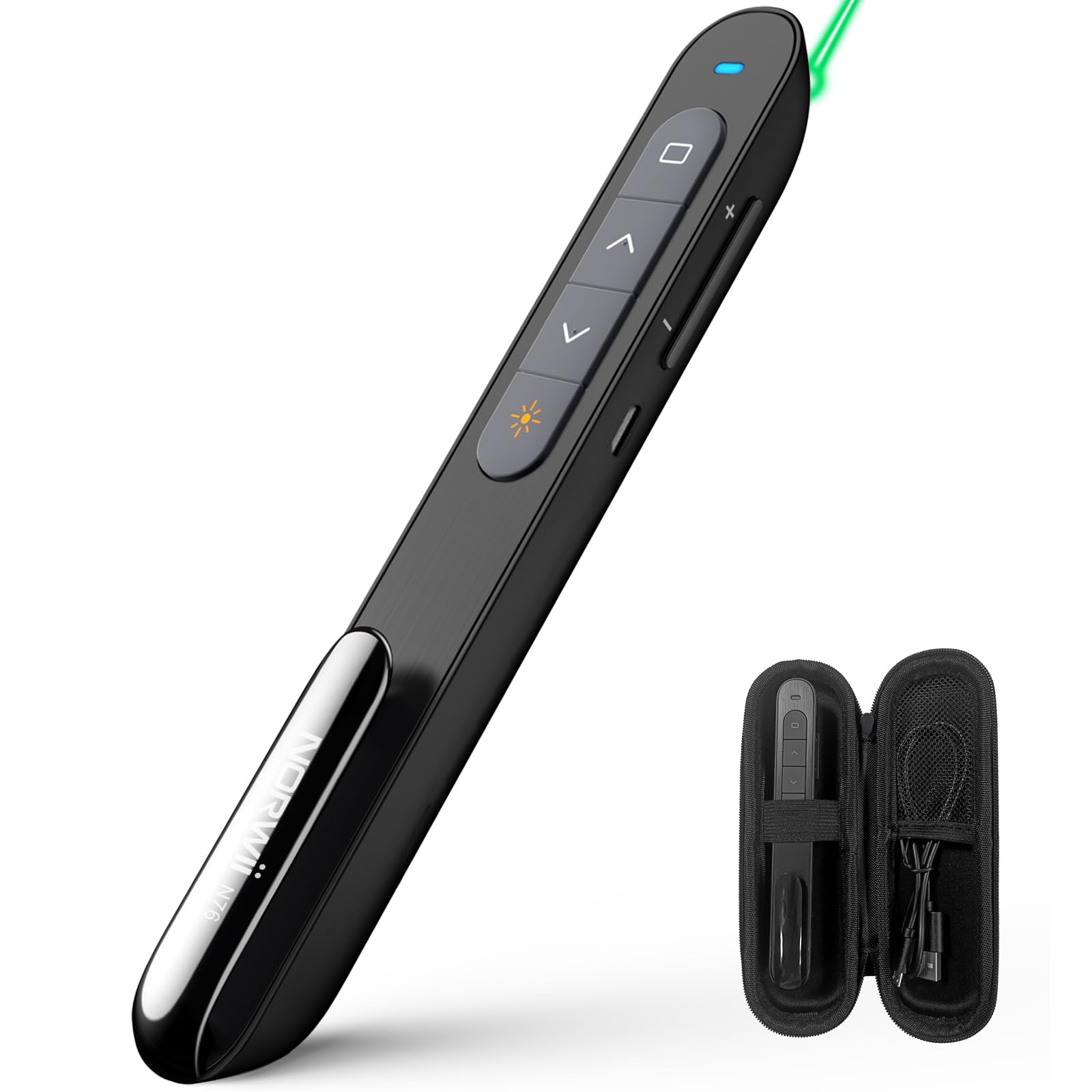
The Norwii N76 features an ergonomic design with clearly labeled, tactile buttons for intuitive control during presentations. The device includes a built-in USB-A receiver for convenient storage and connectivity.

Fonctions principales :
- Bouton du pointeur laser : Activates the green laser.
- Boutons Page précédente/Page suivante : Navigates through presentation slides.
- Full Screen/Black Screen Button: Toggles full screen mode or blacks out the screen.
- Hyperlink/Switch Window Button: Allows opening hyperlinks or switching between active windows.
- Contrôle du volume : Régler le volume du système.
- Interrupteur marche / arrêt: Located on the side for power management.

4. Installation
4.1. Connecting the USB-A Receiver
- Locate the USB-A receiver stored inside the tail cap of the Norwii N76 presenter. Gently pull it out.
- Insérez le récepteur USB-A dans un port USB-A disponible sur votre ordinateur.
- The computer will automatically detect and install the necessary drivers. This is a plug-and-play device, so no manual driver installation is typically required.
- Turn on the Norwii N76 presenter using the ON/OFF switch on its side.

4.2. Chargement de l'appareil
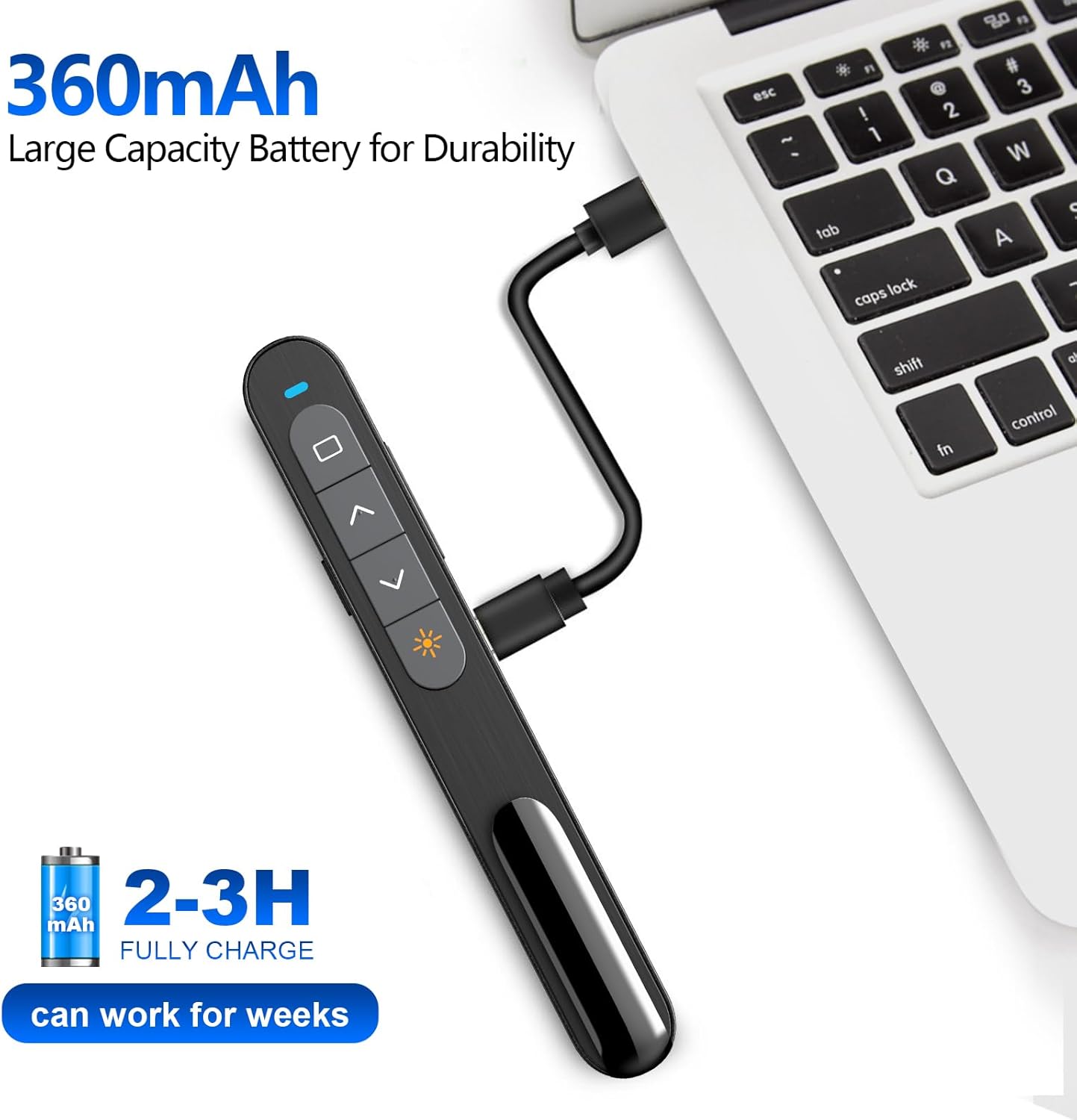
The Norwii N76 is equipped with a built-in 360mAh rechargeable Li-ion battery. To charge the device:
- Connect the provided USB charging cable to the charging port on the presenter.
- Connectez l'autre extrémité du câble de chargement USB à une source d'alimentation USB (par exemple, un port USB d'ordinateur, un adaptateur secteur USB).
- Le voyant de charge s'allumera pendant la charge et s'éteindra une fois la charge complète.
- Une charge complète prend généralement 1.5 à 2 heures.

5. Mode d'emploi
5.1. Marche/Arrêt
Slide the ON/OFF switch located on the side of the presenter to the 'ON' position to power on the device. Slide it to 'OFF' when not in use to conserve battery life.
5.2. Basic Slide Control
- Appuyez sur le Page Up (▲) button to move to the previous slide.
- Appuyez sur le Page Down (▼) button to move to the next slide.
5.3. Fonction pointeur laser
Appuyez et maintenez enfoncé le Pointeur laser button (often marked with a sun or star icon) to activate the green laser. Release the button to turn off the laser. The green laser is 8 times brighter than a red laser, providing clear visibility on most screens. Note: The laser is not intended for use on TV screens.
5.4. Fonctions avancées
- Plein écran/Écran noir : Press the dedicated button (often a square icon) to toggle between full screen mode and a black screen.
- Hyperlink/Switch Window: Use the designated button (often a chain link or window icon) to activate hyperlinks within your presentation or switch between open applications.
- Contrôle du volume : Use the volume up (+) and volume down (-) buttons on the side of the presenter to adjust the audio output of your computer.

5.5. Boutons personnalisables
The Norwii N76 allows for button reprogramming via the Norwii Presenter software. This software enables you to assign custom functions to buttons for a personalized workflow. Refer to the Norwii webSite de téléchargement du logiciel et instructions détaillées.

6. Entretien
6.1. Entretien de la batterie
- Chargez complètement l'appareil avant la première utilisation.
- Évitez de décharger complètement la batterie régulièrement afin de prolonger sa durée de vie.
- Si vous stockez l'appareil pendant une période prolongée, chargez-le à environ 50 % tous les quelques mois.
6.2. Nettoyage
Wipe the device with a soft, dry cloth. Do not use harsh chemicals or abrasive cleaners. Ensure no liquid enters the device openings.
7. Dépannage
If you encounter issues with your Norwii N76, refer to the following common problems and solutions:
| Problème | Solution |
|---|---|
| Le présentateur ne répond pas |
|
| Le pointeur laser ne fonctionne pas |
|
| Portée sans fil limitée |
|
8. Spécifications
| Fonctionnalité | Détail |
|---|---|
| Numéro de modèle | N76 |
| Connectivité | Sans fil 2.4 GHz (récepteur USB-A) |
| Portée sans fil | Jusqu'à 100 mètres (328 pieds) |
| Type de laser | Green Light (656 feet laser range) |
| Batterie | Lithium polymère rechargeable 360 mAh |
| Temps de charge | 1.5-2 heures |
| Dimensions du produit | 5.5 x 0.7 x 0.8 pouces |
| Poids de l'article | 1.05 onces |
| Systèmes d'exploitation compatibles | Windows, macOS, Android, Linux |
| Logiciels compatibles | PowerPoint, Google Slides, WPS Office, Prezi, Keynote |
9. Consignes de sécurité
- Sécurité laser: Do not point the laser beam directly at people or animals. Avoid direct eye exposure to the laser beam. Do not point the laser beam at highly reflective surfaces.
- Enfants: Gardez l’appareil hors de portée des enfants.
- Batterie: Do not attempt to replace the internal battery. Do not expose the device to extreme temperatures or direct sunlight.
- Élimination: Mettez au rebut l'appareil et sa batterie conformément à la réglementation locale.
10. Garantie et assistance
Norwii products are designed for reliability and performance. For warranty information, technical support, or service inquiries, please refer to the warranty card included in your package or visit the official Norwii website. Please have your product model number (N76) and purchase details ready when contacting support.


