1. Introduction
This manual provides detailed instructions for the safe and effective operation of your One Fire Galaxy Projector. This versatile device combines a star projector, night light, and Bluetooth speaker with built-in white noise options to create a relaxing and immersive environment. Please read this manual thoroughly before use and retain it for future reference.
2. Contenu de la boîte
- Projecteur de galaxie
- Télécommande
- Câble de chargement
- Manuel d'utilisation

Image: Contents of the One Fire Galaxy Projector package.
3. Instructions de configuration
- Connexion électrique : Connect the provided charging cable to the projector's power input and plug the other end into a compatible USB power adapter (not included).
- Placement: Place the projector on a stable, flat surface. For optimal projection, position it in the center of the room or area where you desire the light effects. The projector has 2 adjustable projection angles.
- Mise sous tension : Appuyez sur le bouton d'alimentation du projecteur ou de la télécommande pour allumer l'appareil.
4. Mode d'emploi
4.1. Light Modes and Effects
The projector offers 15 color combinations and 360-degree dynamic light effects, including green stars. You can customize the colors and effects using the remote control.
- Sélection de couleur : Use the color buttons (Red, Green, Blue, White) on the remote to select individual colors or combinations.
- Projection d'étoiles : Toggle the green stars on or off using the dedicated button on the remote.
- Dynamic Speed: Adjust the flowing speed of the nebula effects with 4 available settings (0%, 30%, 60%, 100%).
- Luminosité: Select from 7 brightness levels to suit your preference.
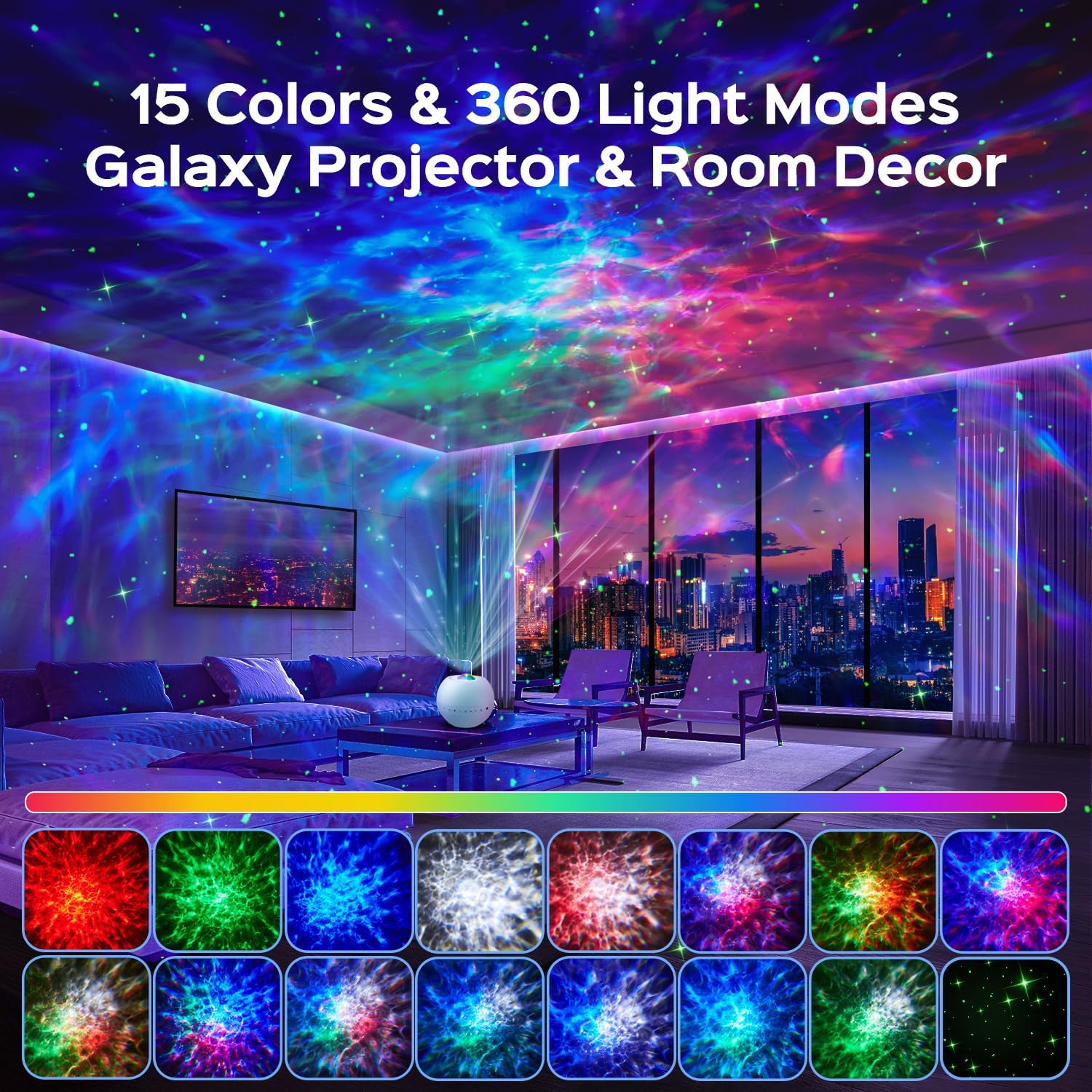
Image : Example of 15 color and 360-degree light modes projected by the device.
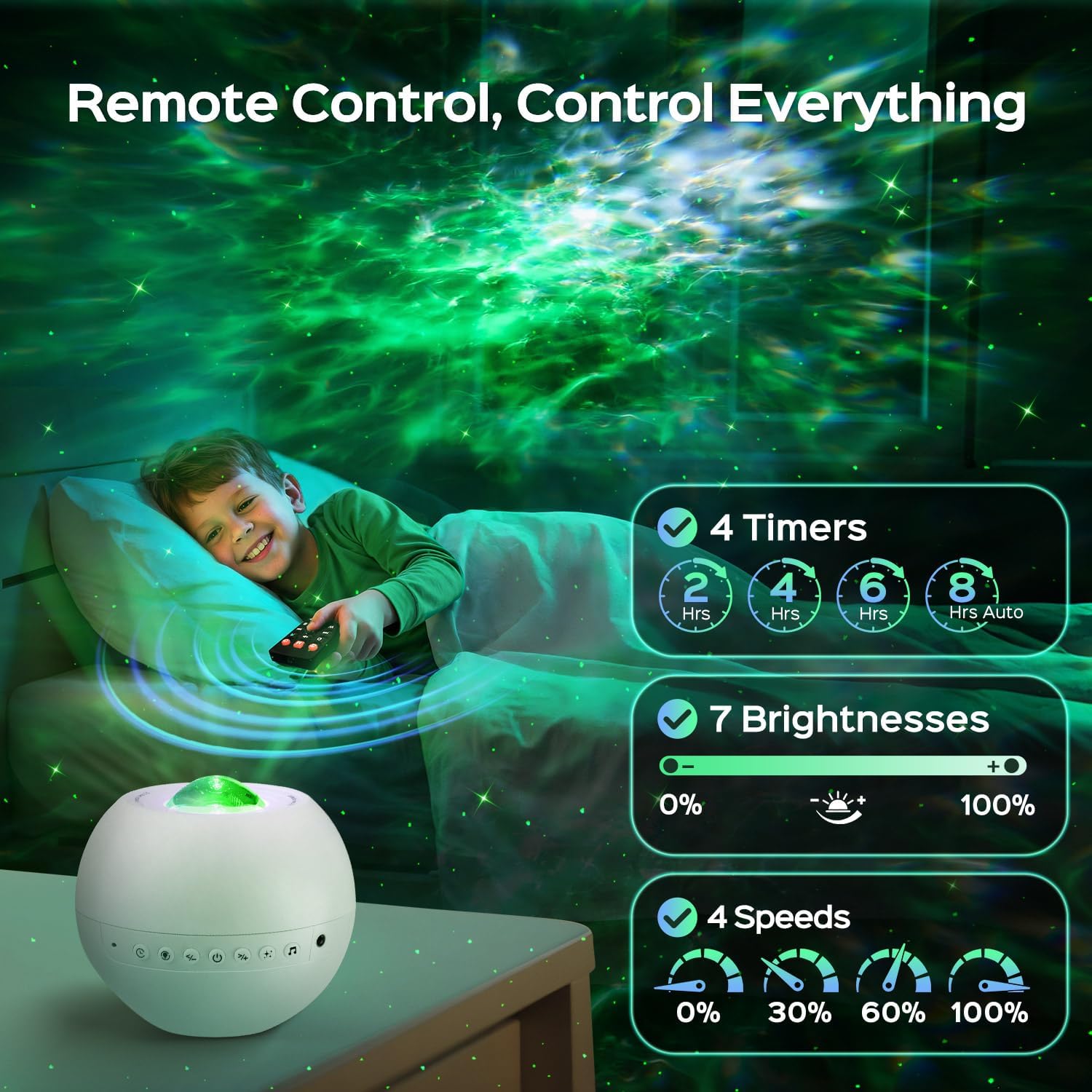
Image: Remote control for adjusting timer, brightness, and speed settings.
4.2. White Noise and Bluetooth Speaker
The projector features 15 built-in white noise sounds and a Bluetooth 5.3 HiFi speaker.
- Bruit blanc : Choose from 15 calming sounds including lullabies, white noises, and nature sounds (rain, sea wave, fan, bird singing).
- Jumelage Bluetooth: Activate Bluetooth on your mobile device and connect to the projector (device name usually 'WH-E14A' or similar). You can then play music or stories through the projector's speaker.
- Contrôle du volume : Adjust the volume using the remote control or the buttons on the projector.
- Synchronisation de la musique : The light effects can flash rhythmically with the music played via Bluetooth.
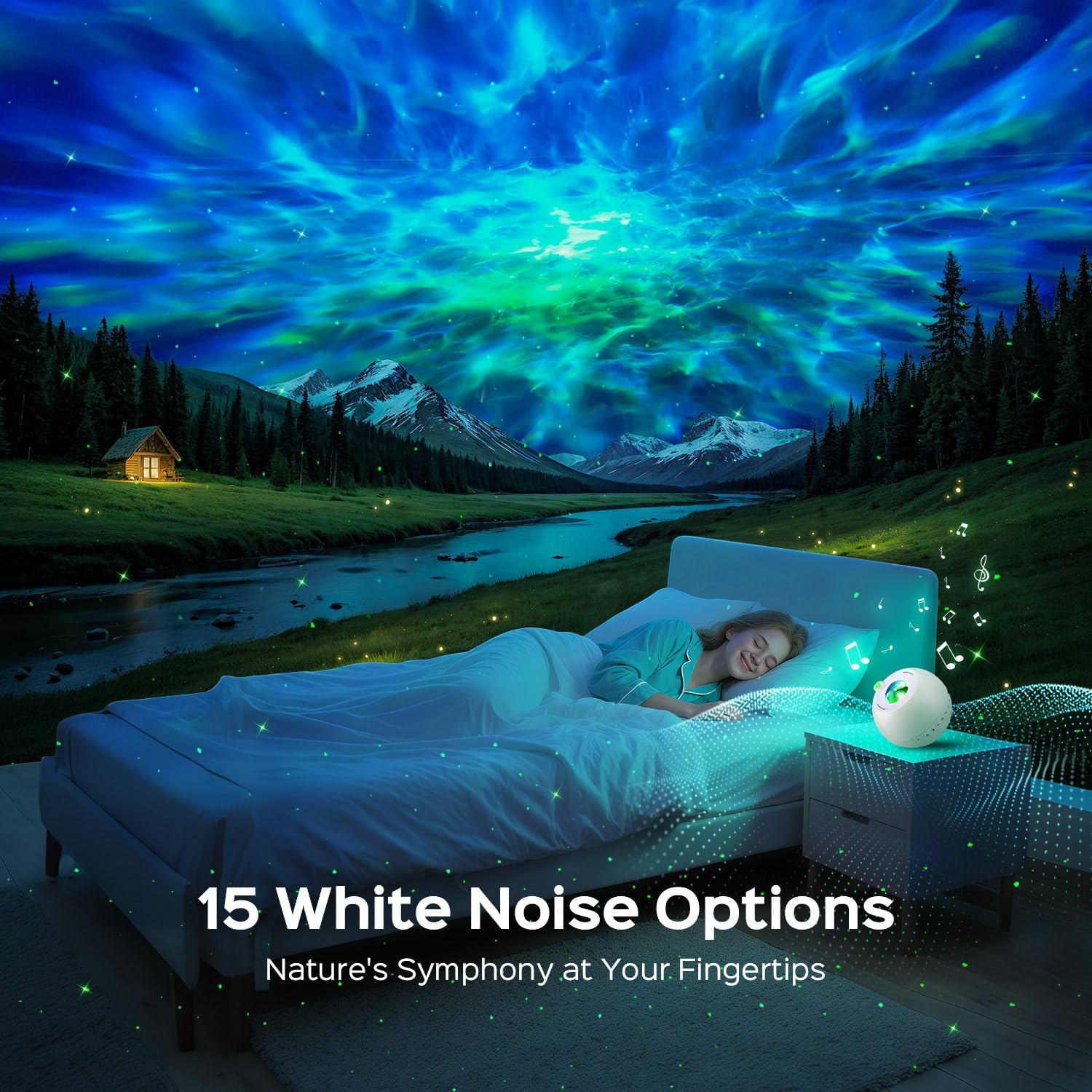
Image: The projector's white noise feature creating a calming atmosphere.

Image: A visual representation of the 15 white noise options.

Image: Bluetooth speaker functionality for playing music.
4.3. Fonction de minuterie
Set an automatic shut-off timer for 2, 4, 6, or 8 hours using the remote control.
Video: Demonstration of the One Fire Galaxy Projector's light effects and features in a room setting.
5. Entretien
- Nettoyage: Use a soft, dry cloth to clean the projector's surface. Do not use liquid cleaners or abrasive materials.
- Stockage: Rangez le projecteur dans un endroit frais et sec lorsqu’il n’est pas utilisé.
- Sécurité: Avoid direct eye exposure to the laser light. Keep the device away from water and high temperatures.
6. Dépannage
| Problème | Cause possible | Solution |
|---|---|---|
| Le projecteur ne s'allume pas. | Pas d'alimentation ou connexion défectueuse. | Ensure the charging cable is securely connected and the power adapter is working. |
| Aucune projection lumineuse. | Light effects are turned off or brightness is too low. | Check remote settings to ensure light effects are enabled and brightness is adjusted. |
| Connexion Bluetooth impossible. | L'appareil n'est pas en mode de couplage ou est hors de portée. | Ensure Bluetooth is enabled on your device and the projector is within range. Re-enter pairing mode if necessary. |
| La télécommande ne fonctionne pas. | Batterie faible ou obstruction. | Replace remote control batteries. Ensure no obstructions between the remote and the projector. |
7. Spécifications
| Fonctionnalité | Détail |
|---|---|
| Nom du modèle | WH-E14A |
| Dimensions du produit | 4"P x 4"L x 5"H |
| Poids de l'article | 9.1 onces (0.57 livre) |
| Matériel | Plastique |
| Type de source lumineuse | DIRIGÉ |
| Couleur claire | 15 Color Matches |
| Caractéristiques spéciales | 15 Color Match + Stars + 360 Lighting Effects, 15 White Noises, Bluetooth 5.3, Remote Control + 7 Brightness + 4 Timer + 4 Speed |
| Source d'énergie | Électrique avec fil |
| Méthode de contrôle | Télécommande |
| Type de chambre | Bathroom, Bedroom, Kids Room, Living Room, Playroom |
| Utilisation intérieure/extérieure | Intérieur |
8. Garantie et assistance
One Fire provides a 3-year quality promise for this product. For any inquiries or support needs, please contact the manufacturer directly. The brand is committed to world-class quality and customer-first service.


