1. Produit terminéview
The Retevis RT22 is a compact and portable two-way radio designed for reliable communication. It features voice-activated transmission (VOX), an emergency alarm function, and comes with acoustic tube earpieces for clear and private communication. This manual provides essential information for the proper setup, operation, and maintenance of your RT22 walkie talkies.

Figure 1: Retevis RT22 Walkie Talkie, showcasing son design portable.
2. Contenu du colis
Before using your Retevis RT22 walkie talkies, please verify that all items are present in the package:
- 4x Retevis RT22 Portable Radios
- 4x Rechargeable Li-ion Batteries
- 4x câbles USB
- 4x Unique Belt Clips
- 2x USB Adapters
- 4x Retevis Acoustic Tube Walkie Talkie Earpieces
- 1x Manuel d'utilisation (anglais)

Figure 2 : Composants inclus dans l'emballage Retevis RT22.
3. Éléments de la radio
Familiarisez-vous avec les différentes parties de votre talkie-walkie Retevis RT22 :

Figure 3: Labeled diagram of the Retevis RT22 Walkie Talkie.
- Voyant lumineux : Affiche l'état de la radio (par exemple, transmission, réception, charge).
- Bouton d'alimentation/volume : Permet d'allumer/d'éteindre la radio et de régler le volume.
- Conférencier: Sorties audio reçues.
- Bouton PTT (Push-to-Talk): Appuyez et maintenez la pression pour transmettre, relâchez pour recevoir.
- Bouton Canal + / Moniteur : Increases channel number. Short press to activate monitor function.
- Chaîne - Bouton : Decreases channel number.
- Microphone: Capture votre voix pendant la transmission.
- Prise USB : Pour recharger la radio.
4. Installation
4.1 Installation de la batterie
Pour installer la batterie:
- Assurez-vous que la radio est éteinte.
- Repérez le couvercle du compartiment à piles à l'arrière de la radio.
- Faites glisser le couvercle de la batterie vers le bas pour le retirer.
- Align the rechargeable Li-ion battery with the contacts inside the compartment.
- Appuyez doucement sur la batterie pour la mettre en place jusqu'à ce qu'elle s'enclenche.
- Replace the battery compartment cover by sliding it upwards until it locks.

Figure 4: Battery compartment of the Retevis RT22.
4.2 Chargement de la batterie
Charge the battery before initial use and when the battery indicator is low.
- Connect the USB cable to the USB plug on the radio.
- Connect the other end of the USB cable to a USB adapter, and then plug the adapter into a standard wall outlet.
- Le voyant lumineux est généralement rouge pendant la charge et devient vert une fois la charge complète.
- Le temps de charge peut varier. Ne surchargez pas la batterie.
4.3 Fixation du clip de ceinture
To attach the belt clip, align the clip with the designated slots on the back of the radio and slide it upwards until it locks into place. To remove, push the release tab and slide the clip downwards.
4.4 Connexion de l'écouteur
The Retevis RT22 uses a 2-pin connector for accessories. Insert the earpiece's 2-pin plug firmly into the accessory jack on the side of the radio. Ensure a secure connection for optimal audio performance.

Figure 5: Retevis Acoustic Tube Earpiece.
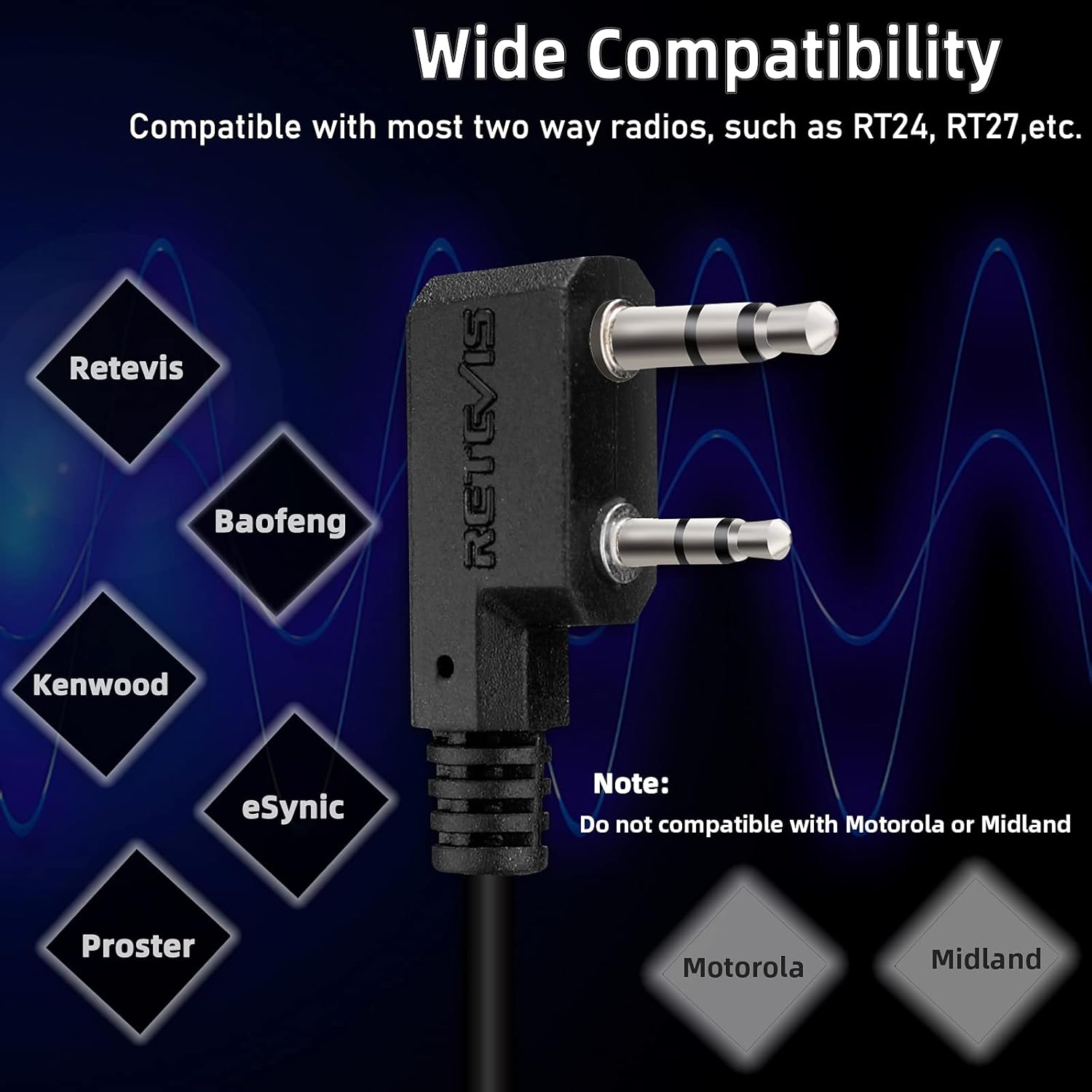
Figure 6: Components of the Acoustic Tube Earpiece.
5. Mode d'emploi
5.1 Mise sous/hors tension et réglage du volume
To turn the radio on, rotate the Power/Volume knob clockwise until you hear a click. Continue rotating clockwise to increase the volume. To turn off the radio, rotate the knob counter-clockwise until it clicks off.
5.2 Sélection du canal
Utilisez le Canal + et Canal - buttons on the side of the radio to select your desired communication channel. Ensure all radios in your group are set to the same channel for communication.
5.3 Transmission et réception
- Pour transmettre : Appuyez et maintenez enfoncé le PTT (appuyer pour parler) button on the side of the radio. Speak clearly into the microphone. The indicator light will glow red. Release the PTT button to stop transmitting.
- Pour recevoir : Ensure the PTT button is not pressed. The indicator light will glow green when a signal is being received on your current channel.
5.4 VOX Function (Voice Activated Transmission)
The VOX function allows for hands-free communication. When activated, the radio will automatically transmit when it detects your voice, without needing to press the PTT button. Refer to the full user manual for detailed instructions on activating and adjusting VOX sensitivity.
5.5 Alarme d'urgence
The RT22 features an emergency alarm function. To activate, press and hold the Channel + / Monitor button for approximately 3 seconds. The radio will emit a loud alarm tone. Press the PTT button to cancel the alarm.
5.6 Fonction moniteur
To temporarily disable squelch and listen for weak signals on the current channel, short press the Channel + / Monitor button. Release the button to return to normal operation.
6. Entretien
- Nettoyage: Utilisez un chiffon doux et sec.amp Utilisez un chiffon pour nettoyer l'extérieur de la radio. N'utilisez pas de produits chimiques agressifs ni de solvants.
- Entretien de la batterie: Store batteries in a cool, dry place. Avoid extreme temperatures. If the radio will not be used for an extended period, remove the battery.
- Résistance à l'eau : Le Retevis RT22 est non résistant à l'eau. Avoid exposing the radio to rain, splashes, or immersion in water.
- Stockage: Rangez la radio dans un endroit sec et à l'abri de la poussière lorsqu'elle n'est pas utilisée.
7. Dépannage
| Problème | Cause possible | Solution |
|---|---|---|
| La radio ne s'allume pas. | La batterie est déchargée ou mal installée. | Rechargez la batterie ou réinstallez-la correctement. |
| Impossible de transmettre ou de recevoir. | Canal incorrect sélectionné ; hors de portée ; batterie faible. | Verify channel settings; move closer to other radios; charge battery. |
| Mauvaise qualité audio. | Volume too low; earpiece not fully connected; interference. | Adjust volume; re-seat earpiece; move away from sources of interference. |
| Le système VOX ne fonctionne pas. | VOX sensitivity too low; VOX not activated. | Adjust VOX sensitivity; ensure VOX is enabled. |
8. Spécifications
| Fonctionnalité | Détail |
|---|---|
| Numéro de modèle | RT22 |
| Marque | Rétevis |
| Nombre de canaux | 22 |
| Gamme de fréquences | 462-467 MHz |
| Voltage | 3.7 volts |
| Caractéristiques spéciales | Emergency Alarm, VOX (Voice Activated) |
| Niveau de résistance à l'eau | Non résistant à l'eau |
| Appareils compatibles | Retevis two-way radios, Acoustic Tube Headset, Earpieces |
| Identifiant FCC | 2AAR8RT22 |

Figure 7: Physical dimensions of the Retevis RT22.
9. Garantie et assistance
Retevis products are designed for reliability and performance. For specific warranty information, please refer to the documentation included with your purchase or visit the official Retevis website. For technical support, troubleshooting assistance, or inquiries about replacement parts, please contact Retevis customer service through their official channels.
Boutique officielle Retevis : Visit the Retevis Store on Amazon


