1. Produit terminéview
The Vieta Pro VM-BS1000WH is a portable, battery-powered Bluetooth speaker designed for high-quality audio playback. Its elegant design allows it to integrate seamlessly into various environments, while its robust features make it suitable for both indoor and outdoor use.
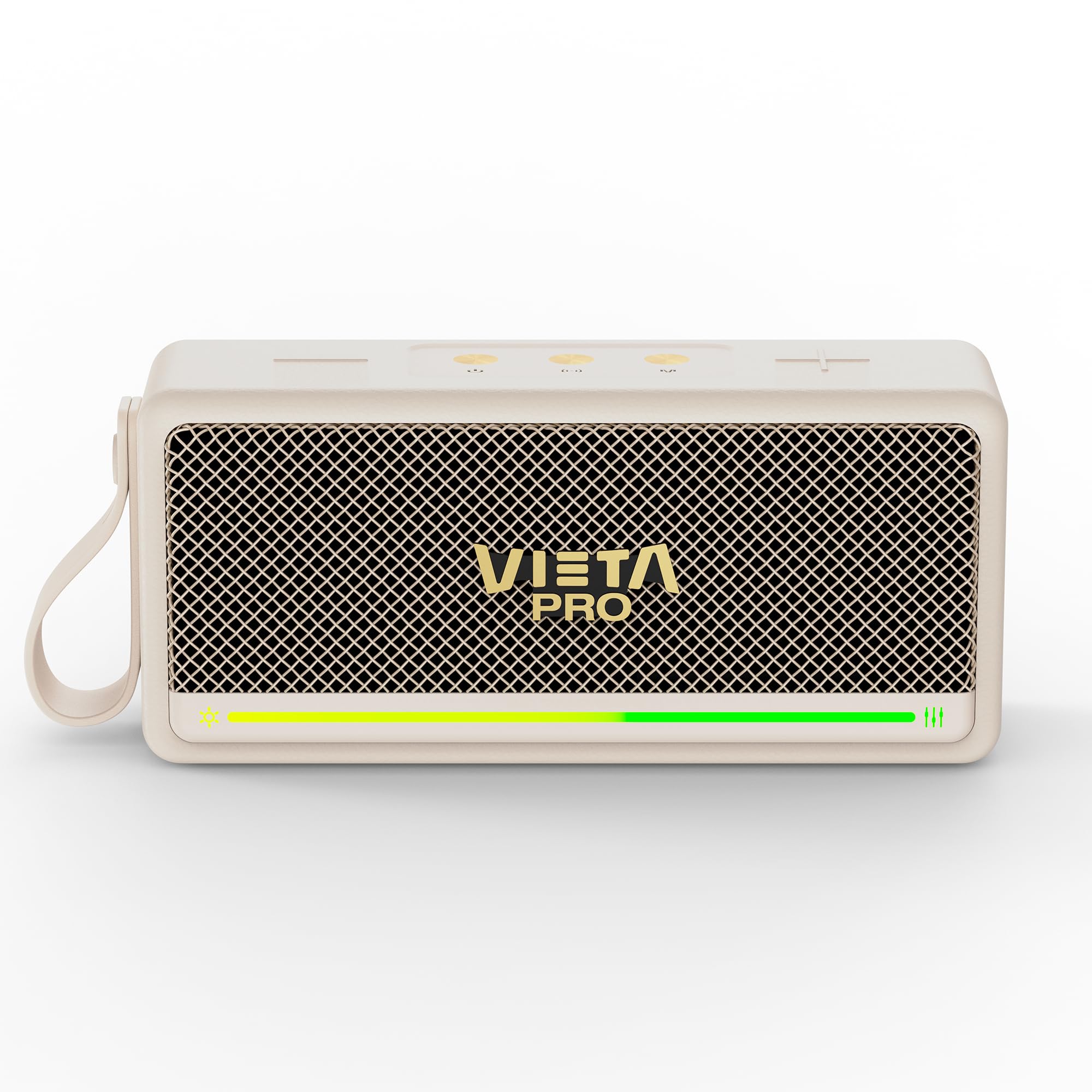
Figure 1 : Face avant view of the Vieta Pro VM-BS1000WH Portable Bluetooth Speaker.
2. Principales caractéristiques
- Bluetooth 5.3: Advanced wireless technology for fast and stable connections.
- Mode TWS (véritable stéréo sans fil) : Enables a true wireless stereo sound experience for immersive listening.
- Résistance à l'eau IPX7: Certified to withstand splashes and brief immersion in water.
- Lecteur USB : Allows direct music playback from a USB drive.
- Autonomie de la batterie de 10 heures : Provides extended use without frequent recharging.
- Shock-resistant design: Durabilité accrue pour les modes de vie actifs.
- Contrôle tactile : Intuitive control method for ease of use.
3. Guide de configuration
3.1. Chargement du haut-parleur
Before initial use, fully charge the speaker. Connect the provided USB charging cable to the speaker's charging port and a compatible USB power adapter (not included). The charging indicator light will illuminate during charging and turn off when fully charged. A full charge provides up to 10 hours of playback.
3.2. Mise sous/hors tension
To power on the speaker, press and hold the power button located on the control panel until you hear an audible prompt and the indicator light turns on. To power off, press and hold the power button again until the indicator light turns off.

Figure 2 : Côté view of the speaker, highlighting the control panel and ports.
4. Mode d'emploi
4.1. Couplage Bluetooth
- Assurez-vous que l'enceinte est allumée et en mode de couplage Bluetooth (indiqué par une LED clignotante).
- Sur votre appareil (smartphone, tablette, ordinateur portable), activez le Bluetooth et recherchez les appareils disponibles.
- Select "Vieta Pro VM-BS1000WH" from the list of devices.
- Une fois l'appairage effectué, l'enceinte émet une confirmation sonore et le voyant LED devient fixe.
4.2. Mode TWS (True Wireless Stereo)
To achieve a true wireless stereo experience, you can pair two VM-BS1000WH speakers together:
- Assurez-vous que les deux haut-parleurs sont allumés et ne sont connectés à aucun autre appareil Bluetooth.
- On one speaker, press and hold the TWS button (refer to the control panel diagram) until you hear a pairing tone.
- The two speakers will automatically connect to each other. Once connected, one speaker will act as the master and the other as the slave.
- Now, connect your device to the master speaker via Bluetooth as described in section 4.1. Audio will play in stereo through both speakers.
4.3. Lecture USB
Insérez une clé USB contenant un fichier audio MP3. files into the USB port on the speaker. The speaker will automatically detect the USB drive and begin playing music. Use the playback controls to navigate tracks.
4.4. Contrôle du volume et de la lecture
The speaker features touch controls for volume adjustment and music playback:
- Monter le son: Appuyez sur le bouton « + ».
- Baisser le volume: Appuyez sur le bouton « - ».
- Lecture/Pause : Appuyez sur le bouton Lecture/Pause.
- Piste suivante : Appuyez sur le bouton « + » et maintenez-le enfoncé.
- Piste précédente: Maintenez le bouton « - » enfoncé.
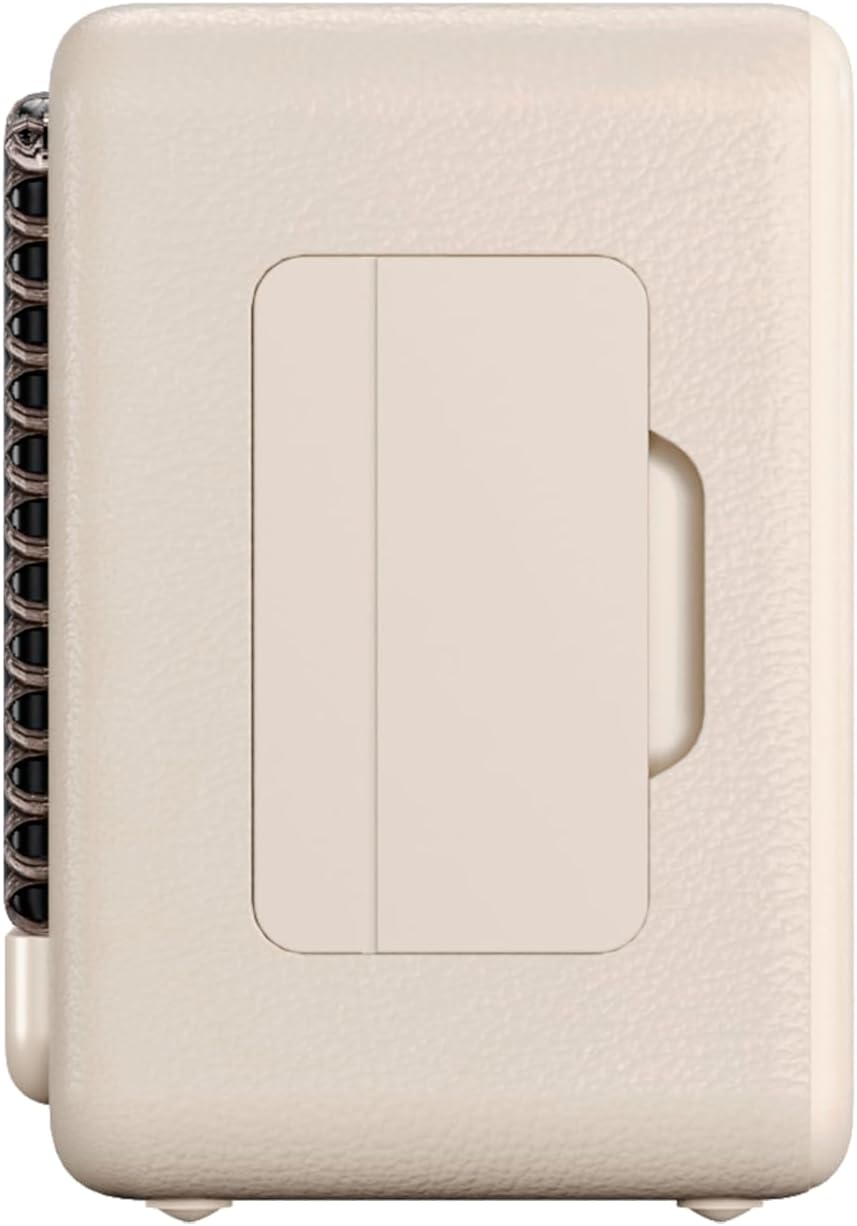
Figure 3 : Côté profile of the speaker, illustrating its compact design.
5. Entretien
5.1. Nettoyage
Wipe the speaker with a soft, dry cloth. Do not use abrasive cleaners, alcohol, or chemical solvents, as these may damage the surface. Ensure all ports are dry before charging or connecting other devices.
5.2. Résistance à l'eau (IPX7)
The VM-BS1000WH speaker is IPX7 water-resistant, meaning it can be immersed in water up to 1 meter for up to 30 minutes. However, it is not designed for continuous underwater use. Always ensure the charging port cover is securely closed before exposing the speaker to water. After exposure to water, dry the speaker thoroughly before charging.
6. Dépannage
- Pas d'alimentation : Assurez-vous que l'enceinte est chargée. Branchez-la à une source d'alimentation et réessayez.
- Impossible de coupler le Bluetooth : Make sure the speaker is in pairing mode and within range of your device. Disconnect from any previously paired devices. Try restarting both the speaker and your device.
- Pas de son : Vérifiez le volume de l'enceinte et de votre appareil connecté. Assurez-vous que l'enceinte est correctement appairée.
- Mauvaise qualité sonore : Rapprochez l'enceinte de votre appareil Bluetooth pour réduire les interférences. Assurez-vous qu'aucun obstacle ne se trouve entre l'enceinte et l'appareil.
- Lecture USB impossible : Ensure the USB drive is formatted correctly (FAT32) and contains compatible audio files (MP3). Try a different USB drive.
7. Spécifications techniques
| Fonctionnalité | Spécification |
|---|---|
| Nom de marque | Vieta Pro |
| Nom du modèle | VM-BS1000WH |
| Type de haut-parleur | Haut-parleur Bluetooth portable |
| Puissance de sortie maximale des haut-parleurs | 25 watts |
| Technologie de connectivité | Bluetooth |
| Version Bluetooth | 5.3 |
| Mode de sortie audio | Stéréo |
| Niveau de résistance à l'eau | IPX7 (résistance à l'eau) |
| Autonomie de la batterie | Jusqu'à 10 XNUMX heures |
| Source d'énergie | Fonctionne sur piles (1 pile C incluse) |
| Méthode de contrôle | Touche |
| Taille du haut-parleur | 7.5 cm |
| Dimensions du produit (P x L x H) | 7.7 x 5.6 x 17.1 cm |
| Appareils compatibles | Smartphone, tablette, ordinateur portable, lecteur MP3 |
| Caractéristiques spéciales | Shock-resistant, Wireless speakers, USB port |
8. Garantie et assistance
8.1. Garantie limitée
This Vieta Pro VM-BS1000WH speaker comes with a Limited Warranty. Please refer to the warranty card included in the product packaging for detailed terms and conditions, including coverage period and limitations. Keep your proof of purchase for warranty claims.
8.2. Assistance clientèle
For technical assistance, troubleshooting, or warranty inquiries, please contact FRAMASON AUDIO S.A., the manufacturer. Contact information can typically be found on the product packaging or the official Vieta Pro website. Please have your model number (VM-BS1000WH) and proof of purchase ready when contacting support.