1. Produit terminéview
The DDcafor 747REV-868 Wireless Garage Door Keypad is designed to provide convenient, keyless access to your garage. This keypad serves as a direct replacement for the Chamberlain 747REV wireless code switch and operates at a frequency of 868.35 MHz. It is engineered for compatibility with specific LiftMaster and Chamberlain Security+2.0 garage door systems.
Remarque importante sur la compatibilité : This keypad is compatible only with garage door openers that feature yellow programming buttons and belong to the EV, EVS, or EVF series. Please verify your opener's programming button color before attempting installation.
Compatible Garage Door Opener Models:
- LiftMaster Evolution Series: LM50EV/EVS/EVF, LM60EV/EVS/EVF, LM80EV/EVS/EVF, LM100EV/EVS/EVF, LM130EV/EVS/EVF
- Chamberlain Comfort/Premium Series: ML510EV/EVS/EVF, ML550EV/EVS/EVF, ML700EV/EVS/EVF, ML800EV/EVS/EVF, ML1000EV/EVS/EVF
The keypad also supports LiftMaster handheld transmitters TX2EV, TX2EVS, TX2REV, TX4EV, TX4EVS, TX4REV, TX4EVF, TX4REV-F, and LiftMaster Receiver 860EV & STAR1000. It is non compatible with TX4RUNI 433.35 MHz series.

Image 1.1: Compatibility chart for DDcafor 747REV-868 keypad, detailing compatible LiftMaster and Chamberlain garage door opener models.
Contenu du colis :
- 1 x DDcafor Wireless Code Keypad
- 1 x 9V 6F22 Alkaline Battery
- 1 x Manuel d'utilisation (anglais)
2. Configuration et installation
2.1 Installation de la batterie
- Open the battery compartment cover located at the bottom of the keypad.
- Insert the included 9V 6F22 alkaline battery, ensuring correct polarity.
- Fermez soigneusement le couvercle du compartiment à piles.
2.2 Montage du clavier
The keypad features a completely wireless design, allowing for flexible mounting without the need for additional wiring. Choose a convenient location near your garage door, such as a door frame or wall, ensuring it is within 30 meters of your garage door opener for optimal signal reception.
- Use the provided screws and anchors to securely mount the keypad to a flat surface.
- Ensure the keypad is mounted at a comfortable height for all users.

Image 2.1: Keypad dimensions and mounting hardware for installation reference.
2.3 Programmation du clavier
Programming the keypad is a straightforward process that can be completed in minutes. Refer to your garage door opener's manual for specific programming button locations, typically a yellow round button.
- Localisez le yellow programming button on your garage door opener.
- Press and release the yellow programming button. The LED indicator on the opener will illuminate.
- Within 30 seconds, enter your desired 4-digit personal identification number (PIN) on the DDcafor keypad.
- Press and hold the 'ENTER' button on the keypad until the garage door opener's light flashes or you hear a click, indicating successful programming.
- Test the keypad by entering your PIN and pressing 'ENTER'. The garage door should activate.
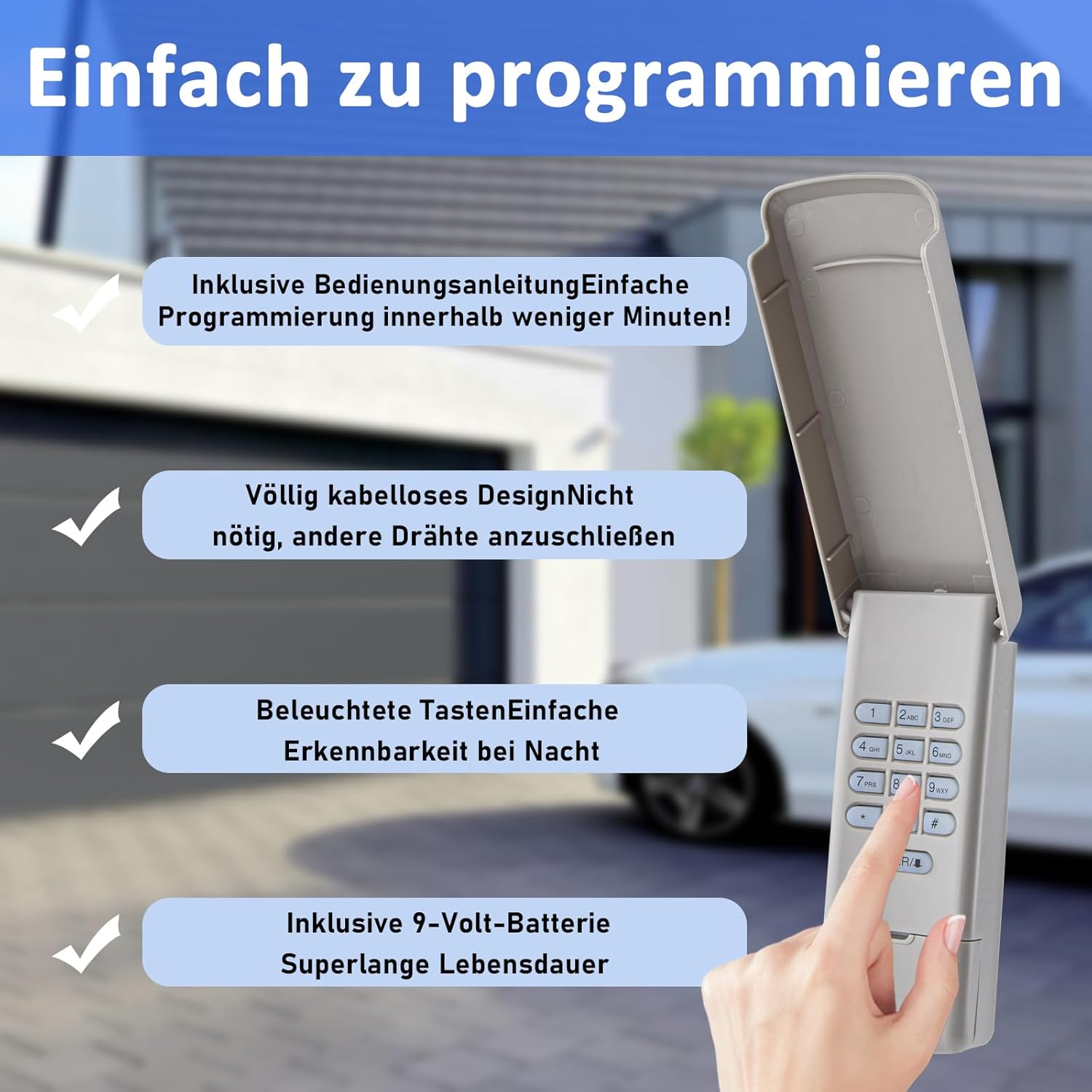
Image 2.2: Keypad features highlighting easy programming and wireless design.
3. Mode d'emploi
3.1 Opening/Closing the Garage Door
- Enter your pre-programmed 4-digit PIN on the keypad.
- Press the 'ENTER' button.
- The garage door will open or close.
3.2 Keypad Features
- Touches lumineuses : The keypad features illuminated buttons for easy visibility and operation in low-light conditions or at night.
- Protection contre les intempéries : Designed with rain protection, the keypad is suitable for outdoor installation and can withstand various weather conditions.
- Confort sans clé : Eliminates the need to carry physical keys, offering convenient access for multiple users.

Image 3.1: Keypad showcasing illuminated buttons for night use and rain protection.

Image 3.2: Illustrating the convenience of keyless entry with the DDcafor keypad.
4. Entretien
4.1 Remplacement de la batterie
When the keypad's backlight dims or it becomes unresponsive, it is time to replace the battery. The keypad uses one 9V 6F22 alkaline battery.
- Open the battery compartment cover at the bottom of the keypad.
- Retirez la pile 9V usagée.
- Insert a new 9V 6F22 alkaline battery, observing correct polarity.
- Fermez le couvercle du compartiment à piles.
4.2 Nettoyage
To maintain the keypad's appearance and functionality, clean it periodically with a soft, damp cloth. Avoid using abrasive cleaners or solvents, as these can damage the keypad's surface or internal components.
5. Dépannage
- Clavier ne répond pas :
- Vérifiez la batterie. Remplacez-la si nécessaire.
- Ensure you are entering the correct PIN.
- Keypad not pairing with garage door opener:
- Verify that your garage door opener is compatible (Security+2.0 system with yellow programming buttons, EV/EVS/EVF series).
- Ensure the keypad is within the 30-meter operating range of the opener during programming.
- Carefully repeat the programming steps outlined in Section 2.3.
- Confirm that the opener's programming button was pressed and released correctly, and that the LED indicator was active during the programming window.
- Portée opérationnelle limitée :
- Check for any obstructions between the keypad and the garage door opener.
- Ensure the keypad is mounted within the maximum 30-meter range.
- Remplacez la batterie si elle est faible.
If you are unsure about compatibility or encounter persistent issues after following these troubleshooting steps, please contact DDcafor customer support for further assistance.
6. Spécifications
| Marque | DDcafor |
| Numéro de modèle | 747REV-868 |
| Technologie de connectivité | Code tournant 868.35 MHz |
| Dossier spécial | Replacement remote for Chamberlain 747REV |
| Appareils compatibles | Chamberlain Garage Door Motors (ML510EV/EVS/EVF, ML550EV/EVS/EVF, ML700EV/EVS/EVF, ML800EV/EVS/EVF, ML1000EV/EVS/EVF), LiftMaster Evolution Series Garage Door Motors (LM50EV/EVS/EVF, LM60EV/EVS/EVF, LM80EV/EVS/EVF, LM100EV/EVS/EVF, LM130EV/EVS/EVF), LiftMaster Handheld Transmitters (TX2EV, TX2EVS, TX2REV, TX4EV, TX4EVS, TX4REV, TX4EVF, TX4REV-F), LiftMaster Receiver 860EV & STAR1000 |
| Composition de la batterie | Alcalin |
| Batterie incluse | 1 x 9V 6F22 Battery |
| Nombre de boutons | 12 (numeric and function keys) |
| Type de contrôleur | Contrôle des boutons |
| Portée maximale | 30 mètres |
| Dimensions (environ) | Hauteur : 15.7 cm (6.18 pouces), Largeur : 6 cm (2.36 pouces), Profondeur : 2.8 cm (1.1 pouces) |
7. Garantie et assistance
For warranty information, technical assistance, or any product-related inquiries, please contact DDcafor customer support directly. Refer to the product packaging or the manufacturer's official webConsultez ce site pour obtenir les coordonnées et les conditions de garantie les plus récentes.


