Introduction
Welcome to the Exway Atlas All-Terrain Electric Skateboard user manual. This guide provides essential information for the safe and effective operation, maintenance, and troubleshooting of your new electric skateboard. The Exway Atlas is designed for high performance across various terrains, offering a powerful and versatile riding experience.
Please read this manual thoroughly before your first ride to ensure proper setup and to understand all safety precautions.
Consignes de sécurité
Your safety is paramount. Always wear appropriate safety gear, including a helmet, knee pads, elbow pads, and wrist guards, when operating the Exway Atlas. Ride within your skill level and be aware of your surroundings.
- Portez toujours un casque et un équipement de protection.
- Ne roulez pas par temps humide ou sur des surfaces glissantes.
- Respectez le code de la route et la réglementation locale en matière de circulation.
- Avoid riding in heavy traffic or crowded areas.
- Perform a pre-ride check before each use (brakes, wheels, battery level).
- Do not attempt stunts or maneuvers beyond your capability.
- Gardez vos mains et vos pieds à l'écart des pièces mobiles.
Composants du produit
The Exway Atlas A12WD consists of several key components working together to provide its performance and versatility.
- Carbon Fiber Unibody Deck: A durable and lightweight platform housing internal electronics.
- Swappable Drivetrain: Supports both dual and quad motor configurations for varied power and terrain capabilities.
- Pneumatiques : 160x50mm rugged all-terrain, all-weather tires suitable for various conditions.
- DKP Trucks: Ultra-stable Trist 9.5" Double Kingpin Trucks for enhanced maneuverability.
- Batterie remplaçable par l'utilisateur : Internal 691Wh battery with optional AUXPack for extended range.
- Rexus Remote: Next-generation remote with 1.32-inch high-brightness touchscreen for precise control and real-time data.
- Système de chargement intelligent : Compatible with SC1050 smart charger for fast and efficient charging.

Figure 1 : Haut et bas view of the Exway Atlas A12WD electric skateboard, showcasing its carbon fiber deck and motor configurations.
Installation et première utilisation
1. Déballage et inspection
Carefully remove all components from the packaging. Inspect the skateboard for any signs of damage during transit. Ensure all listed components are present.
2. Charge initiale
Before first use, fully charge the skateboard's battery. Connect the charger to the charging port on the board and then to a power outlet. The charging indicator on the charger will show the charging status. A full charge typically takes approximately 3.5 hours with the standard charger, or 1 hour with the SC1050 smart charger.
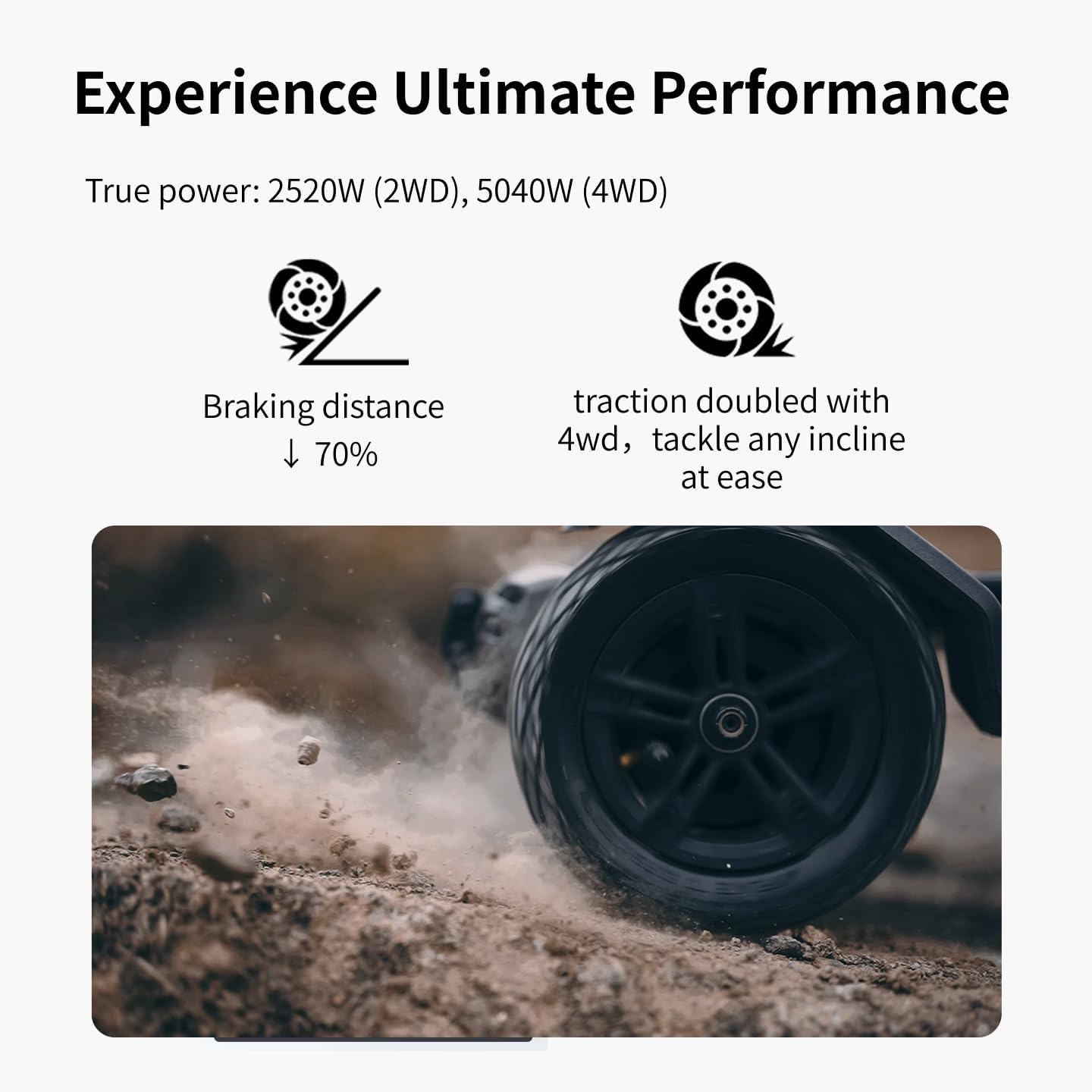
Figure 2: The Exway Atlas electric skateboard connected to its charger, illustrating the charging process.
3. Couplage de la télécommande
The Rexus Remote should come pre-paired with your board. If re-pairing is needed, refer to the remote's specific instructions. Ensure both the board and remote are powered on and within close proximity during pairing.
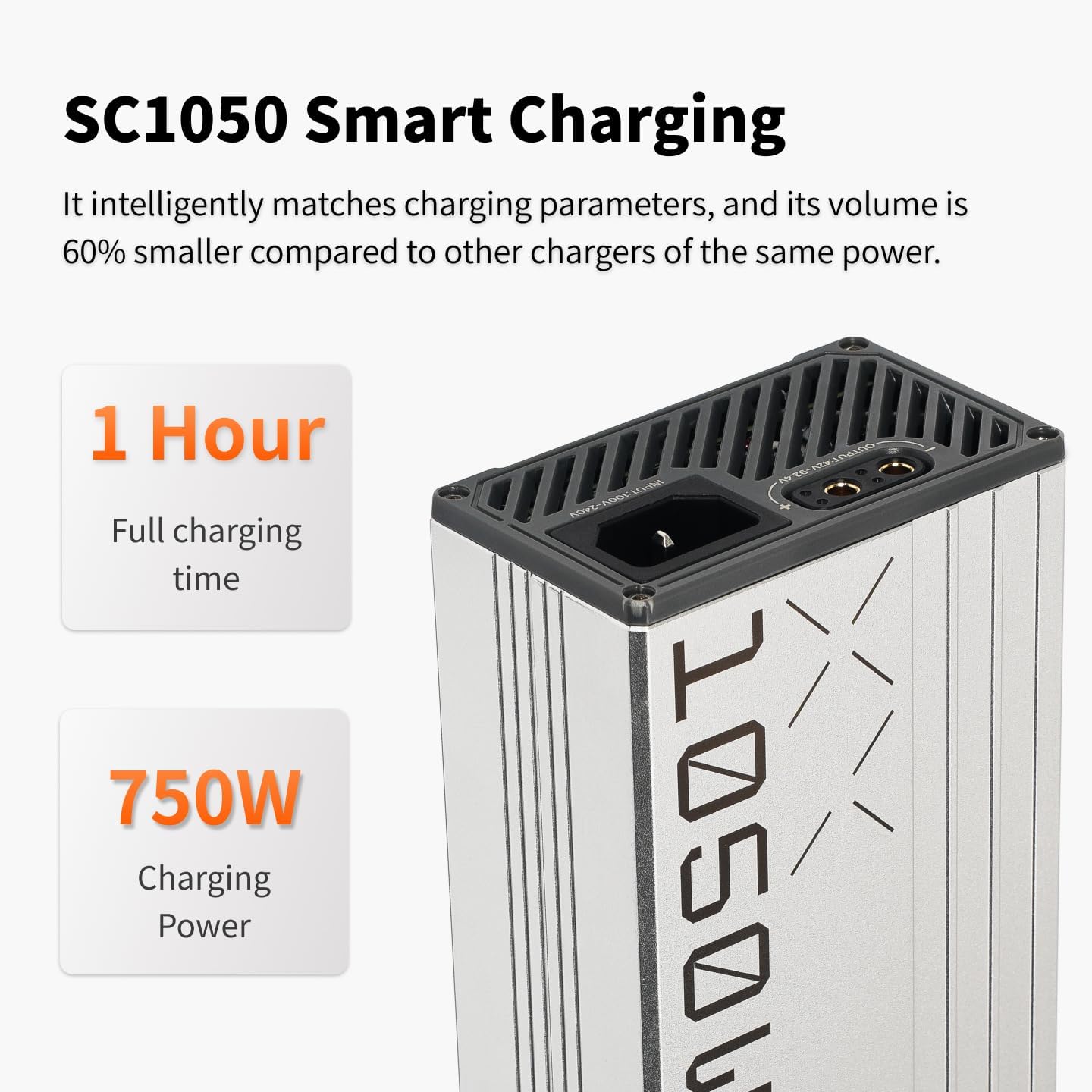
Figure 3 : Gros plan view of the Rexus Remote, highlighting its display and controls for the Exway Atlas skateboard.
4. Connexion à l'application (facultative mais recommandée)
Download the ExSkate App from your device's app store. Connect your board via Bluetooth to the app to access customizable features, ride logging, activity tracking, and OTA updates. This allows for fine-tuning of performance settings.
Operating Your Skateboard
1. Mise sous/hors tension
To power on the board, press and hold the power button on the deck until the indicator lights illuminate. To power off, press and hold the same button until the lights turn off. Power on the remote control separately.
2. Riding Modes and Control
The Exway Atlas offers various riding modes accessible via the Rexus Remote or ExSkate App. These modes adjust acceleration, top speed, and braking sensitivity. Start with a lower speed mode until you are comfortable with the board's handling.
- Accélération: Use the throttle wheel on the remote to control speed.
- Freinage: Use the brake lever/button on the remote. The EBS regenerative brakes capture energy during braking.
- Pilotage: Lean your body to steer the board. The DKP trucks provide excellent turning radius.
- Drivetrain Swap: The modular design allows swapping between dual and quad motor drivetrains. Refer to the detailed guide for this advanced procedure.

Figure 4: The Exway Atlas electric skateboard in action, demonstrating its use on a paved surface.
3. Adaptabilité au terrain
The Atlas is designed for all-terrain use. Its pneumatic tires and powerful motors allow it to handle smooth pavement, light trails, and damp conditions. Exercise caution on loose gravel, sand, or extremely wet surfaces.

Figure 5: The Exway Atlas electric skateboard navigating a dirt path, showcasing its all-terrain design.
4. Extending Range with AUXPack
The optional AUXPack battery can significantly extend your riding range. Installation is designed to be user-friendly. Ensure the board is powered off before installing or removing the AUXPack. The system automatically balances power between the internal and AUXPack batteries.
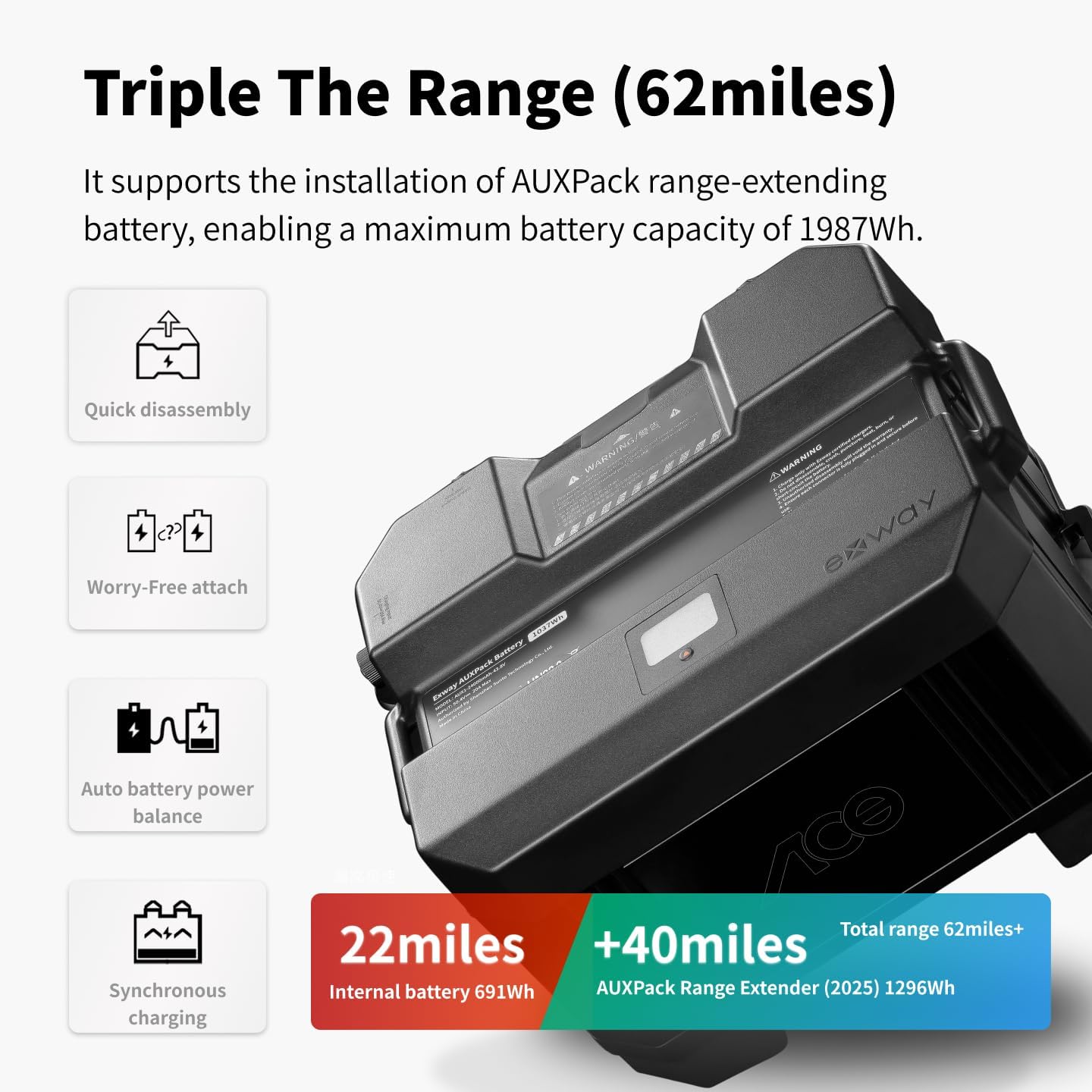
Figure 6: The Exway Atlas electric skateboard with the optional AUXPack battery, illustrating its extended range capability.
Entretien
Regular maintenance ensures the longevity and optimal performance of your Exway Atlas. Always power off the board before performing any maintenance.
1. Nettoyage
Wipe down the deck and components with a damp cloth after each ride, especially if riding in dusty or muddy conditions. Avoid using high-pressure water jets directly on electronic components or bearings. The IP55 water resistance protects against splashes, but not submersion.
2. Wheel and Tire Care
Check tire pressure regularly and inflate to the recommended PSI (refer to tire sidewall). Inspect tires for wear, cuts, or punctures. Replace worn tires promptly to maintain grip and safety. Check wheel bearings for smooth rotation and clean/lubricate as needed.
3. Entretien de la batterie
Store the board in a cool, dry place. If storing for extended periods, ensure the battery is charged to approximately 50-60% to preserve battery health. Avoid fully discharging the battery or leaving it fully charged for long durations.
4. Belt and Motor Inspection
Regularly inspect the drive belts for tension and wear. Replace belts if they show signs of cracking, fraying, or excessive stretching. Check motor mounts for tightness.
Dépannage
| Problème | Cause possible | Solution |
|---|---|---|
| La carte ne s'allume pas. | Batterie faible ; connexion desserrée ; dysfonctionnement du bouton d’alimentation. | Chargez complètement la batterie ; vérifiez toutes les connexions des câbles ; contactez l’assistance si le problème persiste. |
| La télécommande ne se connecte pas | Remote battery low; out of range; pairing issue. | Charge remote; move closer to board; re-pair remote according to instructions. |
| Autonomie ou puissance réduite | Battery degradation; riding conditions (uphill, heavy load); tire pressure. | Ensure battery is fully charged; check tire pressure; consider AUXPack for extended range. |
| Unusual noises from motors/wheels | Debris in motors; worn bearings; loose belts. | Inspect motors for debris; check and replace worn bearings; adjust belt tension. |
For issues not listed here or if solutions do not resolve the problem, please contact Exway customer support.
Caractéristiques
| Fonctionnalité | Détail |
|---|---|
| Modèle | Atlas A12WD |
| Vitesse de pointe | Jusqu'à 35 mph (56 km/h) |
| Gamme | Up to 24 Miles (38 km) with internal battery; up to 62 Miles (100 km) with optional AUXPack |
| Puissance du moteur | 2520W (2WD), 5040W (4WD) |
| Capacité de la batterie | 691Wh (internal), 1296Wh (AUXPack 2025) |
| Temps de charge | Approx. 3.5 hours (standard charger), 1 hour (SC1050 smart charger) |
| Matériau du deck | Carbon Fiber, Maple Wood |
| Dimensions du pont | 46.69 x 12.28 x 6.3 inches (100 x 25.5 cm for carbon fiber deck) |
| Poids de l'article | 12 kilogrammes |
| Capacité de charge | 780 livres |
| Taille de la roue | 160mm pneumatic tires |
| Résistance à l'eau | IP55 |
Garantie et assistance
Informations sur la garantie
The Exway Atlas A12WD comes with a Garantie de 12 mois starting from the date the board is received. This warranty covers manufacturing defects and issues arising from normal use. To claim warranty service, customers must provide valid proof of purchase.
Please note that the warranty does not cover damage caused by misuse, accidents, unauthorized modifications, or normal wear and tear of consumable parts (e.g., tires, belts, bearings). Replacement parts are available for purchase after the warranty period.
Assistance clientèle
For any questions, concerns, or technical assistance, please contact Exway customer support. We value your feedback and are committed to providing excellent service.
- E-mail: amazon@exwayboard.com
- Responses typically within 24 hours.


Figure 7: Exway brand logo and an image representing customer support, indicating available assistance.


