Introduction
This manual provides comprehensive instructions for the safe and effective use of your Levana Ella Video Baby Monitor. Please read this manual thoroughly before operating the device and retain it for future reference. The Levana Ella monitor offers a secure, non-WiFi connection to provide clear video and audio monitoring of your baby.
Consignes de sécurité
Pour garantir un fonctionnement sûr et éviter tout dommage, veuillez respecter les précautions suivantes :
- Keep all components out of reach of children. Cords can pose a strangulation hazard.
- Ne placez pas la caméra ou le moniteur dans ou à proximité de l'eau.
- Utilisez uniquement les adaptateurs secteur fournis. L'utilisation d'adaptateurs non autorisés peut endommager l'appareil et annuler la garantie.
- Ensure proper ventilation for both the camera and monitor. Do not cover them with blankets or other materials.
- This product is intended for monitoring purposes only and should not replace responsible adult supervision.
- Avoid placing the camera within 3 feet of the baby's crib or play area to prevent cord entanglement.
Contenu du colis
Vérifiez que tous les éléments sont présents dans votre colis :
- 1 x 5-inch 720P HD Monitor
- 1 x 720P HD PTZ Camera
- 1 x Camera Charger (6.5 ft)
- 1 x Monitor Charger (6.5 ft)
- 1 x matériel de montage de caméra
- 1 x Premium Carrying Case
- 1 x Guide de démarrage rapide

Image: The Levana Ella Video Baby Monitor package contents, showing the 5-inch monitor, PTZ camera, and a premium carrying case.
Installation
1. Chargement des appareils
- Connect the monitor charger to the monitor and a power outlet. Charge the monitor for at least 7 hours before initial use to ensure optimal battery performance.
- Connect the camera charger to the camera and a power outlet. The camera requires continuous power to operate.
2. Emplacement de la caméra
Place the camera on a flat surface or mount it to a wall using the provided hardware. Ensure the camera has a clear, unobstructed view of the desired monitoring area. Keep the camera at a safe distance from the baby's reach.
3. Mise sous tension
Press and hold the power button on the monitor until the screen illuminates. The camera will automatically connect to the monitor once both are powered on and within range.
Mode d'emploi
Monitor Controls Overview
The monitor features intuitive buttons for easy navigation and control:
- Bouton d'alimentation : Allume/éteint le moniteur.
- Bouton Menu : Accesses monitor settings.
- Boutons de navigation (haut/bas/gauche/droite) : Used for menu navigation and camera pan/tilt.
- Bouton OK : Confirme les sélections.
- Bouton Parler : Active la communication bidirectionnelle.
- Bouton Zoom : Ajuste le niveau de zoom numérique.
Panoramique, inclinaison et zoom (PTZ)
La caméra offre une grande flexibilité viewangles d'attaque :
- Utilisez le Boutons de navigation on the monitor to pan the camera 330° horizontally and tilt 100° vertically.
- Appuyez sur le Bouton Zoom to activate 2X digital zoom for a closer view.

Image: The monitor displaying a baby, with the camera shown next to it, illustrating its 330° pan, 100° tilt, and 2X digital zoom functions.
Vision nocturne
The camera automatically switches to infrared night vision in low-light conditions, providing a clear black and white image of your baby without disturbing them.
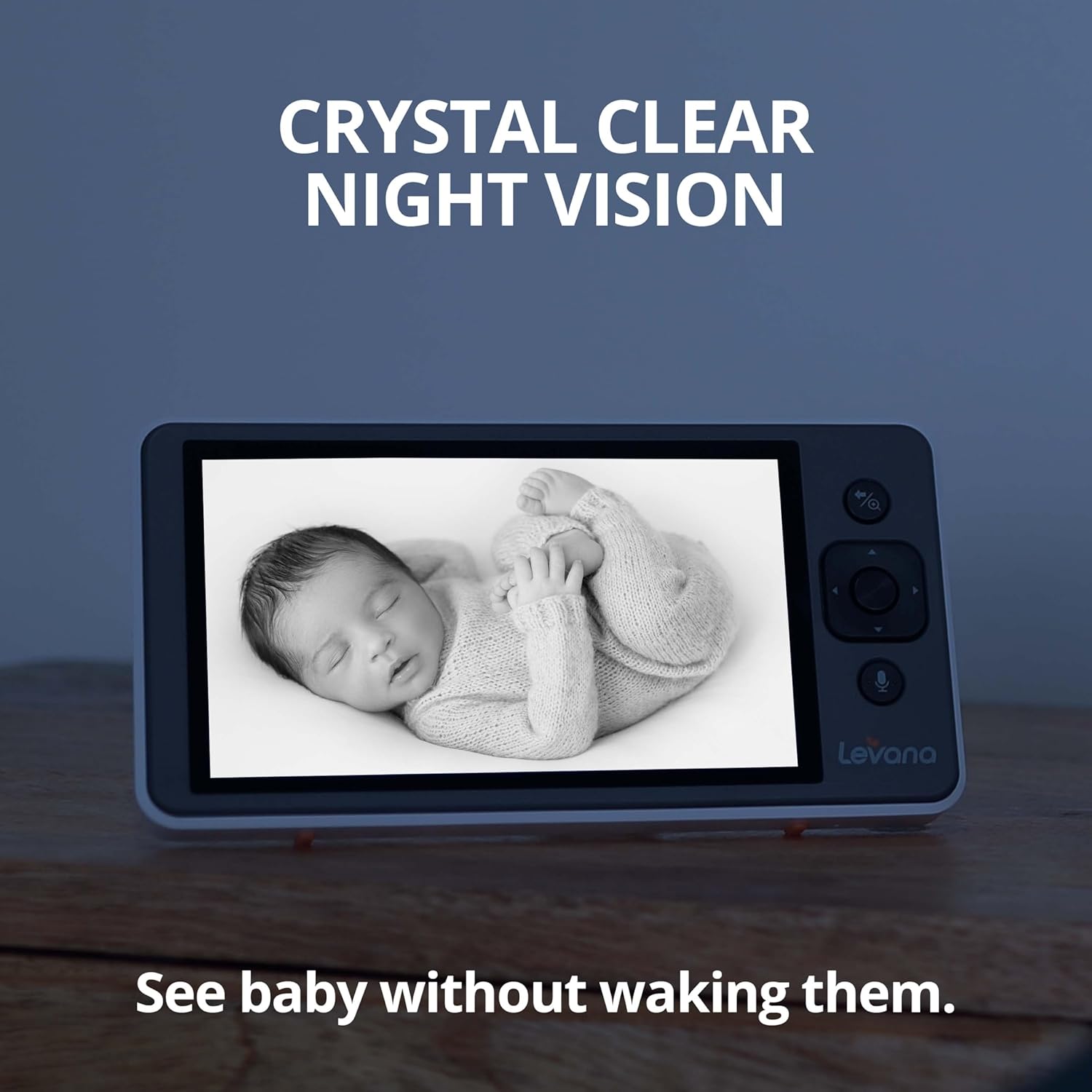
Image: The monitor screen showing a sleeping baby in clear black and white night vision, indicating visibility in low light.
Conversation bidirectionnelle
Communicate with your baby remotely:
- Appuyez et maintenez enfoncé le Bouton de conversation on the monitor to speak.
- Relâchez le bouton pour entendre la réaction de votre bébé.

Image: Hands holding the monitor, with speech bubbles indicating two-way communication, showing a baby on screen.
Activation vocale (VOX)
The monitor can be set to activate when sound is detected in the baby's room, conserving battery life and ensuring you are alerted when needed.
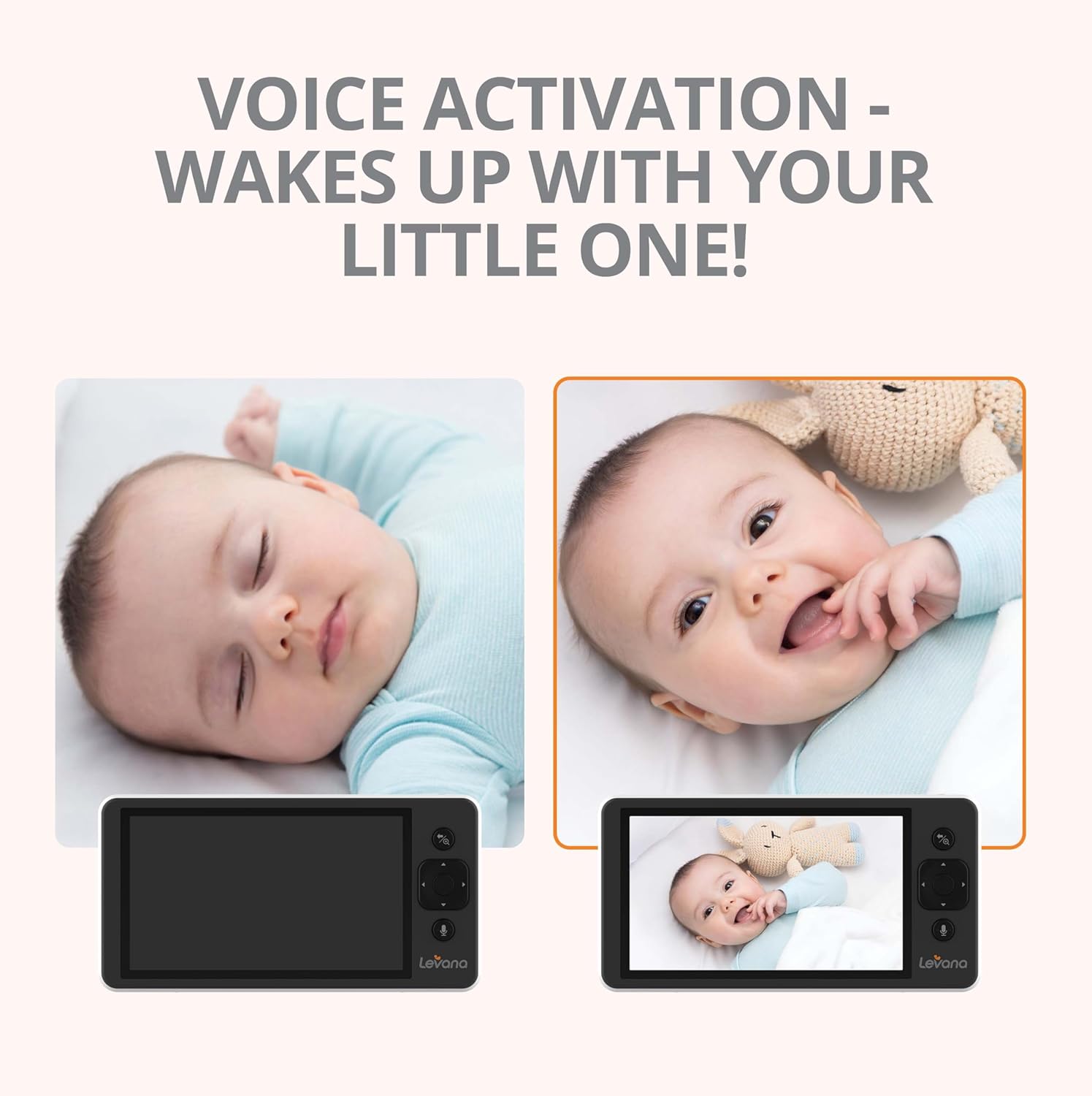
Image: Two monitor screens side-by-side, one showing a sleeping baby with a black screen (VOX off), and the other showing an awake baby with the screen on (VOX activated).
Lullabies
Soothe your baby with built-in melodies:
- Access the menu to select and play lullabies through the camera's speaker.
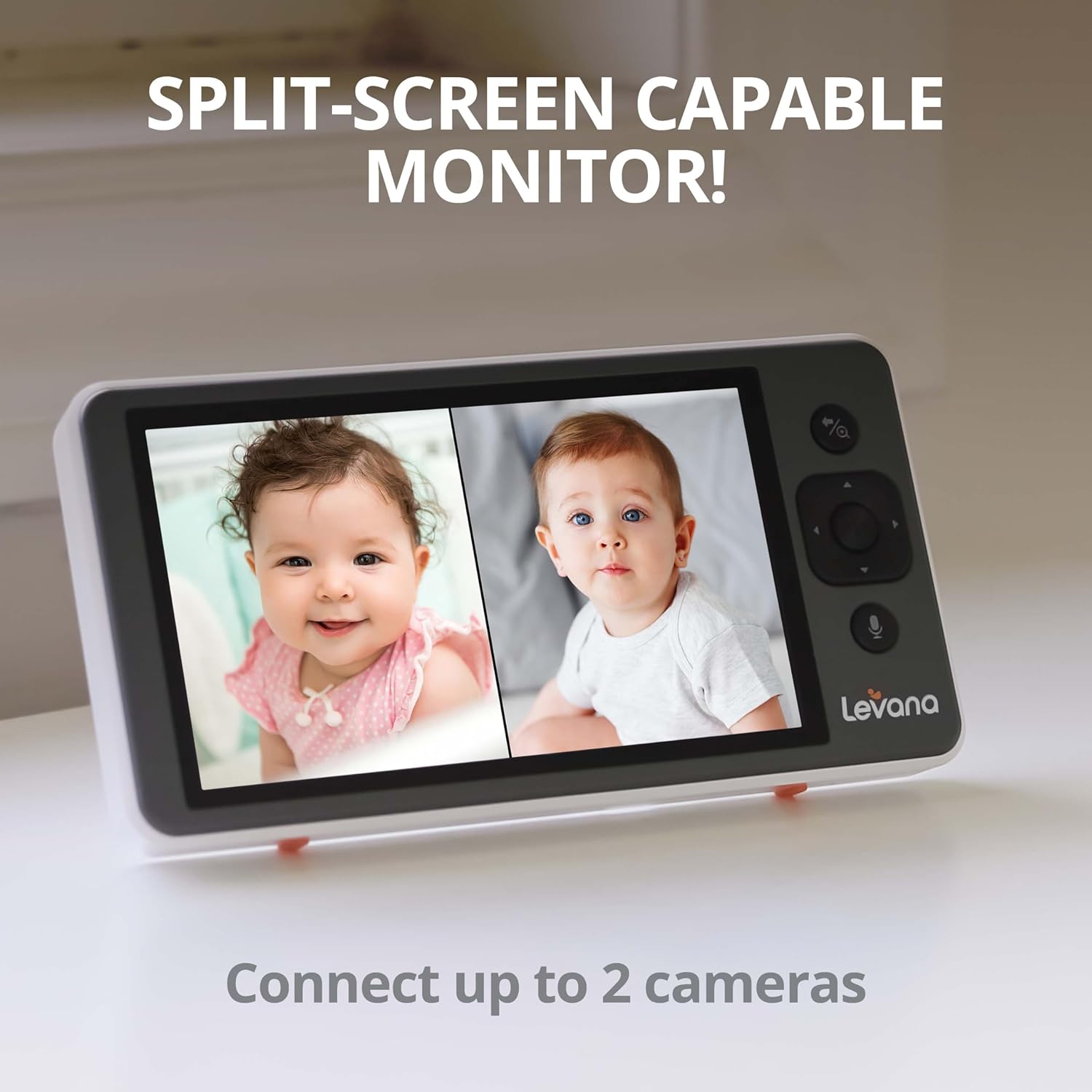
Image: A baby sleeping peacefully in a crib, with musical notes emanating from the Levana Ella camera, symbolizing the built-in lullaby function.
Autonomie de la batterie
The monitor is equipped with a 3800mAh rechargeable battery, providing up to 4 days of continuous video streaming on a single charge, depending on usage.
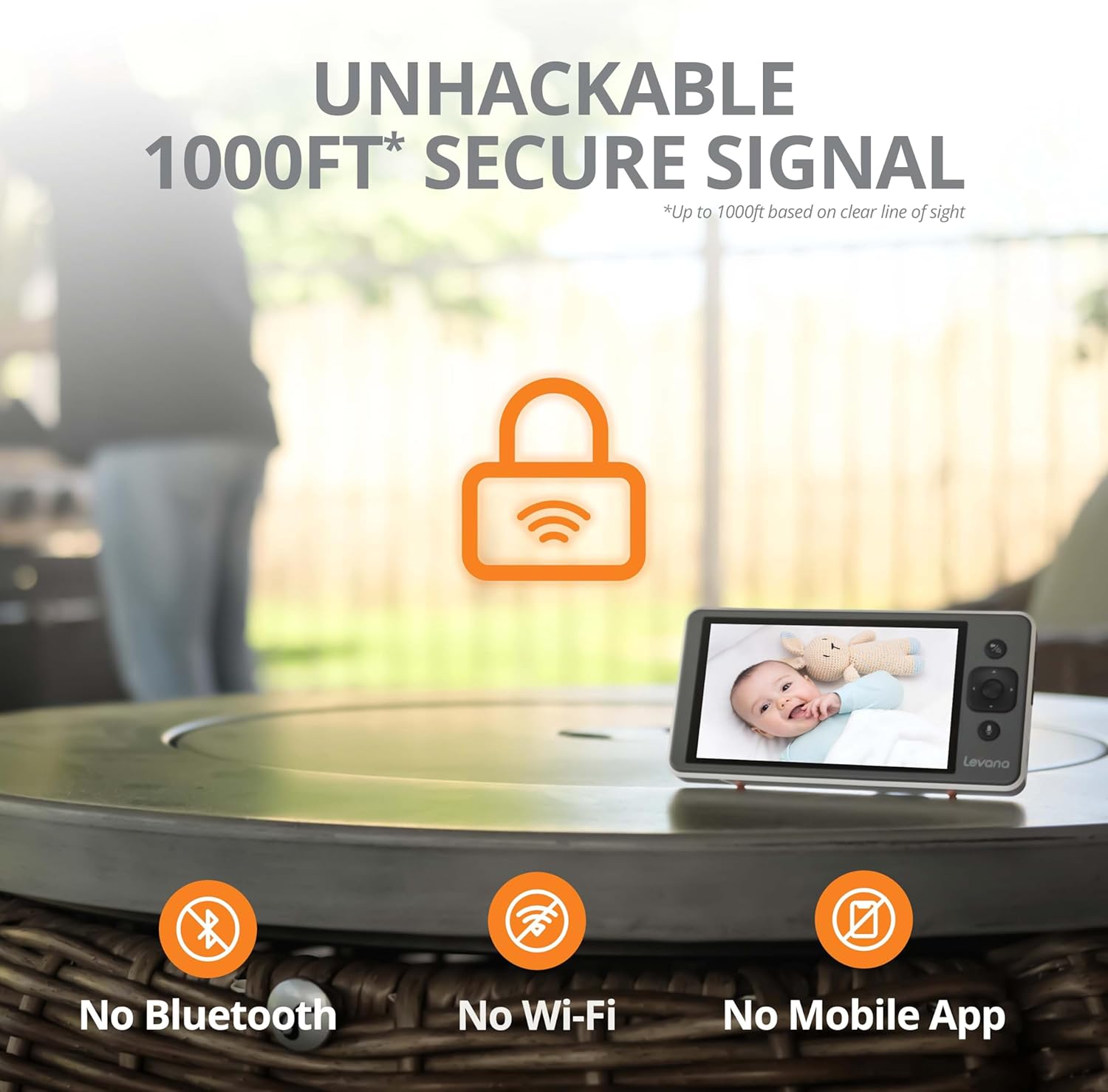
Image: The monitor screen showing a happy baby, with a prominent battery icon indicating extended battery life.
Secure Connection (No WiFi)
The Levana Ella monitor operates on a secure, non-WiFi connection, ensuring privacy and preventing unauthorized access. It offers a range of up to 1000ft in clear line of sight.

Image: The monitor and camera with a large lock icon and text indicating an "unhackable 1000ft secure signal" without Bluetooth, Wi-Fi, or mobile app.
Split-Screen Capability (Optional)
Si vous possédez plusieurs caméras (vendues séparément), le moniteur prend en charge l'affichage en écran partagé. viewing, allowing you to monitor two areas simultaneously.

Image: The monitor screen divided into two, showing two different babies, demonstrating the split-screen feature for connecting up to two cameras.
Entretien
To maintain your Levana Ella Video Baby Monitor in optimal condition:
- Nettoyez l'écran et la caméra avec un chiffon doux et sec. N'utilisez pas de produits abrasifs ni de solvants.
- Ensure the camera lens is clean for clear image quality.
- Rangez l'appareil dans un endroit frais et sec lorsqu'il n'est pas utilisé.
- Vérifiez régulièrement les cordons d'alimentation pour détecter tout signe de dommage.
Dépannage
| Problème | Cause possible | Solution |
|---|---|---|
| Aucune image/aucun signal sur l'écran | Camera or monitor not powered on; out of range; interference. | Ensure both devices are powered on and charged. Move monitor closer to camera. Reduce obstacles between devices. |
| Mauvaise qualité d'image | Dirty camera lens; insufficient lighting; camera too far. | Clean the camera lens. Ensure adequate lighting or rely on night vision. Adjust camera position. |
| Short battery life on monitor | Monitor not fully charged; continuous screen-on time; aging battery. | Ensure monitor is fully charged before use. Utilize VOX mode to conserve battery. Contact support if battery degradation is significant. |
| Audio buzzing/static | Interference from other electronics; monitor too close to camera. | Move monitor away from other electronic devices. Ensure monitor is not too close to the camera. |
| Range is less than expected | Obstructions (walls, furniture) between camera and monitor. | The 1000ft range is for clear line of sight. Walls and other structures will reduce effective range. Reposition devices for better signal. |
Caractéristiques
| Fonctionnalité | Détail |
|---|---|
| Numéro de modèle | LVEL1C |
| Taille de l'écran du moniteur | 5 pouces |
| Résolution de capture vidéo | HD 720p |
| Type de caméra | PTZ (Pan, Tilt, Zoom) |
| Angle de pan | 330° |
| Angle d'inclinaison | 100° |
| Zoom numérique | 2X |
| Capacité de la batterie | 3800mAh (Monitor) |
| Autonomie de la batterie | Up to 4 days (continuous video streaming) |
| Technologie sans fil | Non-WiFi, Secure Digital Signal |
| Portée sans fil | Jusqu'à 1000 pieds (en visibilité directe) |
| Caractéristiques spéciales | Night Vision, Two-Way Talk, Voice Activation, Lullabies, Split-Screen Capable |
| Type de montage | Support mural |
| Dimensions du produit | 6.09 x 3.13 x 0.66 pouces |
| Poids de l'article | 2.79 livres |
| Code UPC | 842751004384 |
Garantie et assistance
Levana provides lifetime support for the Ella Video Baby Monitor. For technical assistance, warranty claims, or further inquiries, please visit the official Levana website or contact their customer service department. Refer to the Quick Start Guide included in your package for specific contact details.
You can also visit the Levana store on Amazon for more information: Levana Amazon Store