1. Introduction
This manual provides essential instructions for the safe and efficient use of your Retevis B3S Portable Two-Way Radios. Please read this manual thoroughly before operating the device and retain it for future reference. The Retevis B3S is a compact, license-free FRS radio designed for clear communication.
Vidéo : Un overview of the Retevis B3S walkie-talkie, showcasinet son design et ses fonctionnalités.
2. Consignes de sécurité
Observe the following safety precautions to prevent injury or damage to your radio:
- N’utilisez pas la radio dans des atmosphères explosives (par exemple, à proximité de gaz inflammables, de poussières ou de poudres).
- Ne pas démonter ni modifier la radio. Les réparations doivent être effectuées uniquement par du personnel agréé.
- Évitez d'exposer la radio à la lumière directe du soleil pendant des périodes prolongées ou à des températures extrêmes.
- Tenez la radio à l'écart de l'eau et de l'humidité. Cet appareil n'est pas étanche.
- Use only Retevis-approved accessories and chargers.
3. Produit terminéview
3.1 Contenu du paquet
The Retevis B3S package includes:
- 2 x Retevis B3S Walkie Talkies (with 1620 mAh Li-ion battery included)
- 2 x Clips de ceinture
- Câble de charge 1 x USB-C
- 1 x Adaptateur de chargeur
- 1 x Manuel d'utilisation

Image: The complete package contents for the Retevis B3S walkie-talkie set.
3.2 Radio Features
The Retevis B3S features a clear LCD screen for easy information display, a compact and lightweight design, and a durable build. It operates on license-free FRS frequencies.

Image : Une face view of the Retevis B3S walkie-talkie, highlighting its LCD screen and compact form factor.

Image: Demonstrating the ultra-thin design of the Retevis B3S, measuring 0.59 inches, for easy carrying.
4. Installation
4.1 Chargement de la batterie
Your Retevis B3S walkie-talkie comes with a built-in 1620mAh Li-ion battery. Before first use, fully charge the battery.
- Connect the USB-C charging cable to the charging port on the side of the radio.
- Connect the other end of the USB-C cable to the provided charger adapter, then plug the adapter into a power outlet.
- The LCD screen will indicate charging status. A full charge typically takes several hours.

Image: Two Retevis B3S radios being charged simultaneously using the USB-C charging method.

Image: Visual representation of the 1620mAh battery capacity, supporting extended use.
4.2 Fixation du clip de ceinture
Alignez le clip de ceinture avec les fentes prévues à cet effet à l'arrière de la radio et faites-le glisser en place jusqu'à ce qu'il s'enclenche correctement.
5. Mode d'emploi
5.1 Mise sous/hors tension
To power on the radio, rotate the Power/Volume knob clockwise until you hear a click and the LCD screen illuminates. To power off, rotate the knob counter-clockwise until it clicks off.
5.2 Sélection du canal
The Retevis B3S has 16 channels. Use the Channel Selector knob on top of the radio to choose your desired channel. Ensure all radios in your group are on the same channel for communication.
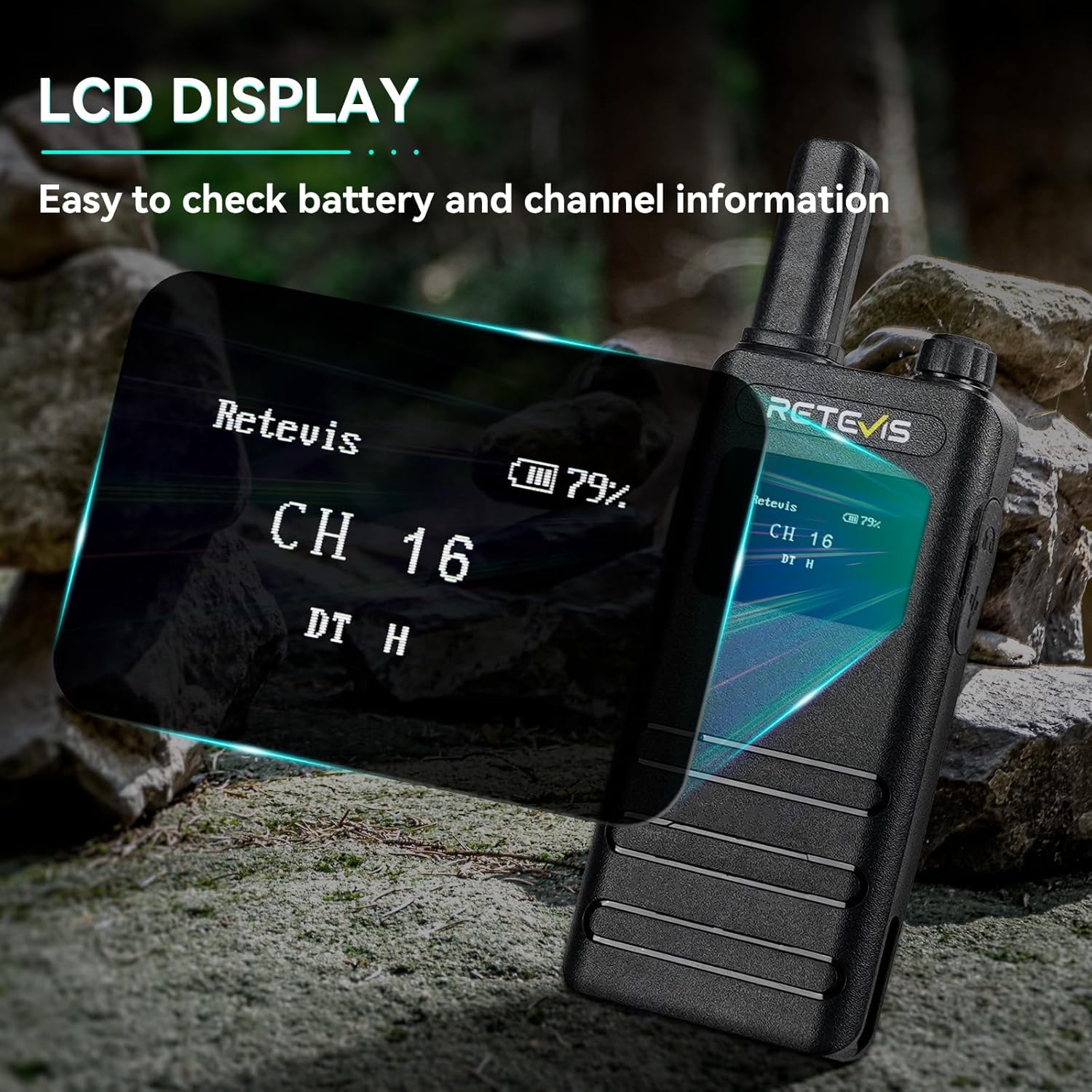
Image: The LCD screen of the Retevis B3S displaying channel and battery information.
Video: Demonstrating the various display options and settings accessible via the Retevis B3S LCD screen.
5.3 Transmission et réception
To transmit, press and hold the Push-to-Talk (PTT) button on the side of the radio and speak clearly into the microphone. Release the PTT button to receive. Adjust the volume using the Power/Volume knob.
Fonction mains libres VOX 5.4
The Voice Operated Exchange (VOX) function allows for hands-free communication without pressing the PTT button.
- Shortly press the Function Key to access the main menu.
- Use the + or - key to navigate to the VOX menu.
- Press the Function Key to enter the VOX function settings.
- Use the + or - key to set VOX to OFF or select a sensitivity level from 1-10.
- Press the Function Key to confirm your setting and return to the previous menu.

Image: Illustration of the VOX hands-free feature, allowing communication without manual button press.
5.5 Alarme d'urgence
In an emergency, you can activate an audible alarm to alert others.
- Long press the defined side key (usually the orange button) to activate the emergency alarm.
- The radio will emit a loud siren sound.
- To deactivate, short press the PTT button or power cycle the radio.
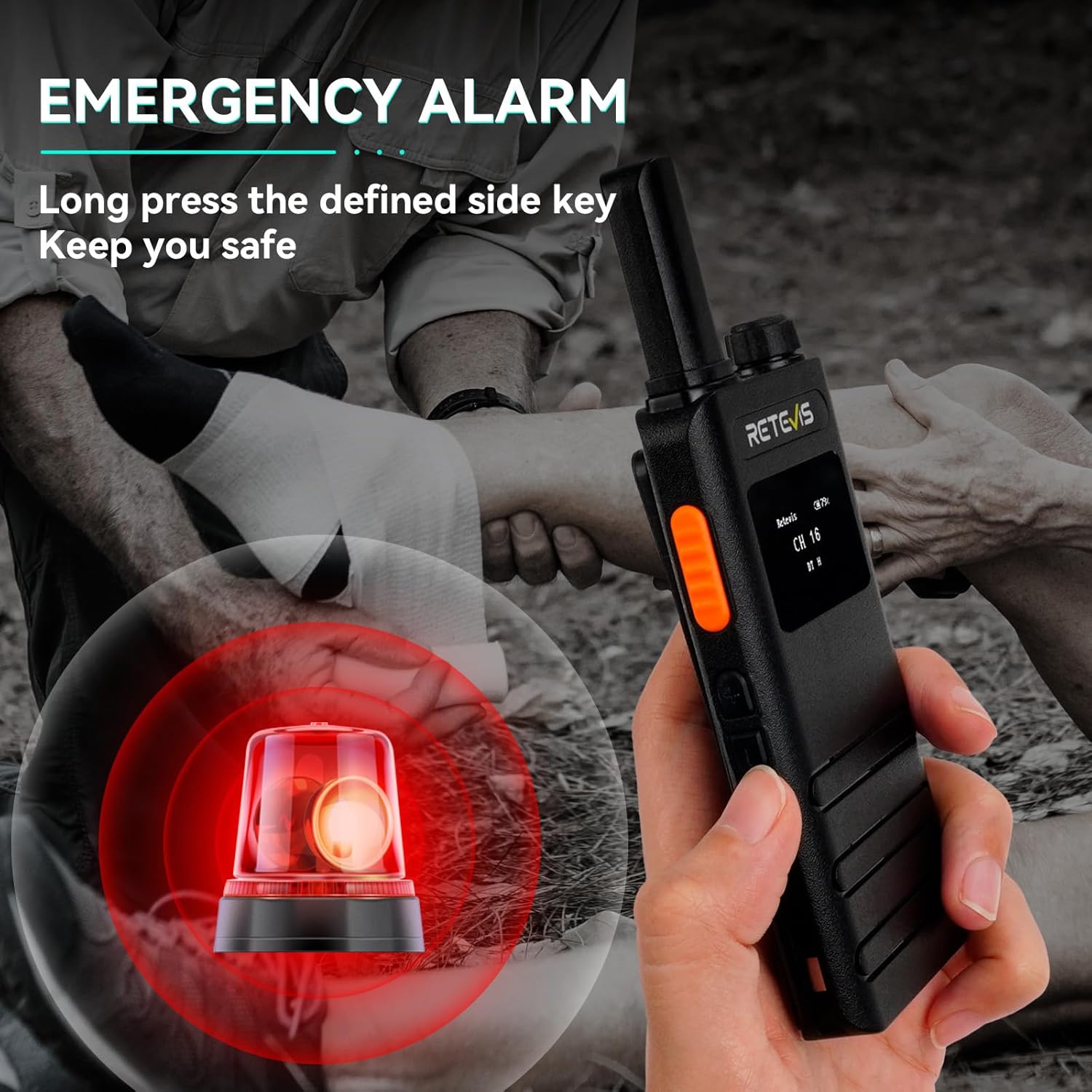
Image: Visual representation of the emergency alarm feature, activated by pressing a side key.
Video: Instructions on how to activate and use the emergency alarm function on the Retevis B3S.
5.6 CTCSS/DCS Codes (Privacy Codes)
CTCSS (Continuous Tone-Coded Squelch System) and DCS (Digitally Coded Squelch) codes help filter out unwanted conversations on a channel. When a CTCSS/DCS code is set, you will only hear transmissions from radios using the same channel and code.
- Access the menu via the Function Key.
- Navigate to the R-CTCSS/T-CTCSS or R-DCS/T-DCS settings.
- Select the desired code. Ensure all radios in your group use the same channel and code.
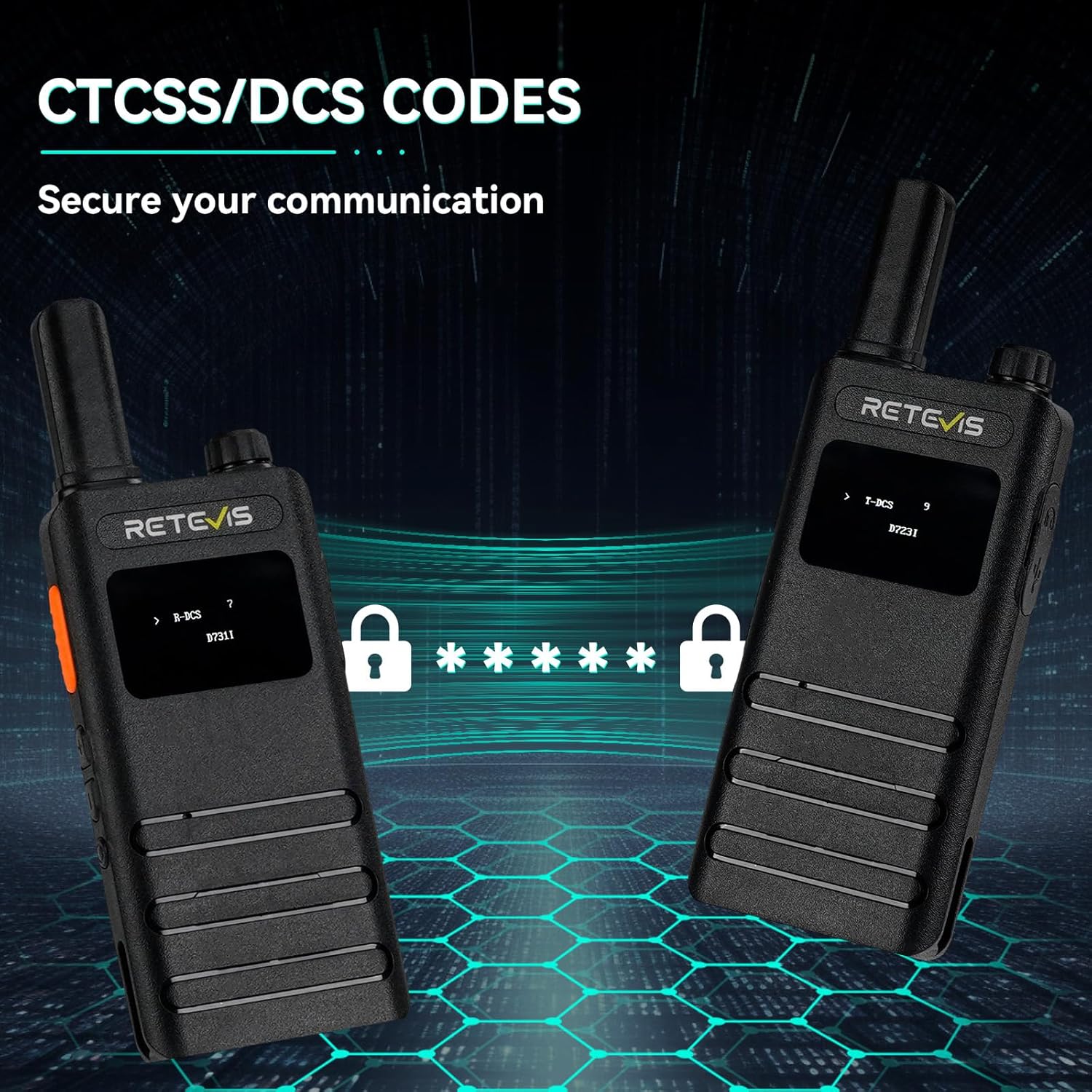
Image: The LCD screens showing CTCSS/DCS code settings for enhanced communication privacy.
6. Entretien
6.1 Nettoyage
Nettoyez l'extérieur de la radio avec un chiffon doux et sec.amp Nettoyez avec un chiffon. N’utilisez pas de produits chimiques agressifs ni de nettoyants abrasifs. Assurez-vous que le port de chargement est exempt de poussière et de débris.
6.2 Stockage
When not in use for extended periods, store the radio in a cool, dry place. It is recommended to fully charge the battery before storage and recharge it every three months to maintain battery health.
7. Dépannage
| Problème | Cause possible | Solution |
|---|---|---|
| Pas de courant | Battery depleted; Power knob off | Charge battery; Rotate Power knob clockwise |
| Impossible de transmettre ou de recevoir | Wrong channel/code; Out of range; Low battery | Verify channel/code; Move closer; Recharge battery |
| Mauvaise qualité audio | Volume too low/high; Obstructions; Interference | Adjust volume; Move to clear area; Change channel/code |
| VOX ne fonctionne pas | VOX disabled; Sensitivity too low | Enable VOX in menu; Increase VOX sensitivity |
8. Spécifications
| Fonctionnalité | Détail |
|---|---|
| Numéro de modèle | B3S |
| Poids de l'article | 7.04 onces |
| Dimensions du produit | 5.82 x 2.16 x 0.59 pouces |
| Piles | 2 piles lithium-ion requises (incluses) |
| Nombre de canaux | 16 |
| Gamme de fréquences | 462 MHz - 467 MHz |
| Portée de conversation maximale | 2 milles |
| Voltage | 3.7 volts |
| Niveau de résistance à l'eau | Non résistant à l'eau |
| Caractéristiques spéciales | LCD screen, Portable, 1620mAh battery, USB-C charging, Emergency alarm, VOX |
9. Garantie et assistance
9.1 Informations sur la garantie
Retevis offre une garantie de 2 ans sur le boîtier de la radio et d'1 an sur les accessoires. Une politique de retour sans motif sous 30 jours est également proposée. Au-delà de la période de garantie, un service de maintenance est disponible, les frais étant à la charge de l'acheteur.
9.2 Assistance clientèle
Pour toute question ou demande d'assistance, veuillez contacter Retevis directement sur Amazon. Vous recevrez généralement une réponse sous 12 heures.


