1. Introduction
The AVMTON Wireless Gaming Mouse is designed for comfortable and efficient use with personal computers, laptops, and other compatible devices. Featuring a honeycomb shell for lightweight design, RGB backlighting, and a rechargeable battery, this mouse offers a responsive and ergonomic experience. It connects wirelessly via a 2.4GHz USB receiver, providing a stable connection for both office tasks and light gaming.

Image 1.1: The AVMTON Wireless Gaming Mouse shown alongside its 2.4GHz USB receiver. The mouse features a black honeycomb shell design and vibrant RGB lighting.
2. Installation
2.1 Déballage et composants
Lors du déballage, assurez-vous que tous les composants sont présents :
- AVMTON Wireless Gaming Mouse
- 2.4GHz USB Receiver (typically stored in the mouse's bottom compartment)
- Câble de charge USB Type-C
2.2 Connexion de la souris
- Repérez le récepteur USB rangé dans le compartiment situé sous la souris.
- Retirez le récepteur USB de la souris.
- Branchez le récepteur USB sur un port USB disponible de votre ordinateur ou ordinateur portable.
- Turn on the mouse using the power switch located on the bottom of the mouse. The mouse should automatically connect to the receiver.
2.3 Charge initiale
The mouse comes with a built-in rechargeable battery. For optimal performance, it is recommended to fully charge the mouse before its first use. The mouse can be used while it is charging.

Image 2.1: The AVMTON Wireless Gaming Mouse connected to a laptop via its Type-C charging cable. The image highlights the convenience of charging while using the mouse.
3. Mode d'emploi
3.1 Mouse Button Functions
The AVMTON Wireless Gaming Mouse features several buttons for enhanced functionality:
- Bouton gauche : Fonction de clic standard.
- Bouton droit : Fonction standard de clic droit.
- Molette: Permet de faire défiler le contenu vers le haut ou vers le bas. Peut également être utilisé pour effectuer un clic central.
- Bouton PPP : Ajuste la sensibilité de la souris (DPI).
- Bouton avant : Navigue vers l'avant dans web navigateurs ou file explorateurs.
- Bouton de retour : Navigue en arrière dans web navigateurs ou file explorateurs.
- Interrupteur: Active ou désactive la souris.
- Interrupteur d'éclairage : Controls the RGB lighting.

Image 3.1: A detailed diagram illustrating the various buttons and components of the AVMTON Wireless Gaming Mouse, including the DPI button, scroll wheel, forward/backward buttons, and power/light switches.
3.2 Ajustement PPP
The mouse offers three adjustable DPI (Dots Per Inch) levels to control cursor speed and sensitivity. Press the DPI button (located behind the scroll wheel) to cycle through the settings: 800 DPI, 1200 DPI (default), and 1600 DPI. Choose the sensitivity that best suits your task, whether for precise work or faster movements in games.
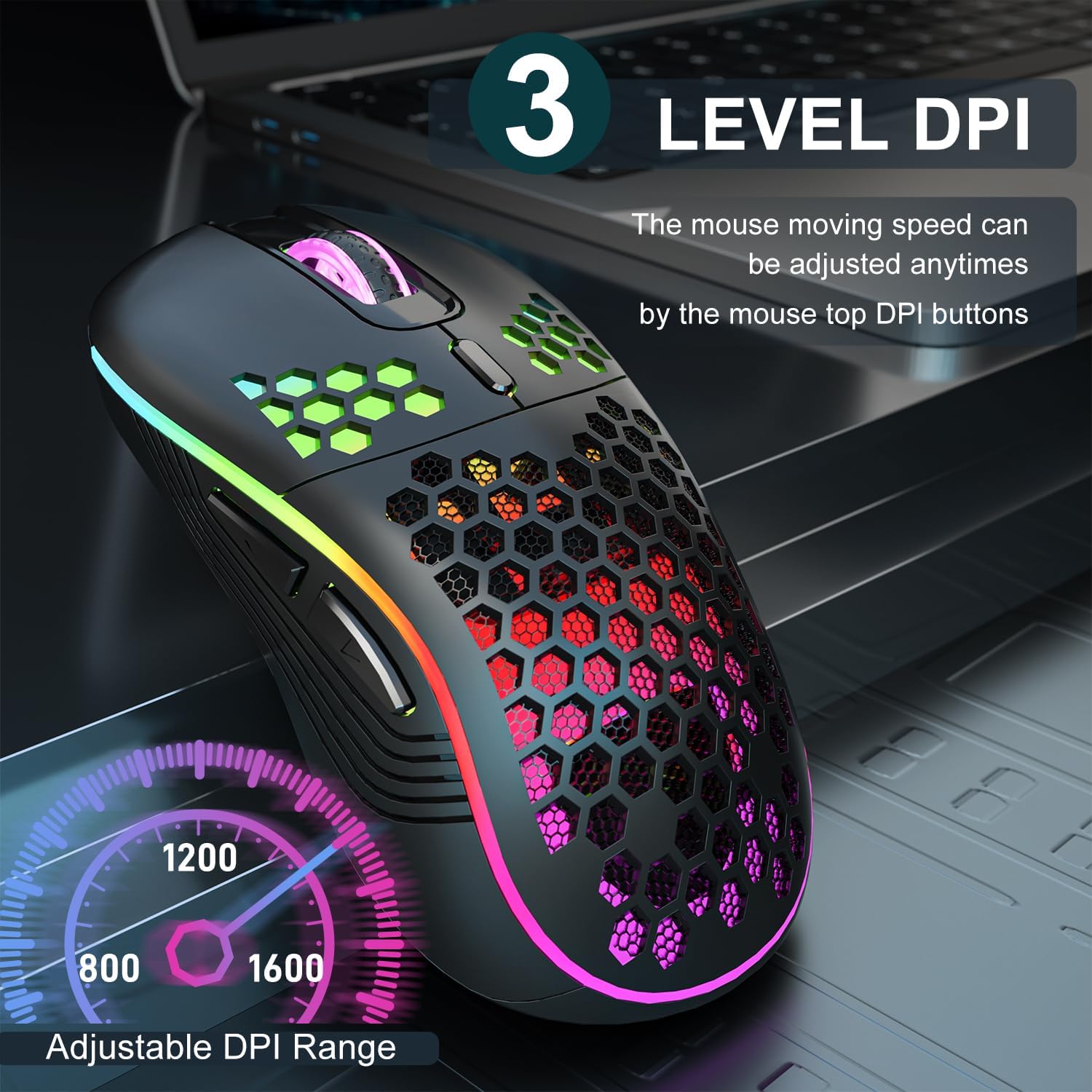
Image 3.2: The AVMTON Wireless Gaming Mouse with an overlay indicating the three adjustable DPI levels: 800, 1200, and 1600. This allows users to easily switch mouse sensitivity.
3.3 Contrôle du rétroéclairage RVB
The mouse features customizable RGB lighting. Use the dedicated light switch on the bottom of the mouse to turn the RGB lighting on or off. Turning off the RGB lighting can help conserve battery life.
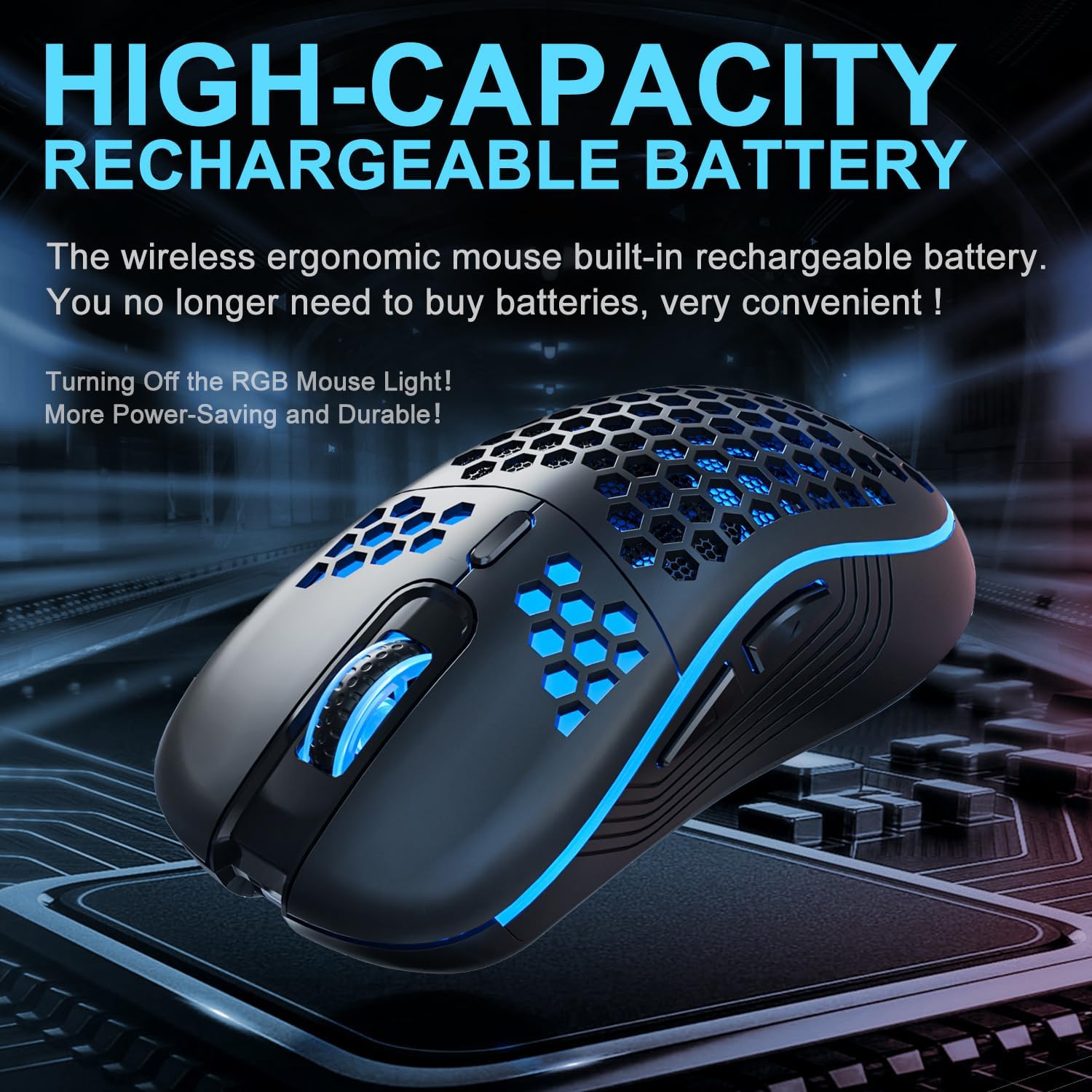
Image 3.3: The AVMTON Wireless Gaming Mouse illuminated with blue RGB lighting, highlighting its aesthetic features and rechargeable battery capacity.
3.4 Mode d'économie d'énergie
To conserve battery, the mouse automatically enters a power-saving mode after a period of inactivity. To reactivate the mouse, simply move it or click any button.
3.5 Compatibilité
The AVMTON Wireless Gaming Mouse is widely compatible with various operating systems, including Windows 2000, XP, Vista, 7, 8, 10, 11, Linux, and Mac OS. It is designed for use with personal computers and laptops.

Image 3.4: Visual representation of the mouse's wide compatibility with Windows, Linux, and Mac OS operating systems.
4. Entretien
4.1 Chargement de la batterie
When the mouse battery is low, connect the provided USB Type-C charging cable to the mouse's charging port and the other end to a USB power source (e.g., computer USB port, USB wall adapter). The mouse can be used normally while charging.
4.2 Nettoyage de la souris
To maintain optimal performance and appearance, clean the mouse regularly. Use a soft, dry cloth to wipe the surface. For stubborn dirt, a slightly damp Un chiffon peut être utilisé, en veillant à ce qu'aucun liquide ne pénètre dans la souris. Évitez d'utiliser des produits chimiques agressifs ou des matériaux abrasifs.
5. Dépannage
- Souris ne répondant pas :
- Assurez-vous que le récepteur USB est correctement branché sur un port USB fonctionnel.
- Verify that the mouse's power switch is in the 'ON' position.
- Check the battery level and charge the mouse if necessary. - Le mouvement du curseur est erratique ou lent :
- Adjust the DPI setting using the DPI button.
- Ensure the mouse is used on a clean, non-reflective surface. A mouse pad is recommended.
- Rechargez la souris si la batterie est faible. - L'éclairage RGB ne fonctionne pas :
- Ensure the light switch on the bottom of the mouse is in the 'ON' position.
- The mouse may be in power-saving mode; move or click to wake it up. - Latency during large games:
- This mouse is primarily designed for office scenarios and small games. Large, graphically intensive games may experience some latency due to the wireless connection and mouse specifications.
6. Spécifications
| Marque | AVMTON |
| Nom du modèle | souris sans fil |
| Technologie de connectivité | USB (sans fil 2.4 GHz) |
| Technologie de détection de mouvement | Optique |
| Niveaux de PPP | 800 / 1200 (par défaut) / 1600 |
| Type de batterie | Batterie lithium-polymère rechargeable (incluse) |
| Durée de vie moyenne de la batterie | 6 months (approx.) |
| Port de chargement | USB Type-C |
| Caractéristiques spéciales | Honeycomb Design, RGB Backlight, Lightweight, 6 programmable Buttons |
| Orientation de la main | Ambidextre |
| Matériel | Plastique |
| Systèmes d'exploitation compatibles | Windows 2000 / XP / Vista / 7 / 8 / 10 / 11, Linux, Mac OS |
| Dimensions du colis | 13.7 x 8.7 x 4.9 cm |
| Poids de l'article | 140 g |
7. Garantie et assistance
Specific warranty details are not provided within this manual. For warranty information, technical support, or any inquiries regarding your AVMTON Wireless Gaming Mouse, please refer to the product packaging or contact AVMTON customer service directly through their official website ou le détaillant où le produit a été acheté.


