1. Introduction
This manual provides instructions for the assembly, operation, maintenance, and troubleshooting of your soges Electric Height Adjustable Desk. Please read this manual thoroughly before assembly and use to ensure proper function and safety. Keep this manual for future reference.
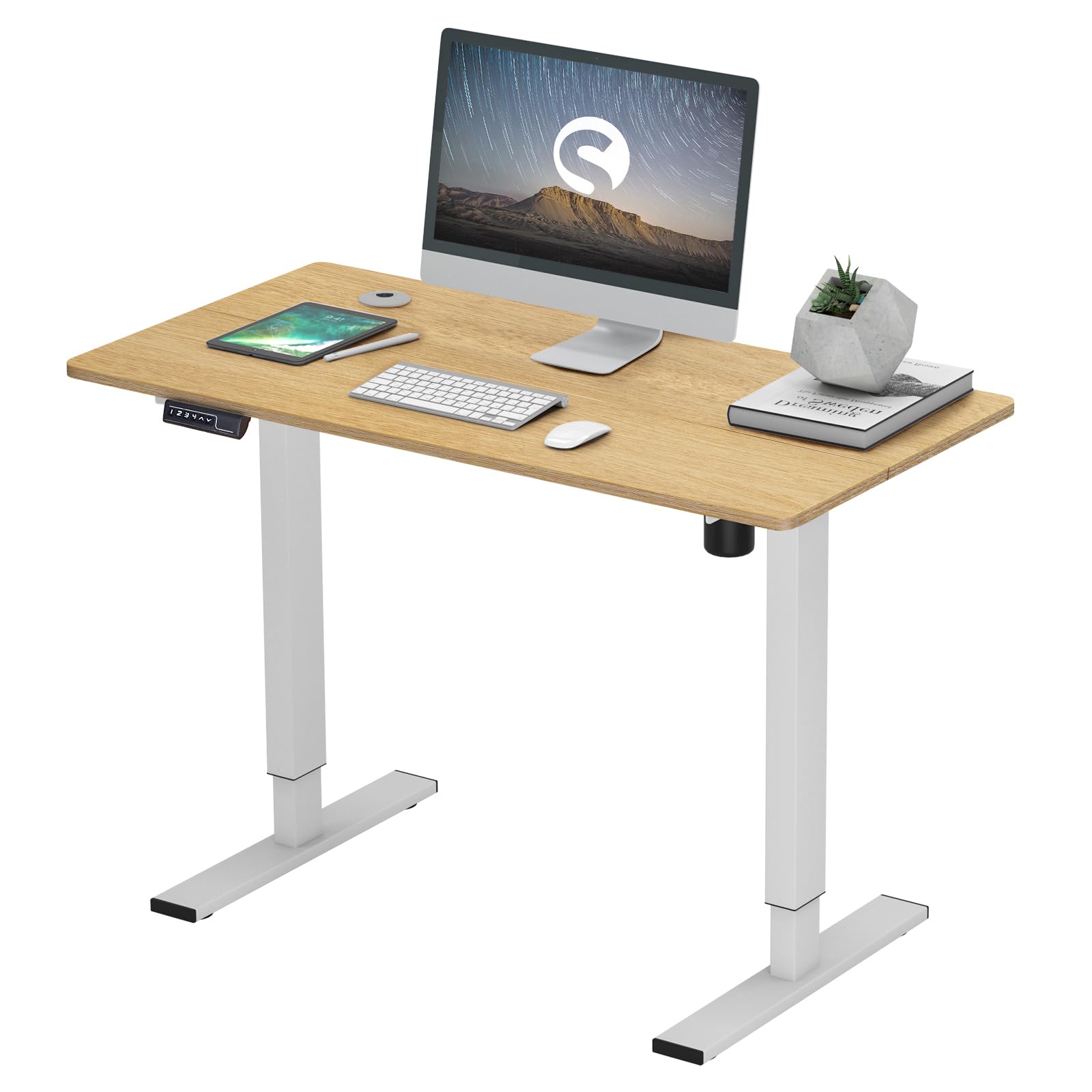
Image 1.1: The soges Electric Height Adjustable Desk set up in a typical office environment, showcasinet sa conception et sa fonctionnalité.
2. Spécifications du produit
The following table details the key specifications of the soges Electric Height Adjustable Desk.
| Fonctionnalité | Spécification |
|---|---|
| Marque | soges |
| Numéro de modèle | EU1-10NBZYELT-120YEU-TC |
| Couleur | Teck |
| Dimensions du bureau (L x l) | 120 cm x 60 cm (47.24 x 23.62 pouces) |
| Plage de réglage de la hauteur | 73 cm - 120 cm (28.74 - 47.24 pouces) |
| Poids de l'article | 22.9 kilogrammes |
| Poids maximum recommandé | 80 kilogrammes |
| Assemblage requis | Oui |
| Niveau sonore du moteur | Jusqu'à 50 dB |
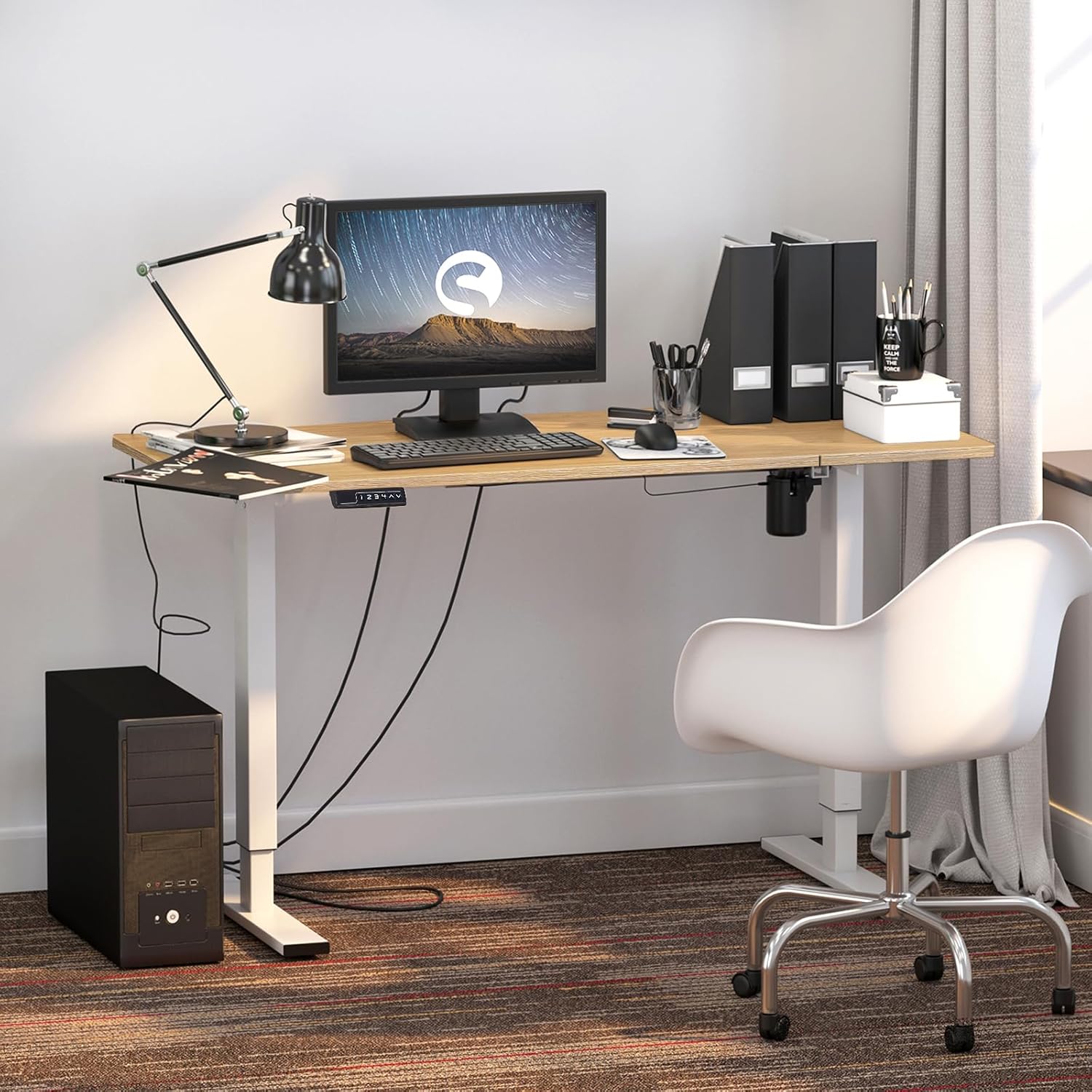
Image 2.1: Detailed dimensions of the desk, illustrating the adjustable height range from 27.2 inches (73 cm) to 47.2 inches (120 cm).
3. Configuration et assemblage
The soges Electric Height Adjustable Desk requires assembly. Please follow the included assembly guide carefully. Ensure all components are present before beginning assembly.
3.1 Déballage et vérification des composants
Carefully unpack all parts and lay them out on a clean, soft surface to prevent scratches. Refer to the parts list in your separate assembly guide to verify all components are included.
3.2 Étapes d'assemblage
- Fixez les colonnes de levage au bureau.
- Secure the foot caps to the base of the lifting columns. These can be adjusted to stabilize the desk on uneven surfaces.
- Connect the control box and keypad to the motor and power supply according to the wiring diagram in the assembly guide.
- Assurez-vous que toutes les vis sont bien serrées, mais ne les serrez pas trop.
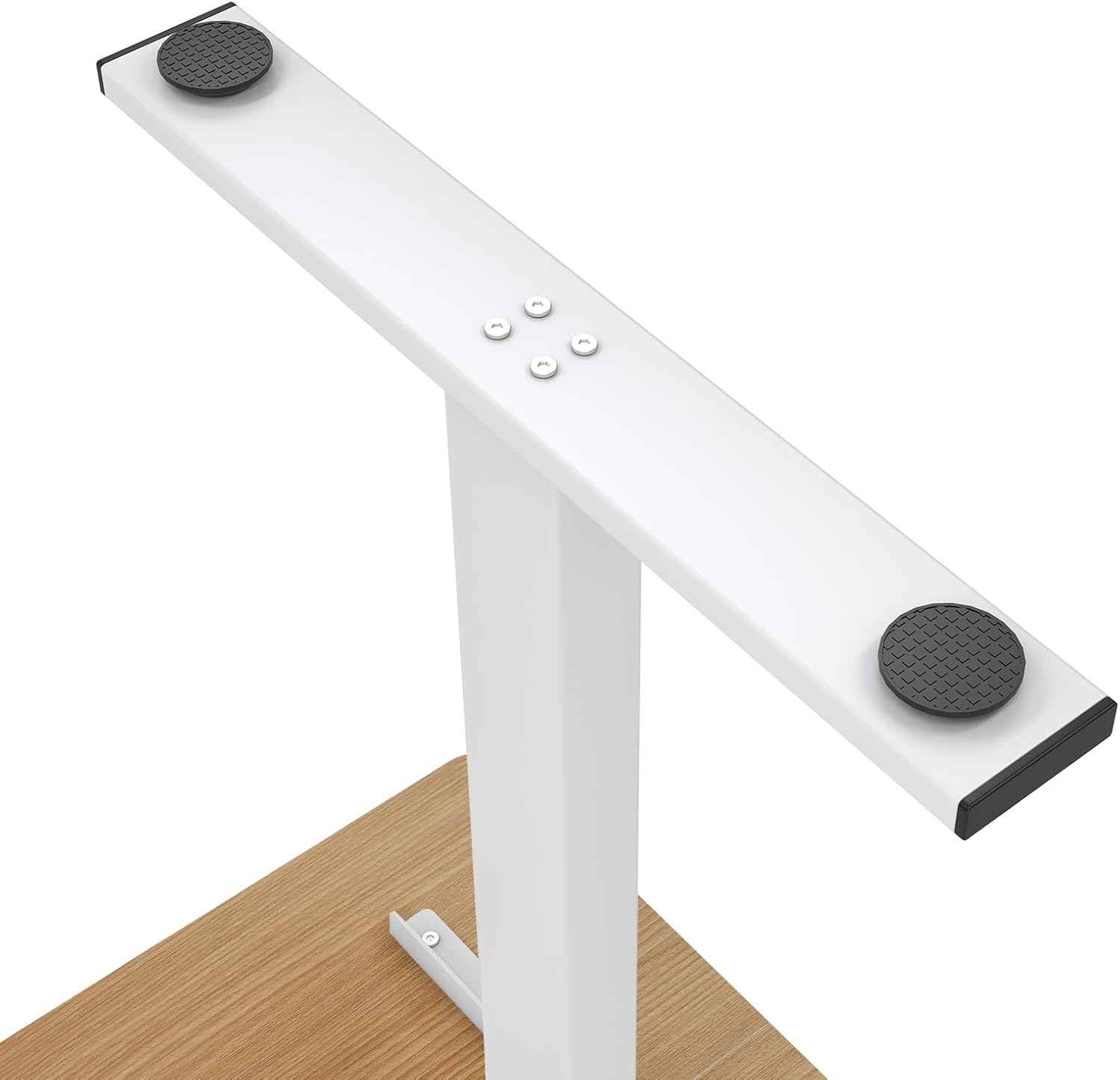
Image 3.1: An illustration of the desk's sturdy steel frame and adjustable foot pads, which help ensure stability on various floor types.
4. Mode d'emploi
The soges Electric Height Adjustable Desk features an intuitive control panel for easy height adjustments and memory presets.
4.1 Réglage de la hauteur de base
- To raise the desk, press and hold the Flèche vers le haut (^) bouton.
- To lower the desk, press and hold the Flèche vers le bas (v) bouton.
- Relâchez le bouton lorsque la hauteur souhaitée est atteinte. L'écran LED affichera la hauteur actuelle.
4.2 Préréglages de mémoire
The desk allows you to save up to four individual height settings for quick adjustments.
- Réglez le bureau à la hauteur souhaitée à l'aide des flèches Haut/Bas.
- Appuyez sur le M button (Memory button). The LED display will flash 'S-'.
- Dans les 3 secondes, appuyez sur l'une des touches numériques (1, 2, 3 ou 4) pour enregistrer la hauteur actuelle dans ce préréglage. L'écran affichera « S-1 », « S-2 », etc., pour confirmation.
- Pour rappeler une hauteur enregistrée, appuyez simplement sur la touche numérique correspondante (1, 2, 3 ou 4Le bureau se déplacera automatiquement vers la position enregistrée.

Image 4.1: The all-in-one keypad, featuring an LED display for current height, memory preset buttons (1-4), and directional arrows for manual height adjustment.
4.3 Sit-Stand Functionality
The desk is designed to support both sitting and standing postures, promoting a healthier work environment. Utilize the memory presets to easily switch between your preferred sitting and standing heights.

Image 4.2: Visual comparison of the desk in standing and sitting positions, highlighting its ergonomic benefits for active work.
4.4 Desk Hooks
The desk includes integrated hooks for convenient storage of items such as bags, headphones, or jackets. These hooks are located on the underside of the desktop.

Image 4.3 : Un gros plan view of the practical desk hooks, demonstrating their use for hanging headphones or other personal items.
5. Entretien
Proper maintenance ensures the longevity and optimal performance of your electric height adjustable desk.
5.1 Nettoyage
- Essuyez la surface du bureau avec un chiffon doux et sec.amp Chiffon. Évitez les nettoyants abrasifs ou les produits chimiques agressifs qui pourraient endommager la finition.
- For the steel frame, use a mild detergent solution if necessary, then wipe dry.
- Veillez à ce qu'aucun liquide ne pénètre dans le panneau de commande ou le carter du moteur.
5.2 Entretien général
- Vérifiez régulièrement le serrage de toutes les vis et fixations. Resserrer si nécessaire.
- Avoid placing excessive weight on the desk, exceeding the maximum weight recommendation of 80 kg.
- Keep the area around the lifting columns clear to prevent obstructions during height adjustment.
6. Dépannage
If you encounter issues with your desk, refer to the following common troubleshooting steps.
6.1 Desk Not Moving
- Vérifiez la connexion électrique : Assurez-vous que le cordon d'alimentation est bien branché à la fois sur le bureau et sur une prise murale fonctionnelle.
- Réinitialiser le système : Unplug the desk from the power outlet for 10-15 seconds, then plug it back in. This may reset the control system.
- Protection contre les surcharges : If the desk is overloaded (exceeding 80 kg), it may stop moving. Remove some weight and try again.
6.2 Uneven Movement or Wobbling
- Check Foot Caps: Ensure the adjustable foot caps are properly leveled to compensate for uneven flooring.
- Serrer les attaches : Vérifiez que toutes les vis et tous les boulons d'assemblage sont bien serrés.
- Obstructions: Ensure there are no obstructions beneath the desk or around the lifting columns.
6.3 Codes d'erreur affichés
If an error code appears on the LED display, consult the specific error code section in your detailed assembly guide or contact customer support for assistance.
7. Garantie et assistance
For warranty information, please refer to the documentation provided with your purchase or visit the official soges website. If you require technical support or have questions not covered in this manual, please contact soges customer service through their official channels.
Please have your model number (EU1-10NBZYELT-120YEU-TC) and purchase date available when contacting support.


