Introduction

Image: The iJoy Disney Nightmare Before Christmas Sally Dress Bluetooth Headphones, showcasinet leur design unique.
Thank you for choosing the iJoy Disney Nightmare Before Christmas Sally Dress Bluetooth Headphones. These wireless over-ear headphones are designed to provide a rich audio experience with a unique Sally Dress design. They feature a built-in microphone for hands-free calling, a foldable design for portability, and versatile connectivity options. This manual will guide you through the setup, operation, and maintenance of your new headphones.
Installation
1. Charger les écouteurs
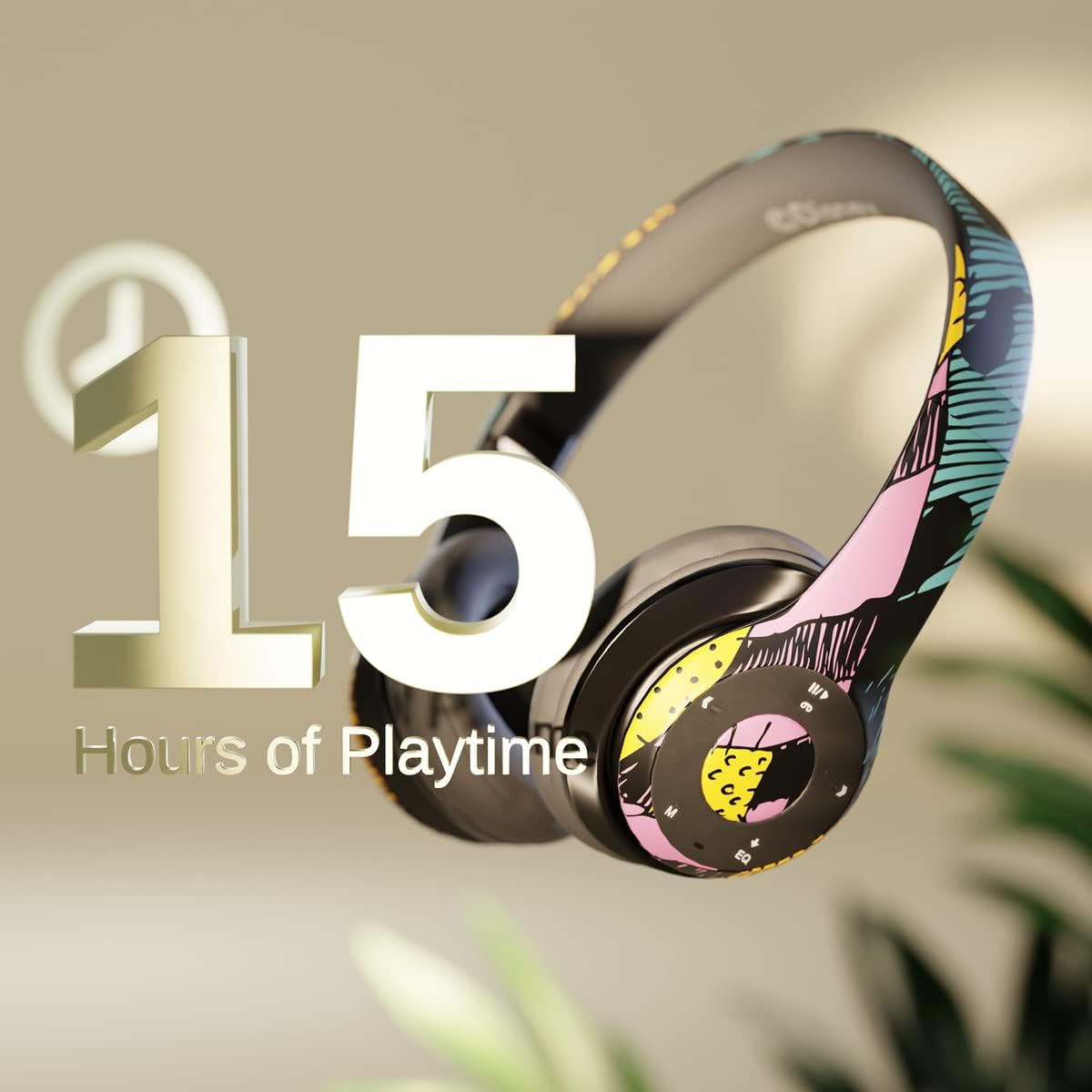
Image: Graphic indicating 15 hours of playtime for the headphones, highlighting battery endurance.
Before first use, fully charge your headphones. Connect the provided charging cable to the charging port on the headphones and a USB power source. The LED indicator will show charging status and turn off when fully charged. A full charge provides approximately 15 hours of battery life.
2. Couplage Bluetooth

Image: The headphones with a graphic illustrating universal compatibility with both Apple and Android devices.
- Assurez-vous que les écouteurs sont éteints.
- Maintenez le bouton Marche/Arrêt enfoncé jusqu'à ce que le voyant LED clignote en bleu et rouge, indiquant le mode d'appairage.
- Sur votre appareil compatible Bluetooth (smartphone, tablette, ordinateur), accédez aux paramètres Bluetooth et recherchez les appareils disponibles.
- Select "iJoy DHP2431" (or similar name) from the list.
- Une fois connecté, l'indicateur LED clignotera lentement en bleu.
3. Using the Auxiliary Cable
For a wired connection, plug one end of the 3.5mm auxiliary cable into the headphone's audio jack and the other end into your audio device. This allows for continued listening even if the battery is depleted.
4. Lecture sur carte micro SD
Insert a Micro SD card with your favorite music into the designated slot on the headphones. The headphones will automatically switch to Micro SD card playback mode. Use the control buttons to manage your music.
Mode d'emploi
Marche/Arrêt
- Pour allumer : Maintenez le bouton Marche/Arrêt enfoncé jusqu'à ce que le voyant LED s'allume.
- Pour éteindre : Maintenez le bouton Marche/Arrêt enfoncé jusqu'à ce que le voyant LED s'éteigne.
5-Button Control System
The headphones feature a convenient 5-button control system located on the ear cup for easy management of audio and calls.

Image: Détaillé view of the 5-button control panel on the headphone ear cup, indicating functions for volume, track navigation, equalizer, and call management.
- Play/Pause/Answer/Hang-up: Press the center button to play or pause music, or to answer/end a phone call.
- Augmenter le volume / Piste suivante : Appuyez sur le bouton « + » pour augmenter le volume. Maintenez le bouton « + » enfoncé pour passer à la piste suivante.
- Baisser le volume / Piste précédente : Appuyez sur le bouton « - » pour diminuer le volume. Maintenez le bouton « - » enfoncé pour revenir à la piste précédente.
- Equalizer: Press the 'EQ' button to cycle through different equalizer presets.
- Sélecteur de mode : Press the 'M' button to switch between Bluetooth, Micro SD card, and FM Radio modes.
Appels mains libres
With the built-in microphone, you can make and receive calls directly through your headphones when connected via Bluetooth to your smartphone. Use the center button to answer or end calls.
Récepteur radio intégré
Switch to FM Radio mode using the 'M' button. The headphones will automatically scan and tune into available radio stations. Use the track navigation buttons to change stations.
Conception pliable

Image: The headphones are shown in their folded configuration, highlighting their compact and portable design for easy storage and transport.
The headphones feature a foldable design, allowing for easy storage and portability. Simply fold the ear cups inwards towards the headband to reduce their size for travel or storage in a backpack.
Noise Canceling Design

Image: Un éclaté view of the headphone's ear cup, illustrating the internal speaker components and the connection point for the auxiliary cable, emphasizing the noise-canceling technology.
The over-ear cup design helps to isolate audio, providing a more immersive listening experience by reducing external noise interference.
Entretien
- Nettoyage: Utilisez un chiffon doux et sec pour nettoyer les écouteurs. N'utilisez pas de produits nettoyants abrasifs ni de solvants.
- Stockage: Lorsqu'ils ne sont pas utilisés, rangez les écouteurs dans un endroit frais et sec. Leur conception pliable permet un rangement compact.
- Entretien de la batterie: Pour prolonger la durée de vie de la batterie, évitez de décharger complètement les écouteurs fréquemment. Rechargez-les régulièrement, même si vous ne les utilisez pas en permanence.
- Résistance à l'eau : Ces écouteurs ne sont pas résistants à l'eau. Évitez tout contact avec des liquides.
Dépannage
- Pas d'alimentation : Assurez-vous que les écouteurs sont complètement chargés. Branchez-les à une source d'alimentation et vérifiez le voyant de charge.
- Impossible de coupler via Bluetooth :
- Assurez-vous que les écouteurs sont en mode appairage (LED clignotante bleue et rouge).
- Assurez-vous que le Bluetooth est activé sur votre appareil et qu'il se trouve à portée (généralement 10 mètres).
- Supprimez l'appareil de la liste Bluetooth de votre téléphone et essayez de le jumeler à nouveau.
- Redémarrez à la fois le casque et votre appareil.
- Pas de son :
- Vérifiez le niveau du volume à la fois sur les écouteurs et sur votre appareil connecté.
- Ensure the headphones are properly connected via Bluetooth or auxiliary cable.
- If using an SD card, ensure the audio fileLes messages sont dans un format compatible.
- Mauvaise qualité sonore :
- Rapprochez-vous de votre appareil Bluetooth pour éviter les interférences.
- Vérifiez la qualité de la source audio.
- Ensure the ear cups are properly positioned over your ears for optimal sound isolation.
Caractéristiques
| Nom du modèle | DHP2431 |
| Technologie de connectivité | Sans fil (Bluetooth) |
| Technologie de communication sans fil | Bluetooth |
| Composants inclus | Headphones, Charging Cable, Auxiliary Cable |
| Tranche d'âge (description) | Adult (suitable for kids) |
| Matériel | Plastic, Metal, Fabric, Memory Foam |
| Utilisations recommandées pour le produit | Musique, appel |
| Appareils compatibles | Appareils compatibles Bluetooth |
| Type de contrôle | Volume Control, Track Navigation, Equalizer, Mode Selector |
| Fonctionnalité du câble | Retractable, Without Cable (for wireless use) |
| Poids de l'article | 0.26 kilogrammes (9.1 onces) |
| Niveau de résistance à l'eau | Non résistant à l'eau |
| Style | Sally Dress |
| Méthode de contrôle | Bouton |
| Nombre d'articles | 1 |
| Autonomie de la batterie | 15 heures |
| Type de pilote audio | Pilote dynamique |
| Forme de l'écouteur | Sur l'oreille |
| Interface matérielle | Audio 3.5 mm |
| Code UPC | 842700197150 |
| Dossier spécial | Récepteur radio intégré, arceau pliable et réglable, lecteur de carte micro SD, microphone inclus |
| Fabricant | iJoy |
| Dimensions du colis | 6.57 x 6.1 x 3.19 pouces |
| Piles | 1 pile au lithium polymère requise (incluse) |
Garantie
iJoy provides a Garantie d'échange de 6 mois for these headphones. If your headset breaks or is damaged for any reason within this period, iJoy will provide you with a free replacement.
Soutien
For further assistance, troubleshooting, or warranty claims, please contact iJoy customer support. You can often find contact information on the product packaging or by visiting the official iJoy website.
Vidéos de produits
iJoy Disney Nightmare Before Christmas Headphones Overview
Vidéo: Une vidéo de présentation officielle du produitasing the iJoy Disney Nightmare Before Christmas Headphones, highlighting their design and features.


