1. Produit terminéview
The WALI FTM-2 Full Motion TV Wall Mount is designed to securely hold most flat and curved screen televisions ranging from 32 to 70 inches. This mount offers extensive adjustability, including tilt, swivel, and extension, allowing for optimal viewing angles from various positions in a room. Constructed from reinforced cold-rolled steel, it ensures durability and stability for your television.
2. Informations importantes sur la sécurité
AVERTISSEMENT: Read all instructions carefully before installation. If you do not understand these instructions or have doubts about the safety of the installation, consult a qualified installer. Improper installation may cause serious injury or damage.
- Capacité de poids : Ne pas dépasser la capacité de charge maximale de 40 kg (88 lb). Ce support est conçu pour être utilisé uniquement avec les poids maximums indiqués. L'utilisation avec des produits plus lourds que les poids maximums indiqués peut entraîner une instabilité et des risques de blessure.
- Type de mur : This mount is designed for installation on vertical wood studs, solid concrete walls, or brick walls. NE PAS installer uniquement sur des cloisons sèches. Assurez-vous que la surface de montage puisse supporter en toute sécurité le poids combiné de l'équipement et de tous les éléments de fixation.
- Compatibilité VESA : Ensure your TV's VESA mounting pattern is within the supported range (100x100mm to 400x400mm).
- Outils: Use appropriate tools for installation. Always wear safety gear, including eye protection.
- Enfants: Tenir les enfants éloignés de la zone d'installation. Les petites pièces peuvent présenter un risque d'étouffement.
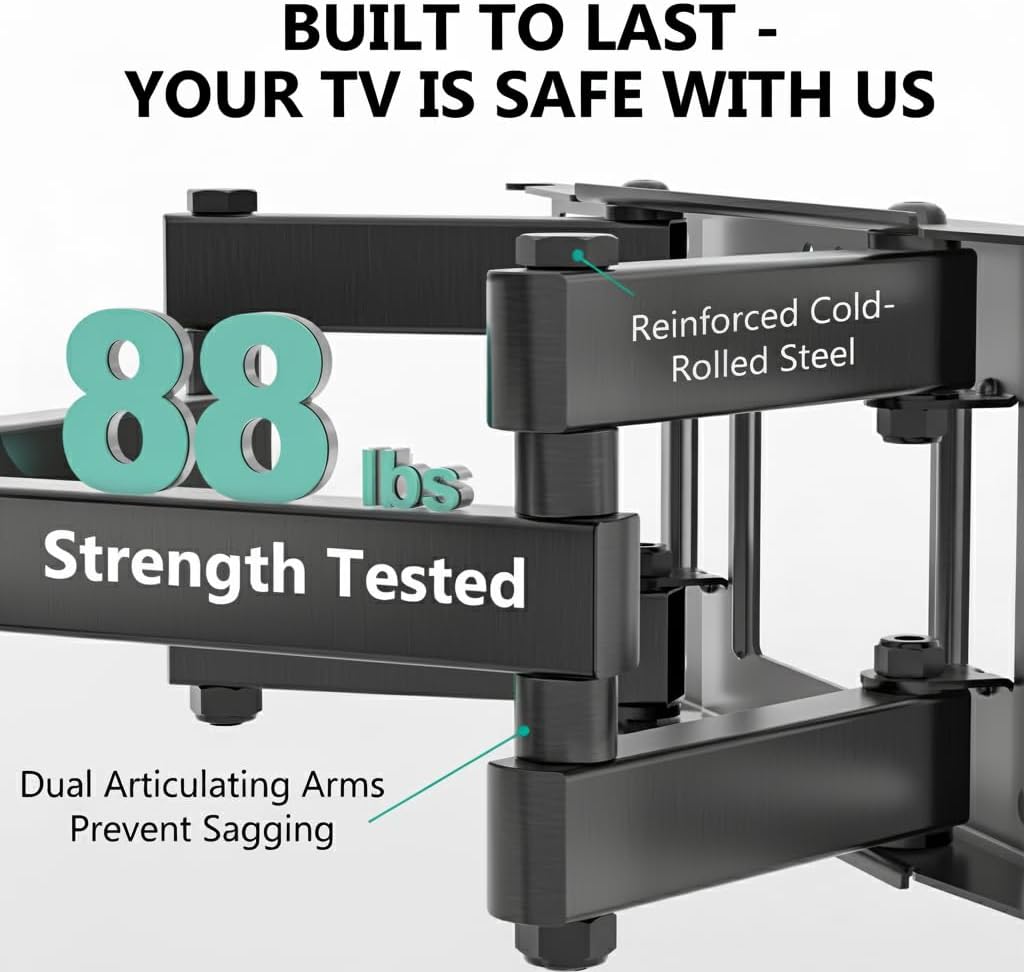
Image: The mount is constructed from reinforced cold-rolled steel, tested to support up to 88 lbs, ensuring structural integrity and safety for your television.
3. Contenu du colis
Verify that all components are present and undamaged before beginning installation. If any parts are missing or defective, contact WALI customer support.
- WALI FTM-2 TV Wall Mount (1 unit)
- Kit de quincaillerie de montage (vis, rondelles, entretoises, chevilles diverses)
- Manuel de l'utilisateur (ce document)

Image: All necessary hardware for installation is included, such as various bolts, washers, spacers, and wall anchors. A spirit level is also provided to assist with accurate mounting.
4. Vérification de compatibilité
Before installation, confirm your television and wall meet the following requirements:
- Taille du téléviseur: Compatible with most 32 to 70 inch flat or curved screen TVs.
- Poids du téléviseur : Votre téléviseur ne doit pas peser plus de 88 lbs (40 kg).
- Modèle VESA : The mounting holes on the back of your TV must match VESA patterns from 100x100mm to 400x400mm.
- Type de mur : Suitable for 12" or 16" wood studs, concrete walls, and brick walls. Not for drywall-only installation.
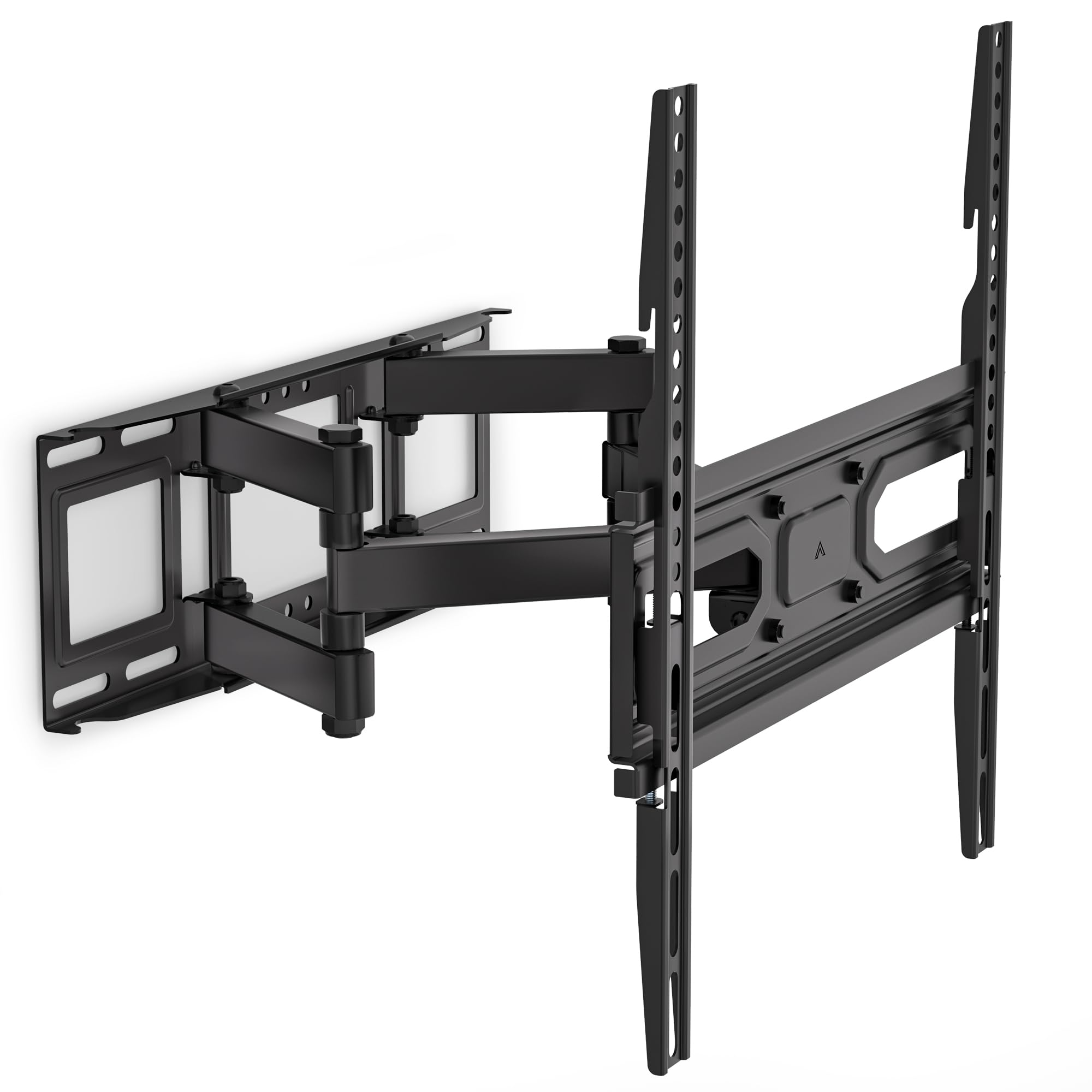
Image: This diagram outlines the four key compatibility checks: TV weight (up to 88 lbs), VESA pattern (100x100mm to 400x400mm), TV size (32-70 inches), and suitable wall types (wood studs, concrete, brick). Installation on drywall alone is not supported.
5. Instructions d'installation
Suivez attentivement ces étapes pour une installation sécurisée. Il est recommandé d'être deux pour l'installation.
Étape 1 : Fixez le support au mur
- Locate the desired mounting position on your wall. Use a stud finder to locate wood studs if applicable.
- Mark the drill holes for the wall plate. Ensure the marks are level using a spirit level.
- Drill pilot holes at the marked locations. For wood studs, use a 5/32 inch (4mm) drill bit. For concrete/brick walls, use a 3/8 inch (10mm) drill bit and insert wall anchors.
- Attach the wall plate to the wall using the appropriate lag bolts and washers. Tighten securely.
Step 2: Attach Plate to TV
- Posez votre téléviseur face contre une surface douce et propre pour éviter les rayures.
- Identifiez les trous de montage VESA à l'arrière de votre téléviseur.
- Sélectionnez les vis, rondelles et entretoises appropriées dans le kit de quincaillerie qui correspondent aux trous de fixation de votre téléviseur.
- Attach the TV brackets to the back of your TV. Ensure they are securely fastened but do not overtighten.
Step 3: Hang TV on Bracket
- Avec de l'aide, soulevez délicatement le téléviseur et fixez les supports de télévision à la plaque murale.
- Assurez-vous que le téléviseur est centré et de niveau.
- Fixez le téléviseur à la plaque murale à l'aide des vis de sécurité ou des mécanismes de verrouillage fournis.
6. Adjustments (Operating)
The WALI FTM-2 mount offers flexible adjustments to achieve your desired viewangle de vue.
- Inclinaison: The TV can be tilted +3° upwards and -15° downwards. Loosen the tilt adjustment knobs on the TV brackets, adjust to the desired angle, and then re-tighten the knobs.
- Pivot: The mount allows for a ±60° swivel (left and right) depending on TV size and wall distance. Gently push or pull the TV to the desired swivel angle.
- Mise à niveau : After installation, if the TV is slightly unlevel, you can adjust it by ±3°. Loosen the leveling screws, adjust the TV, and re-tighten.
- Extension/Rétraction : The mount extends from 2.6 inches (6.6 cm) to 14 inches (35.6 cm) from the wall. Gently pull the TV forward or push it back to adjust the distance.

Image: This diagram shows the full range of motion: 15 degrees of tilt, 60 degrees of swivel, extension up to 14 inches from the wall, and 4 degrees of leveling adjustment for a perfect viewexpérience de travail.
7. Entretien
Un entretien régulier garantit la longévité et le fonctionnement sûr de votre support mural pour téléviseur.
- Contrôles périodiques : Periodically check that all screws and connections are tight and secure. Re-tighten if necessary.
- Nettoyage: Nettoyez le support avec un chiffon doux et sec. Évitez les nettoyants abrasifs ou les solvants qui pourraient endommager la finition.
- Pièces mobiles: The articulating arms are designed for smooth movement. No lubrication is typically required. If movement becomes stiff, check for obstructions or loose components.
8. Dépannage
Si vous rencontrez des problèmes pendant ou après l'installation, consultez la section suivante consacrée aux problèmes courants et à leurs solutions :
- Le téléviseur n'est pas de niveau : Use the leveling adjustment feature (refer to Section 6) to correct the angle. Ensure the wall plate was installed level initially.
- La montagne semble instable : Double-check all wall and TV attachment screws to ensure they are securely tightened. Verify that the wall type is appropriate and that the TV weight does not exceed the mount's capacity.
- Le téléviseur ne convient pas au support : Re-check your TV's VESA pattern against the mount's specifications (refer to Section 4). Ensure you are using the correct screws and spacers for your TV model.
- Difficulty moving the arms: Ensure no cables are snagged or obstructing movement. Check for any overtightened bolts that might restrict articulation.
If problems persist, contact WALI customer support for assistance.
9. Spécifications
| Numéro de modèle | FTM-2 |
| Compatibilité de la taille du téléviseur | 32 à 70 pouces |
| Capacité de poids | 88 livres (40 kg) |
| Compatibilité VESA | 100x100mm à 400x400mm |
| Angle d'inclinaison | +3° / -15° |
| Angle de pivotement | ±60° |
| Réglage de mise à niveau | ±3° |
| Extension du mur | 2.6 pouces (6.6 cm) à 14 pouces (35.6 cm) |
| Matériel | Reinforced Cold-Rolled Steel |
| Couleur | Noir |
10. Garantie et support client
WALI products are designed for quality and reliability. For warranty information or technical assistance, please contact WALI customer support.
WALI is committed to providing dedicated product support and aims to respond to inquiries within 12 hours.
- Contact: Refer to the WALI official webPour obtenir les coordonnées les plus récentes, veuillez consulter le site web ou l'emballage du produit.
- Preuve d'achat : Veuillez conserver votre preuve d'achat pour les réclamations au titre de la garantie.


