1. Introduction
The Xetron VGW-10X is a high-precision digital micron vacuum gauge designed for professional use in refrigeration and air conditioning systems. This device provides accurate deep vacuum measurements with a resolution of 1 micron across a wide range of 0 to 19,000 microns. Featuring Bluetooth connectivity, it allows for smart app control, data browsing, report export, and offline recording via your smartphone or tablet. The VGW-10X also includes functions for measuring ambient temperature and water saturation temperature, aiding in the assessment of H2O saturation. With eight selectable vacuum units and a long-lasting rechargeable lithium battery, the VGW-10X offers versatility and reliability for various applications. This manual provides detailed instructions for the proper setup, operation, and maintenance of your device.
2. Consignes de sécurité
Please read all safety instructions carefully before operating the Xetron VGW-10X Digital Micron Vacuum Gauge. Failure to follow these instructions may result in injury or damage to the device.
- Always wear appropriate personal protective equipment (PPE) when working with refrigeration systems.
- Ensure the device is securely connected to the system before taking measurements.
- Do not expose the device to extreme temperatures, direct sunlight, or corrosive environments.
- Évitez de faire tomber l'appareil ou de le soumettre à des chocs violents.
- Gardez l'appareil à l'écart de l'eau et de l'humidité pour éviter les risques électriques.
- Only use the provided charging cable and power adapter.
- N'essayez pas de démonter ou de réparer l'appareil vous-même. Contactez le service client pour obtenir de l’aide.
3. Contenu du colis
Veuillez vérifier que tous les articles listés ci-dessous sont inclus dans votre colis. Si un article est manquant ou endommagé, veuillez contacter le service client.

Figure 3.1: Xetron VGW-10X Package Contents
- Vacuum meter x 1
- Metal fitting x 1
- Filter cotton x 3
- Manuel d'utilisation x 1
- Joint torique x 2
- Protective bag x 1
4. Produit terminéview
Familiarize yourself with the components and display elements of the Xetron VGW-10X Digital Micron Vacuum Gauge.

Figure 4.1: Xetron VGW-10X Display Elements
| Nombre | Élément | Fonction |
|---|---|---|
| 1 | Icon [REC] | Indicates when recording is enabled. |
| 2 | Vacuum Display | Shows the currently measured vacuum value. Units include microns, mTorr, inHg, Pa, Torr, kPa, mbar, psia. |
| 3 | Icon [Bluetooth] | Indicates an active Bluetooth connection. |
| 4 | Icône de batterie | Displays the current battery capacity: >75%, >50%, >25%, >5%, <5%. |
| 5 | Affichage de la température | Shows the currently measured temperature. Parameters include TH2O (evaporation temperature of water), Tamb (ambient temperature), and ΔT (Tamb-TH2O). Units can be set to °C or °F. |
5. Installation
Follow these steps for initial setup of your VGW-10X vacuum gauge.
- Chargez l'appareil : Before first use, fully charge the built-in lithium battery using the provided charging cable. A full charge can provide up to 20 hours of operation.
- Attach the Fitting: Screw the SAE 1/4" metal fitting onto the vacuum gauge securely. Ensure the O-ring is properly seated to prevent leaks.
- Mise sous tension : Press and hold the power button (usually located on the side or front) for a few seconds until the display illuminates.
- Sélection de l'unité : Briefly press the unit button (if available, or refer to the app for selection) to cycle through the available vacuum units (microns, mTorr, inHg, Pa, Torr, kPa, mbar, psia) and temperature units (°C/°F).
6. Mode d'emploi
This section outlines the basic operation of the vacuum gauge for taking measurements.

Figure 6.1: Clear LCD Screen Reading
- Connectez-vous au système : Connect the vacuum gauge (with the attached fitting) to the vacuum pump or the system port where you intend to measure vacuum. Ensure all connections are tight to prevent leaks.
- Démarrer la pompe à vide : Activate your vacuum pump to begin evacuating the system.
- Lectures du moniteur : The vacuum gauge will display real-time vacuum values. The response is fast and sensitive, allowing for precise monitoring of deep vacuum levels.
- Observe Temperature: The device also displays ambient temperature (Tamb) and water saturation temperature (TH2O), which can help in determining the presence of moisture in the system.
- Éteindre: After completing your measurements, disconnect the gauge from the system and press and hold the power button to turn off the device.
7. Contrôle via application Bluetooth
The Xetron VGW-10X can be connected to a smartphone or tablet via Bluetooth for enhanced monitoring and data management.

Figure 7.1: Xetron Mobile Application Interface
- Téléchargez l'application : Rechercher the Xetron vacuum gauge app on the App Store (for iOS devices) or Google Play (for Android devices).
- Activer Bluetooth : Ensure Bluetooth is enabled on your smartphone or tablet and on the VGW-10X device.
- Connectez-vous à l'appareil : Open the app and follow the on-screen instructions to search for and connect to your VGW-10X. The Bluetooth icon on the gauge display will illuminate when connected.
- Données de surveillance : The app allows you to browse real-time measurement data, view graphs, and monitor the progress of your vacuum process.
- Export Reports: Generate and export measurement reports directly from your smartphone or tablet.
- Enregistrement hors ligne : Utilize the offline recording function to log data even when not actively connected to the app, allowing for later review.
8. Fonctionnalités avancées
8.1. Understanding H2O Saturation
The VGW-10X can help assess the physical status of H2O in a cooling system by comparing ambient temperature and water saturation temperature.
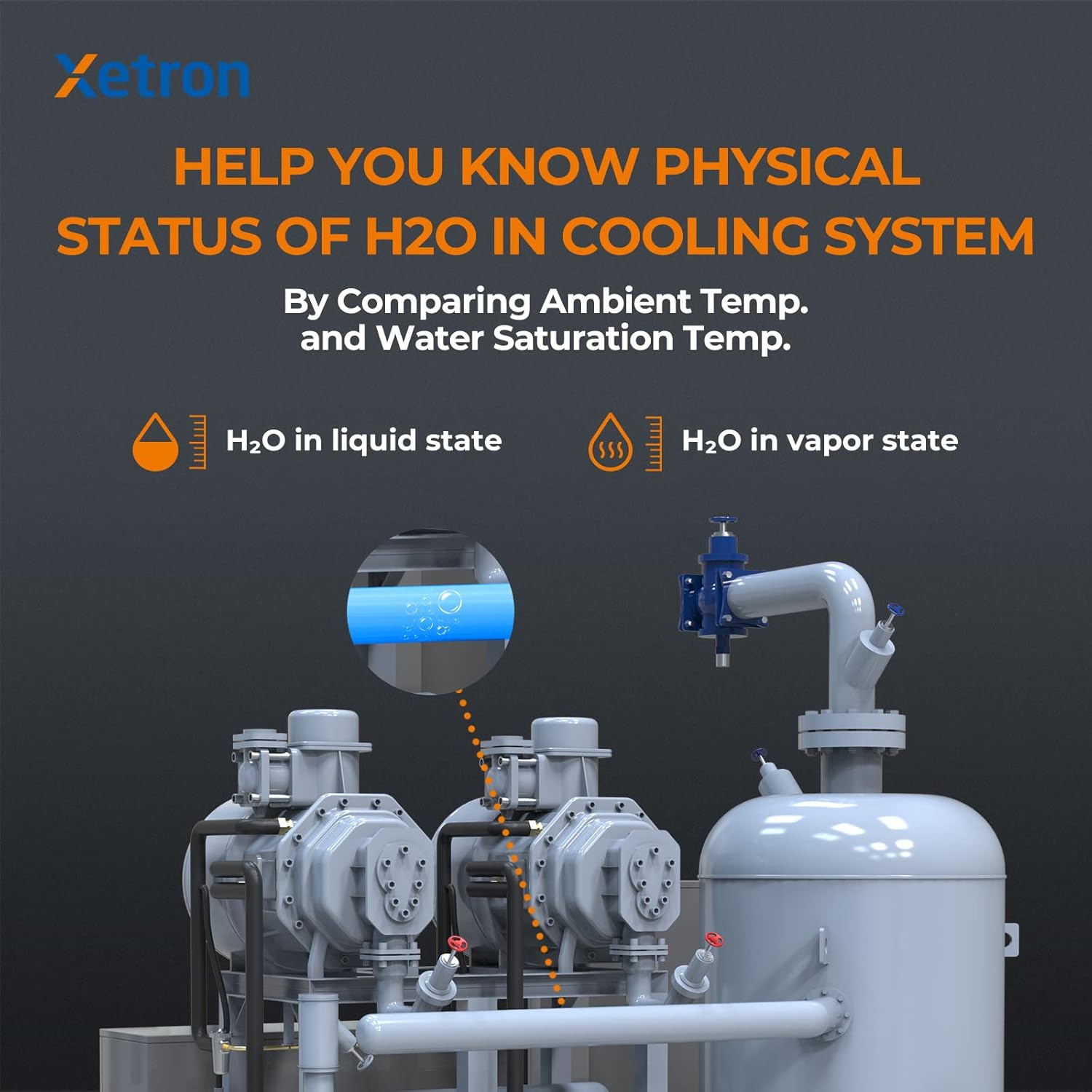
Figure 8.1: H2O Status in Cooling System
By measuring both ambient temperature (Tamb) and the water saturation temperature (TH2O) corresponding to the vacuum level, the gauge can automatically determine if H2O is likely in a liquid or vapor state within the system. This feature is crucial for ensuring thorough dehydration during evacuation processes.
8.2. Compensation de température
The device incorporates an advanced ambient compensating design to maintain accuracy across varying temperature conditions.

Figure 8.2: Temperature Compensation for Accuracy
This feature automatically compensates for temperature fluctuations, ensuring consistent and reliable vacuum measurements without the need for manual adjustments by the user.
9. Entretien
Proper maintenance ensures the longevity and accuracy of your Xetron VGW-10X.
- Nettoyage: Wipe the device with a soft, dry cloth. Do not use abrasive cleaners or solvents. Ensure the sensor port is free of debris.
- Protection du capteur : Always keep the protective cap on the sensor port when the device is not in use to prevent contamination.
- Joints toriques : Regularly inspect the O-rings on the fitting for wear or damage. Replace them if necessary to maintain a leak-free connection.
- Entretien de la batterie: Rechargez régulièrement la batterie, même si vous n'utilisez pas souvent l'appareil, afin de préserver sa durée de vie. Évitez de laisser la batterie se décharger complètement pendant une période prolongée.
- Stockage: Rangez l'appareil dans son sac de protection, dans un endroit frais et sec, à l'abri de la lumière directe du soleil et des températures extrêmes.
10. Dépannage
Consultez le tableau ci-dessous pour connaître les problèmes courants et leurs solutions potentielles.
| Problème | Cause possible | Solution |
|---|---|---|
| L'appareil ne s'allume pas. | Batterie faible ou dysfonctionnement de l'appareil. | Charge the device fully. If it still doesn't power on, contact customer support. |
| Inaccurate vacuum readings. | Sensor contamination, leaks in the system, or incorrect unit selection. | Ensure the sensor port is clean. Check all connections for leaks. Verify the correct vacuum unit is selected. |
| La connexion Bluetooth échoue. | Bluetooth not enabled, device out of range, or app issue. | Ensure Bluetooth is active on both devices. Move closer to the gauge. Restart the app and the gauge. |
| Vacuum decays rapidly after pump is off. | Leak in the system or gauge connection. | Perform a leak test on the entire system, including all connections to the gauge. Ensure O-rings are intact and fittings are tight. |
| L'écran est faiblement lumineux ou clignote. | Batterie faible. | Recharge the device battery. |
11. Spécifications
Technical specifications for the Xetron VGW-10X Digital Micron Vacuum Gauge.
| Paramètre | Valeur |
|---|---|
| Fabricant | Xétron |
| Numéro de modèle | VGW-10X |
| Référence de produit | XT-VGW-10X-EU |
| Dimensions (L x l x H) | 12.5 x 3.5 x 2.8 cm |
| Poids | 290 grammes |
| Matériel | Métal |
| Plage de mesure du vide | 0 à 19,000 microns |
| Résolution sous vide | 1 microns |
| Unités de vide | inHg, Torr, psia, mbar, mTorr, Pa, micron, kPa |
| Mesure de la température | Ambient Temperature (Tamb), Water Saturation Temperature (TH2O) |
| Unités de température | ° C / ° F |
| Connectivité | Bluetooth Smart APP |
| Type de batterie | Batterie au lithium rechargeable (1 incluses) |
| Autonomie de la batterie | Jusqu'à 20 heures (avec une charge complète) |
| Convenable | SAE 1/4" |
12. Garantie et assistance
Xetron provides a one-year warranty for the VGW-10X Digital Micron Vacuum Gauge, covering manufacturing defects from the date of purchase. Additionally, we offer lifetime customer support to assist you with any questions or issues you may encounter.
For warranty claims, technical assistance, or any other inquiries, please contact Xetron customer support through the contact information provided on our official website or your purchase platform. Please have your product model number (VGW-10X) and purchase details ready when contacting support.


