Manuel d'utilisation de l'onduleur PowerDrive PWD400 de 400 watts
Modèle : PWD400
Produit terminéview
The PowerDrive PWD400 is a 400-watt power inverter designed to convert 12V DC power from your vehicle's battery into 110V AC power. This allows you to operate various AC devices and charge USB-powered electronics while on the go. It features two 3-prong AC outlets and dual USB ports (Standard 2.4A and USB-C 3.0A) for versatile power solutions.
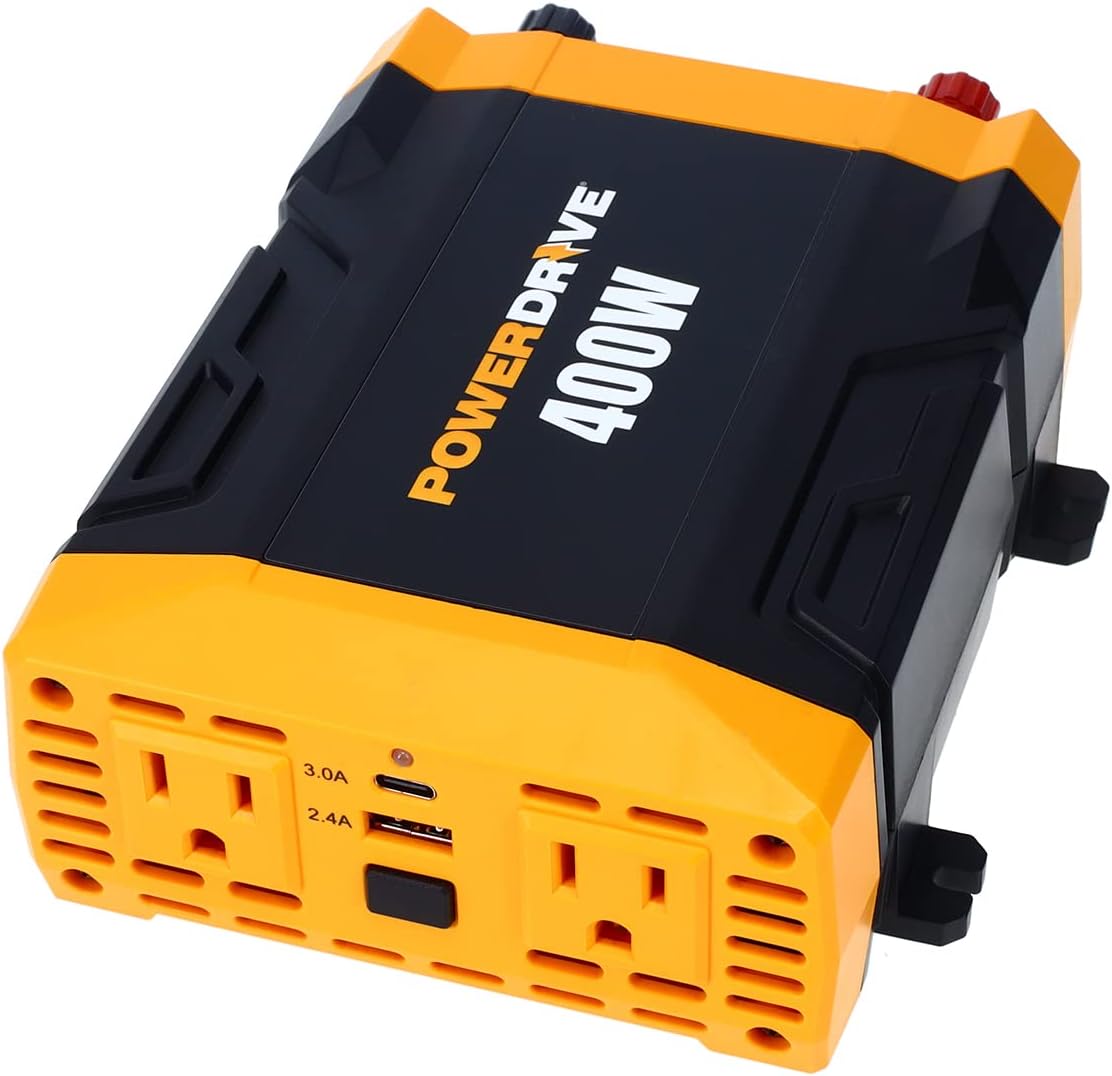
Image : Vue de dessus view of the PowerDrive PWD400 Power Inverter, highlighting its two AC outlets and dual USB ports.
Qu'y a-t-il dans la boîte
- PowerDrive PWD400 Power Inverter
- 12-volt plug (cigarette lighter adapter)
- 36-inch battery clamp câbles
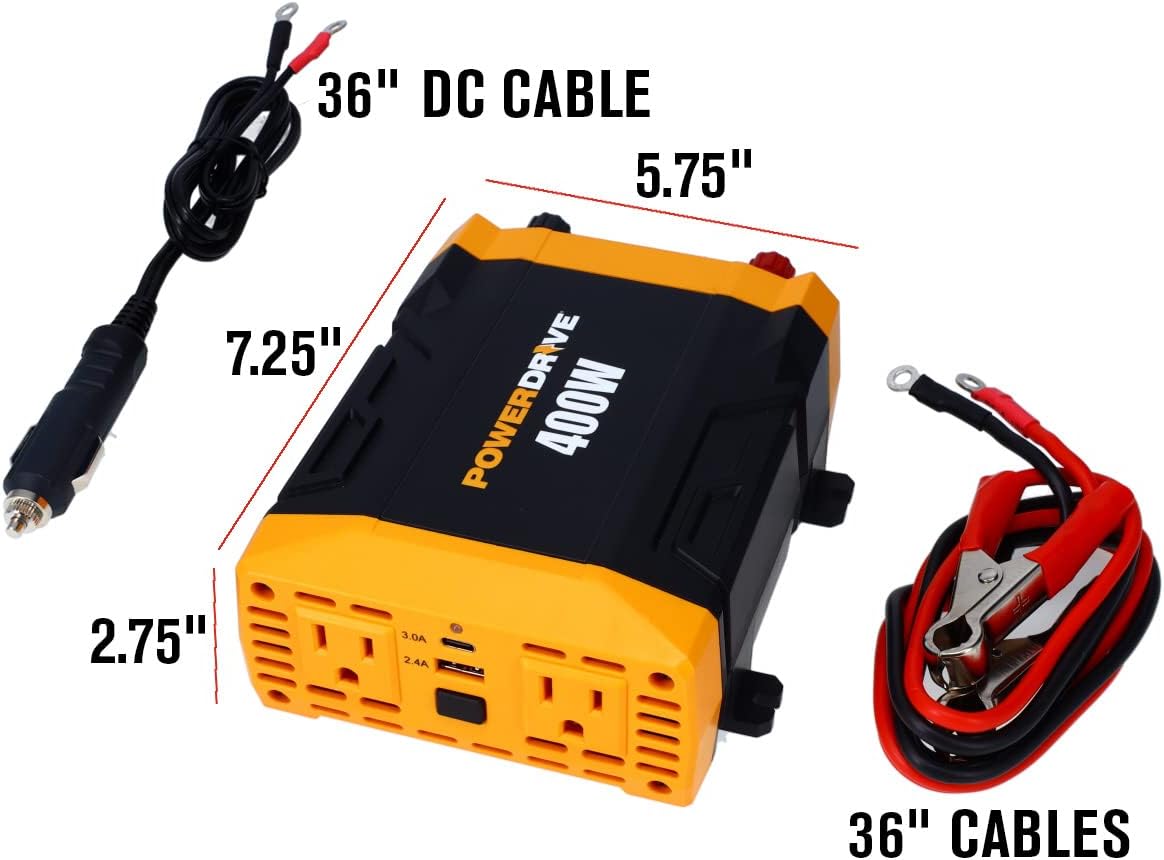
Image: The PowerDrive PWD400 inverter shown with its included 36-inch DC cable (cigarette lighter plug) and 36-inch battery clamp câbles.
Installation
Connexion à une source d'alimentation 12 V :
- Using the 12-volt plug (cigarette lighter adapter): Insert the 12-volt plug into your vehicle's cigarette lighter socket. Ensure a secure connection. This method is suitable for lower power applications.
- Using the 36-inch battery clamp câbles: For higher power applications or direct battery connection, attach the red clamp à la borne positive (+) de votre batterie 12 V et au fil noiramp to the negative (-) terminal. Connect the other end of the cables to the corresponding terminals on the inverter. Ensure all connections are tight and secure.
Important: Always ensure your vehicle's engine is running when using the inverter for extended periods or with high-wattage devices to prevent draining the vehicle's battery.

Image: The PowerDrive PWD400 inverter connected to a 12V power source using the cigarette lighter plug.

Image: The PowerDrive PWD400 inverter connected to a battery using the included battery clamp câbles.
Mode d'emploi
- Mise sous tension : After connecting the inverter to a 12V power source, press the power button on the inverter. The power indicator light should illuminate, indicating it is ready for use.
- Raccordement des appareils fonctionnant sur secteur : Plug your AC devices (up to 400 watts continuous power) into the two 3-prong AC outlets. Ensure the total wattagLa puissance totale de tous les appareils connectés ne dépasse pas 400 watts.
- Chargement des périphériques USB : Connect your USB-powered devices to the 2.4A USB port or the 3.0A USB-C port. These ports are ideal for charging smartphones, tablets, and other compatible electronics.
- Mise hors tension : When finished, disconnect all devices from the inverter, then press the power button to turn off the inverter. Finally, disconnect the inverter from the 12V power source.
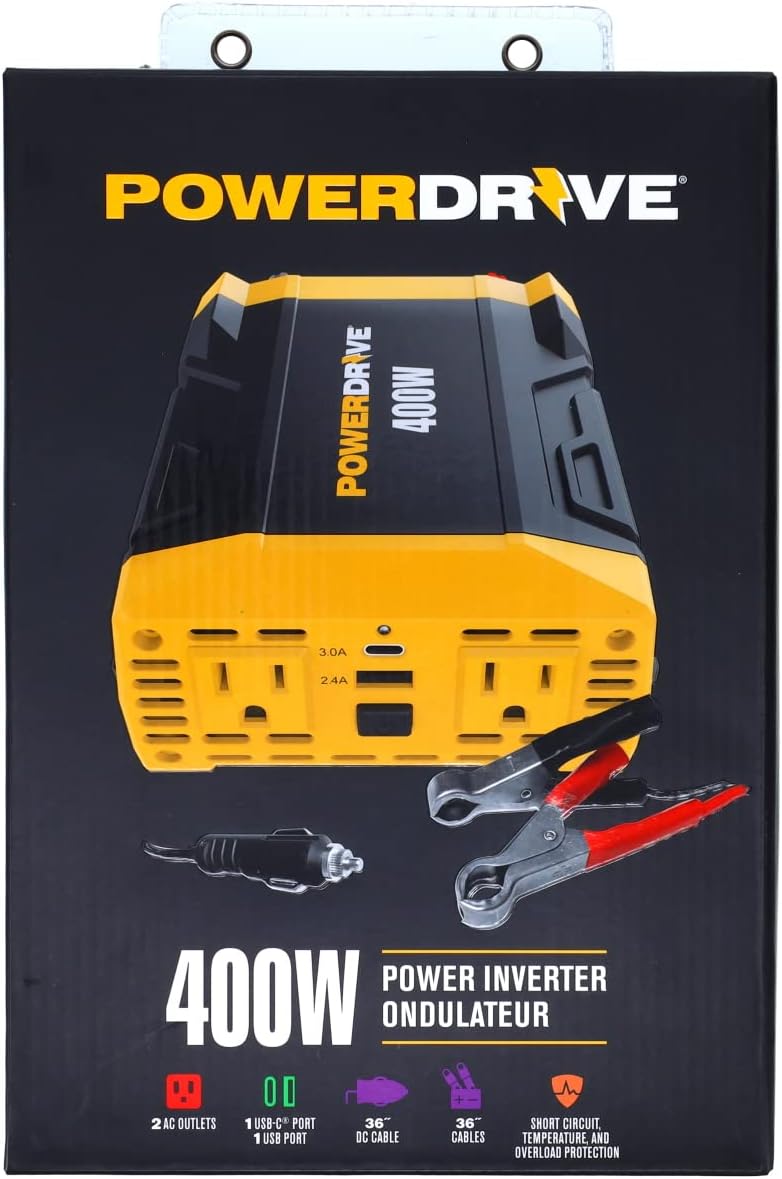
Image : Une image détaillée view of the PowerDrive PWD400's dual 3-prong AC outlets and the 2.4A USB and 3.0A USB-C ports.
Entretien
- Nettoyage: Veillez à ce que l'onduleur reste propre et exempt de poussière et de débris. Utilisez un chiffon doux et sec pour le nettoyer. N'utilisez pas de nettoyants liquides.
- Remplacement du fusible : The PWD400 features removable ATC fuses for easy replacement. If the inverter stops functioning due to an overload or short circuit, check and replace the fuses as needed. Refer to the specifications for the correct fuse type and rating.
- Stockage: Rangez l'onduleur dans un endroit frais et sec, à l'abri de la lumière directe du soleil et de l'humidité, lorsqu'il n'est pas utilisé.
Dépannage
The PowerDrive PWD400 is equipped with built-in protection features to ensure safe operation. If you encounter issues, consider the following:
- Aucune puissance de sortie :
- Ensure the inverter is securely connected to the 12V power source.
- Check if the vehicle's 12V socket or battery terminals are clean and free of corrosion.
- Verify that the power button on the inverter is pressed and the indicator light is on.
- Check the removable ATC fuses. Replace if blown.
- Protection contre les surcharges :
- If the inverter shuts down, it may be due to an overload. Disconnect the devices, reduce the total wattage, and restart the inverter. The inverter protects against exceeding its 400-watt continuous power rating.
- Protection contre la surchauffe :
- If the inverter becomes too hot, it will shut down to prevent damage. Allow it to cool down in a well-ventilated area before restarting. Ensure proper ventilation around the inverter during operation.
- Protection contre les courts-circuits :
- The inverter is designed to protect against short circuits. If a short circuit occurs, the unit will shut down. Resolve the short circuit issue and restart the inverter.
Caractéristiques
| Fonctionnalité | Spécification |
|---|---|
| Nom du modèle | PWD400 |
| Puissance continue | 400 watts |
| Vol d'entréetage | 12 V CC |
| Volume de sortietage | 110 V c.a. |
| Prises CA | Two 3-prong outlets |
| Ports USB | One Standard 2.4A USB, One 3.0A USB-C |
| Câbles inclus | 12-volt plug, 36-inch battery clamp câbles |
| Fonctions de protection | Short circuit, temperature, and overload protection |
| Poids de l'article | 2.05 livres |
| Dimensions du produit | 12 x 8 x 3 pouces |
Garantie et assistance
This PowerDrive PWD400 Power Inverter comes with a 1-year limited warranty. For technical support, troubleshooting assistance, or warranty claims, please refer to the contact information provided with your product packaging or visit the official PowerDrive website.
Pour plus d'informations et de ressources, vous pouvez consulter le site web suivant : PowerDrive Store on Amazon.


