1. Produit terminéview
The ZIOCOM 2-in-1 Wireless Bluetooth Transmitter/Receiver is a versatile audio adapter designed to enhance your audio experience by adding Bluetooth capabilities to non-Bluetooth devices. It functions as both a transmitter (TX mode) to send audio from your TV, PC, or MP3 player to Bluetooth headphones or speakers, and a receiver (RX mode) to stream audio from your smartphone or tablet to wired speakers, car stereos, or home sound systems. Featuring Bluetooth 5.0 and aptX Low Latency technology, it ensures high-quality audio with minimal delay.

Figure 1: ZIOCOM 2-in-1 Wireless Bluetooth Transmitter/Receiver and accessories.
Contenu du colis :
- ZIOCOM 2-in-1 Bluetooth Transmitter/Receiver (BH045B)
- Câble audio 3.5 mm
- Câble audio RCA vers 3.5 mm
- Câble de chargement USB
- Manuel d'utilisation

Figure 2: Package contents including the device, various cables, and user manual.
2. Agencement et commandes de l'appareil

Figure 3: Device layout with key components labeled.
- Bouton multifonction : Power On/Off, Play/Pause, Answer/End/Reject Calls, Redial.
- Volume Up/Previous Song Button: Increase volume, navigate to previous track.
- Volume Down/Next Song Button: Decrease volume, navigate to next track.
- Bouton d'appairage: Lance le mode de couplage Bluetooth.
- Commutateur TX/RX : Permet de basculer entre les modes émetteur et récepteur.
- Voyant lumineux : Affiche l'état de l'appareil (appairage, connecté, en charge).
- Built-in Mic: Pour passer des appels mains libres en mode RX.
- Port de charge de type C : Pour recharger la batterie interne.
- Port AUX: Entrée/sortie audio 3.5 mm.
3. Configuration et chargement
Charge initiale :
Before first use, fully charge the device. Connect the supplied USB charging cable to the Type-C charging port on the adapter and the other end to a USB power source (e.g., computer USB port, USB wall adapter). The indicator light will show charging status and turn off when fully charged. A full charge takes approximately 2 hours.
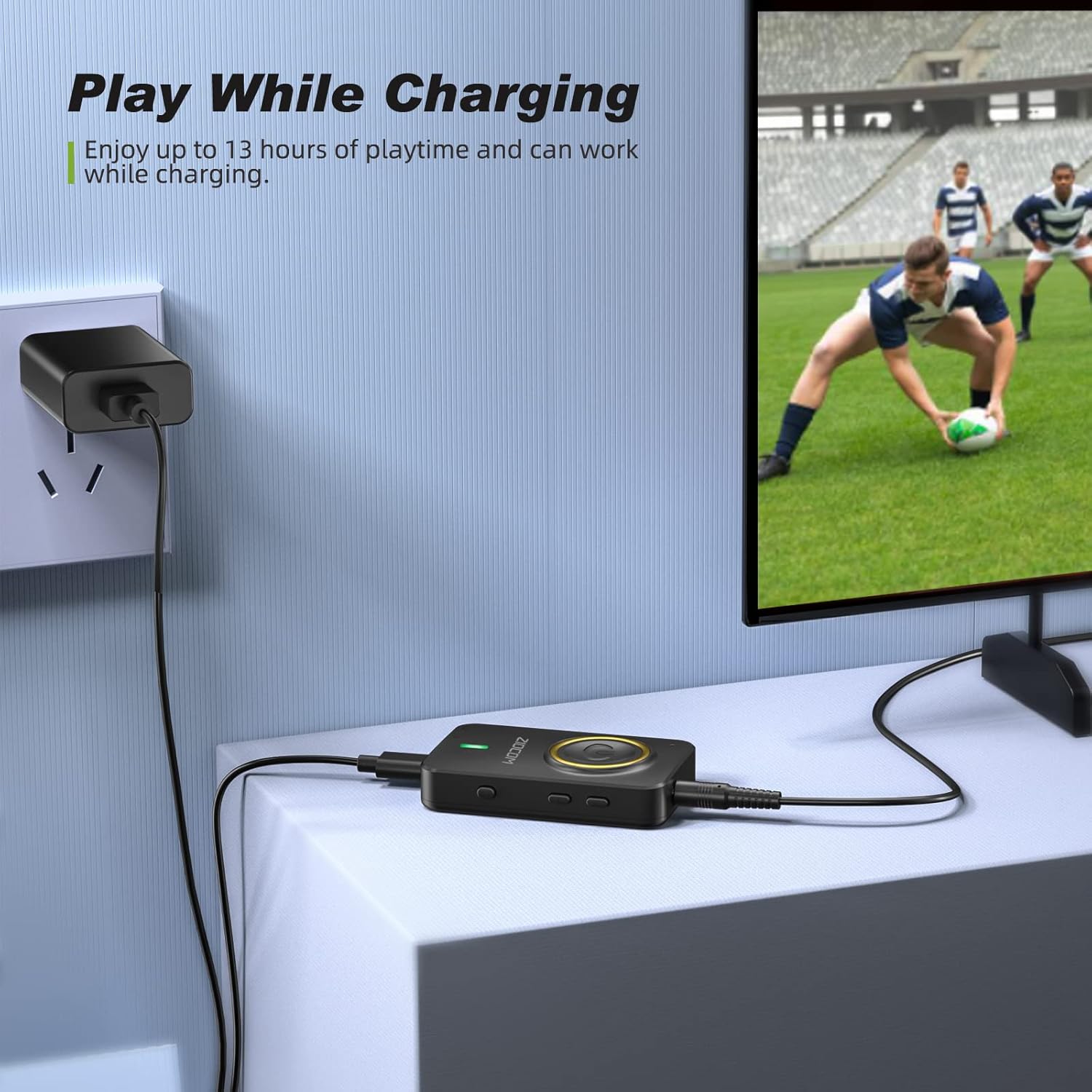
Figure 4: The device can be used while charging, providing extended playtime.
Marche/Arrêt :
- Mise sous tension : Press and hold the Multifunction Button for 3 seconds until the indicator light turns on.
- Éteindre: Press and hold the Multifunction Button for 3 seconds until the indicator light turns off.
4. Modes de fonctionnement
The ZIOCOM adapter supports two primary operating modes: Transmitter (TX) and Receiver (RX). Use the Commutateur TX/RX on the side of the device to select the desired mode.

Figure 5 : Plusview of Transmitter (TX) and Receiver (RX) modes.
4.1. Mode émetteur (TX)
In TX mode, the adapter transmits audio from non-Bluetooth devices (e.g., TV, PC, MP3 player) to Bluetooth-enabled headphones or speakers.
Configuration du mode TX :
- Basculez l'appareil vers TX mode using the TX/RX switch.
- Connect the ZIOCOM adapter to your audio source (TV, PC, MP3 player) using the 3.5mm audio cable or the RCA to 3.5mm audio cable. Plug the 3.5mm end into the adapter's AUX port and the other end into the audio output port of your source device.
- Power on the adapter. It will automatically enter pairing mode, indicated by a rapidly flashing blue light.
- Mettez votre casque ou votre enceinte Bluetooth en mode appariement.
- The adapter will automatically search for and connect to nearby Bluetooth devices. Once connected, the indicator light will turn solid blue.

Figure 6: Enjoying low latency audio from TV in TX mode. (Note: Your receiving device must also support aptX Low Latency for optimal performance.)
Dual-Link in TX Mode:
The adapter can connect to two Bluetooth headphones/speakers simultaneously in TX mode.
- Connectez le premier appareil Bluetooth comme décrit ci-dessus.
- Once the first device is connected, press the Bouton d'appairage on the ZIOCOM adapter. The indicator light will flash rapidly again.
- Mettez le deuxième casque/enceinte Bluetooth en mode appairage.
- The adapter will connect to the second device. Both devices will now receive audio simultaneously.

Figure 7: Dual-link feature allowing two Bluetooth headphones to connect to a TV.
4.2. Mode récepteur (RX)
In RX mode, the adapter receives audio from Bluetooth-enabled devices (e.g., smartphones, tablets) and plays it through wired speakers, car stereos, or home sound systems.
Configuration du mode RX :
- Basculez l'appareil vers RX mode using the TX/RX switch.
- Connect the ZIOCOM adapter to your wired audio system (speakers, car stereo) using the 3.5mm audio cable or the RCA to 3.5mm audio cable. Plug the 3.5mm end into the adapter's AUX port and the other end into the audio input port of your wired system.
- Power on the adapter. It will automatically enter pairing mode, indicated by a rapidly flashing blue light.
- Sur votre smartphone ou tablette, activez Bluetooth et recherchez
Documents connexes - BH045B

Manuel d'utilisation de l'émetteur-récepteur Bluetooth ZIOCOM BT5804F
Découvrez l'émetteur et récepteur Bluetooth ZIOCOM BT5804F. Ce manuel d'utilisation fournit des instructions détaillées, les spécifications et les fonctionnalités de l'adaptateur audio, notamment la technologie aptX Low Latency et le mode Bypass.
ZIOCOM BT5823 Bluetooth Transmitter Receiver User Manual - Wireless Audio Adapter
Comprehensive user manual for the ZIOCOM BT5823 2-in-1 Bluetooth transmitter and receiver. Learn about setup, specifications, features, and troubleshooting for wireless audio.
Guide de l'utilisateur du récepteur émetteur ZIOCOM BT5809 Bluetooth 5.0
Guide d'utilisation complet du ZIOCOM BT5809, un émetteur-récepteur et dispositif de dérivation sans fil Bluetooth 5.0 longue portée. Découvrez les spécifications du produit, la configuration, les modes de fonctionnement (récepteur, émetteur, dérivation), l'appairage, le dépannage et les informations de garantie.
ZIOCOM DG02 Bluetooth Audio Adapter User Manual
User manual for the ZIOCOM DG02 Bluetooth Audio Adapter, detailing product specifications, compatibility, setup instructions, pairing, reset procedures, and maintenance for wireless audio transmission.
Manuel d'utilisation de l'adaptateur Bluetooth auxiliaire ZIOCOM RC02
Manuel d'utilisation de l'adaptateur Bluetooth auxiliaire ZIOCOM RC02. Découvrez les caractéristiques techniques, comment appairer et utiliser l'appareil pour la diffusion audio sans fil et les appels mains libres, le dépannage et la maintenance. Compatible avec les autoradios et les systèmes audio domestiques.
Manuel d'utilisation du récepteur émetteur Bluetooth 4853 ZIOCOM BT5.0C
Manuel d'utilisation de l'émetteur-récepteur Bluetooth 5.0 ZIOCOM BT4853C. Il fournit des instructions sur la configuration, le fonctionnement en modes TX et RX, l'appairage, le réglage du volume et le dépannage de cet adaptateur audio sans fil.