1. Produit terminéview
The Netac N530S is a 2.5-inch SATA III Solid State Drive designed to enhance the performance of your laptop, desktop computer, or gaming console. It offers fast data transfer speeds, improved system responsiveness, and a durable, energy-efficient design.
- Performances à grande vitesse : Achieves sequential read speeds up to 550 MB/s and write speeds up to 510 MB/s, significantly reducing boot times and application load times.
- Enhanced System Responsiveness: Improves overall system performance compared to traditional hard disk drives (HDDs).
- Durable et fiable : Features error correction code, wear leveling, and TRIM technology for stable operation and extended lifespan. It is also shock, vibration, and temperature resistant.
- Efficacité énergétique : Consumes less power than traditional HDDs, contributing to longer battery life in laptops and reduced energy costs for desktops.
- Large compatibilité : Standard 2.5-inch form factor with SATA interface, suitable for a broad range of devices.

Image: Netac N530S SSD highlighting read speed up to 550 MB/s and write speed up to 500 MB/s. Performance may vary based on internal testing, drive capacity, host device, and usage conditions.
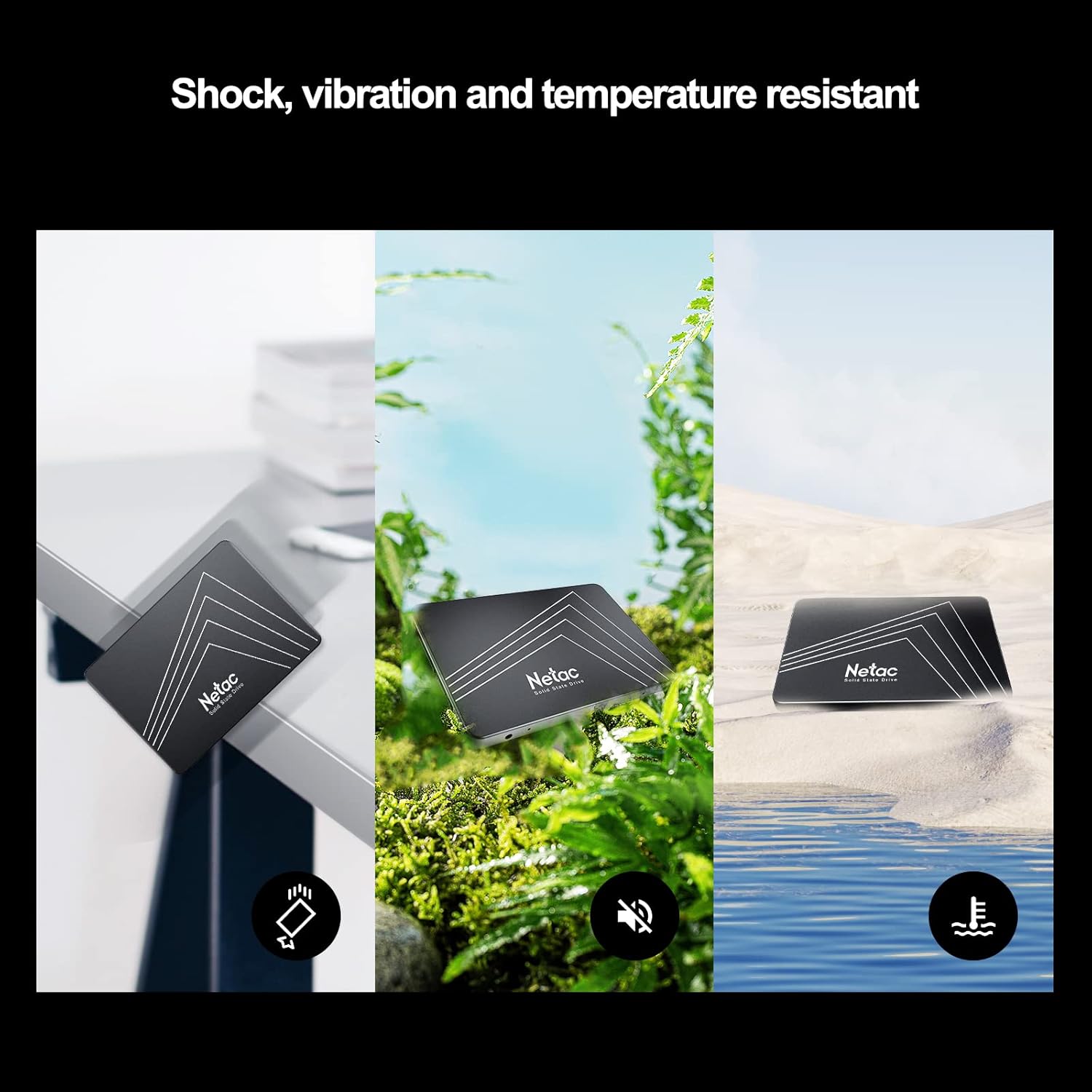
Image: The Netac N530S SSD is designed to be resistant to shock, vibration, and extreme temperatures, ensuring data integrity and reliability in various environments.
Vidéo : Une vidéo d'introductionasing the Netac N530S Solid State Drive, highlighting its features and benefits for various computing needs.
2. Configuration et installation
This section provides general guidelines for installing your Netac N530S SSD. Specific steps may vary depending on your computer model. It is recommended to back up your data before proceeding with any hardware changes.
2.1 Outils requis
- Tournevis cruciforme
- SATA data cable (if not already present in your system)
- SATA power cable (usually from your power supply)
- Optional: 2.5-inch to 3.5-inch drive bay adapter (for desktop PCs without 2.5-inch bays)
2.2 Installation Steps (Desktop PC)
- Éteindre et déconnecter : Éteignez complètement votre ordinateur et débranchez le câble d'alimentation de la prise murale.
- Dossier ouvert : Retirez le panneau latéral de votre boîtier d'ordinateur pour accéder aux composants internes.
- Localiser la baie de garage : Identify an available 2.5-inch drive bay. If only 3.5-inch bays are available, use a 2.5-inch to 3.5-inch adapter.
- Monter le SSD : Secure the Netac N530S SSD into the drive bay or adapter using screws.
- Connecter les câbles :
- Connectez une extrémité du câble de données SATA au SSD et l'autre extrémité à un port SATA disponible sur votre carte mère.
- Connectez un câble d'alimentation SATA de votre bloc d'alimentation au SSD.

Image: A hand connecting the SATA power and data cables to the Netac N530S SSD inside a computer case. This illustrates the simple operation suitable for DIY installation.
- Fermer le boîtier et mettre sous tension : Reattach the side panel, reconnect the power cable, and power on your computer.
- Initialize and Format (New SSD): For a new SSD, you may need to initialize it in Disk Management (Windows) or Disk Utility (macOS) and format it before use. Refer to your operating system's documentation for detailed steps.
2.3 Installation Steps (Laptop)
- Éteindre et déconnecter : Shut down your laptop, disconnect the power adapter, and remove the battery (if removable).
- Baie d'accès : Consult your laptop's manual to locate and open the hard drive bay. This usually involves removing a panel on the bottom of the laptop.
- Supprimer l'ancien disque : Carefully disconnect and remove the existing hard drive. Note how it is connected and mounted.
- Installer un nouveau SSD : Place the Netac N530S SSD into the drive bay. Secure it with any brackets or screws that held the old drive. Connect the SSD to the laptop's SATA connector.
- Fermer et allumer : Reattach the panel, reinsert the battery, reconnect the power adapter, and power on your laptop.
- Installer le système d'exploitation : If replacing the primary drive, you will need to install your operating system onto the new SSD.
3. Utilisation du SSD
Once installed, your Netac N530S SSD operates like any other storage device. For optimal performance and longevity, consider the following:
- Support du système d'exploitation: Ensure your operating system supports TRIM functionality, which helps maintain SSD performance over time. Modern operating systems (Windows 7+, macOS, Linux) typically support TRIM automatically.
- Évitez la défragmentation : Unlike HDDs, SSDs do not benefit from defragmentation. In fact, defragmenting an SSD can reduce its lifespan by causing unnecessary write cycles. Disable any automatic defragmentation tools for your SSD.
- Laissez un peu d'espace libre : It is generally recommended to leave at least 10-15% of the SSD's capacity free. This allows the SSD's wear-leveling algorithms to function effectively and maintain performance.
- Use as Boot Drive: For the best performance improvement, install your operating system and frequently used applications on the SSD.
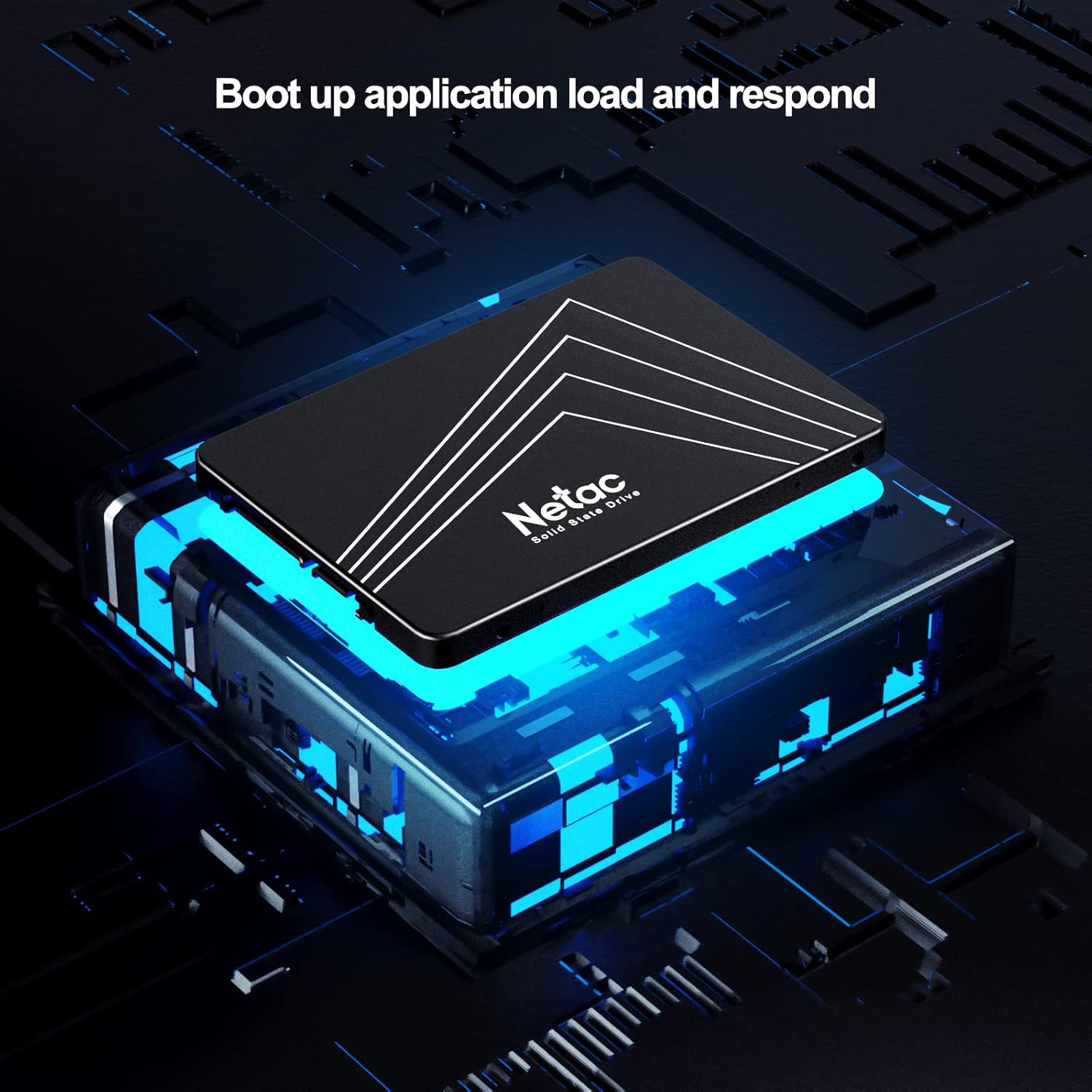
Image: The Netac N530S SSD significantly speeds up boot times and application loading, enhancing the overall responsiveness of your system.

Image: The Netac N530S SSD facilitates seamless multitasking, allowing users to run multiple applications and processes smoothly without slowdowns.
4. Entretien
Proper maintenance can extend the life and maintain the performance of your Netac N530S SSD.
- Mises à jour du micrologiciel : Consultez régulièrement le site officiel de Netac. website for any available firmware updates for your N530S SSD. Firmware updates can improve performance, stability, and compatibility.
- Monitor SSD Health: Use S.M.A.R.T. (Self-Monitoring, Analysis, and Reporting Technology) tools to monitor the health and estimated lifespan of your SSD. Many operating systems and third-party utilities offer this feature.
- Sauvegardes régulières : While SSDs are reliable, no storage device is infallible. Regularly back up important data to another drive or cloud storage.
5. Dépannage
If you encounter issues with your Netac N530S SSD, try the following troubleshooting steps:
- SSD non détecté :
- Vérifiez que toutes les connexions des câbles de données et d'alimentation SATA sont bien fixées.
- Vérifiez que le port SATA de la carte mère est activé dans les paramètres du BIOS/UEFI.
- Essayez de connecter le SSD à un autre port SATA ou d'utiliser des câbles différents.
- Ensure the SSD is properly initialized and formatted in Disk Management (Windows) or Disk Utility (macOS) if it's a new drive.
- Performances lentes :
- Vérifiez que la fonction TRIM est activée sur votre système d'exploitation.
- Ensure the SSD is connected to a SATA III (6Gb/s) port for optimal speed.
- Vérifiez la présence de processus ou d'applications en arrière-plan susceptibles d'utiliser intensivement le disque.
- Ensure there is sufficient free space on the SSD (at least 10-15%).
- Mettez à jour le firmware du SSD si disponible.
- Le système d'exploitation ne démarre pas :
- Vérifiez l'ordre de démarrage dans les paramètres de votre BIOS/UEFI pour vous assurer que le SSD est bien défini comme périphérique de démarrage principal.
- If you cloned your old drive, ensure the cloning process was successful and the new SSD is bootable.
6. Spécifications
Detailed technical specifications for the Netac N530S 1TB Internal SSD.
| Fonctionnalité | Spécification |
|---|---|
| Marque | Netac |
| Numéro de modèle | N530S |
| Capacité de stockage numérique | 1 To |
| Interface du disque dur | Serial ATA (SATA III 6Gb/s) |
| Facteur de forme du disque dur | 2.5 pouces |
| Appareils compatibles | Ordinateur de bureau, console de jeux, ordinateur portable |
| Type d'installation | Disque dur interne |
| Dimensions de l'article (LxlxH) | 3.94 x 2.76 x 0.28 pouces (100 x 70 x 7 mm) |
| Poids de l'article | 2.39 onces |
| Plateforme matérielle | PC |
| Vitesse de lecture séquentielle | Jusqu'à 550 XNUMX Mo/s |
| Vitesse d'écriture séquentielle | Jusqu'à 510 XNUMX Mo/s |

Image: Visual representation of the Netac N530S SSD's dimensions (100mm x 70mm) and various available capacities, including 120GB, 128GB, 240GB, 256GB, 480GB, 512GB, 1TB, and 2TB.
7. Garantie et assistance
Netac provides a limited warranty for its products. For specific warranty terms, conditions, and duration, please refer to the warranty information included with your product packaging or visit the official Netac website. For technical support, product inquiries, or warranty claims, please contact Netac customer service through their official channels.


