Introduction
This manual provides comprehensive instructions for the beyerdynamic FOX Professional USB Studio Microphone and its accompanying Microphone Suspension Boom Scissor Arm. It covers essential information regarding product setup, operation, maintenance, and troubleshooting to ensure optimal performance and longevity of your equipment. Please read this manual thoroughly before using the product.
Consignes de sécurité
Please observe the following safety instructions to prevent damage to the device, injury to yourself, or damage to other property:
- Do not expose the microphone to moisture, rain, or extreme temperatures.
- Évitez de laisser tomber le microphone ou de le soumettre à des chocs violents.
- Ne tentez pas de démonter ou de modifier le microphone. Confiez toute réparation à un personnel qualifié.
- Keep the microphone and boom arm away from strong magnetic fields.
- Ensure the boom arm is securely clamped to a stable surface to prevent accidental falls.
- Use only the specified power source (USB connection) for the microphone.
Contenu du colis
Vérifiez que tous les éléments énumérés ci-dessous sont présents dans votre colis :
- beyerdynamic FOX Professional USB Studio Microphone
- Microphone Suspension Boom Scissor Arm with 3/8-Inch-16 Threading (Black)
- Câble USB
- Desk Stand (for microphone)
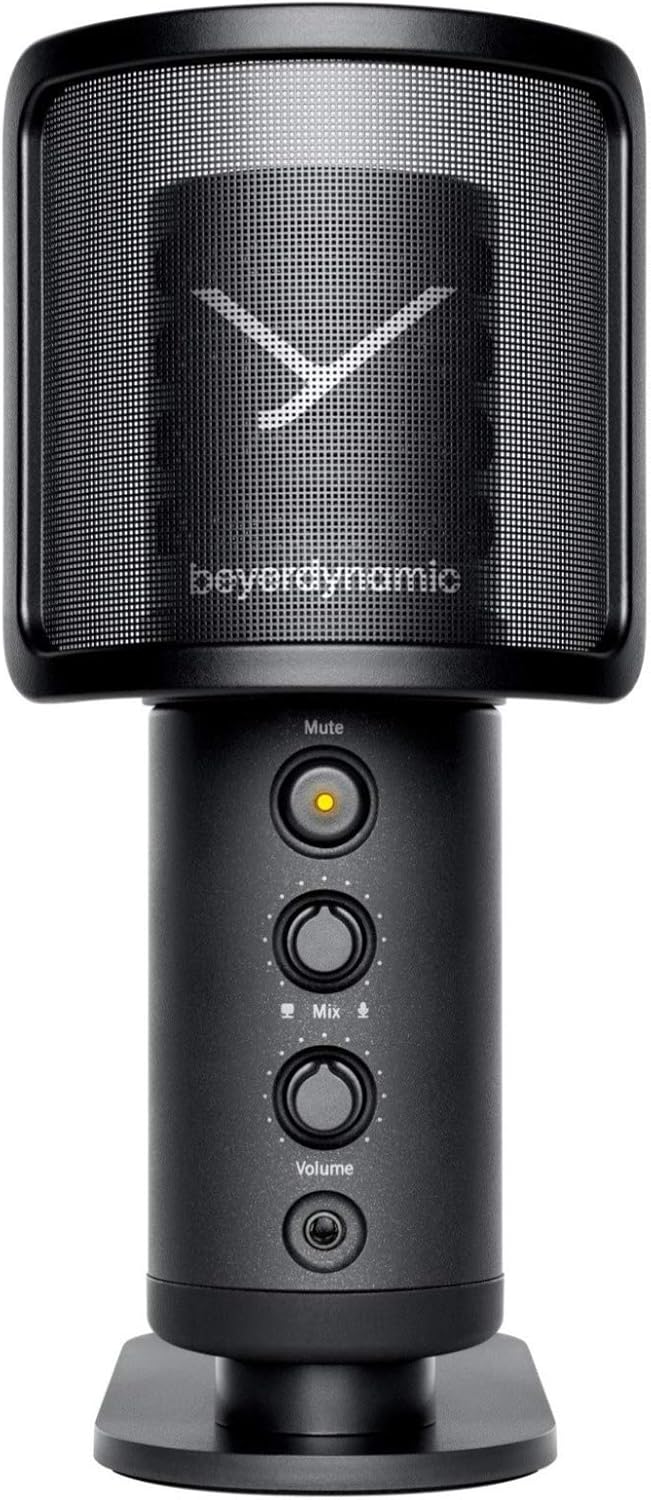
Image: The beyerdynamic FOX USB Studio Microphone and the included boom arm, showcasing le paquet complet.
Produit terminéview
Caractéristiques principales :
- Audio haute résolution : 24-bit / 96 kHz studio-grade quality for professional recordings.
- Large Condenser Capsule: Ensures accurate signal conversion and low inherent noise.
- Diagramme polaire cardioïde: Il se concentre sur le son provenant directement de l'avant du microphone, réduisant ainsi les bruits de fond indésirables.
- Surveillance sans latence : Integrated headphone output allows real-time monitoring of your audio.
- Bouton de sourdine: Instantly mutes the microphone for privacy or to prevent unwanted sounds from being recorded.
- Commutateur de gain : Adjustable gain for recording various sound sources, including loud instruments.
- Connectivité USB : Simple plug-and-play connection to PC, Mac, or compatible smartphones/tablets.
Microphone Components:
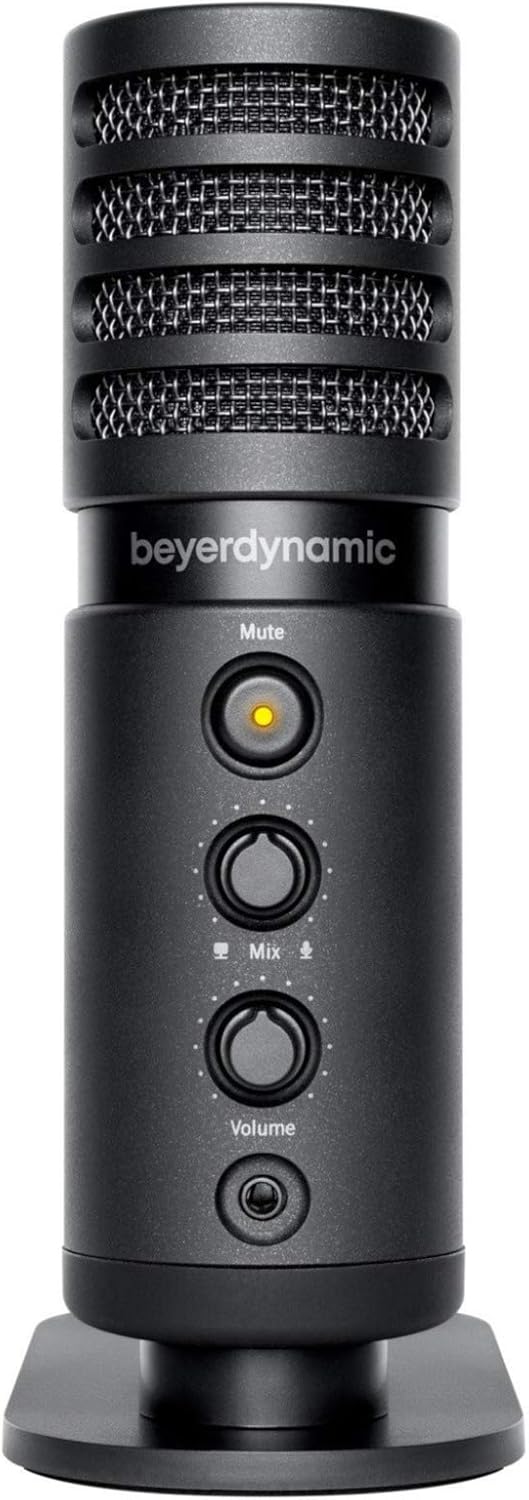
Image : Avant view of the beyerdynamic FOX microphone, highlighting the mute button, mix control, and volume knob.
- Grille de microphone : Protects the condenser capsule.
- Bouton de sourdine: Press to mute/unmute the microphone. An indicator light will show status.
- Contrôle du mixage : Adjusts the balance between microphone input and computer playback in your headphones.
- Bouton de volume : Contrôle le volume de la sortie casque.
- Prise casque (3.5 mm) : For connecting monitoring headphones.
- Port USB-C : For connecting the microphone to your computer or mobile device.
- Threaded Mount: For attaching to the desk stand or boom arm.
Installation
1. Assembling the Boom Arm:
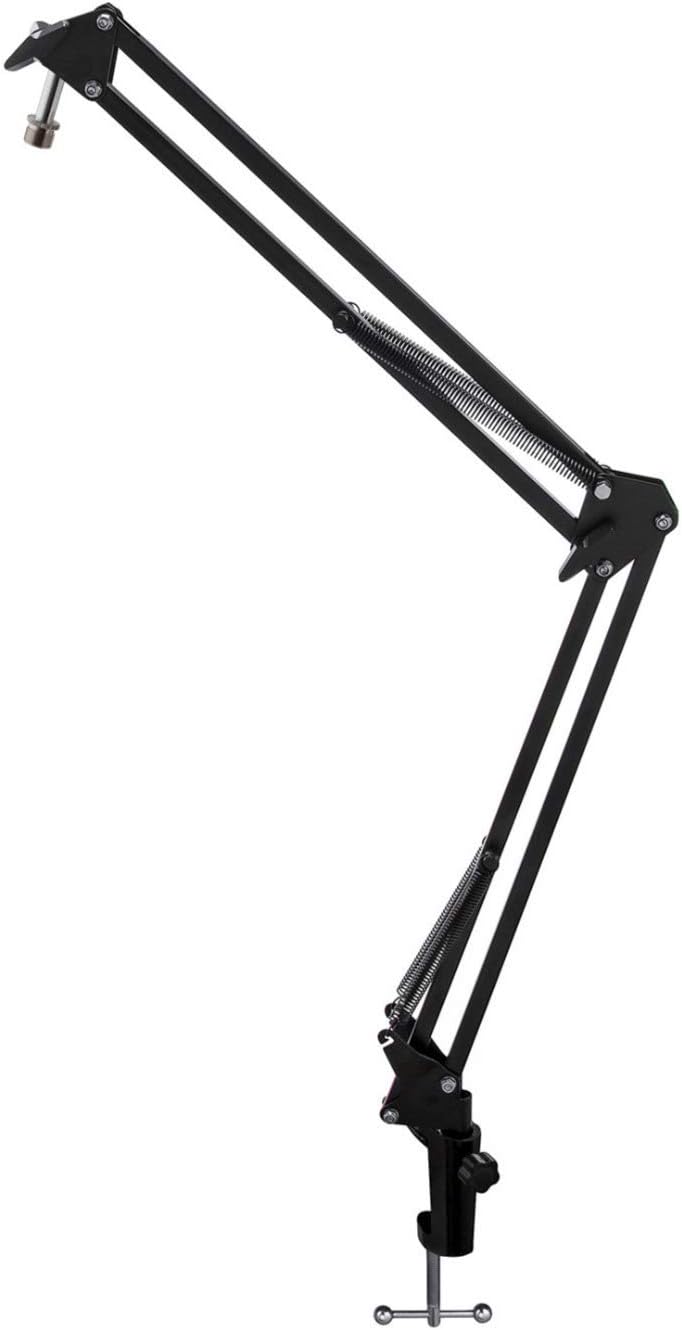
Image: The Microphone Suspension Boom Scissor Arm, showing its adjustable joints and desk clamp.
- Attacher un bureau Clamp: Fixez solidement le bureauamp to the edge of a sturdy desk or table. Ensure it is tight to prevent movement.
- Insérer le bras de flèche : Insérez la base du bras articulé dans le trou du bureau.amp. Tighten the locking screw on the clamp to hold the arm in place.
- Ajuster la position : Adjust the boom arm to your desired height and reach. The springs will help balance the microphone's weight.
2. Fixation du microphone :
- To Boom Arm: Screw the beyerdynamic FOX microphone onto the 3/8-inch-16 threaded mount at the end of the boom arm. Ensure it is finger-tight.
- Using Desk Stand (Optional): If not using the boom arm, screw the microphone onto its included desk stand.
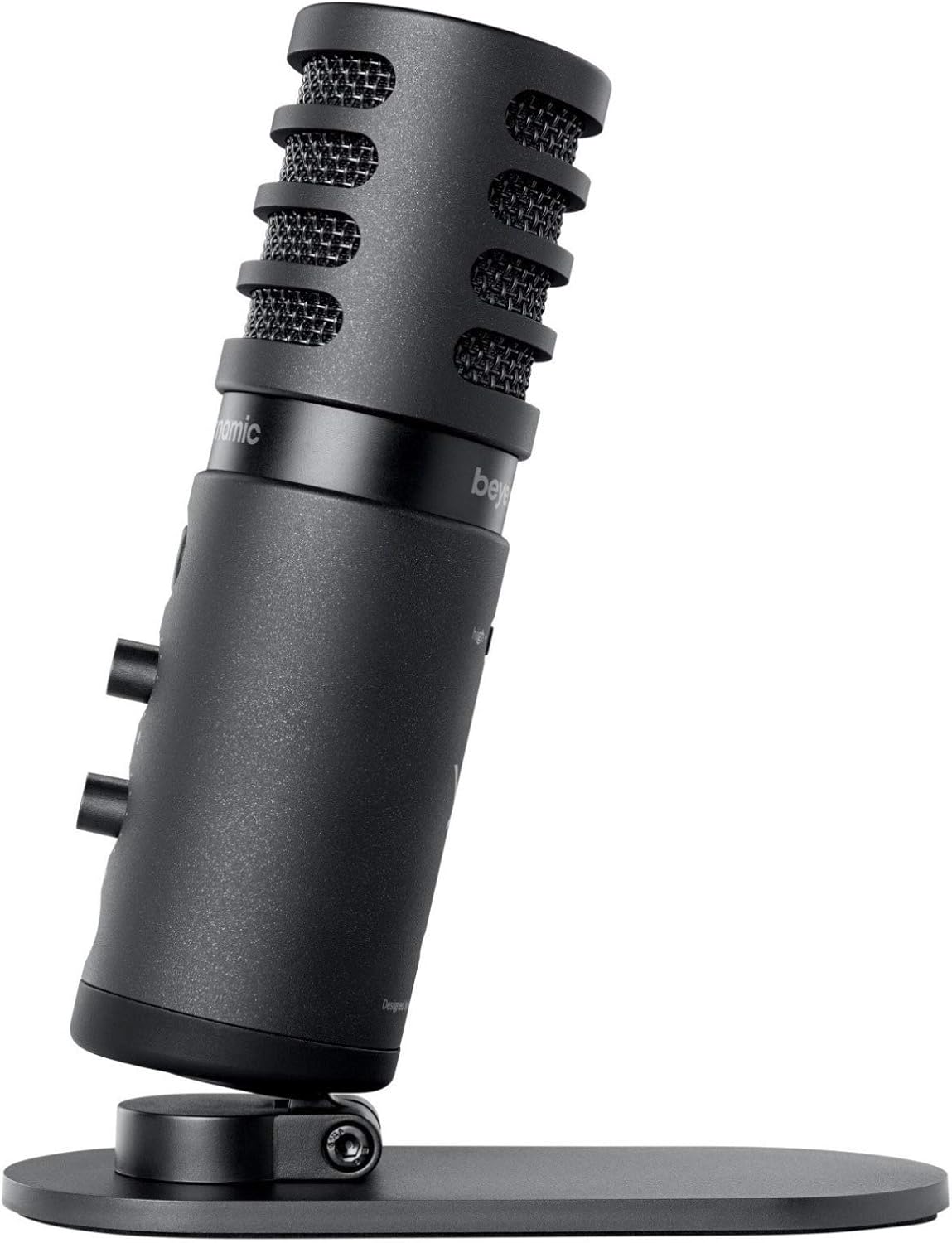
Image: The beyerdynamic FOX microphone mounted on its compact desk stand, ready for use.
3. Connexion à votre appareil :
- Connect the supplied USB cable to the USB-C port on the microphone.
- Connect the other end of the USB cable to an available USB port on your computer (PC/Mac) or compatible smartphone/tablet (adapter may be required for some mobile devices).
- Le microphone est prêt à l'emploi et devrait être automatiquement reconnu par votre système d'exploitation.
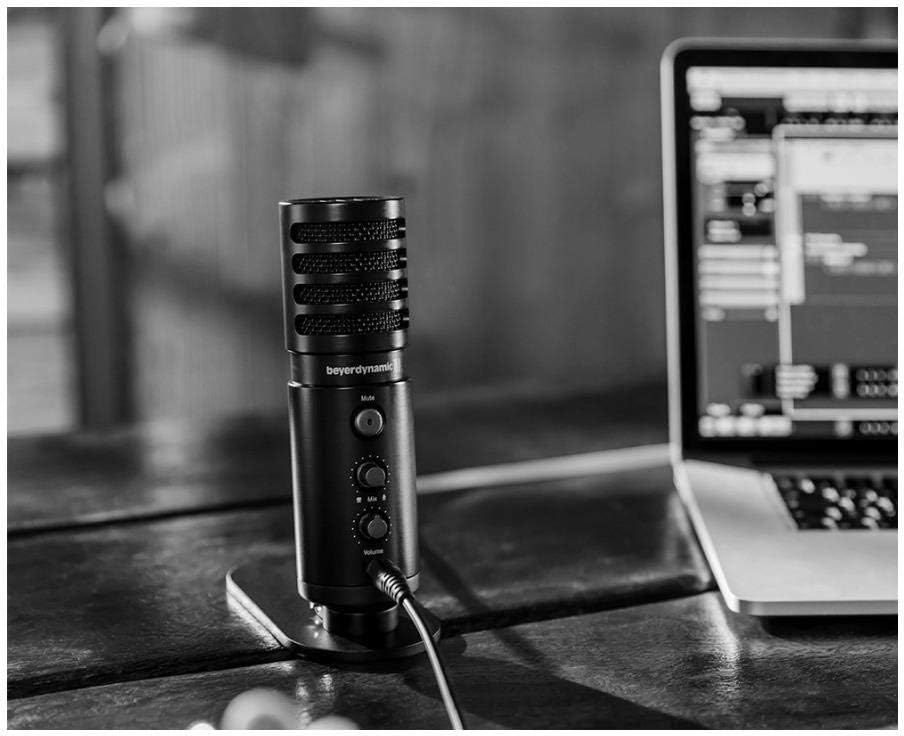
Image: The beyerdynamic FOX microphone in use, connected via USB to a laptop on a wooden desk.
Mode d'emploi
1. System Recognition:
- Once connected, your operating system (Windows, macOS, Android, iOS) should automatically detect the beyerdynamic FOX as an audio input and output device.
- You may need to select "beyerdynamic FOX" as your default input/output device in your system's sound settings or within your recording software.
2. Using the Mute Button:
- Appuyez sur le Muet button on the front of the microphone to toggle between active and muted states.
- An indicator light will typically show the microphone's status (e.g., green for active, red/orange for muted).
3. Adjusting Gain (Input Level):
- The FOX microphone features a gain switch (often labeled "Gain" or represented by a symbol like a microphone with a "+" or "-").
- Use this switch to adjust the microphone's sensitivity. For quiet sources (e.g., soft vocals), use a higher gain setting. For loud sources (e.g., instruments, loud speaking), use a lower gain setting to prevent distortion.
- Monitor your recording software's input levels to ensure they are not peaking (clipping).
4. Zero-Latency Monitoring:
- Connect headphones to the 3.5mm headphone jack on the microphone.
- Utilisez le Volume knob to adjust the headphone listening level.
- Le Mélanger control allows you to blend the microphone's direct input with the audio playback from your computer. Turn towards the microphone icon to hear more of your live input, and towards the speaker icon to hear more of your computer's audio.
- This feature allows you to hear your voice or instrument in real-time without delay, which is crucial for accurate performance.
Entretien
- Nettoyage: Utilisez un chiffon doux et sec pour nettoyer l'extérieur du microphone. N'utilisez pas de nettoyants liquides ni de solvants.
- Stockage: Lorsqu'il n'est pas utilisé, rangez le microphone dans un endroit sec et exempt de poussière.
- Bras de flèche : Periodically check the boom arm's clamps and joints for tightness. Lubricate moving parts if necessary with a small amount of silicone-based lubricant.
- Entretien des câbles : Avoid sharp bends or kinks in the USB cable. Store it neatly to prevent damage.
Dépannage
| Problème | Cause possible | Solution |
|---|---|---|
| Aucun son du microphone |
|
|
| Distorted or clipping sound |
|
|
| Pas de son dans les écouteurs |
|
|
| Le bras de flèche est instable |
|
|
Caractéristiques
| Fonctionnalité | Détail |
|---|---|
| Numéro de modèle | FOXUSBMIC_K5 |
| Facteur de forme du microphone | Table Array (with included desk stand) |
| Technologie de connectivité | USB |
| Type de connecteur | USB |
| Diagramme polaire | Unidirectionnel (cardioïde) |
| Résolution | 24-bit / 96 kHz |
| Signal-to-Noise Ratio | 78 dB |
| Plateforme matérielle | ordinateur, smartphone |
| Appareils compatibles | Headphone, Personal Computer, Smartphone |
| Source d'énergie | Électrique filaire (alimenté par USB) |
| Poids de l'article (microphone) | 16 onces (1 livre) |
| Dimensions du produit | 16.2 x 8.3 x 6.8 inches (overall bundle dimensions) |
| Couleur | Noir |
| Code UPC | 040962932483 |
Garantie et assistance
Pour toute information relative à la garantie et à l'assistance technique, veuillez consulter le site officiel de beyerdynamic. webConsultez leur site web ou contactez directement leur service client. Conservez votre preuve d'achat pour toute réclamation au titre de la garantie.
Officiel Website: www.beyerdynamic.com


