Introduction
Thank you for choosing the GTRACING GT890MF Gaming Chair. This manual provides detailed instructions for the assembly, operation, maintenance, and troubleshooting of your new gaming chair. Please read this manual carefully before use to ensure proper function and longevity of the product. Keep this manual for future reference.
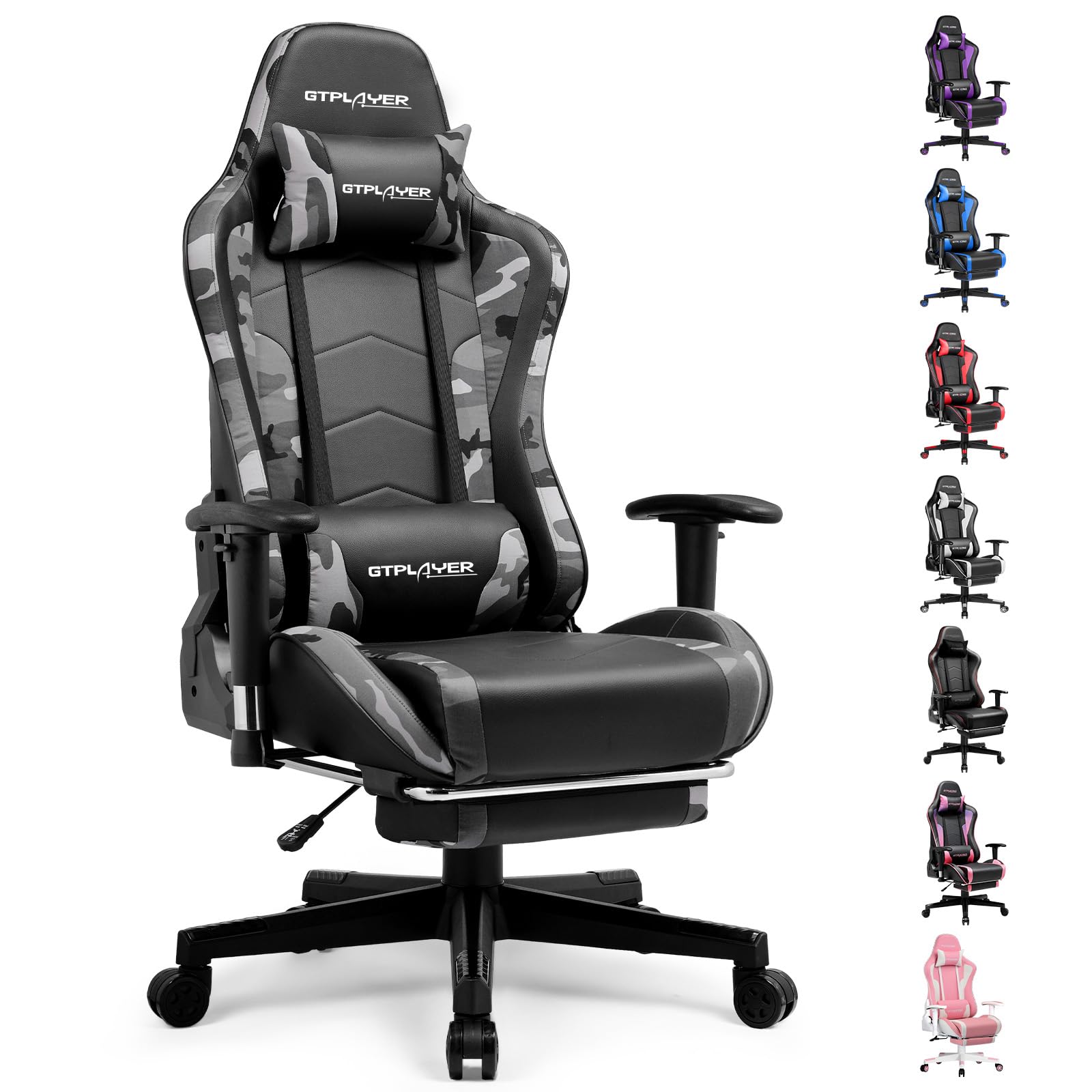
Image: The GTRACING GT890MF Gaming Chair, featuring a camouflage pattern, footrest, and integrated Bluetooth speakers, set up in a gaming environment.
Consignes de sécurité
- Pour usage intérieur uniquement.
- Capacité de charge maximale : 300 lb. Ne pas dépasser cette limite.
- Use caution when adjusting chair height and recline to prevent injury.
- Assurez-vous que toutes les vis et tous les boulons sont bien serrés avant utilisation et vérifiez régulièrement leur desserrage.
- Gardez vos mains et vos doigts éloignés des pièces mobiles pendant les réglages.
- Ne montez pas sur la chaise.
Configuration et assemblage
Assembly is required for this chair. Please follow the steps below carefully. It is recommended to have two people for assembly.
Contenu du colis

Image: An exploded diagram showing all components of the GTRACING GT890MF Gaming Chair, including the backrest, seat, armrests, base, wheels, gas lift, and footrest.
Étapes d'assemblage
- Fixez les accoudoirs : Securely fasten the armrests to the seat base using the provided screws. Ensure they are oriented correctly.
- Fixer le dossier au siège : Align the backrest with the seat mechanism and attach it using the designated bolts.
- Installez le repose-pied : Glissez le repose-pieds dans les emplacements prévus à cet effet sous le siège.
- Assemblez la base : Insert the casters (wheels) into the star base. Place the gas lift cylinder into the center hole of the star base.
- Fixer le siège à la base : Placez soigneusement l'assise et le dossier assemblés sur le vérin à gaz, en vous assurant qu'ils sont bien en place.
- Fixez l'appui-tête et les coussins lombaires : Position the headrest and lumbar support pillows as desired.
Mode d'emploi
Réglages de la chaise
- Réglage de la hauteur du siège : Pour monter ou descendre le siège, tirez vers le haut le levier situé sous le côté droit. Relâchez le levier à la hauteur souhaitée.
- Inclinaison du dossier : Pull the lever on the right side of the chair upwards to recline the backrest. Lean back to the desired angle (90 to 160 degrees) and release the lever to lock it in place.
- Réglage des accoudoirs : The armrests are multi-directional. Use the buttons or levers on the armrests to adjust their height, pivot, and slide forward/backward.
- Extension de repose-pieds : Déployez le repose-pieds sous le siège lorsque vous le souhaitez. Repoussez-le lorsqu'il n'est pas utilisé.
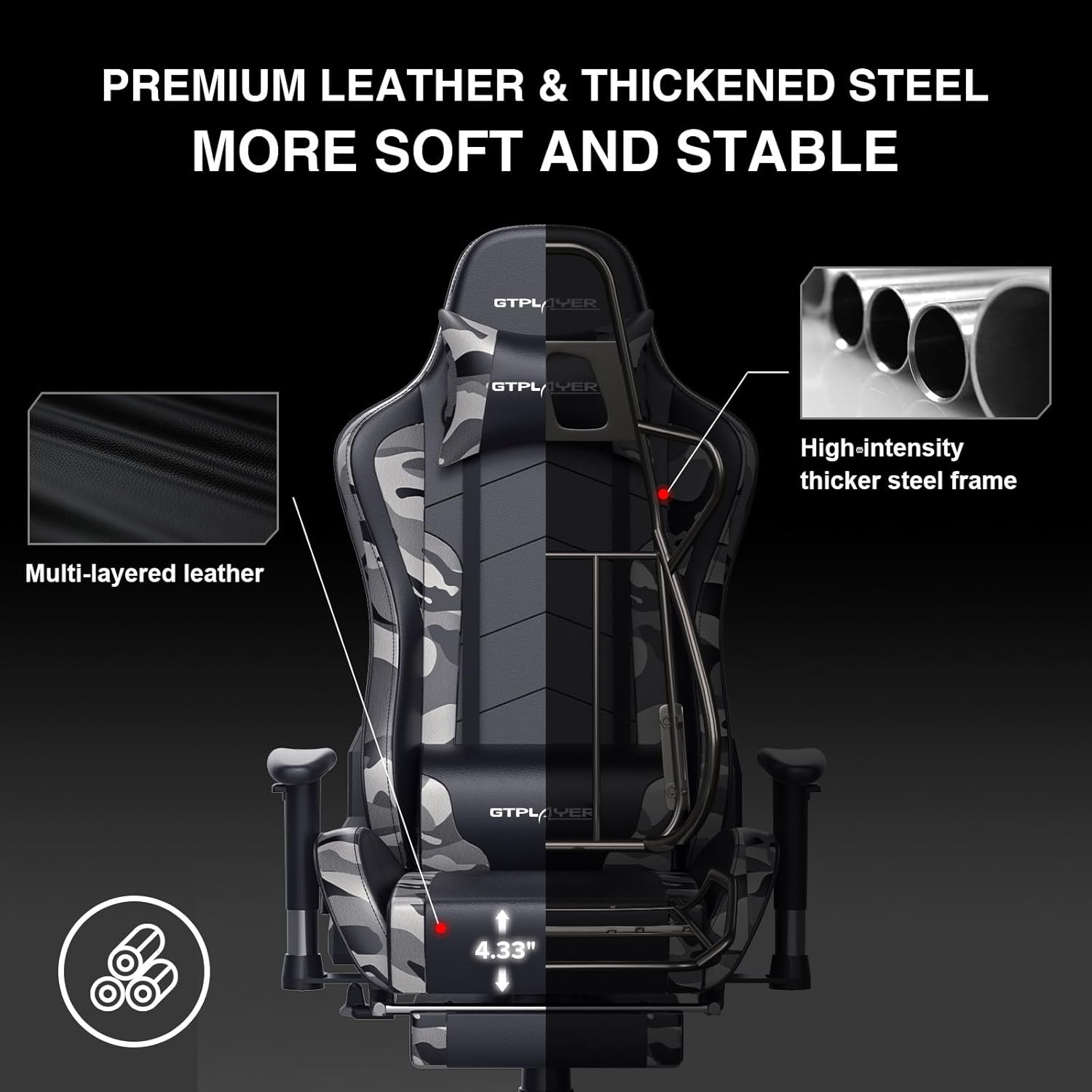
Image: The GTRACING GT890MF Gaming Chair demonstrating its backrest recline function, adjustable from 90 degrees for work to 155 degrees for resting.

Image : Un gros plan view of the GTRACING GT890MF Gaming Chair's adjustable multi-directional armrests, highlighting their ability to move up, down, and pivot for optimal positioning.
Fonctionnement du haut-parleur Bluetooth
Your GTRACING GT890MF chair is equipped with dual Bluetooth 5.1 speakers for an immersive audio experience.
- Mise sous tension : Locate the power button for the Bluetooth speakers, typically on the side or back of the chair. Press and hold to power on. A sound or indicator light will confirm activation.
- Mode d'appariement: The speakers will automatically enter pairing mode when powered on for the first time, or if no device is connected. An indicator light will usually flash.
- Connecter l'appareil : On your smartphone, tablet, or other Bluetooth-enabled device, go to Bluetooth settings and search for available devices. Select "GTPLAYER" or a similar name to connect.
- Lecture audio : Once connected, audio from your device will play through the chair's speakers. Adjust volume from your connected device.
- Éteindre: Press and hold the power button again to turn off the speakers.

Image: The GTRACING GT890MF Gaming Chair with a visual representation of sound waves emanating from the integrated Bluetooth speakers in the headrest area.

Image: A detailed diagram illustrating the dual Bluetooth 5.1 speakers within the GTRACING GT890MF Gaming Chair, highlighting features like clear treble, stereo sound, HiFi audio, and dust prevention.

Image: A user seated in the GTRACING GT890MF Gaming Chair, with an illustration showing how the chair's Bluetooth speakers can connect to various devices like PC/TV, PS4/PS5/XBOX, and other Bluetooth 5.1 enabled devices. A separate USB Bluetooth transmitter is shown as an option for non-Bluetooth devices.
Entretien
- Nettoyage: Nettoyer avec une publicitéamp En tissu. Évitez les produits chimiques agressifs ou les nettoyants abrasifs qui pourraient endommager le revêtement en similicuir.
- Inspection: Vérifiez régulièrement le serrage de tous les boulons et vis. Resserrer si nécessaire.
- Entretien des roulettes : Pour assurer un roulement fluide, veillez à ce que les roulettes soient exemptes de cheveux et de débris.
- Stockage: Store the chair in a dry, cool place away from direct sunlight to prevent material degradation.
Dépannage
| Problème | Cause possible | Solution |
|---|---|---|
| La hauteur de la chaise n'est pas réglable. | Levier de vérin à gaz non enclenché ou vérin à gaz défectueux. | Assurez-vous que le levier est complètement tiré. Si le problème persiste, contactez le service d'assistance pour le remplacement du vérin à gaz. |
| Le dossier ne s'incline pas/ne se verrouille pas. | Levier d'inclinaison non actionné ou mécanisme obstrué. | Ensure the recline lever is fully pulled/released. Check for obstructions in the recline mechanism. |
| Bluetooth speakers not pairing | Speakers not powered on, out of range, or already paired to another device. | Ensure speakers are charged and powered on. Move device closer to chair. Disconnect from other devices. Try restarting both chair speakers and your device. |
| La chaise est bancale | Boulons desserrés ou assemblage irrégulier. | Vérifiez et resserrez toutes les vis de fixation. Assurez-vous que la chaise repose sur une surface plane et stable. |
Caractéristiques
- Nom du modèle : GT890MF
- Marque: Course GT
- Couleur: Camouflage
- Matériel: Faux Leather, Foam Fill, Steel Frame
- Dimensions du produit (P x L x H) : 20.87" x 21.65" x 53.15"
- Hauteur du siège : Adjustable, up to 22.04 inches
- Profondeur du siège: 20.87 pouces
- Poids de l'article : 47 livres
- Recommandation de poids maximum: 300 livres
- Style du dos: Solid Back, Reclining (90 to 160 degrees)
- Caractéristiques spéciales : Adjustable Height, Adjustable Lumbar, Ergonomic Design, Foot Rest, Rolling Casters, Dual Bluetooth 5.1 Speakers
- Assemblée: Requis

Image: A diagram illustrating the key dimensions of the GTRACING GT890MF Gaming Chair, including overall height, width, and depth.

Image: A detailed diagram showing various dimensions of the GTRACING GT890MF Gaming Chair, including seat height, armrest height, and backrest height, along with maximum load capacity (330 lbs) and recommended user height (6.2 ft).
Garantie et assistance
GTRACING offers a worry-free purchase experience for your gaming chair.
- 30-Day Policy: Remplacement ou remboursement gratuit dans les 30 jours suivant l'achat.
- Garantie de 1 ans : Free replacement or repair within 1 year of purchase for manufacturing defects.
For any questions, suggestions, or support needs, please feel free to contact our customer service team. We are dedicated to ensuring customer satisfaction.

Image: A group of customer service representatives wearing headsets, symbolizing available support.


