Produit terminéview
The ControlloCasa USBy is an innovative device designed to alert you instantly about power interruptions and restorations. It provides critical information such as the total duration of a blackout and the device's unique identifier, ensuring you are always informed about the status of your electrical supply. This device is essential for monitoring sensitive environments and equipment, offering peace of mind through reliable remote notifications.

Image: The USBy device, a white USB-shaped unit, shown alongside a smartphone displaying an email notification regarding a power interruption. This illustrates the primary function of the device: sending alerts.
Caractéristiques principales
- Email and Optional Phone Alerts: Receive immediate notifications via email when power is interrupted and restored. Optionally, you can receive a phone call from the ControlloCasa Operational Center during a power outage.
- Remote Temperature Monitoring: Equipped with a highly sensitive and precise sensor, the USBy allows you to remotely monitor the ambient temperature.
- Solution économique : No subscriptions or additional devices are required. The USBy communicates via WiFi, needing only an internet connection. It eliminates the need for battery backups for your router or GSM SIM cards for alerts.
- Sécurité renforcée : Implements WPA2 TKP/AES protocol to ensure the total security of your wireless network.
- Applications polyvalentes : Ideal for monitoring refrigerators, freezers (both home and commercial), aquariums, security systems, hydraulic pumps, medical devices, cellars, greenhouses, and more.
- Performances fiables : Trusted by thousands of customers across Europe for its consistent and satisfactory operation.
- Assistance technique directe : Access technical assistance directly from the manufacturer via email and WhatsApp for prompt resolution of any issues.
- Fabriqué en Italie : Product designed and built in Italy, guaranteed by ControlloCasa.
Guide d'installation
Setting up your ControlloCasa USBy device is straightforward. Follow these steps to ensure proper installation and functionality:
- Connexion électrique : Insert the USBy device into a standard USB power adapter (5V, not included) or directly into a USB port on your internet router. Ensure the power source is stable.
- Configuration du réseau: The USBy device communicates via WiFi. Ensure your device is within range of your WiFi network. The initial configuration typically involves connecting the device to your home WiFi network using a mobile application or web interface.
- Registration and Alerts Setup: Follow the instructions provided in the official user manual to register your device and configure your email address for alerts. You may also set up optional phone call notifications if desired.
- Accessing the User Manual: For detailed setup instructions and advanced configurations, please refer to the comprehensive user manual available online. You can access it by scanning the QR code found on the product packaging or by visiting the official website.

Image: The USBy device shown plugged into a wall socket via a USB power adapter, demonstrating a typical power connection method.

Image: The USBy device inserted into a USB port on the side of a white internet router, illustrating an alternative power and network connection.

Image: The USBy device positioned next to a white internet router, with a smartphone in the foreground showing the ControlloCasa application interface, indicating the setup and monitoring process.
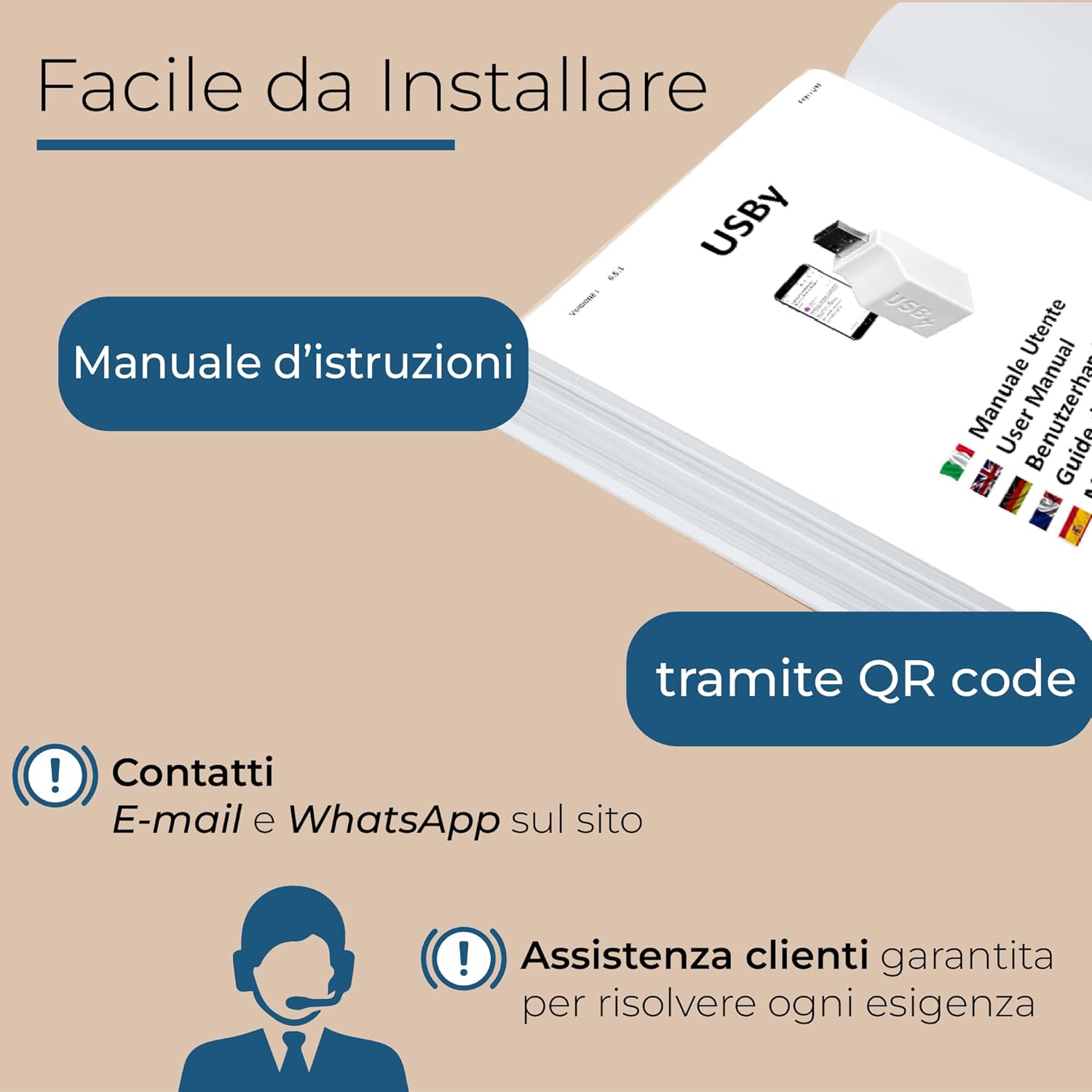
Image: A visual representation highlighting the ease of installation, featuring an instruction manual, a QR code for quick access, and information about email and WhatsApp contacts for customer assistance.
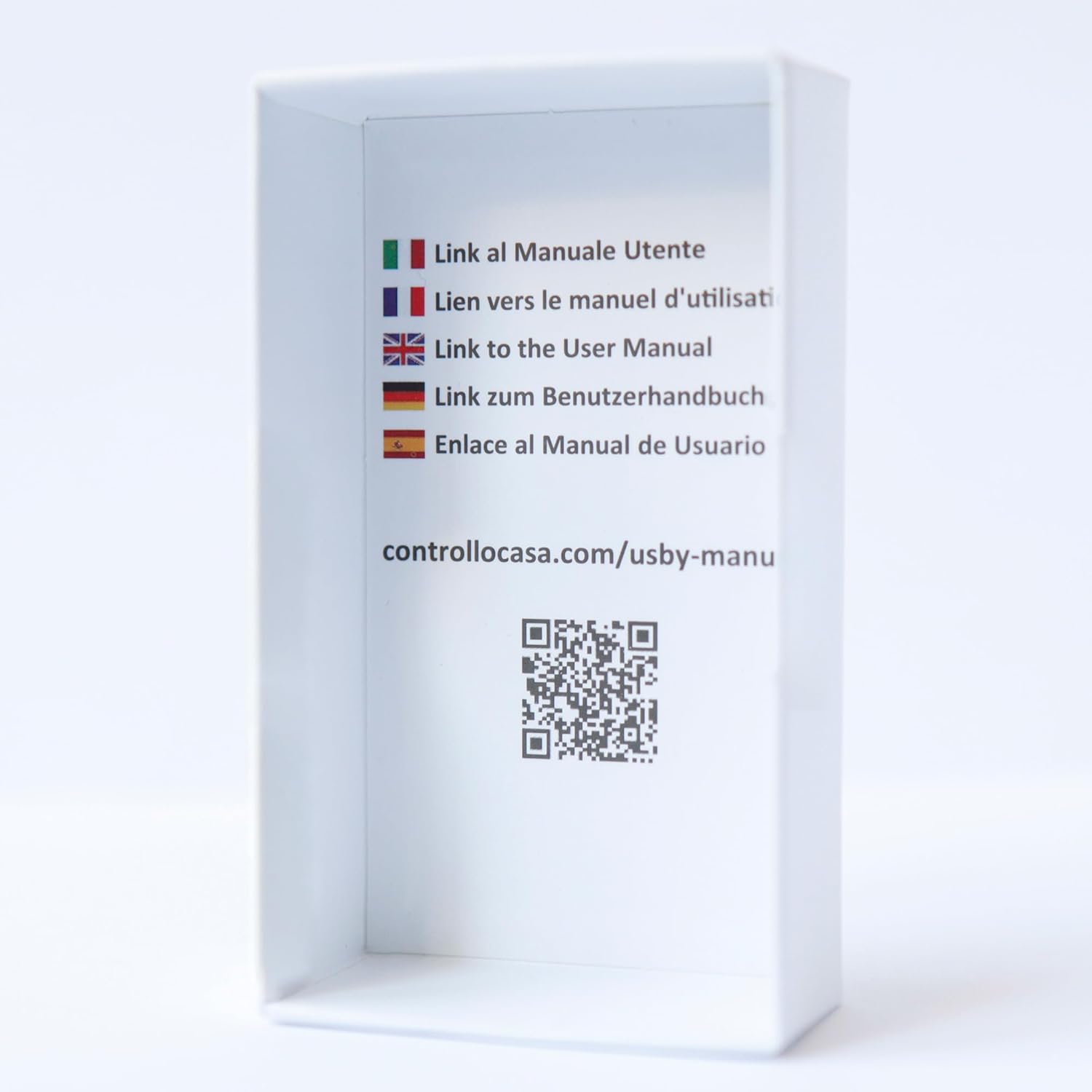
Image: The inside of the USBy product box, displaying flags representing different languages and a QR code with the URL controllocasa.com/usby-manual, directing users to the online manual.
Mode d'emploi
Once configured, the ControlloCasa USBy operates autonomously to monitor your power supply and environment.
Puissance Outage Alertes
The device continuously monitors the power supply. In the event of an interruption, it will send an immediate email notification to your registered address. Upon power restoration, a second email will be sent, detailing the duration of the blackout. This system ensures you are always aware of power status, even when away from home.

Image: A person relaxing in a hammock, symbolizing remote monitoring. Text overlays highlight notifications for power interruption, power restoration, and total blackout time, emphasizing the device's remote alert capabilities.
Surveillance de la température
The integrated temperature sensor allows for continuous remote monitoring of the ambient temperature. You can view temperature data through the ControlloCasa application or web interface, providing valuable insights for environments where temperature stability is crucial.

Image: A graphical representation of temperature control, showing a temperature curve over time within a living space, illustrating the USBy's remote temperature monitoring feature.
Applications typiques
The USBy device is indispensable for a variety of applications where power continuity and environmental conditions are critical:
- Réfrigérateurs et congélateurs: Prevent spoilage of food by receiving alerts if power to your cooling appliances is interrupted.
- Aquariums: Be notified of power failures that could affect pumps and filters, safeguarding aquatic life.
- Systèmes de sécurité : Détecter tampering or power loss to your alarm and video surveillance systems.
- Dispositifs médicaux : Ensure continuous operation of essential medical equipment by monitoring their power supply.
- Cellars and Greenhouses: Maintain optimal environmental conditions by monitoring power and temperature.

Image: A composite image showing a person distressed by a spoiled refrigerator and a vibrant aquarium, illustrating common scenarios where a power outage alert is crucial to prevent damage or loss.

Image: A composite image depicting a burglar attempting to disable a security system and professionals working with medical devices, highlighting the importance of power monitoring for security and critical equipment.
Entretien
The ControlloCasa USBy is designed for minimal maintenance. To ensure its longevity and optimal performance:
- Nettoyage: Essuyez délicatement l'appareil avec un chiffon doux et sec. N'utilisez pas de nettoyants liquides ni de produits abrasifs.
- Environnement: Keep the device in a dry environment, away from direct sunlight, extreme temperatures, and humidity.
- Mises à jour du micrologiciel : Periodically check the ControlloCasa website or app for any available firmware updates to ensure your device has the latest features and security enhancements.
Dépannage
If you encounter issues with your ControlloCasa USBy, please refer to the following common troubleshooting steps:
| Problème | Cause possible | Solution |
|---|---|---|
| No alerts received during a power outage. |
|
|
| Temperature readings are inaccurate or unavailable. |
|
|
| L'appareil ne se connecte pas au Wi-Fi. |
|
|
If these steps do not resolve your issue, please contact ControlloCasa technical support for further assistance.
Caractéristiques
| Fonctionnalité | Détail |
|---|---|
| Numéro de modèle | USBy v3 (also USBy-v2) |
| Marque | ControlloCasa |
| Voltage | 5 volts |
| Méthode de contrôle | Application |
| Type de montage | Tabletop support |
| Techniques de détection | Capteur de température |
| Dimensions du produit | 8 x 3 x 3 cm |
| Poids de l'article | 15 grammes |
| Matériel | ABS |
| Couleur | Blanc |
| Source d'énergie | Filaire électrique |
| Appareils compatibles | Mobile phone, iPad, PC |
| Fonctions spéciales | Puissance outage alerte |
| Composants inclus | Puissance outage alert transmitter |
| Piles requises | Non |
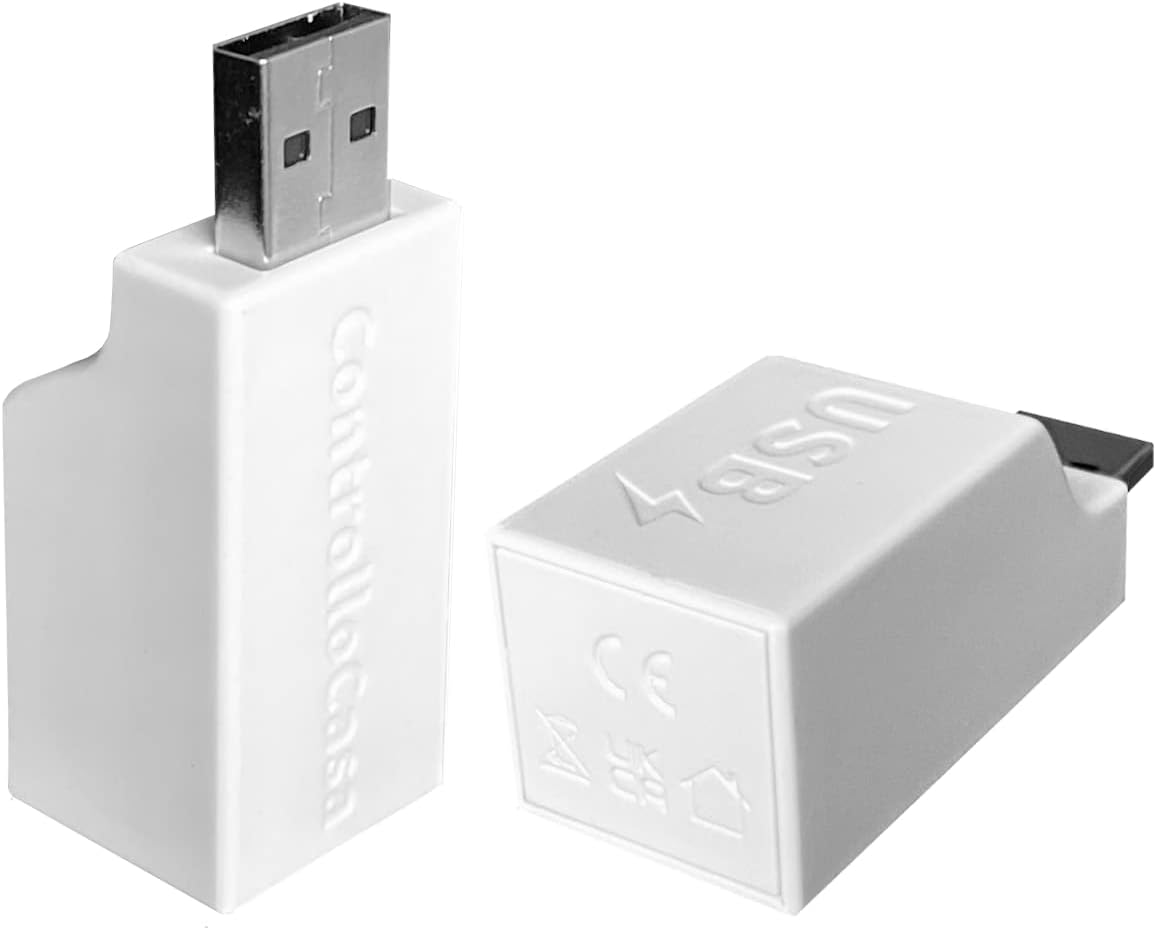
Image: Two different angles of the compact ControlloCasa USBy device, highlighting its USB form factor and design.
Garantie et assistance
The ControlloCasa USBy is designed and built in Italy, ensuring high quality and reliability. ControlloCasa provides direct technical assistance to all its customers.
- Assistance technique: For any questions, issues, or support needs, you can contact ControlloCasa directly. Email and WhatsApp contact information are available on the official ControlloCasa website.
- Product Reliability: Thousands of satisfied customers across Europe attest to the reliability and effectiveness of the USBy device.
For the most up-to-date support information and contact details, please visit the official ControlloCasa website.


