Introduction
The HyperGear RaveMini is a compact, portable wireless speaker designed to deliver powerful sound with an interactive, beat-driven LED light show. This speaker is suitable for both indoor and outdoor use, offering extended battery life and multiple playback options for a versatile audio experience.

The HyperGear RaveMini speaker and its packaging.
Qu'y a-t-il dans la boîte
- HyperGear RaveMini Portable Wireless LED Speaker
- Câble de chargement micro USB
- Câble auxiliaire stéréo 3.5 mm
Caractéristiques
- Small Size, Big Sound: Engineered with a 40mm neodymium driver for room-filling sound.
- Beat-Driven LED Lightshow: Multi-colored LEDs flash to the beat of your music.
- Connectivité sans fil: Connects with any Bluetooth device within a 33-foot range.
- Durée de vie prolongée de la batterie : Built-in rechargeable battery provides up to 3 hours of wireless playback on a single charge.
- Communication mains libres : Integrated microphone and intuitive controls for managing calls and playlists.
- Plusieurs options de lecture : Supports Bluetooth, Aux-in, Micro SD memory card, and USB flash drive audio playback.

The RaveMini combines HD sound with a vibrant LED lightshow.

The multi-colored LED lights dance to the beat of the music.
Installation
Charger l'enceinte
Before first use, fully charge your RaveMini speaker. Connect the included Micro USB charging cable to the speaker's charging port and the other end to a USB power source (e.g., wall adapter, computer USB port). The charging time is approximately 1 hour, providing up to 3 hours of playback.
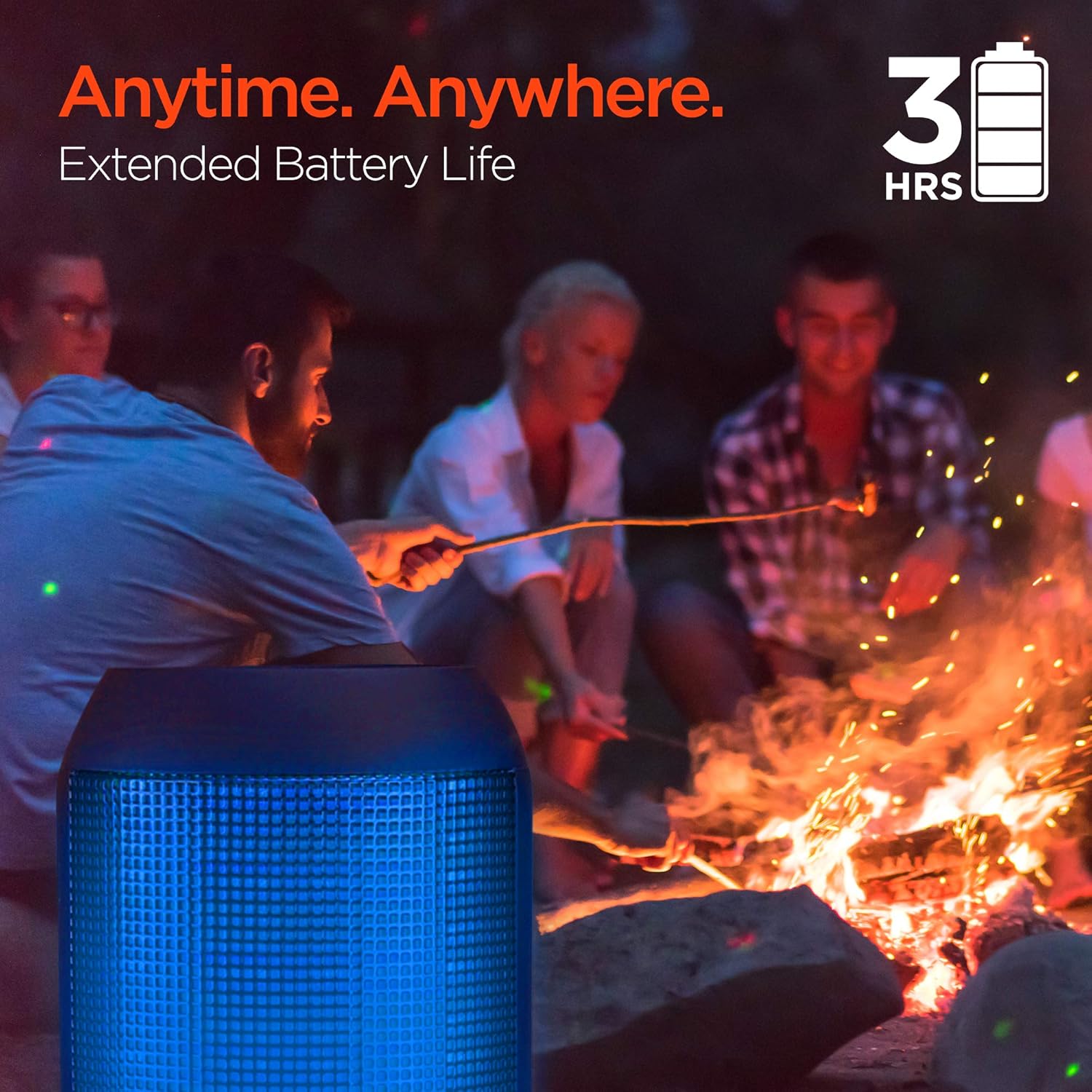
Enjoy up to 3 hours of music with the RaveMini's extended battery life.
Mise sous/hors tension
Locate the power button on the speaker. Press and hold the power button for a few seconds to turn the speaker on or off. An audible cue or LED indicator will confirm the power status.
Appariement Bluetooth
- Ensure the RaveMini speaker is powered on and in pairing mode (usually indicated by a flashing LED light).
- Sur votre appareil compatible Bluetooth (smartphone, tablette, etc.), accédez aux paramètres Bluetooth.
- Rechercher available devices and select "HyperGear RaveMini" (or similar name) from the list.
- Once connected, the speaker will provide an audible confirmation, and the LED light may change to a solid color.
- The speaker has a wireless range of up to 33 feet.
Utilisation du haut-parleur
Commandes et fonctions
The RaveMini features intuitive controls for managing your audio and calls directly from the speaker. Refer to the specific button layout on your device for functions such as:
- Jouer/mettre en pause la musique
- Adjust Volume (Volume Up/Down)
- Skip Tracks (Next/Previous)
- Répondre/mettre fin aux appels
- Activate Voice Assistant (if supported)
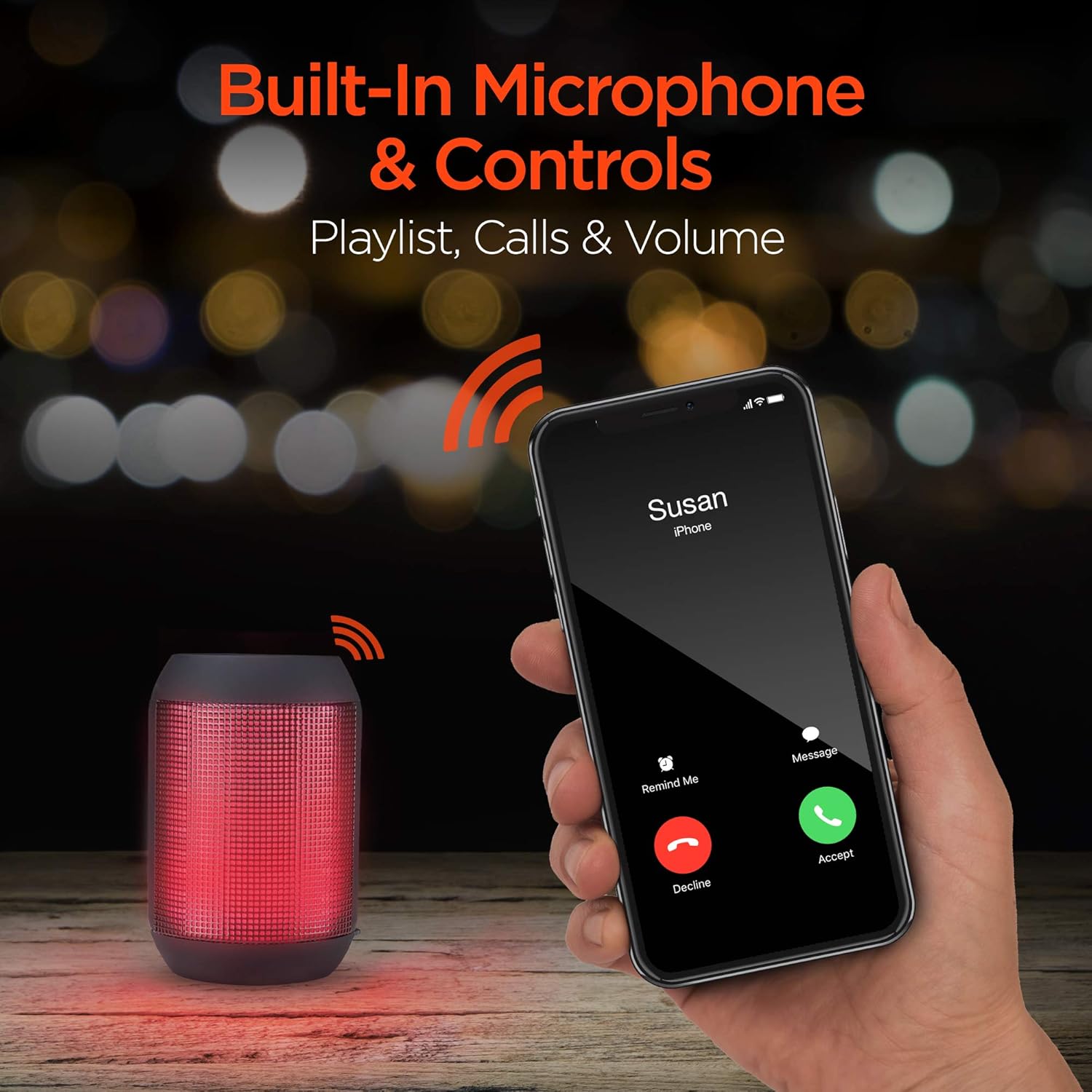
Built-in microphone and controls allow for hands-free calls and playlist navigation.
Modes de lecture
The RaveMini offers four ways to play your audio:
- Bluetooth : Connectez-vous sans fil à votre smartphone, tablette ou autres appareils compatibles Bluetooth.
- Entrée auxiliaire : Use the included 3.5mm stereo auxiliary cable to connect to non-Bluetooth devices.
- Carte Micro SD: Insert a Micro SD memory card with audio fileinsérer dans l'emplacement désigné.
- Clé USB: Connect a USB flash drive containing audio files au port USB.

The RaveMini supports four versatile playback options.
Entretien
- Keep the speaker dry. Do not expose it to excessive moisture or liquids.
- Clean the speaker with a soft, dry cloth. Avoid using harsh chemicals or abrasive cleaners.
- Rangez l'enceinte dans un endroit frais et sec lorsqu'elle n'est pas utilisée.
- Évitez de laisser tomber l’enceinte ou de la soumettre à des chocs violents.
Dépannage
| Problème | Solution possible |
|---|---|
| Le haut-parleur ne s'allume pas. | Assurez-vous que l'enceinte est complètement chargée. Branchez-la à une source d'alimentation à l'aide du câble micro USB. |
| Impossible de coupler avec un appareil Bluetooth. |
|
| Aucun son ou volume faible. |
|
| Les lumières LED ne fonctionnent pas. | Check if the light show feature is enabled (if there's a dedicated button). Ensure the speaker has sufficient battery charge. |
Caractéristiques
| Fonctionnalité | Détail |
|---|---|
| Nom du modèle | 15077 |
| Type de haut-parleur | De plein air |
| Dossier spécial | Wireless Music + Calls, HD Stereo Sound, Beat-Driven LED Lightshow, Aux-in, Micro SD & USB compatible |
| Utilisations recommandées pour le produit | Pour les lecteurs de musique |
| Type de contrôleur | Alimenté par batterie |
| Couleur | Noir |
| Autonomie de la batterie | 3 heures |
| Temps de charge | 1 heures |
| Est étanche | FAUX |
| Méthode de contrôle | Application |
| Technologie de communication sans fil | Bluetooth |
| Taille du haut-parleur | 40 millimètres |
| Source d'énergie | Alimenté par batterie |
| Nombre de batteries | 2 pile AAA requise. (incluse) |
| Type de pilote audio | Pilote dynamique |
| Portée Bluetooth | 33 pieds |
| Taille du pilote audio | 40 millimètres |
| Protocole de connectivité | Bluetooth |
| Nombre de ports USB 2 | 1 |
| Code UPC | 633755150777 |
| Fabricant | HYPERGEAR |
| Poids de l'article | 10.9 onces |
| ASIN | B07VHTZHJ4 |
| Date de première disponibilité | 18 juillet 2019 |
| Marque | HyperGear |
| Puissance de sortie maximale du haut-parleur | 5 watts |
| Technologie de connectivité | Bluetooth, auxiliaire, USB |
| Mode de sortie audio | Stéréo |
| Type de montage | Support de table |
Garantie
The HyperGear RaveMini Portable Wireless LED Speaker comes with a Limited Warranty. For detailed information regarding warranty coverage, terms, and conditions, please refer to the official HyperGear webConsultez leur site web ou contactez directement leur service client. Conservez votre preuve d'achat pour toute réclamation au titre de la garantie.
Soutien
Pour obtenir de l'aide supplémentaire, l'enregistrement du produit ou pour view frequently asked questions, please visit the official HyperGear website:
Visit the HyperGear Store on Amazon
You may also contact HyperGear customer service for direct support.


