1. Introduction
The TensCare Perfect TENS Pain Aide is a Transcutaneous Electrical Nerve Stimulation (TENS) device designed to provide effective relief from various types of pain, including chronic, acute, and musculoskeletal conditions such as arthritis, back pain, hip pain, leg pain, arm pain, and sciatica. This manual provides essential information for the safe and effective use of your device.

Figure 1 : Plusview of TENS technology benefits.
2. Informations importantes sur la sécurité
Please read all instructions carefully before using the TensCare Perfect TENS Pain Aide. Failure to follow these instructions could result in injury or damage to the device.
2.1 Contraindications and Warnings
- Do not use this device near any metal implants. This is a critical safety warning. Consult your doctor if you have metal implants.
- Do not use if you have a pacemaker or any other implanted electronic device.
- Do not use if you are pregnant or suspect you might be pregnant, unless advised by a medical professional.
- Do not use on areas of skin that are broken, infected, or have rashes.
- Do not use over the eyes, across the front of the neck, or directly over the heart.
- Consult a medical professional before use if you have epilepsy, heart disease, cancer, or any other serious medical condition.
- Statements regarding dietary supplements have not been evaluated by the FDA and are not intended to diagnose, treat, cure, or prevent any disease or health condition. This device is not a dietary supplement.
2.2 Précautions générales
- Tenir hors de portée des enfants.
- Ne plongez pas l’appareil dans l’eau ou d’autres liquides.
- Ne pas utiliser en conduisant ou en utilisant des machines lourdes.
- En cas d'inconfort ou d'effets indésirables, cessez immédiatement l'utilisation et consultez un professionnel de la santé.
3. Contenu du colis
Your TensCare Perfect TENS Pain Aide package should include the following items:
- 1 x Perfect TENS unit
- 1 x Set of 4 electrode pads
- 2 x Lead wires
- 1 x Manuel d'utilisation
- 2 piles AA (incluses)
- 1 x Clip de ceinture
- 1 x Soft storage pouch
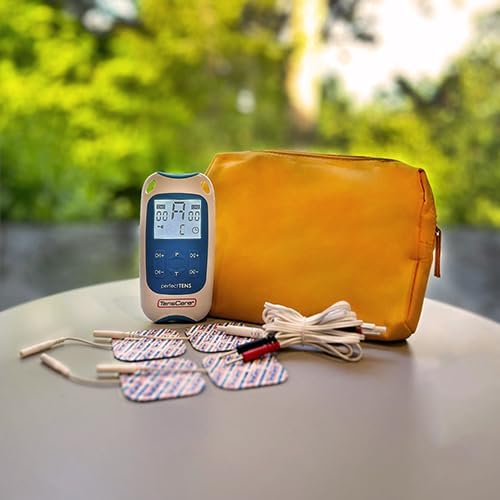
Figure 2: Contents of the Perfect TENS Pain Aide kit.
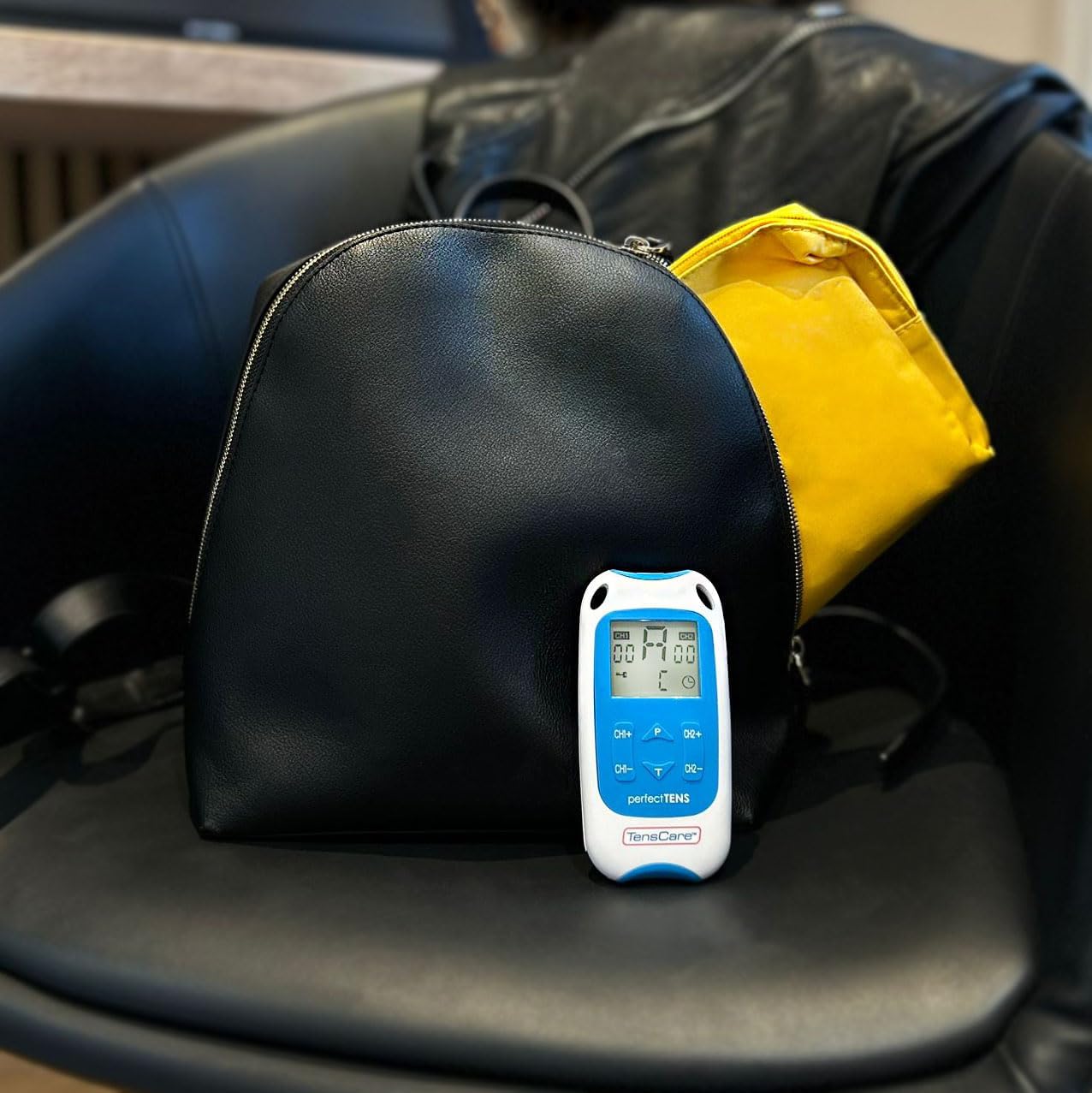
Figure 3: Perfect TENS unit with its soft storage pouch.
4. Produit terminéview
The TensCare Perfect TENS Pain Aide is a compact and lightweight device designed for ease of use and portability. It features a clear digital display and intuitive controls.
4.1 Composants de l'appareil

Figure 4 : Face avant view of the Perfect TENS unit.
- Affichage numérique: Shows program number, intensity levels for Channel 1 (CH1) and Channel 2 (CH2), and remaining treatment time.
- Bouton marche/arrêt : Allume ou éteint l'appareil.
- Bouton P (Programme) : Selects between the 8 preset programs and 1 manual program.
- T Button (Time): Ajuste la durée du traitement.
- CH1+/CH1- Buttons: Increase or decrease intensity for Channel 1.
- CH2+/CH2- Buttons: Increase or decrease intensity for Channel 2.
- Lead Wire Ports: Located at the top of the device for connecting electrode leads.
- Compartiment à piles : Situé à l'arrière de l'appareil.
- Boucle de ceinture: Attached to the back for convenient portability.
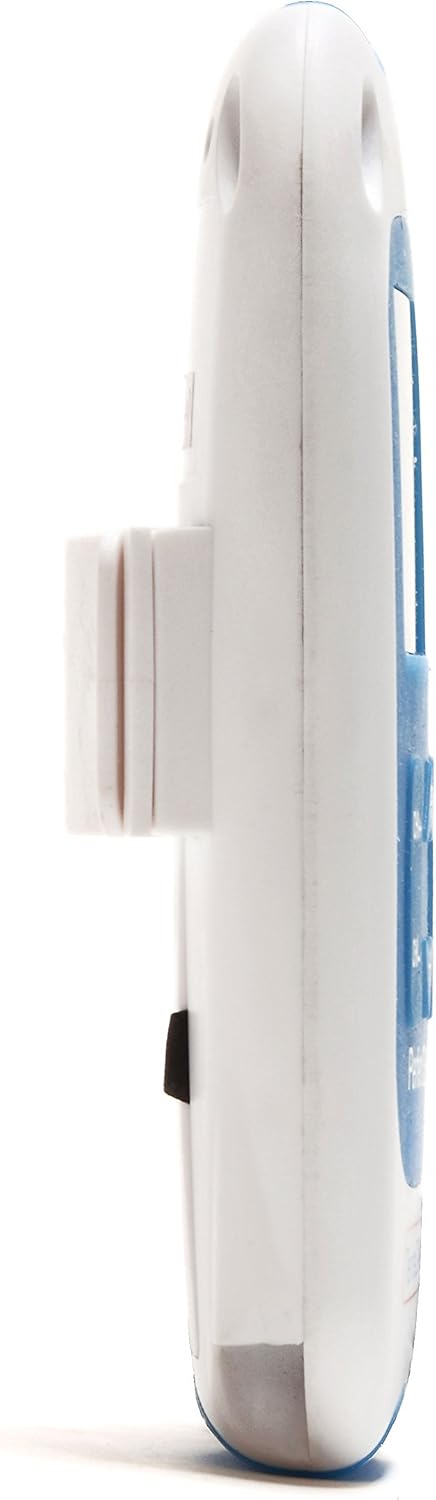
Figure 5 : Côté view showing the integrated belt clip.

Figure 6 : Retour view de l'appareil.

Figure 7: The Perfect TENS unit held in hand, illustrating its portable design.
5. Installation
5.1 Installation de la batterie
- Ouvrez le couvercle du compartiment des piles à l'arrière de l'appareil.
- Insérez les deux piles AA en veillant à respecter la polarité (+/-).
- Fermez soigneusement le couvercle du compartiment à piles.
5.2 Connexion des fils conducteurs et des électrodes
- Insert the pin connectors of the lead wires into the ports at the top of the TENS unit.
- Raccordez l'autre extrémité des fils conducteurs aux électrodes. Assurez-vous d'une connexion solide.
- Peel the electrode pads from their protective backing.
- Apply the electrode pads firmly to clean, dry skin over the area requiring treatment. Ensure the pads are not touching each other.
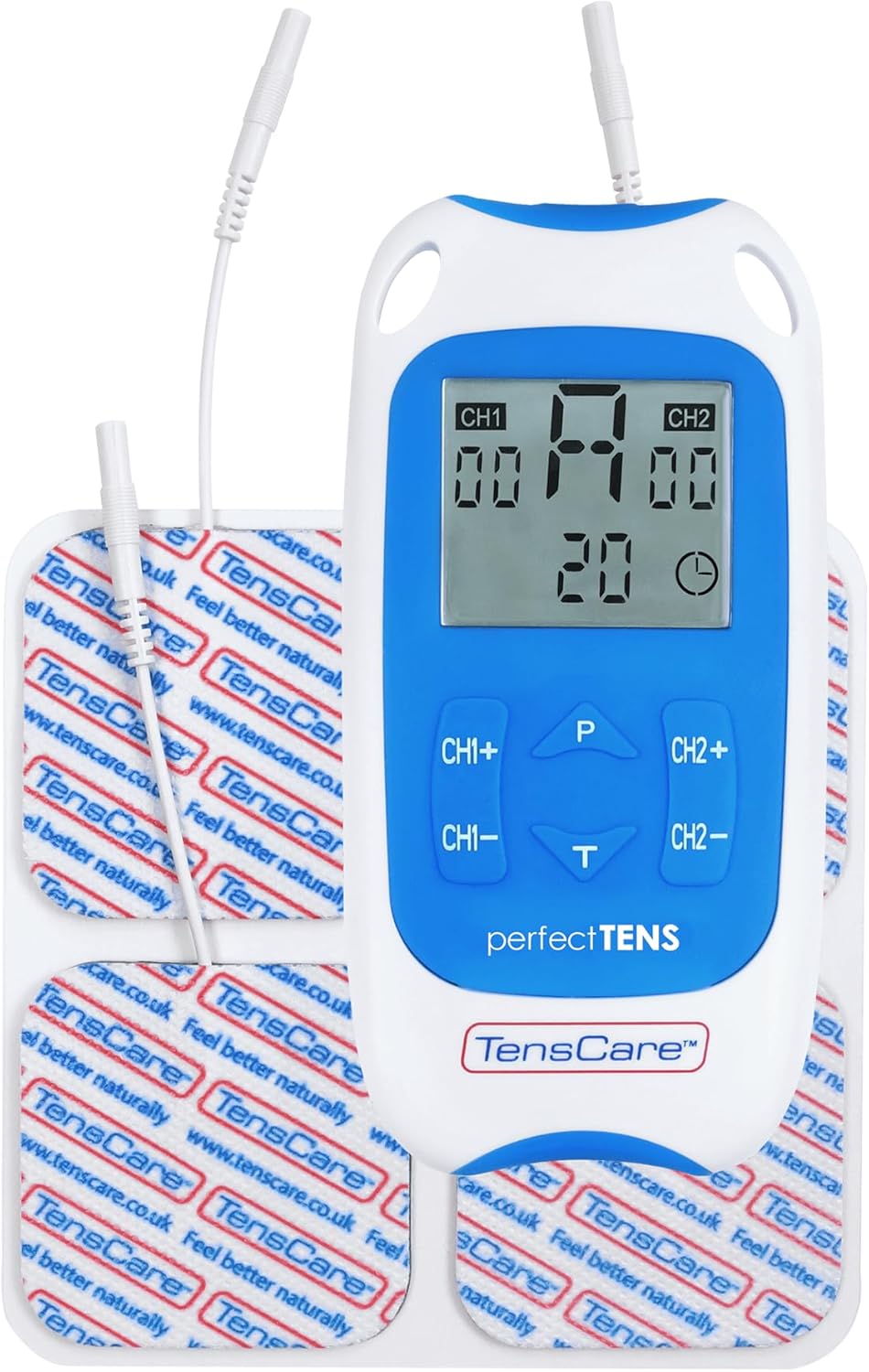
Figure 8: TENS unit with connected lead wires and electrode pads.
6. Mode d'emploi
6.1 Mise sous et hors tension
- Pour allumer : Appuyez sur le MARCHE/ARRÊT bouton. L'écran s'illuminera.
- Pour éteindre : Appuyez et maintenez le bouton enfoncé MARCHE/ARRÊT jusqu'à ce que l'écran s'éteigne.
6.2 Sélection d'un programme
The Perfect TENS offers 8 preset programs and 1 manual program. Press the P button to cycle through the available programs (P1-P8, then P9 for manual). The selected program number will be displayed.

Figure 9: The device features 9 programs for various pain relief needs.
6.3 Adjusting Intensity (Dual Channel)
The device features dual channels, allowing you to treat two different areas or use four pads for a larger area. Each channel's intensity can be adjusted independently.
- To increase intensity for Channel 1: Press the CH1+ bouton.
- To decrease intensity for Channel 1: Press the CH1- bouton.
- To increase intensity for Channel 2: Press the CH2+ bouton.
- To decrease intensity for Channel 2: Press the CH2- bouton.
- Adjust the intensity until you feel a strong, comfortable tingling sensation. Avoid increasing it to a painful level.

Figure 10: Dual-channel stimulation allows for treatment of multiple areas.

Figure 11 : Example of dual-channel electrode placement for back pain.
6.4 Définition de la durée du traitement
Appuyez sur le T button to adjust the treatment duration. Refer to the display for the selected time. Typical treatment sessions range from 20 to 60 minutes.

Figure 12: Personalized treatment options including adjustable intensity and time.
6.5 Understanding TENS Operation
TENS therapy works primarily through two mechanisms:
- Pain Gate Theory: High-frequency TENS stimulation activates nerve fibers that block pain signals from reaching the brain, effectively "closing the pain gate."
- Endorphin Release: Low-frequency TENS stimulation promotes the body's natural production of endorphins, which are natural pain-relieving chemicals.
Video 1: An animated explanation of how TENS therapy works, illustrating both the pain gate theory and endorphin release mechanisms.
6.6 Targeted Pain Relief Areas
The Perfect TENS is designed to provide relief for various pain types and body areas:
- Douleur à la hanche
- Douleur au genou
- Douleur au coude
- Dental & Facial pain (TMJ)
- Back pain (Lumbago)
- Sciatique
- Migraine
- Arthrite
- Fasciite plantaire
- Wrist pain (Carpal Tunnel Syndrome)

Figure 13: Target problem areas for TENS therapy.

Figure 14: Detailed list of pain types and body areas treatable with Perfect TENS.

Figure 15: The device is effective for acute, chronic, and musculoskeletal pain.
7. Entretien
7.1 Nettoyage de l'appareil
- Essuyez l'appareil avec un chiffon doux, damp tissu. N'utilisez pas de nettoyants abrasifs et ne plongez pas dans l'eau.
- Assurez-vous que l'appareil soit parfaitement sec avant de le ranger.
7.2 Entretien des électrodes
- After each use, reattach the electrode pads to their protective backing.
- Si les coussinets perdent leur adhérence, essuyez délicatement la surface adhésive avec un chiffon doux.amp cloth and allow to air dry. Replace pads when they no longer adhere well to the skin, as this can affect treatment effectiveness and comfort.
- Store pads in a sealed bag to prevent drying out.
7.3 Remplacement de la batterie
- When the battery indicator on the display is low, replace both AA batteries.
- Always use new, high-quality AA batteries.
8. Dépannage
| Problème | Cause possible | Solution |
|---|---|---|
| Aucune sensation ou sensation faible |
|
|
| L'appareil ne s'allume pas |
|
|
| Les tampons perdent rapidement leur adhérence |
|
|
9. Spécifications
- Modèle: Perfect TENS Pain Aide (B07S75CTN3)
- Fabricant: TensCare
- Source d'alimentation : 2 piles AA (incluses)
- Chaînes : Dual independent channels
- Programmes : 8 preset, 1 manual
- Niveaux d'intensité : 60 niveaux
- Fonction de sécurité : Détection de circuit ouvert
- Dimensions: Environ 7.95 x 5.98 x 1.61 pouces
- Poids: Environ 11.57 onces (avec piles)
- Date de mise en ligne sur Amazon : 23 mai 2019
10. Garantie et assistance
For warranty information, technical support, or to purchase replacement parts (such as electrode pads or lead wires), please refer to the TensCare official webConsultez leur site web ou contactez leur service client. Conservez votre preuve d'achat pour toute réclamation au titre de la garantie.
TensCare Contact Information: Please visit the official TensCare website pour obtenir les coordonnées et les ressources d'assistance les plus récentes.


