1. Introduction
Thank you for choosing the Viotek NB27CB 27-Inch LED Curved Monitor. This monitor is designed to provide a vibrant and immersive visual experience for both work and entertainment. Featuring a bezel-less Samsung VA panel, 75Hz refresh rate, 1080P Full-HD resolution, and FreeSync technology, it offers exceptional clarity and smooth performance. This manual provides detailed instructions for setting up, operating, maintaining, and troubleshooting your new monitor.

2. Installation
2.1. Déballage du moniteur
Carefully remove all components from the packaging. Ensure all items listed in the 'What's in the Box' section are present. Retain the original packaging for future transport or storage.
2.2. Assemblage du support
- Attach the stand neck to the monitor panel by aligning the grooves and gently pushing until it clicks into place.
- Secure the base to the stand neck using the provided screw.
- Placez le moniteur assemblé sur une surface stable et plane.
2.3. Connexion à un appareil
The NB27CB monitor supports both VGA and HDMI 1.4 connections. Choose the appropriate cable for your device and connect it to the corresponding port on the monitor. An HDMI cable is included with your purchase.
- Connexion HDMI : Connect one end of the HDMI cable to the HDMI port on your computer or gaming console, and the other end to the HDMI port on the monitor.
- Connexion VGA : Connect one end of the VGA cable to the VGA port on your computer, and the other end to the VGA port on the monitor.
- Connexion électrique : Branchez l'adaptateur secteur à l'entrée d'alimentation du moniteur, puis branchez-le à une prise de courant.

2.4. Montage VESA (en option)
The NB27CB is VESA compatible (75x75mm), allowing you to mount it to a wall or a compatible monitor arm. Ensure you use appropriate VESA screws and mounting hardware (not included) that can support the monitor's weight.
3. Utilisation du moniteur
3.1. Marche/Arrêt
Appuyez sur le bouton d'alimentation situé sur le moniteur pour l'allumer ou l'éteindre. Le voyant d'alimentation s'allumera lorsque le moniteur sera en marche.
3.2. Menu d'affichage à l'écran (OSD)
Use the buttons on the monitor's bezel to navigate the OSD menu. This menu allows you to adjust various display settings such as brightness, contrast, color temperature, input source, and more.
3.3. Principales caractéristiques
- Fréquence de rafraîchissement de 75 Hz et temps de réponse de 5 ms : Experience smoother visuals with a 75Hz refresh rate and a rapid 5ms response time, ideal for gaming and fast-paced content.
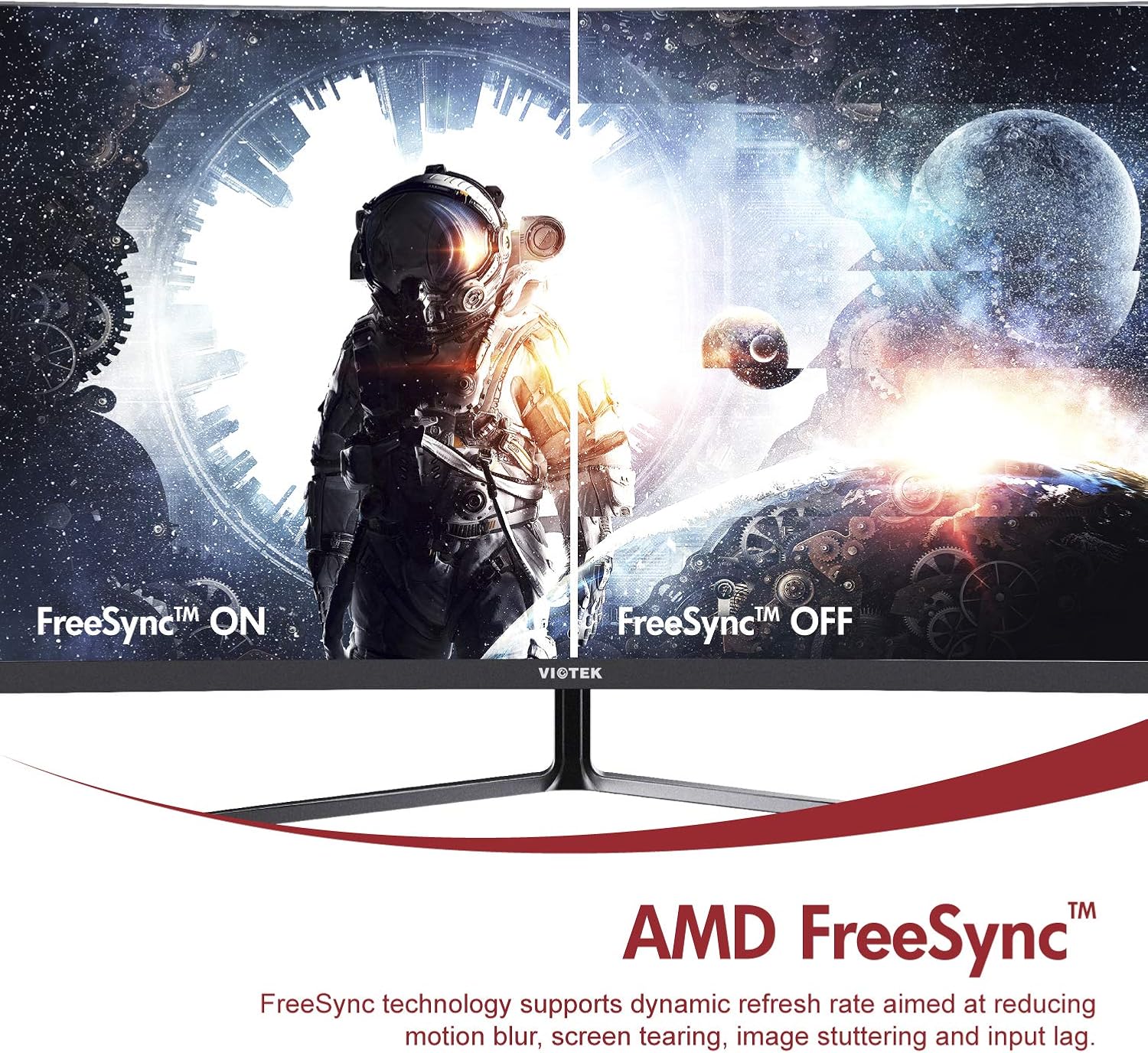
- AMD FreeSync™ : Activate FreeSync to synchronize the monitor's refresh rate with your graphics card's frame rate, reducing screen tearing and stuttering for a seamless gaming experience.
- Faible lumière bleue : Reduce eye strain during prolonged use by enabling the Low Blue Light setting in the OSD menu. This filters out harmful blue light emissions.
- GamePlus Crosshair Functionality: For competitive gaming, activate the GamePlus crosshair overlay to improve aiming accuracy in FPS/RTS games.
- Haut-parleurs intégrés : The monitor includes integrated speakers for audio output.



4. Entretien
Un entretien approprié garantit la longévité et les performances optimales de votre moniteur.
- Nettoyage de l'écran : Essuyez délicatement l'écran avec un chiffon doux non pelucheux. Pour les taches tenaces, utilisez une solution nettoyante spécifique pour écrans, à appliquer sur le chiffon et non directement sur l'écran.
- Nettoyage du Casing: Utilisez un chiffon doux et sec pour nettoyer le moniteur.asing. Évitez d'utiliser des nettoyants ou des solvants abrasifs.
- Ventilation: Veillez à ce que les ouvertures de ventilation du moniteur ne soient pas obstruées afin d'éviter toute surchauffe.
- Stockage: If storing the monitor for an extended period, use the original packaging to protect it from dust and damage.
5. Dépannage
Si vous rencontrez des problèmes avec votre moniteur, consultez les problèmes et solutions courants suivants :
| Problème | Cause possible | Solution |
|---|---|---|
| Aucune image à l'écran | Câble d'alimentation débranché ; câble vidéo débranché ; source d'entrée incorrecte. | Vérifiez que les câbles d'alimentation et vidéo sont correctement branchés. Sélectionnez la source d'entrée appropriée via le menu OSD. |
| L'image est floue ou déformée. | Résolution incorrecte ; câble vidéo mal branché. | Set the display resolution to 1920x1080. Check video cable connection. |
| Aucun son des haut-parleurs | Volume too low; Audio output not set to monitor; Faulty cable. | Increase monitor volume. Ensure your computer's audio output is set to the monitor. Check HDMI cable. |
| Scintillement de l'écran | FreeSync not enabled (if applicable); Graphics driver issues; Faulty cable. | Enable FreeSync in OSD and graphics card settings. Update graphics drivers. Try a different video cable. |
6. Spécifications
Detailed technical specifications for the Viotek NB27CB monitor:
| Fonctionnalité | Spécification |
|---|---|
| Taille de l'écran | 27 pouces |
| Résolution de l'écran | 1920x1080 (Full HD) |
| Résolution d'écran maximale | 1920 x 1080 |
| Taux de rafraîchissement | 75Hz Max. |
| Temps de réponse | 5 ms |
| Type de panneau | Panneau VA |
| Courbure | 1800R |
| Rapport hauteur/largeur | 16:9 |
| Couleurs d'affichage | 16.7 millions de couleurs |
| Rapport de contraste dynamique | 1000000:1 |
| Compatibilité VESA | 75x75mm |
| Ports | 1x VGA / 1x HDMI 1.4 |
| Intervenants | Oui, 2 x 4 Ω/3 W |
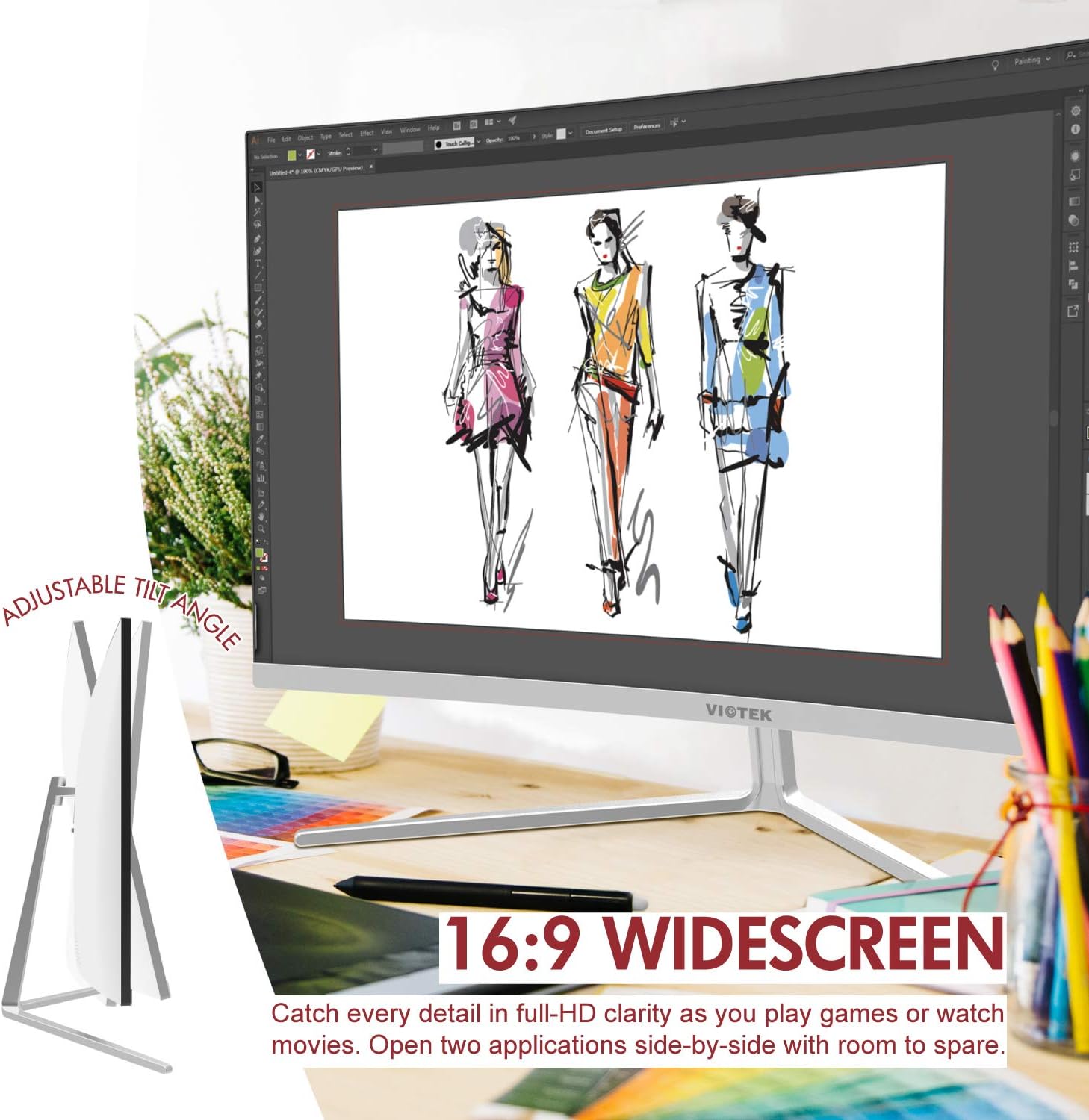
| Inclinaison réglable | Yes, -5° ~ 15° |
| Poids de l'article | 10.36 livres |
| Dimensions du produit | 24.13 x 8.38 x 17.67 pouces |
7. Garantie et assistance
7.1. Garantie du produit
The Viotek NB27CB monitor comes with a Garantie d'un an covering parts and labor. This includes Viotek's industry-leading Zero-Tolerance Dead Pixel Policy, ensuring a high-quality display experience.

7.2. Assistance clientèle
Viotek provides 100% U.S.-based customer support, available 7 days a week via live-chat, email, and social media. For assistance, please visit the official Viotek website ou consultez les informations de contact fournies dans la documentation de votre produit.


