1. Introduction
The Kidde i12010SCO is a hardwired combination smoke and carbon monoxide alarm designed to provide protection from two hazards in a single unit. It features a 10-year sealed lithium battery backup, eliminating the need for battery replacement throughout the alarm's lifespan. This alarm utilizes intelligent sensor technology to offer a fast response to various fire types, including smoldering and fast-flaming fires, while also detecting carbon monoxide (CO) and reducing nuisance alarms.
Caractéristiques principales :
- Double protection : Détecte à la fois la fumée et le monoxyde de carbone.
- 10-Year Sealed Battery Backup: No battery replacement required for the life of the alarm.
- Voice Warning System: Verbally announces "Fire" or "Warning, Carbon Monoxide" to clearly identify the hazard.
- Ionization Sensing Technology: Optimized for detecting fast-flaming fires.
- Fonctionnalité Hush : Désactive temporairement les alarmes intempestives pendant environ 9 minutes.
- Interconnectable : Can connect with up to 24 compatible Kidde devices (18 initiating).
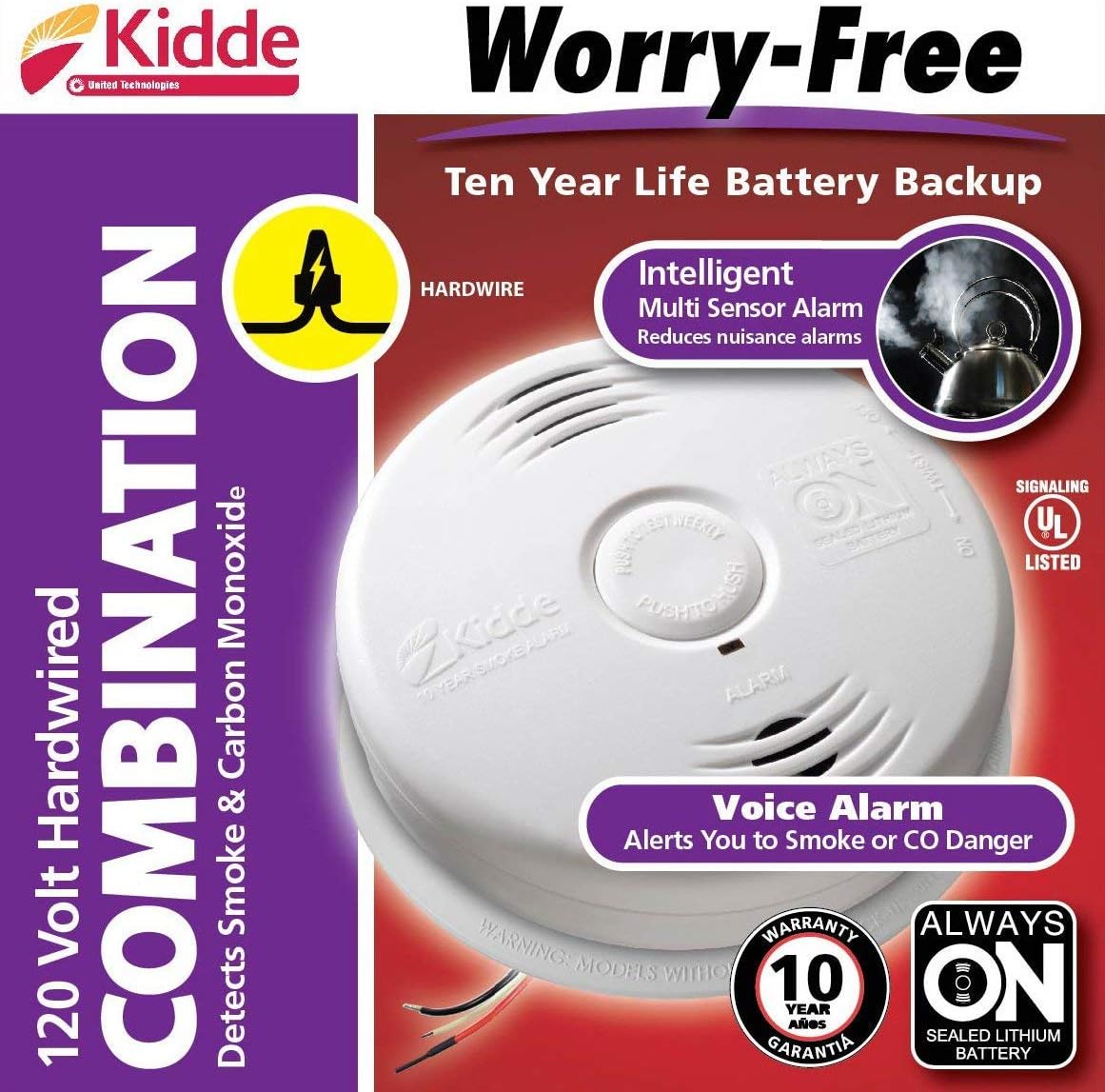
Figure 1: Kidde i12010SCO highlighting its 10-year battery and voice alarm capabilities.
2. Informations importantes sur la sécurité
WARNING: PLEASE READ AND UNDERSTAND ALL INSTRUCTIONS BEFORE INSTALLATION AND OPERATION. FAILURE TO FOLLOW THESE INSTRUCTIONS MAY RESULT IN PROPERTY DAMAGE, INJURY, OR DEATH.
- This alarm is designed for residential use only.
- Regularly test the alarm weekly by pressing the test/reset button.
- Ne peignez pas l'alarme. La peinture peut obstruer les chambres de détection et empêcher l'alarme de fonctionner correctement.
- Ne pas installer dans des zones où les températures ou l'humidité sont extrêmes.
- Assurez-vous que le courant est coupé au niveau du disjoncteur avant toute installation ou maintenance.
3. Contenu du colis
Veuillez vérifier que les éléments suivants sont inclus dans votre colis :
- Kidde i12010SCO Combination Smoke and Carbon Monoxide Alarm
- Support de montage
- Faisceau de câblage
- Guide d'installation et manuel d'utilisation

Figure 2 : Face avant view of the Kidde i12010SCO alarm with its wiring harness.
4. Installation
This alarm is designed to be hardwired into a 120V AC circuit. It is recommended that a qualified electrician install this unit.
Étapes d'installation :
- Couper l'alimentation : Before beginning installation, ensure the power to the circuit where the alarm will be installed is turned off at the main fuse or circuit breaker panel.
- Remove Old Alarm (if applicable): If replacing an existing alarm, carefully remove it from its mounting bracket and disconnect the wiring harness.
- Installez le support de montage : Secure the new mounting bracket to the electrical box using the provided screws. Ensure the bracket is firmly attached.
- Connecter le faisceau de câbles : Connect the new wiring harness to the household wiring. Match the wire colors: black to black (hot), white to white (neutral), and red to red (interconnect, if applicable). Use wire nuts to secure connections. If not interconnecting, cap the red wire.
- Attach Alarm to Harness: Plug the alarm unit into the wiring harness.
- Mount Alarm: Alignez l'alarme avec le support de montage et tournez-la dans le sens horaire jusqu'à ce qu'elle se verrouille solidement en place.
- Activer la batterie de secours : Once the alarm is mounted, remove the battery activation tag (if present) to activate the sealed 10-year lithium battery backup.
- Restaurer l'alimentation : Turn the power back on at the main fuse or circuit breaker panel.
- Alarme de test : Press and hold the Test/Reset button for a few seconds until the alarm sounds and the voice announcement is heard.

Figure 3: Proper installation of the alarm on a ceiling.

Figure 4: The wiring harness for connecting the alarm to household electrical wiring.
Video 1: Official product video demonstrating the features and benefits of the Kidde Smoke and Carbon Monoxide Detector Alarm with Voice Warning.
5. Fonctionnement
Voice Warning System:
The alarm provides clear voice announcements to distinguish between smoke and carbon monoxide hazards:
- Smoke Detected: The alarm will sound and announce "Fire! Fire!"
- Carbon Monoxide Detected: The alarm will sound and announce "Warning, Carbon Monoxide!"
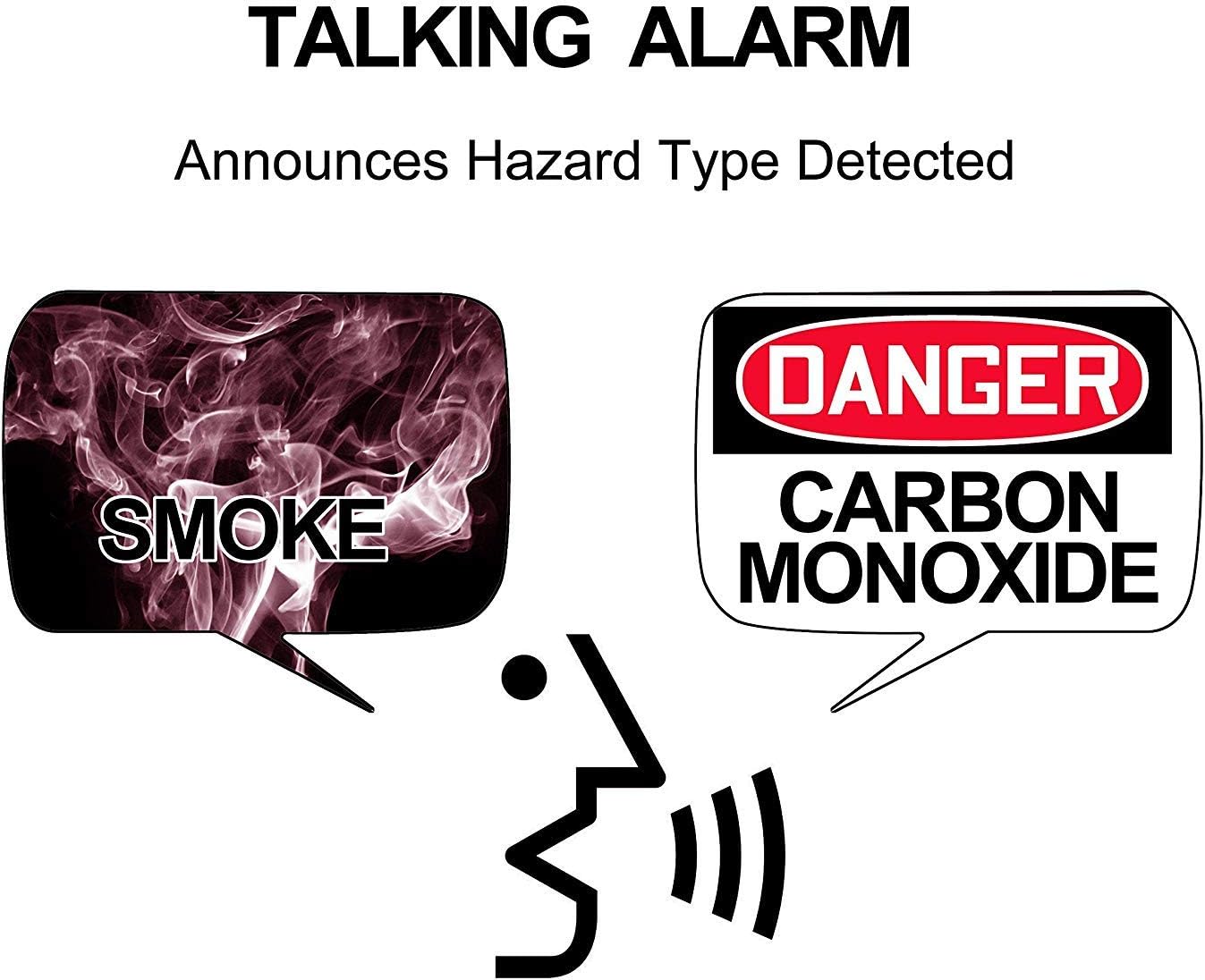
Figure 5: Visual representation of the voice warning system for smoke and carbon monoxide.
Bouton Test/Réinitialisation :
- Essai: Press and hold the Test/Reset button to test the alarm's circuitry and voice announcement. The alarm will cycle through its warning sounds and voice messages.
- Réinitialisation : If the alarm is sounding due to a detected hazard, pressing the Test/Reset button will silence the alarm for a short period. If the hazard persists, the alarm will reactivate.
Fonctionnalité Hush :
The Hush feature temporarily silences the alarm for approximately 9 minutes in case of a nuisance alarm (e.g., cooking smoke). To activate, press the Test/Reset button during an alarm. The alarm will enter Hush mode only if it is in an alarm state. After 9 minutes, the alarm will automatically reset and resume normal operation.
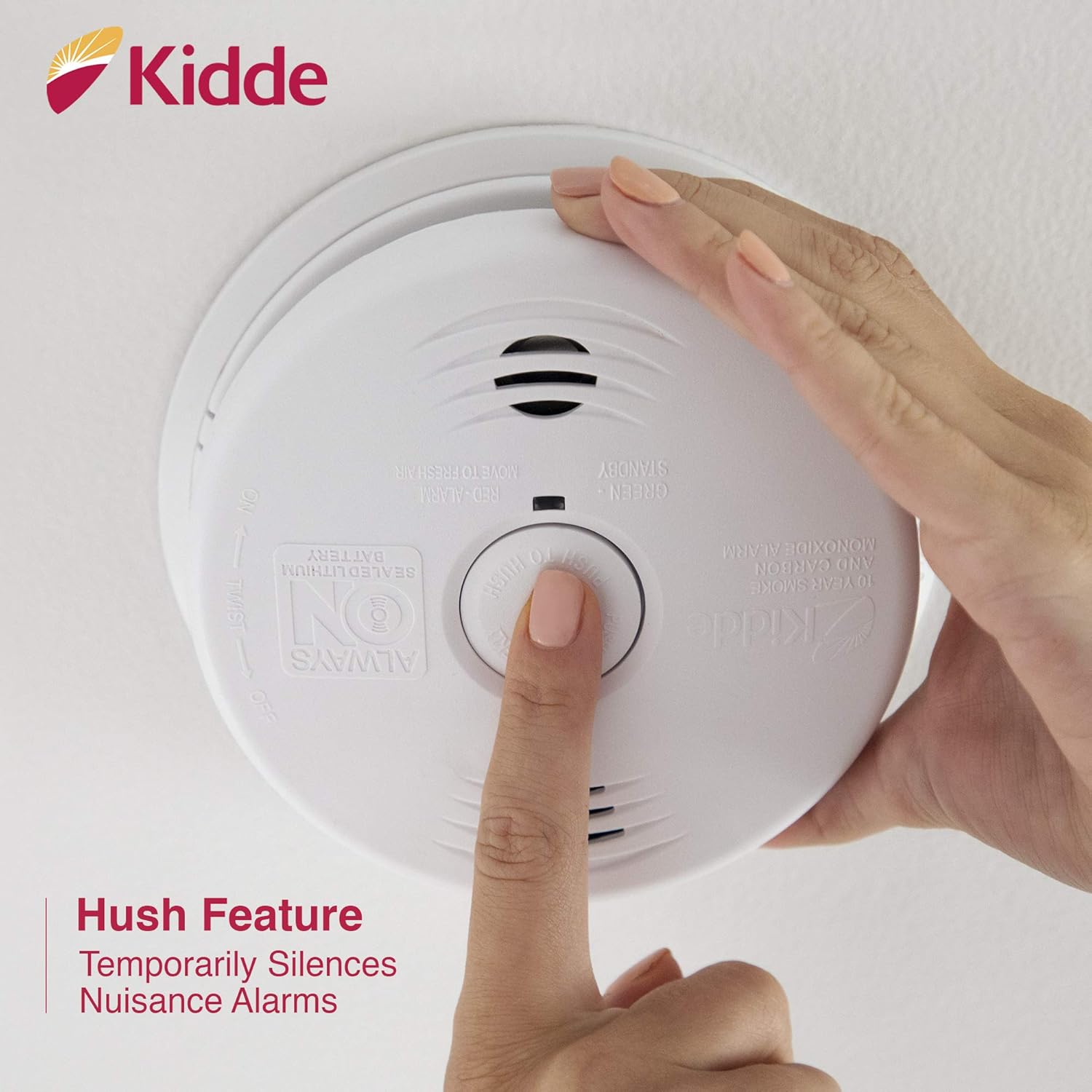
Figure 6: Location of the Test/Hush button on the alarm unit.
Interconnexion :
This alarm can be interconnected with up to 24 compatible Kidde devices, with a maximum of 18 initiating devices. When one interconnected alarm senses a hazard, all interconnected alarms will sound, providing early warning throughout your home.

Figure 7: The Smart Interconnect feature allows multiple alarms to communicate.
6. Entretien
Batterie:
The Kidde i12010SCO features a sealed 10-year lithium battery that does not require replacement. The alarm is designed to operate for 10 years from the date of activation. After 10 years, the unit should be replaced.
Nettoyage de votre alarme :
It is recommended to clean your alarm every six months to prevent dust and debris from interfering with its operation.
- Use a soft brush or a vacuum cleaner with a soft brush attachment to remove dust from the alarm's vents.
- N’utilisez pas d’eau, de produits nettoyants ou de solvants, car ils pourraient endommager l’appareil.
7. Dépannage
| Problème | Cause possible | Solution |
|---|---|---|
| L'alarme émet des signaux sonores périodiques. | Low battery (after 10 years) or unit not properly seated. | Replace the entire alarm unit if it's past its 10-year life. Ensure the alarm is twisted securely onto its mounting bracket. |
| Alarmes intempestives (fausses alarmes) | Fumées de cuisson, vapeur, forte humidité, poussière ou insectes. | Use the Hush feature. Relocate the alarm if it's consistently exposed to nuisance sources. Clean the alarm regularly. |
| L'alarme ne sonne pas pendant le test | No AC power, battery not activated, or faulty unit. | Check circuit breaker. Ensure battery activation tag is removed. If issues persist, replace the unit. |
8. Spécifications
| Fonctionnalité | Spécification |
|---|---|
| Numéro de modèle | i12010SCO |
| Source d'énergie | Hardwired (120 Volts AC) with 10-Year Sealed Lithium Battery Backup |
| Type de capteur | Ionization (Smoke) & Electrochemical (CO) |
| Type d'alarme | Audible (85 dB at 10 feet) & Voice Warning |
| Température de fonctionnement | 40°F (4.4°C) à 100°F (37.8°C) |
| Humidité de fonctionnement | 10%-85% non-condensing relative humidity (RH) |
| Dimensions | 5.5 x 1.5 x 5.5 pouces |
| Poids de l'article | 12 once (340 grammes) |
| Interconnectable | Jusqu'à 24 appareils Kidde (18 initiateurs) |

Figure 8: Dimensions of the Kidde i12010SCO alarm.
9. Garantie et assistance
Informations sur la garantie :
Kidde offers a limited warranty for this product. Please refer to the warranty card included in your product packaging for specific terms and conditions, including the warranty period and coverage details. Keep your proof of purchase for warranty claims.
Assistance clientèle :
For technical assistance, troubleshooting, or warranty inquiries, please contact Kidde Customer Support. Contact information can typically be found on the product packaging or on the official Kidde website. It is recommended to have your product model number (i12010SCO) and date of purchase available when contacting support.
Ressources en ligne : For additional information, FAQs, and product registration, visit the official Kidde website: www.kidde.com