1. Introduction
The Xbox One 500 GB Console is a versatile entertainment system designed to deliver a comprehensive gaming and multimedia experience. It combines exclusive games, advanced multiplayer capabilities, and unique entertainment features.

The Xbox One console, featuring its distinctive black design with a glossy and matte finish, shown with its external power supply and connecting cables.
Caractéristiques principales :
- Includes the Xbox One console, 1 wireless controller, HDMI cable, and power supply.
- Access to exclusive games and advanced multiplayer experiences.
- Powered by a robust network for optimal performance.
- Features Smart Match for enhanced multiplayer matchmaking on Xbox Live.
- Note: Kinect sensor sold separately.
2. Installation
Initial Console Connection:
- Connecter l'alimentation : Plug the power cable into the console and then into a power outlet.
- Connectez HDMI : Use the provided HDMI cable to connect the console's HDMI OUT port to your TV's HDMI IN port.
- Connexion à Internet (facultatif) : For online features and updates, connect an Ethernet cable to the console's Ethernet port or set up a wireless connection during initial boot.
- Connecter le contrôleur : Insert AA batteries into the wireless controller. Press and hold the Xbox button on the controller to turn it on. Press the sync button on both the console and the controller to pair them.

The rear panel of the Xbox One console, highlighting its connectivity options such as HDMI In/Out, multiple USB ports, S/PDIF, and Ethernet port.
3. Fonctionnement
Mise sous/hors tension :
- To power on, press the Xbox button on the console or the controller.
- To power off, hold the Xbox button on the controller for a few seconds and select 'Turn console off' from the menu, or press and hold the Xbox button on the console until it shuts down.
Inserting and Ejecting Discs:
- Insert a game disc or Blu-ray disc into the slot-loading drive on the front of the console. The console will automatically pull the disc in.
- To eject a disc, press the eject button located next to the disc drive slot.

The front of the Xbox One console, displaying the slot-loading disc drive and the illuminated Xbox power button.
Naviguer dans l'interface :
The Xbox One features an intuitive dashboard for easy navigation. Use your controller's directional pad or left analog stick to move between tiles and select options. The Xbox button on your controller provides quick access to the Guide menu, where you can manage friends, messages, settings, and more.
4. Entretien
Nettoyage:
- Regularly wipe the console with a soft, dry cloth to remove dust.
- Ensure ventilation areas are clear of obstructions to prevent overheating.
Extension de stockage :
The Xbox One supports external USB 3.0 hard drives for additional game and app storage. This allows you to expand your game library beyond the internal 500 GB capacity.
Video demonstrating how to connect and set up a Seagate Game Drive to an Xbox One console, expanding its storage capacity by 2TB.
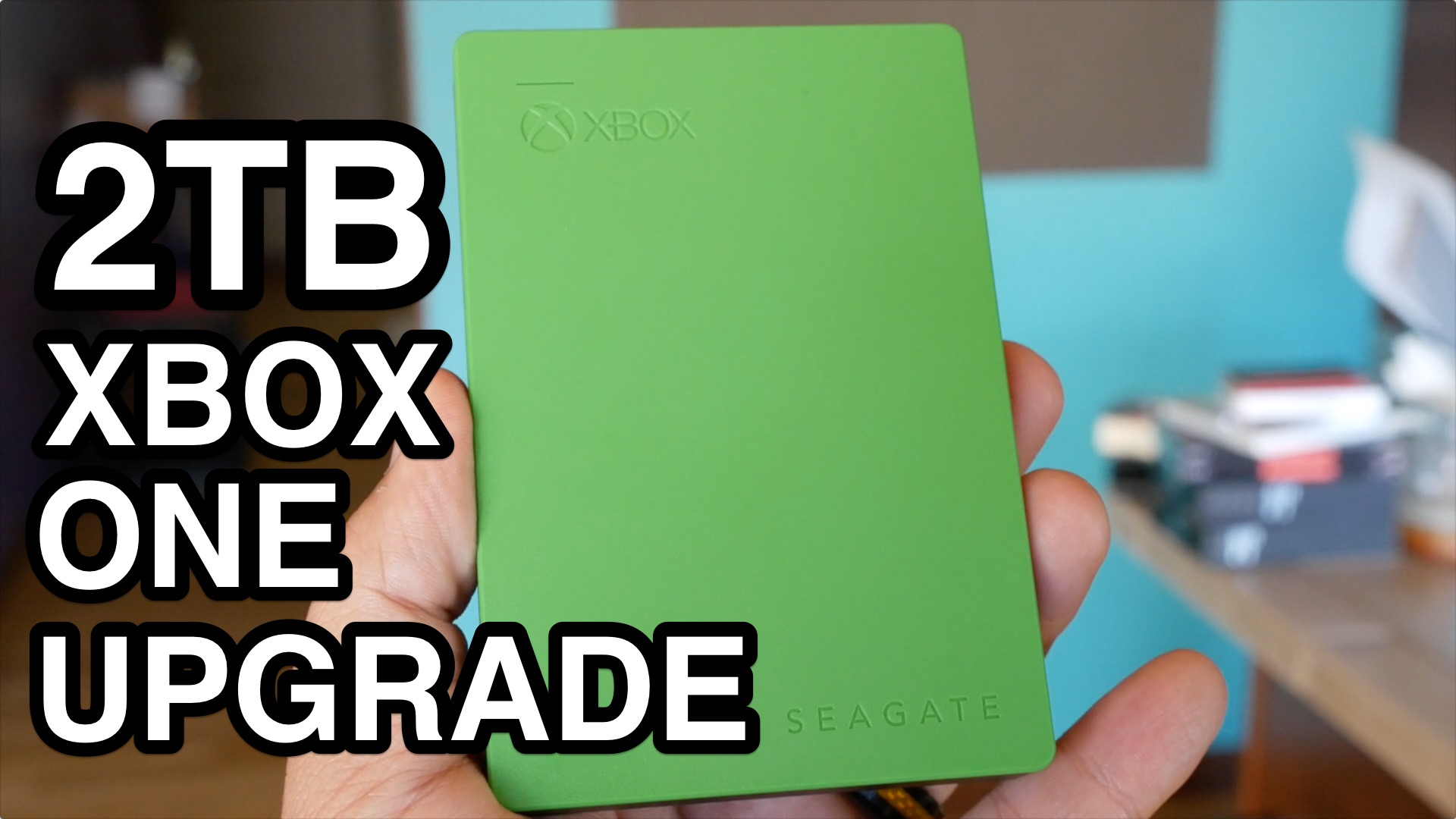
A compact, green external hard drive, the Seagate Game Drive, designed to expand storage for Xbox consoles.
5. Dépannage
If you encounter issues with your Xbox One console, try the following basic troubleshooting steps:
- Cycle d'alimentation : Hold the Xbox button on the front of the console for 10 seconds to turn it off completely. Unplug the power brick from the wall outlet and the console. Wait 30 seconds, then plug everything back in and restart the console.
- Vérifier les connexions : Ensure all cables (power, HDMI, Ethernet) are securely connected to both the console and your display/router.
- Problèmes de contrôleur : If your controller isn't responding, try replacing its batteries or connecting it directly to the console with a USB cable to check for connectivity.
- Erreurs de lecture du disque : Ensure the disc is clean and free of scratches. Try another disc to determine if the issue is with the disc or the console's drive.
6. Spécifications
| Fonctionnalité | Détail |
|---|---|
| ASIN | B00KAI3KW2 |
| Date de sortie | 9 juin 2014 |
| Dimensions du produit | 20 x 14 x 7 pouces |
| Poids de l'article | 11.05 livres |
| Type d'article | Console |
| Langue | Anglais |
| Noté | Tout le monde |
| Numéro de modèle de l'article | 5C5-00001 |
| Fabricant | Microsoft |
| Piles | 2 AA batteries required (for controller) |
7. Garantie et assistance
For information regarding product warranty, technical support, or service inquiries, please refer to the official Xbox support webConsultez le site web ou contactez le service client de Microsoft. Conservez votre preuve d'achat pour toute réclamation au titre de la garantie.
Online resources and community forums are also available for additional assistance and tips.


