
1. Introduction
Merci pour votre achatasing the TOPPING E50II Compact Desktop DAC. This device is designed to provide high-fidelity audio decoding for various digital sources. It features an AK4497S DAC chip, supports high-resolution audio formats up to PCM768kHz and DSD512, and offers versatile connectivity options including USB, optical, coaxial, RCA, and TRS balanced outputs. This manual provides essential information for proper setup, operation, and maintenance of your E50II.
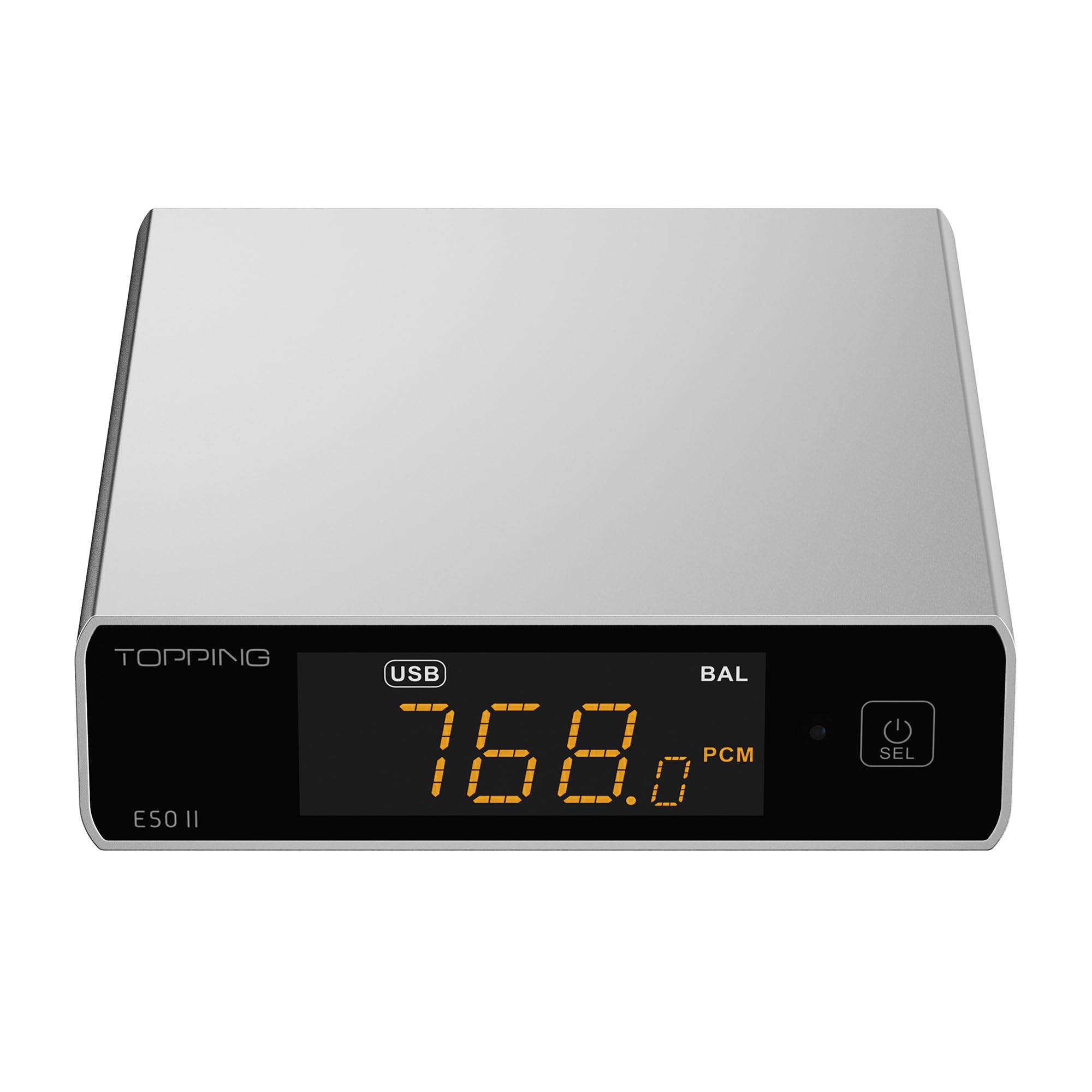
Image 1.1: The TOPPING E50II Compact Desktop DAC in silver finish.
2. Consignes de sécurité
- Ne démontez pas et ne modifiez pas l'appareil. Toute modification non autorisée peut annuler la garantie et présenter des risques pour la sécurité.
- Tenez l'appareil à l'écart de l'eau, de l'humidité et des températures élevées.
- Use only the provided power adapter or a compatible 5V power supply.
- Assurez une ventilation adéquate autour de l’appareil pour éviter toute surchauffe.
- Évitez de placer des objets lourds sur l'appareil.
- Débranchez le câble d'alimentation en cas d'orage ou lorsque l'appareil n'est pas utilisé pendant une période prolongée.
3. Contenu du colis
Veuillez vérifier que tous les articles sont présents dans le colis :
- TOPPING E50II Unit
- Télécommande
- Câble USB (Type A vers Type C)
- USB Power Cable (Type-A to Type-C)
- Antenne Bluetooth
- Manuel de l'utilisateur (ce document)
- Carte de garantie

Image 3.1: Included accessories: remote control, USB cables, and Bluetooth antenna.
4. Produit terminéview
4.1 Panneau avant

Image 4.1: Front panel of the E50II, showing the display and control button.
- Écran d'affichage : Affiche l'entrée actuelle, sample rate, volume, and other status information.
- Bouton multifonction : Press to power on/off, select input, or adjust settings.
4.2 Panneau arrière

Image 4.2: Rear panel of the E50II, illustrating various input and output ports.
- Sorties RCA (G/D) : Sortie audio analogique asymétrique.
- TRS Balanced Outputs (L/R): Sortie audio analogique symétrique.
- Entrée coaxiale : Entrée audio numérique.
- Entrée optique : Entrée audio numérique.
- Entrée USB-C: For connecting to a computer or other digital source.
- Entrée d'alimentation USB-C : For connecting to a 5V power supply.
- Connecteur d'antenne Bluetooth : Pour fixer l'antenne Bluetooth.
5. Installation
5.1 Connexion d'alimentation
Connect the provided USB power cable to the E50II's "POWER" USB-C port and then to a 5V power adapter (not included) or a USB port on your computer. The E50II requires a stable 5V power supply for optimal performance.
5.2 Connexions audio
Choose the appropriate input and output connections based on your audio system:
- Entrée USB: Connect the E50II's "USB" port to your computer or other USB audio source using the provided USB data cable.
- Entrée optique/coaxiale : Connect your digital audio source (e.g., CD player, TV) to the E50II's "OPTICAL" or "COAXIAL" input.
- Sortie RCA : Connect the E50II's "SE" RCA outputs to your ampAmplificateur ou haut-parleurs actifs utilisant des câbles RCA.
- TRS Balanced Output: Connect the E50II's "BAL" TRS outputs to your balanced amplifier or active speakers using 6.35mm TRS cables. The E50II supports simultaneous output from both RCA and TRS ports.

Image 5.1: Close-up of the balanced TRS and unbalanced RCA output connections.
5.3 Installation de l'antenne Bluetooth
Screw the provided Bluetooth antenna onto the antenna connector on the rear panel of the E50II.
5.4 Driver Installation (for Windows)
For Windows operating systems, a dedicated driver is required for USB audio playback up to PCM768kHz and DSD512. The driver can be downloaded from the official TOPPING website. Follow the on-screen instructions for installation. macOS and Linux typically do not require a separate driver.
6. Mode d'emploi
6.1 Fonctionnement de base

Image 6.1: A hand interacting with the multi-function button on the E50II's front panel.
- Marche/Arrêt : Maintenez le bouton multifonction enfoncé pendant 3 secondes pour allumer ou éteindre l'appareil.
- Sélection d'entrée : Briefly press the multi-function button to cycle through available inputs (USB, Optical, Coaxial, Bluetooth).
- Contrôle du volume : Rotate the multi-function button to adjust the volume.
6.2 Utilisation de la télécommande
La télécommande incluse permet d'accéder facilement à différentes fonctions :
- Bouton d'alimentation : Allume/éteint l'appareil.
- Boutons de sélection d'entrée : Dedicated buttons for USB, Optical, Coaxial, and Bluetooth inputs.
- Volume haut/bas : Règle le volume de sortie.
- Muet: Mutes/unmutes the audio output.
- Bouton EQ : Cycles through PEQ presets.
- Bouton de filtre : Cycles through digital filter modes.
- Gain Button: Switches between Low and High gain modes.
6.3 TOPPING Home App Control
The E50II is compatible with the "TOPPING Home" app, allowing control from your smartphone or tablet via Bluetooth. This app enables input switching, EQ settings, and volume adjustment remotely.

Image 6.2: Smartphone displaying the TOPPING Home app interface for controlling the E50II.
6.4 Fonctionnement Bluetooth
Pour se connecter via Bluetooth :
- Switch the E50II input to Bluetooth mode. The display will show "BT".
- On your mobile device, search for "TOPPING E50II" in the Bluetooth settings and pair.
- Once connected, audio from your device will be streamed to the E50II. The E50II supports LDAC, aptX-Adaptive, aptX HD, aptX, AAC, and SBC codecs.
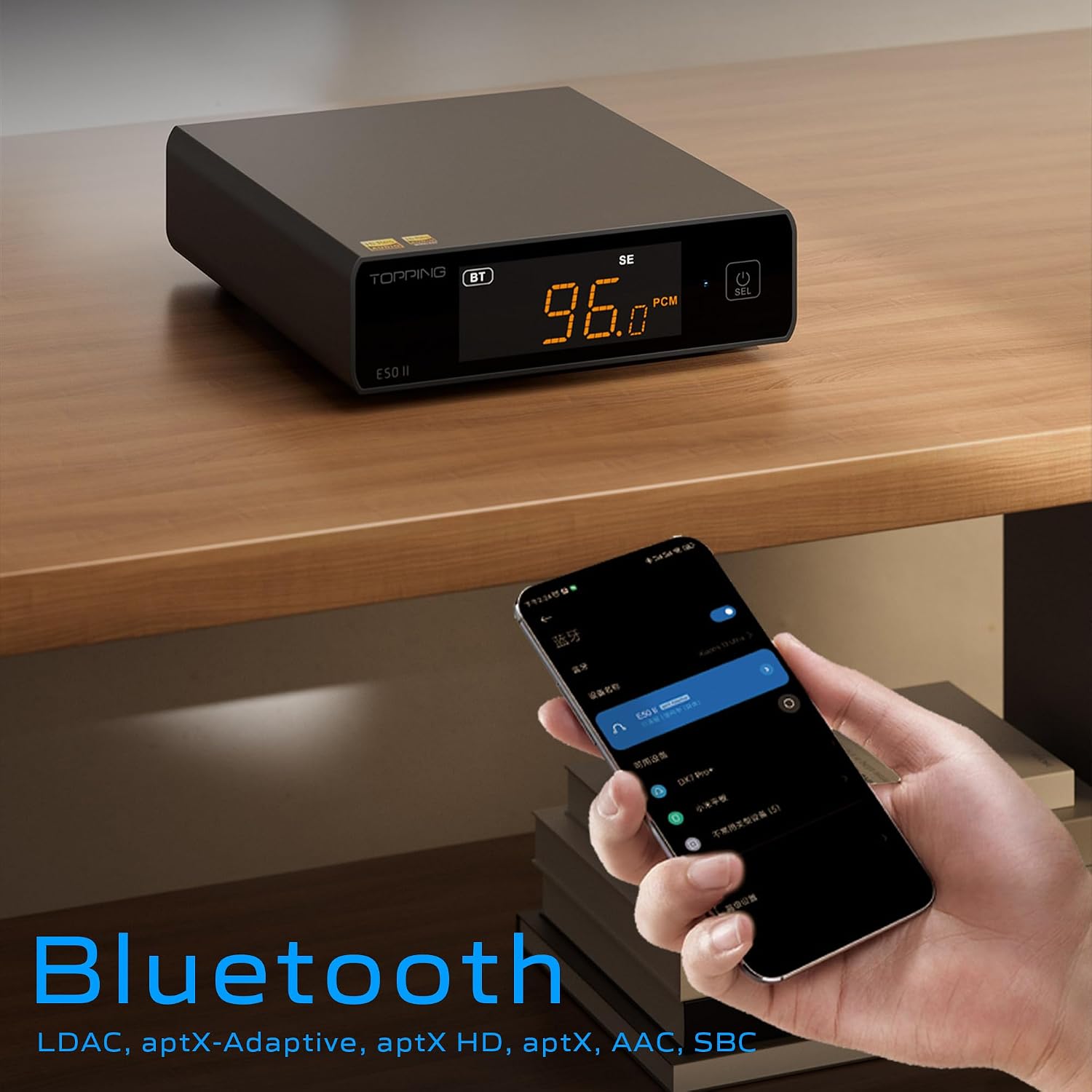
Image 6.3: A black E50II unit with a smartphone showing Bluetooth connection status.
6.5 PEQ (Parametric Equalizer) Function
The E50II features a 10-band Parametric Equalizer (PEQ) for precise sound customization. You can adjust frequency, gain, and bandwidth for each band. This function is accessible via the TOPPING Home app or dedicated PC software.

Image 6.4: Screenshot of the TOPPING TUNE FOR PC software interface, showing the 10-band PEQ settings.
6.6 Préamp Fonction
The E50II can function as a preamplifier, allowing direct connection to a power amplifier or active speakers. In this mode, the volume can be controlled via the remote or the TOPPING Home app, providing precise output level control to prevent overload or under-driving of connected equipment.
7. Entretien
- Nettoyez l'appareil avec un chiffon doux et sec. N'utilisez pas de nettoyants liquides ni d'aérosols.
- Veillez à ce que les ouvertures de ventilation soient dégagées de toute poussière et débris.
- Rangez l'appareil dans un endroit frais et sec lorsqu'il n'est pas utilisé.
8. Dépannage
| Problème | Cause possible | Solution |
|---|---|---|
| Pas de sortie audio | Incorrect input/output selection, loose cables, muted volume. | Check input source, ensure cables are securely connected, unmute or increase volume. |
| L'appareil ne s'allume pas | Power cable not connected, faulty power adapter. | Ensure power cable is connected to a working 5V source. Try a different power adapter. |
| Problèmes de connexion Bluetooth | E50II not in Bluetooth mode, device not paired, interference. | Switch E50II to Bluetooth input. Re-pair the device. Ensure no strong interference sources nearby. |
| Son déformé | Input signal too high, incorrect gain setting, faulty cables. | Reduce source volume. Adjust E50II gain setting. Try different audio cables. |
| Windows USB driver not working | Incorrect driver installation, driver conflict. | Reinstall the latest driver from the TOPPING website. Check for other conflicting audio drivers. |
9. Spécifications
- Marque: GARNITURE
- Modèle: E50II
- Puce DAC : AK4497S
- Interface USB : XMOS XU316
- Max USB Decoding: PCM 768kHz / DSD512
- Optical/Coaxial Decoding: Jusqu'à 192 kHz
- Codecs Bluetooth : LDAC, aptX-Adaptive, aptX HD, aptX, AAC, SBC
- Mode de sortie audio : Stéréo
- Interfaces de sortie : RCA (unbalanced), 6.35mm TRS (balanced)
- Interfaces d'entrée: USB, Optical, Coaxial, Bluetooth
- Caractéristiques: 10-band PEQ, Preamp function, TOPPING Home App control, Top Sync circuit for low jitter.
10. Garantie et assistance
The TOPPING E50II is covered by the manufacturer's or authorized agent's warranty regulations. Please refer to the warranty card included in your package for specific terms and conditions. For technical support, driver downloads, or service inquiries, please visit the official TOPPING webConsultez notre site web ou contactez votre revendeur agréé local.
Official TOPPING Website: www.toppingaudio.com