
1. Introduction
Thank you for choosing the Lemorele Wireless USB C HDMI Transmitter and Receiver. This device allows for high-definition wireless video and audio transmission from your USB-C enabled devices to an HDMI display. It supports multiple projection modes and offers a plug-and-play experience without the need for drivers or applications.
This manual provides detailed instructions for setting up, operating, and maintaining your device. Please read it carefully before use and retain it for future reference.
2. Produit terminéview
2.1 Contenu du paquet
Le package comprend les composants suivants :
- 1 x Émetteur HDMI sans fil (TX)
- 1 x Récepteur HDMI sans fil (RX)
- 1 x USB-C Power Cable (for RX)
- 1 x Manuel d'utilisation

Image: Packaging and included accessories, showing the TX and RX units, a USB-C cable, and the manual.
2.2 Principales caractéristiques
- Three Flexible Screen Projection Modes: Supports Miracast, AirPlay, and TX-RX direct transmission.
- Large compatibilité : Fully compatible with Windows, Android, iOS, and macOS systems.
- Prêt à l'emploi : No application or driver installation required for operation.
- Full HD 1080P@60Hz Transmission: Delivers high-definition wireless video up to 1080P at 60Hz.
- Low Latency & High Stability: Ensures smooth video and audio synchronization.
- Smart Power Options: TX supports USB-C PD fast charging and HDMI input; RX is powered via USB-C 5V/2A.
- Conception portable : Compact and lightweight for easy transport and versatile use.
3. Instructions de configuration
Follow these steps to set up your Lemorele Wireless USB C HDMI Transmitter and Receiver:
- Connectez le récepteur (RX) : Plug the RX unit into an available HDMI port on your display device (e.g., TV, monitor, projector). Connect the USB-C power cable to the RX unit and then to a 5V/2A power source (e.g., USB wall adapter, TV USB port). Ensure the RX unit is powered on.
- Connectez l'émetteur (TX) : Plug the TX unit into the USB-C port of your source device (e.g., laptop, tablet, smartphone). The TX unit will draw power from your source device. If your source device does not provide sufficient power or if you experience instability, connect a USB-C power adapter to the TX unit's power input port.
- Couplage automatique : Once both the TX and RX units are powered on and connected, they will automatically pair within a few seconds. The display will show the mirrored or extended screen from your source device.

Image: Visual guide showing the three setup steps: 1. Connect RX to screen and power, 2. Plug TX to laptop/PC, 3. Auto pairing in 5 seconds.
Note: For optimal performance, ensure the TX and RX units are within the recommended transmission range (up to 50 meters / 164 feet) and have a clear line of sight.
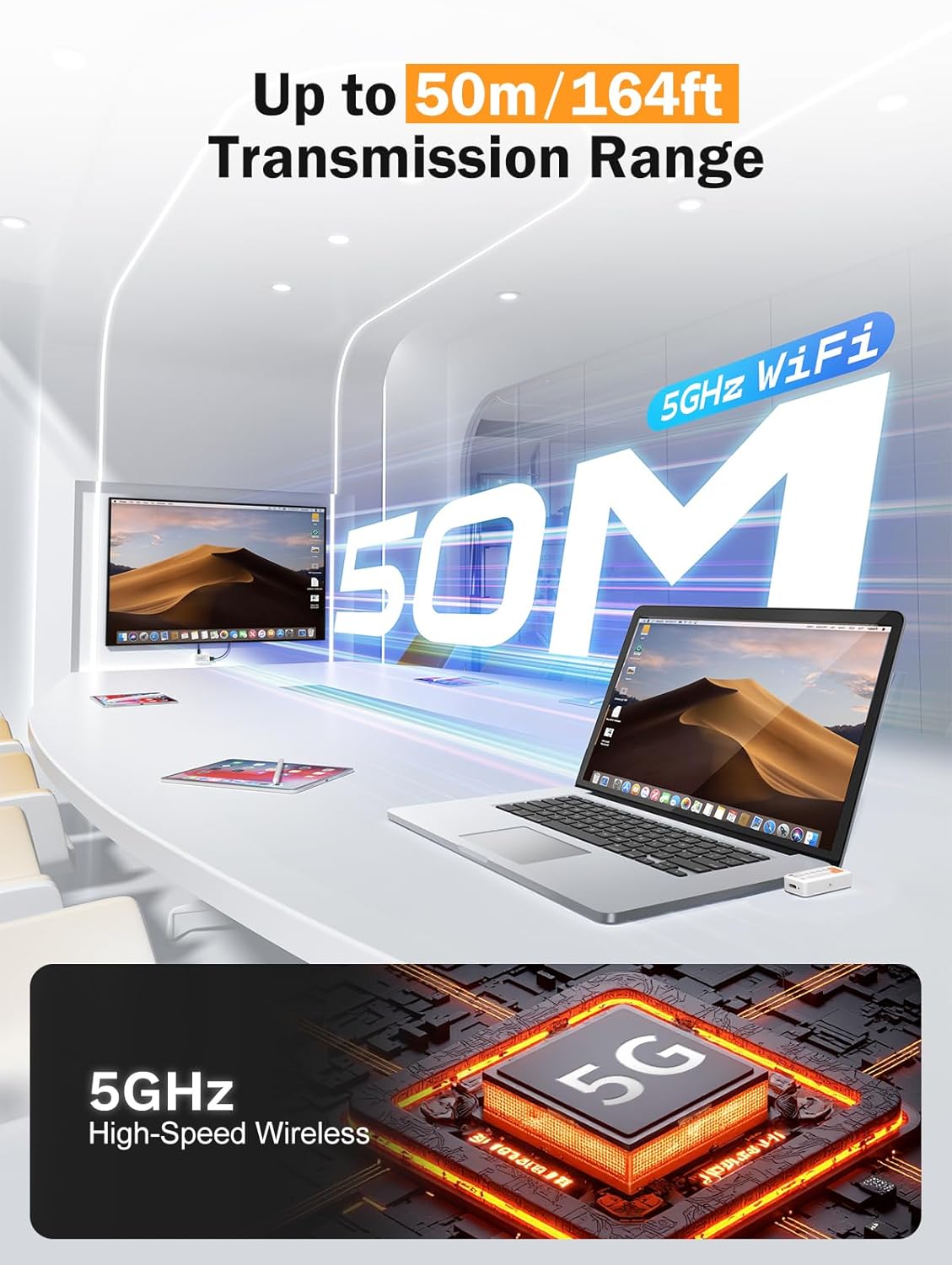
Image: Diagram illustrating the 50-meter wireless transmission range using 5GHz WiFi technology.
4. Mode d'emploi
4.1 Fonctionnement de base (Plug & Play)
After successful setup and pairing, the device operates automatically. Your source device's screen will be mirrored or extended to the connected display.

Image: A laptop connected to the TX unit and a TV connected to the RX unit, demonstrating the plug-and-play functionality for wireless display.
4.2 Supported Modes
The device supports Miracast, AirPlay, and TX-RX direct transmission. The mode selection is typically handled automatically by your source device or the system's display settings.
- Miracast: For Windows and Android devices.
- AirPlay : For iOS and macOS devices.
- TX-RX Direct: For direct wireless connection between the transmitter and receiver units.
4.3 Scénarios d'utilisation
The compact and versatile design makes it suitable for various applications:
- Cinéma maison : Enjoy movies and games on a large screen wirelessly.
- Présentations d'affaires : Share presentations (PPTs) and videos in meetings without cables.
- Classroom Projection: Facilitate interactive learning by projecting content wirelessly.
- Exhibitions: Showcase content on large displays with ease.

Image: Collage showing the device being used in a classroom for teaching, an office for presentations, and a home for entertainment.
5. Entretien
Pour garantir la longévité et les performances optimales de votre appareil, suivez ces consignes d'entretien :
- Nettoyage: Utilisez un chiffon doux et sec pour nettoyer l'appareil. N'utilisez pas de nettoyants liquides ni d'aérosols.
- Stockage: Conservez l'appareil dans un endroit frais et sec, à l'abri de la lumière directe du soleil et des températures extrêmes.
- Manutention: Évitez de laisser tomber ou de soumettre l'appareil à des impacts violents.
- Pouvoir: Always use the recommended 5V/2A power source for the RX unit.
- Chaleur: The TX unit may become warm during extended use. This is normal. Ensure adequate ventilation around the device.
6. Dépannage
If you encounter issues with your Lemorele Wireless USB C HDMI Transmitter and Receiver, refer to the following troubleshooting tips:
| Problème | Cause possible | Solution |
|---|---|---|
| Aucun affichage à l'écran. |
|
|
| Signal intermittent ou mauvaise qualité vidéo. |
|
|
| Le son ne fonctionne pas. |
|
|
| TX unit gets warm. | Fonctionnement normal. | Ensure adequate ventilation around the TX unit. If it becomes excessively hot or malfunctions, discontinue use and contact support. |
7. Spécifications
| Fonctionnalité | Détail |
|---|---|
| Marque | Lémorélé |
| Numéro de modèle | P400 |
| Technologie de connectivité | Miracast, AirPlay, HDMI |
| Caractéristiques spéciales | TX-RX, Full HD 1080p@60Hz, Plug & Play |
| Appareils compatibles | Smart Television, Tablet, Smartphone, Laptop, Personal Computer |
| Type de connecteur | HDMI (output from RX), USB-C (input to TX) |
| Couleur | Noir |
| Consommation d'énergie | 10 watts |
| Type de sortie audio | HDMI |
| Technologie sans fil | 5GHz WiFi, Miracast |
| Plage de transmission | Jusqu'à 50 mètres (164 pieds) |
| Pays d'origine | Chine |
8. Informations sur la garantie
The Lemorele Wireless USB C HDMI Transmitter and Receiver comes with a standard manufacturer's warranty. Please refer to the product packaging or the official Lemorele webConsultez le site pour connaître les conditions générales de garantie spécifiques.
In France, consumers are entitled to a legal guarantee of conformity for 2 years from the date of purchase for any defects or non-conformities. A legal guarantee against hidden defects also applies.
9. Assistance clientèle
For technical assistance, troubleshooting beyond this manual, or warranty claims, please contact Lemorele customer support:
- Support en ligne: Visit the official Lemorele webSite regroupant les FAQ, les ressources d'assistance et les informations de contact.
- E-mail: Refer to your product packaging or the Lemorele website pour l'adresse e-mail d'assistance.
Before contacting support, please have your product model number (P400) and purchase information ready.