
1. Introduction
Welcome to the NIMO N15A 15.6" Laptop User Manual. This guide provides essential information for setting up, operating, maintaining, and troubleshooting your new laptop. Please read this manual thoroughly to ensure optimal performance and longevity of your device.

Figure 1: NIMO N15A 15.6" Laptop
2. Consignes de sécurité
To prevent damage to your NIMO N15A laptop and ensure your safety, please observe the following guidelines:
- Use only original chargers and regularly inspect cables for any signs of damage.
- Handle the laptop by its base and consider using a protective case to prevent physical damage.
- Évitez de placer des objets lourds sur l'ordinateur portable.
- Ensure the laptop is placed on a hard, flat surface to allow for proper ventilation and prevent overheating.
- Tenez l'appareil à l'écart des températures extrêmes et de l'humidité.
- Do not overcharge the battery. Discontinue use immediately if the battery shows signs of swelling or damage.
- Set strong passwords, keep your software updated, use antivirus protection, and regularly back up your data.
- En cas de déversement de liquide, débranchez immédiatement l'ordinateur portable et laissez-le sécher complètement avant de tenter de le rallumer.
- For any issues, consult qualified professionals. Do not attempt to disassemble or repair the laptop yourself, as this may void the warranty and cause further damage.
3. Contenu de la boîte
Your NIMO N15A laptop package includes the following items:
- 1 x ordinateur portable NIMO N15A
- 1 chargeur rapide USB-C 100 W PD
- 1 x Manuel d'utilisation (ce document)
- Windows 11 Famille (préinstallé)
- Informations sur la garantie (Garantie de 2 ans, retour sous 90 jours)
Video 1: Unboxing and Initial Setup of the NIMO 15.6" Laptop. This video demonstrates the contents of the package and the first steps to power on the device.
4. Produit terminéview
4.1. Caractéristiques physiques
The NIMO N15A laptop features a durable metal shell, combining a sleek aesthetic with robust protection. Its slim profile and lightweight design (3.75 lbs) make it highly portable.
4.2. Ports et connectivité
L'ordinateur portable est équipé de divers ports pour une connectivité polyvalente :
- Lecteur de carte Micro SD
- Port USB 2.0
- Ports USB 3.2 (plusieurs)
- Prise casque
- Slot pour verrou Kensington
- Port HDMI
- Type-C (Multifunction) Ports (multiple, supporting 100W PD fast charging)

Figure 2: High-Speed Interfaces and Ports
Video 2: NIMO Laptop Overview. This video highlights the laptop's design, display, camera, keyboard, and various ports.
5. Installation
5.1. Mise sous tension initiale
- Unpack your NIMO N15A laptop and all accessories from the box.
- Connectez le chargeur rapide PD Type-C de 100 W au port Type-C de l'ordinateur portable et à une prise de courant.
- Ouvrez le capot de l'ordinateur portable. Il se peut qu'il s'allume automatiquement ou que vous deviez appuyer sur le bouton d'alimentation.
- Suivez les instructions à l'écran pour terminer l'installation de Windows 11 Famille, notamment la langue, la région, la connexion réseau et la création du compte utilisateur.
5.2. Connexion au Wi-Fi
During the initial setup or at any time, you can connect to a Wi-Fi network:
- Cliquez sur l'icône Wi-Fi dans la barre des tâches (coin inférieur droit de l'écran).
- Sélectionnez le réseau Wi-Fi souhaité dans la liste.
- Saisissez le mot de passe réseau si vous y êtes invité et cliquez sur « Se connecter ».
6. Utilisation de votre ordinateur portable
6.1. Affichage
The NIMO N15A features a 15.6" Full HD (1920x1080) IPS anti-glare display with an 85% screen-to-body ratio, providing clear and vibrant visuals for work, entertainment, and light gaming.
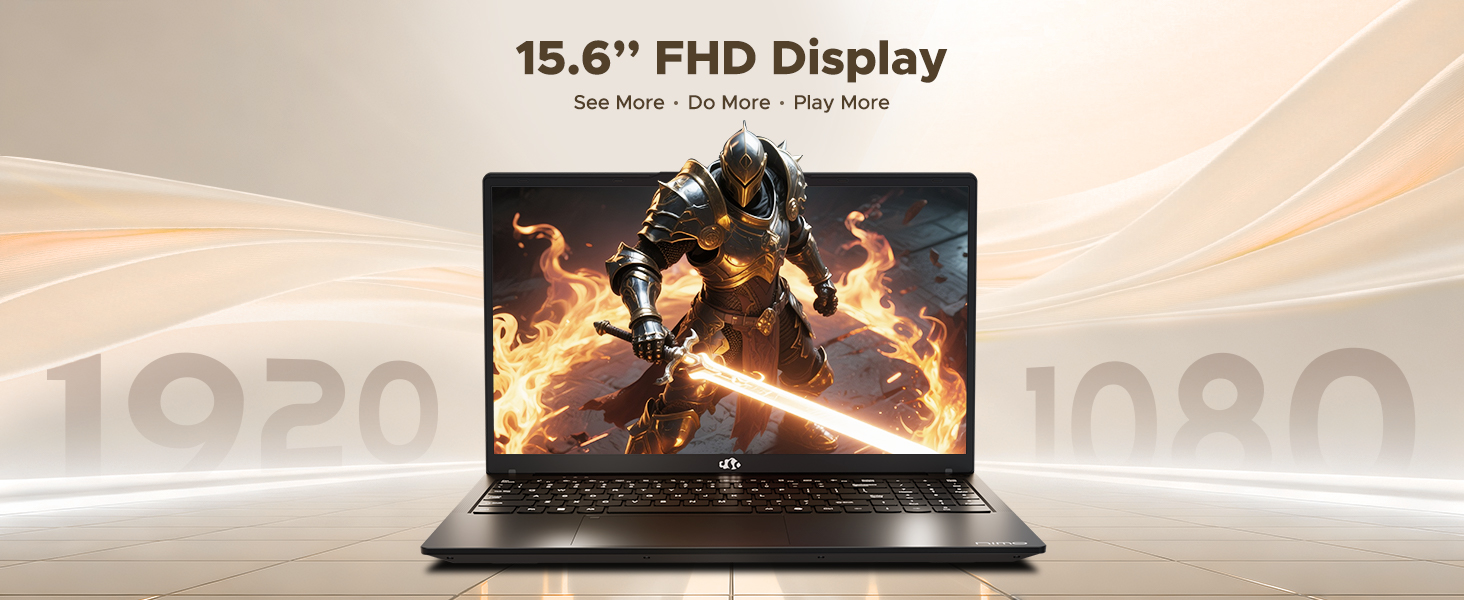
Figure 3: 15.6" FHD IPS Display
6.2. Clavier et pavé tactile
The laptop includes an ergonomic backlit keyboard for comfortable typing in various lighting conditions and a precision gesture touchpad for smooth navigation.
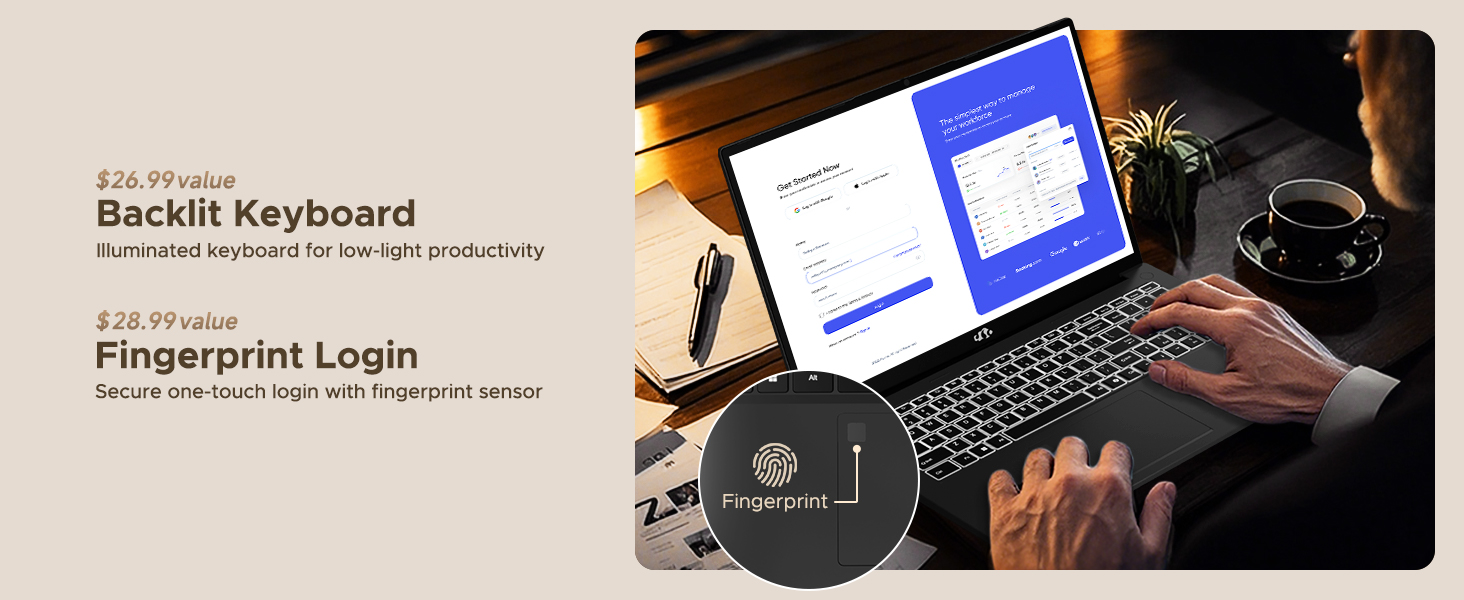
Figure 4: Backlit Keyboard and Fingerprint Sensor
6.3. Fingerprint Login
For enhanced security and convenience, the laptop features a fingerprint reader integrated into the touchpad. You can set up fingerprint login through Windows Settings for quick and secure access.
6.4. Caméra
The integrated 2MP front camera is suitable for video calls and online meetings. It includes a privacy shutter for when the camera is not in use.

Figure 5: Privacy-Focused Camera Convenience
6.5. Performance
Powered by the AMD Ryzen 7 Pro 6850U processor (8 cores, 16 threads, up to 4.7GHz) and AMD Radeon 680M GPU, the NIMO N15A delivers balanced performance for productivity, content creation, and light gaming.
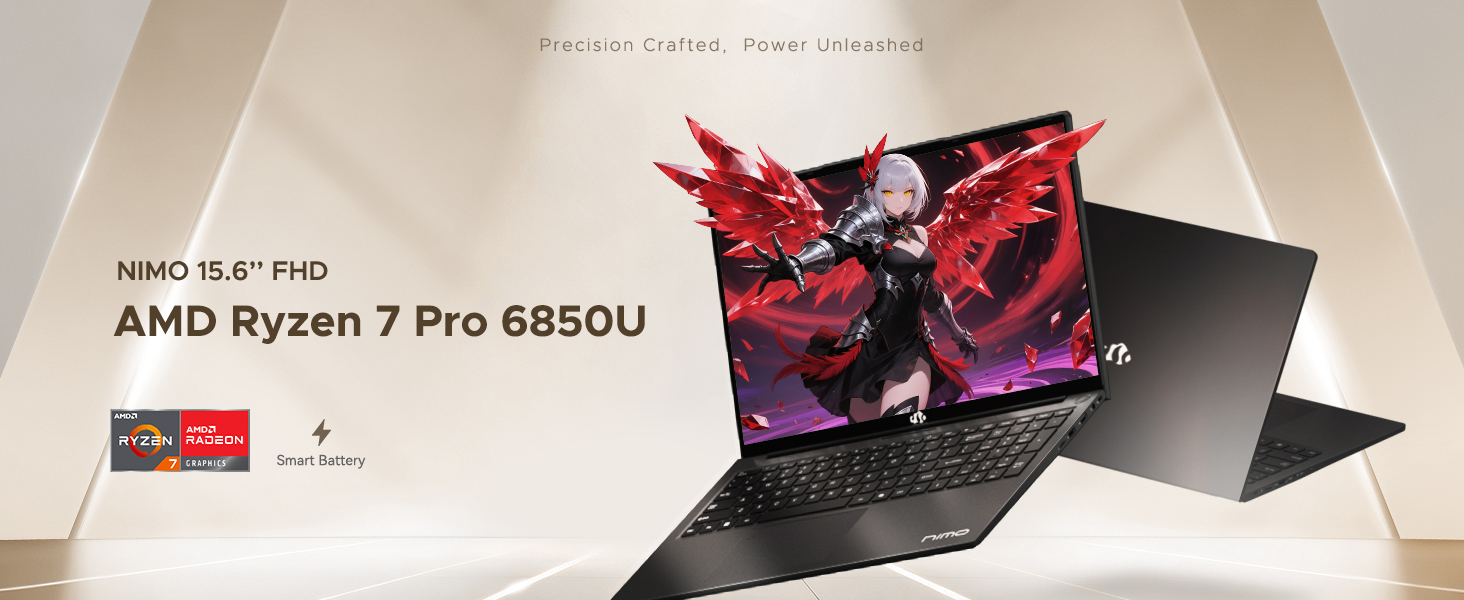
Figure 6: AMD Ryzen 7 Pro 6850U Processor Details
Video 3: NIMO Gaming Laptop Demonstration. This video showcases the laptop's performance in gaming and creative applications.
7. Chargement et batterie
The NIMO N15A is equipped with a 53.58 Watt-Hour Lithium Polymer battery, offering up to 9 hours of typical use and 12.75 hours of standby time. It supports 100W USB-C PD fast charging, allowing for approximately 2 hours of use from just a 15-minute charge.
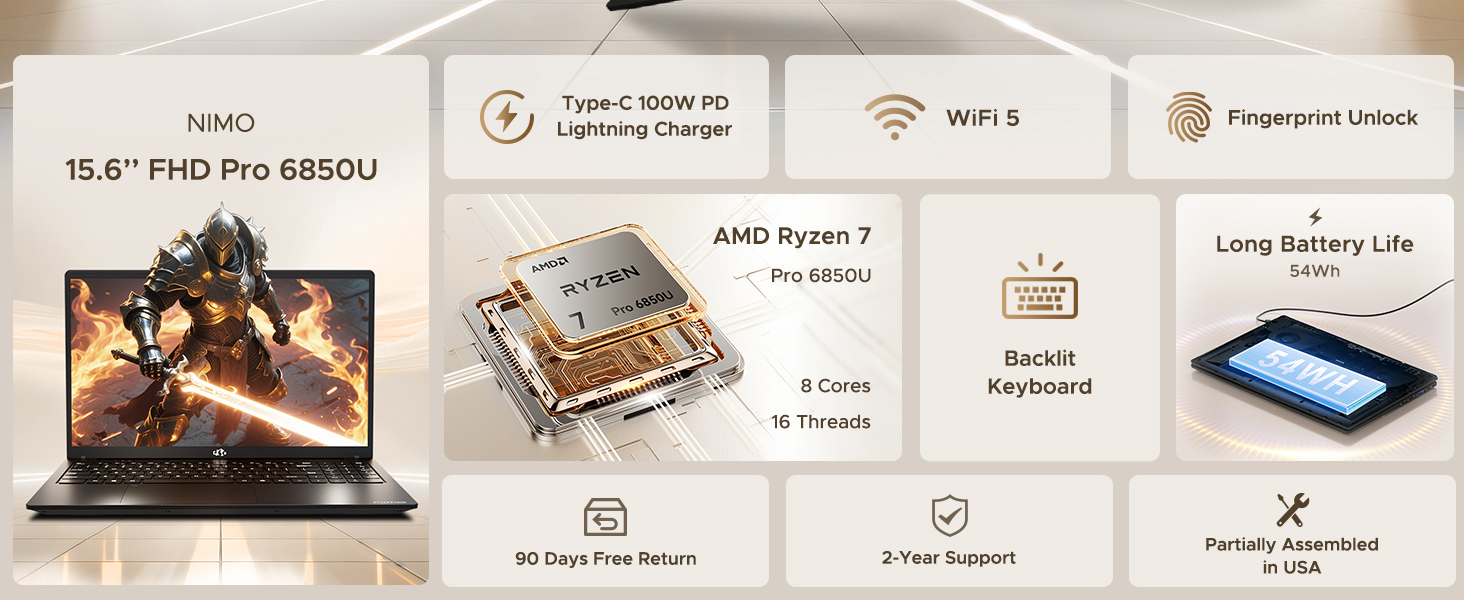
Figure 7: 100W USB-C Fast Charging
8. Stockage et mémoire
The laptop features 16GB of lightning-fast LPDDR5 RAM (6400 MHz) for seamless multitasking and a pre-installed 1TB PCIe 4.0 SSD for rapid boot times and file transferts.
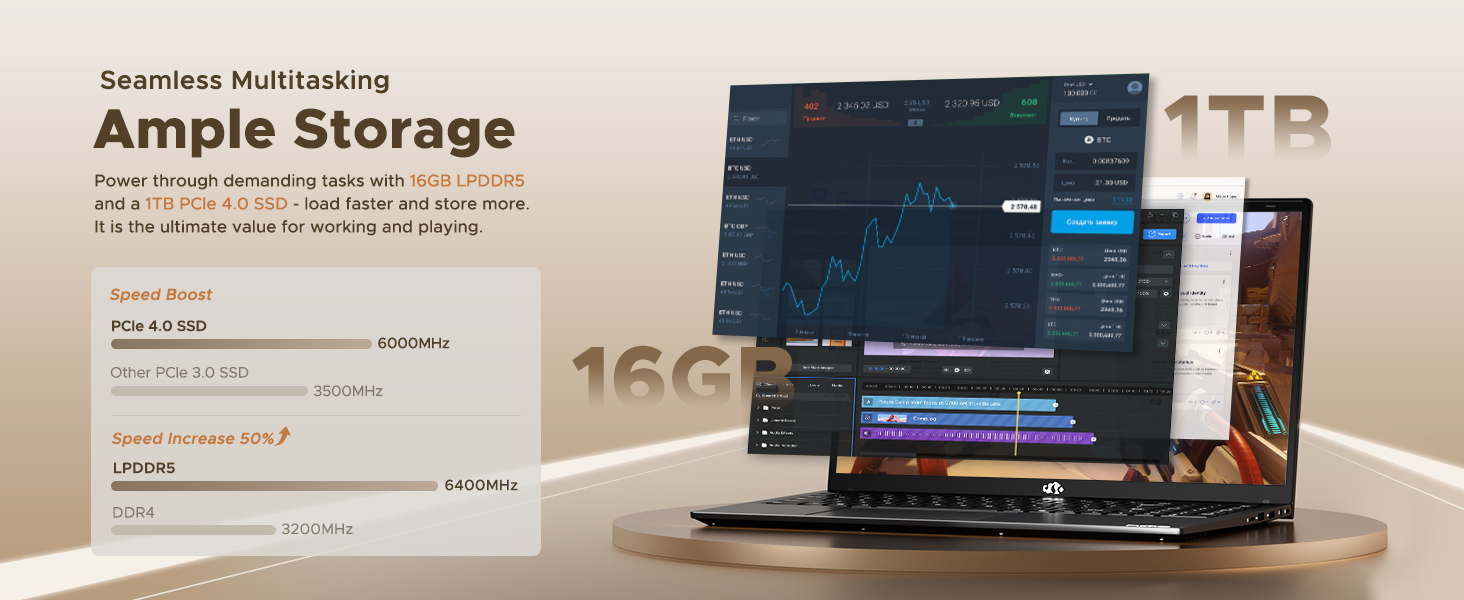
Figure 8: 16GB LPDDR5 RAM and 1TB PCIe 4.0 SSD
9. Entretien
Regular maintenance helps ensure the longevity and optimal performance of your NIMO N15A laptop:
- Nettoyage: Utilisez un chiffon doux non pelucheux pour nettoyer l'écran et l'extérieur. Pour les taches tenaces, frottez légèrement avec un chiffon doux.ampNettoyez le chiffon avec de l'eau ou un nettoyant adapté aux écrans. Évitez les produits chimiques agressifs.
- Mises à jour logicielles : Regularly install operating system and driver updates to ensure security and performance improvements.
- Ventilation: Keep the ventilation openings clear of obstructions to prevent overheating. Avoid using the laptop on soft surfaces like beds or couches for extended periods.
- Entretien de la batterie: To prolong battery life, avoid fully discharging the battery frequently. If storing the laptop for a long time, charge it to about 50-60%.
- Sauvegarde des données : Sauvegardez régulièrement vos données importantes. files'enregistrent sur un disque dur externe ou un stockage cloud afin d'éviter toute perte de données.
10. Dépannage
If you encounter issues with your NIMO N15A laptop, try the following basic troubleshooting steps:
- L'ordinateur portable ne s'allume pas : Ensure the charger is securely connected and the power outlet is functional. Try a different outlet or charger if available.
- L'écran est vide : Connect an external monitor to check if the display is the issue. If the external monitor works, the laptop's screen may require service.
- Performances lentes : Fermez les applications inutiles, vérifiez la présence de logiciels malveillants, assurez-vous d'avoir suffisamment d'espace de stockage libre et mettez à jour vos pilotes.
- Problèmes de connectivité Wi-Fi : Restart your router and modem. Ensure Wi-Fi is enabled on your laptop and try reconnecting to the network.
- Clavier ou pavé tactile ne répondant pas : Restart the laptop. If the issue persists, check for driver updates.
Pour les problèmes plus complexes, veuillez consulter la section d'assistance ou contacter le service client de NIMO.
11. Spécifications
Below are the detailed specifications for the NIMO N15A laptop:
| Fonctionnalité | Spécification |
|---|---|
| Marque | NIMO |
| Nom du modèle | NIMO N15A |
| Taille de l'écran | 15.6 pouces |
| Résolution | 1920x1080 pixels (FHD IPS) |
| Couleur | Noir |
| Modèle de processeur | AMD Ryzen 7 Pro 6850U (8 cœurs, 16 threads, jusqu'à 4.7 GHz) |
| Coprocesseur graphique | AMD Radeon 680M (intégrée) |
| Taille de la mémoire RAM installée | 16 Go LPDDR5 (6400 MHz) |
| Taille du disque dur | 1024 GB (1TB PCIe 4.0 SSD) |
| Système opérateur | Windows 11 Famille |
| Caractéristiques spéciales | Clavier rétroéclairé, lecteur d'empreintes digitales, audio HD, pavé numérique |
| Technologie de connectivité | Bluetooth, Wi-Fi (802.11a/b/g/n/ac) |
| Nombre total de ports USB | 5 |
| Nombre total de ports HDMI | 1 |
| Autonomie de la batterie | 9 Hours (typical use), 12.75 Hours (standby) |
| Contenu énergétique de la batterie | 53.58 Wattheures |
| Webcam Capability | Yes (2 MP Front Camera) |
| Poids de l'article | 3.75 livres |
| Dimensions de l'article : L x l x épaisseur | 14.07 po L x 8.98 po l x 0.76 po ép. |
12. Garantie et assistance
12.1. Informations sur la garantie
Votre ordinateur portable NIMO N15A est livré avec un Garantie constructeur d'un an from NIMO Direct Inc. This warranty covers manufacturing defects and ensures peace of mind for your purchase.
12.2. Politique de retour
A Politique de retour sans tracas de 90 jours is provided, allowing you to return the product if you are not completely satisfied.
12.3. Assistance clientèle
For any technical assistance, warranty claims, or support inquiries, please contact NIMO customer service. Our dedicated support team is ready to provide quick and effective assistance.
Please visit the official NIMO website or refer to the contact information provided with your product for the most up-to-date support details.