
1. Introduction
The EUREKA ERGONOMIC Remi High Back Office Chair (Model OC69) is designed to provide ergonomic support and comfort for extended periods of sitting. This manual provides essential information for assembly, operation, maintenance, and troubleshooting to ensure optimal use and longevity of your chair.
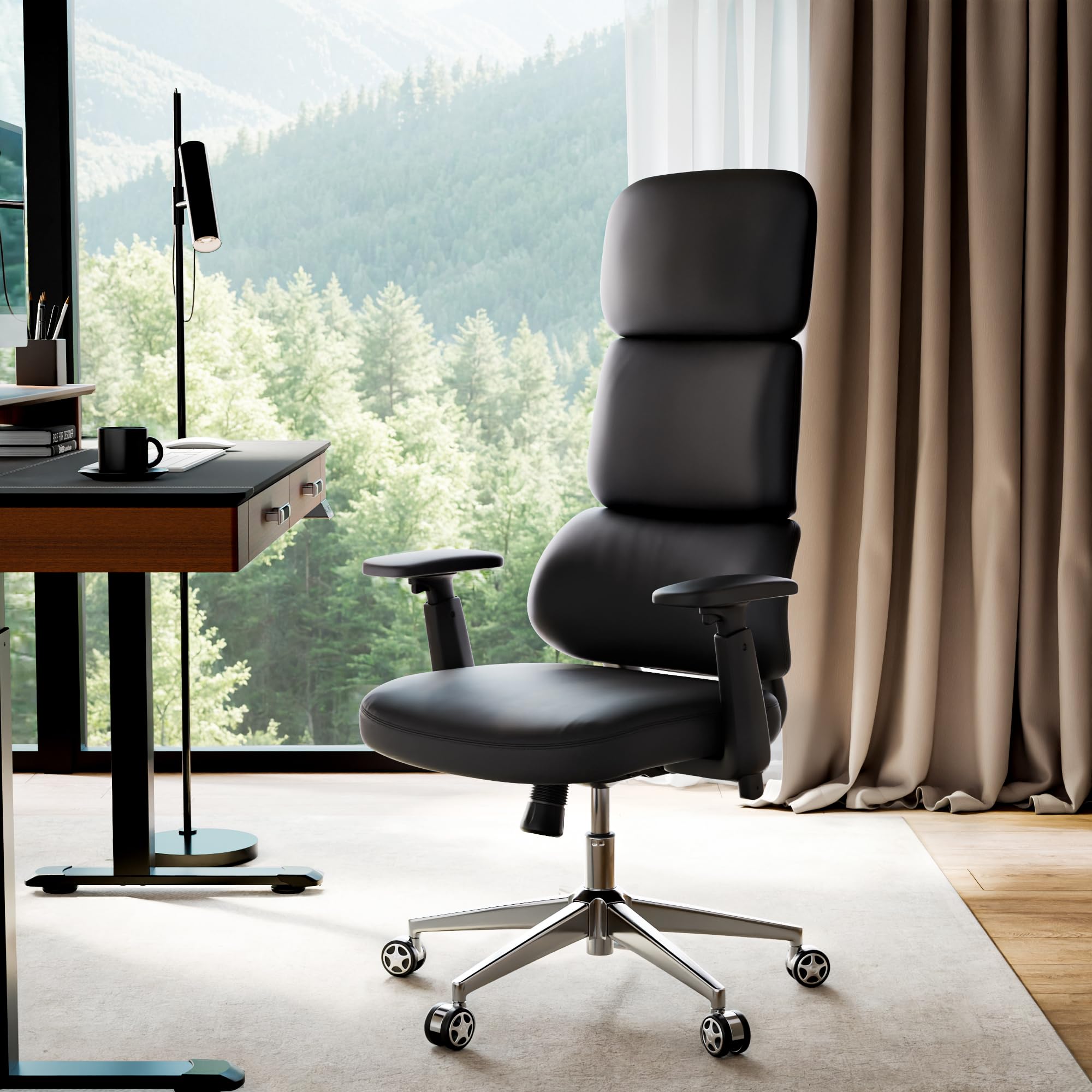
Figure 1: EUREKA ERGONOMIC Remi High Back Office Chair
2. Consignes de sécurité
Veuillez lire attentivement tous les avertissements et instructions de sécurité avant le montage et l'utilisation.
- Suivez toujours attentivement les instructions de montage.
- Keep fingers and other body parts away from moving parts when adjusting height.
- Ne pas dépasser la capacité de poids maximale de 300 livres.
- Avant utilisation, assurez-vous que toutes les vis et tous les boulons sont bien serrés. Vérifiez-les périodiquement et resserrez-les si nécessaire.
- Utilisez la chaise sur une surface plane pour éviter qu'elle ne bascule.
- Ne vous tenez pas debout sur la chaise et ne l'utilisez pas comme marchepied.
3. Configuration et assemblage
This section provides step-by-step instructions for assembling your EUREKA ERGONOMIC Remi Office Chair. It is recommended to watch the official installation video for visual guidance.
Video 1: EUREKA ERGONOMIC Remi Office Chair - Installation Guide. This video provides a complete visual walkthrough of the assembly process.
Composants requis :
Before starting, ensure all components and hardware are present. Refer to the parts diagram in the video or included manual.

Figure 2: All components and hardware required for assembly.
Étapes d'assemblage :
- Step 1: Attach Five-Star Base
Insert the five casters (P1) into the holes at the end of each leg of the five-star base (P2). Ensure they are firmly seated. - Step 2: Attach Casters & Gas Lift
Once casters are in place, insert the gas lift (P3) into the center hole of the five-star base. - Étape 3 : Installer les accoudoirs
Align the armrests (P7) with the pre-drilled holes on the underside of the seat cushion (P6). Secure them using the provided screws (A) and washers (D). Do not fully tighten until all screws are in place. - Step 4: Install Chassis
Position the chassis (P4) onto the underside of the seat cushion, aligning it with the central holes. Secure it using the provided screws (B) and washers (D). Fully tighten all screws for the armrests and chassis. - Step 5: Connecting The Backrest
Attach the backrest (P5) to the seat assembly by aligning the mounting points and securing with the remaining screws (C). Ensure a snug fit. - Step 6: Place the Seat Onto the Gas Lift
Carefully place the assembled seat and backrest onto the gas lift, ensuring the central hole of the chassis aligns with the top of the gas lift. Apply gentle downward pressure to secure it.
Note: Do not tighten screws until all of them are screwed into the holes to allow for proper alignment.
4. Mode d'emploi
The Remi Office Chair offers various adjustments to customize your seating experience for optimal comfort and support.
Video 2: EUREKA ERGONOMIC Remi PU Leather Office Chair. This video demonstrates the chair's adjustable features.
Principaux ajustements :
- Réglage de la hauteur : Use the lever located under the right side of the seat to raise or lower the chair to your desired height.
- Accoudoirs réglables en 3D : The armrests can be adjusted in three dimensions:
- Haut et bas : Press the button on the side of the armrest and move it vertically.
- En avant en arrière: Slide the armrest pad horizontally.
- Rotation: Rotate the armrest pads inward or outward.
- Tilt and Recline Lock: The chair features a 3-position tilt and recline lock with a range of 106-117 degrees. Use the lever on the left side of the seat to lock the backrest at your preferred angle or unlock it for free movement.
- Contrôle de la tension d'inclinaison : Adjust the knob under the front of the seat to control the resistance of the recline function. Turn clockwise to increase tension, counter-clockwise to decrease.
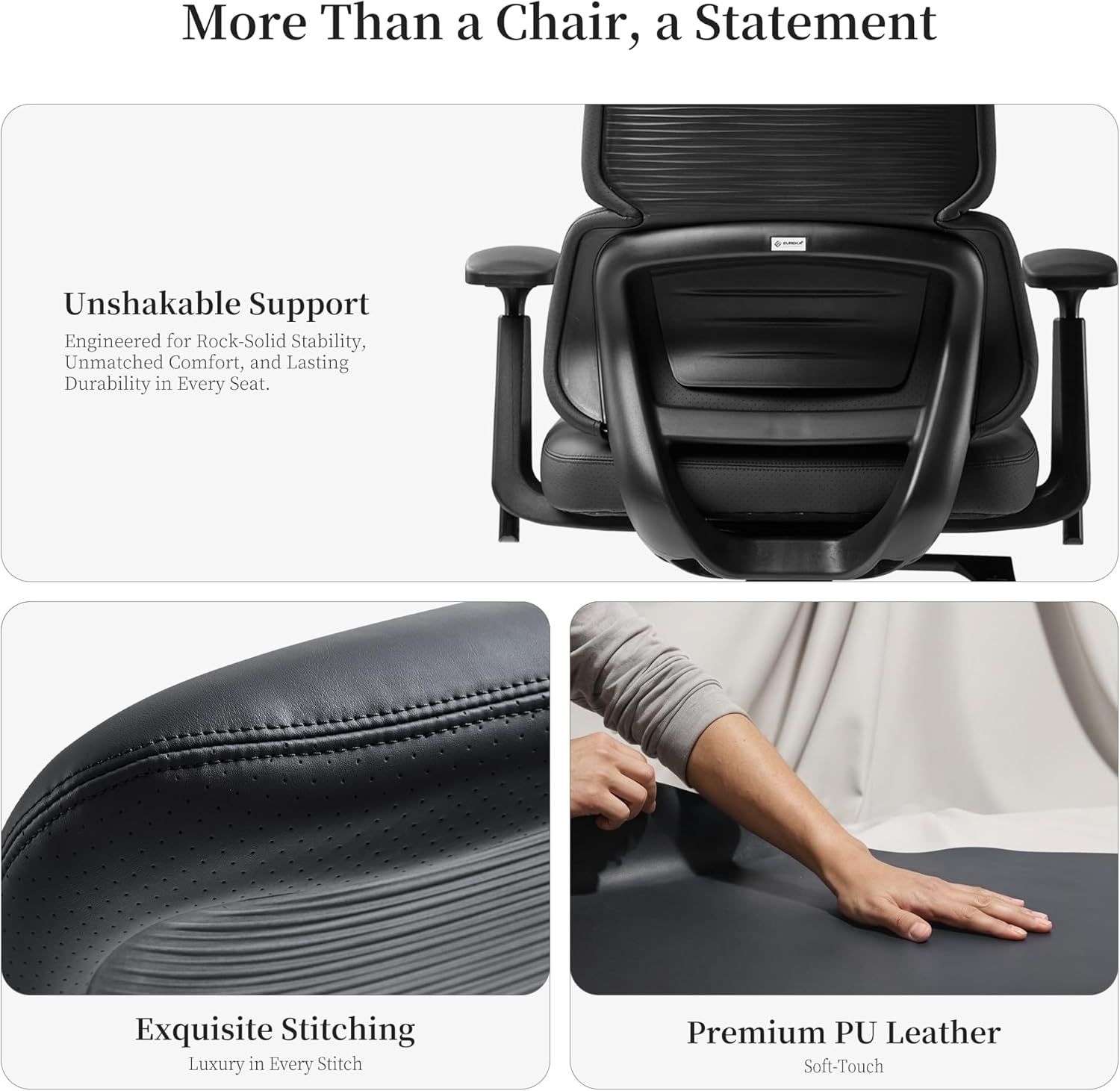
Figure 3: Customizable comfort features including armrest adjustments, recline, and tilt tension.
Support ergonomique :
The innovative tri-section backrest provides precise ergonomic alignment for your neck, back, and waist, designed to alleviate fatigue during prolonged sitting.

Figure 4: The chair's three-section backrest provides targeted support for the neck, back, and lumbar regions.
5. Entretien
Proper care will extend the life and appearance of your EUREKA ERGONOMIC Remi Office Chair.
- Nettoyage du cuir PU : Essuyez les surfaces en cuir PU avec un chiffon doux et sec.amp Pour les taches tenaces, utilisez une solution de savon doux et essuyez immédiatement. Évitez les produits chimiques agressifs et les nettoyants abrasifs.
- Entretien des roulettes : Vérifiez régulièrement les roulettes pour enlever les cheveux ou les débris et nettoyez-les au besoin pour assurer un mouvement fluide.
- Vérification du matériel : Every few months, inspect all screws and bolts to ensure they are tight. Re-tighten if necessary to maintain stability and safety.
- Évitez la lumière directe du soleil : Prolonged exposure to direct sunlight can cause the PU leather to fade or crack. Position your chair away from direct sun exposure.
6. Dépannage
Si vous rencontrez des problèmes avec votre chaise, consultez les solutions courantes suivantes :
- Grincements de chaises : Check all bolts and screws and tighten any that are loose. A small amount of silicone lubricant can be applied to moving parts if the squeaking persists.
- La chaise est instable/vacille : Ensure all assembly screws are fully tightened. Verify that the gas lift is properly seated in the base and chassis.
- Réglage de la hauteur non fonctionnel : Check if the gas lift lever is fully engaged. Ensure no obstructions are preventing the gas lift from moving freely.
- Roulettes ne roulant pas correctement : Inspect casters for accumulated dirt, hair, or debris and clean them thoroughly.
Si ces étapes ne résolvent pas le problème, veuillez contacter le service client.
7. Spécifications
| Fonctionnalité | Détail |
|---|---|
| Marque | EUREKA ERGONOMIQUE |
| Nom du modèle | Rémi |
| Numéro de modèle | OC69 |
| Couleur | Noir |
| Matériel | faux cuir |
| Matériau du cadre | Metal, Fiberglass Reinforced Polypropylene |
| Dimensions du produit (P x L x H) | 26"P x 26"L x 51.75"H |
| Poids de l'article | 37.3 livres |
| Poids maximum recommandé | 300 livres |
| Style du dos | High Back, Three-Section |
| Nombre de positions allongées | 3 (106-117° tilt range) |
| Accoudoirs | 3D Adjustable (Up/Down, Forward/Backward, Rotate) |
| Assemblage requis | Oui |
| Utilisation intérieure/extérieure | Intérieur |

Figure 5 : Face avant view of the assembled chair.

Figure 6 : Côté view of the assembled chair.
8. Garantie et assistance
For specific warranty information and details regarding your EUREKA ERGONOMIC Remi High Back Office Chair, please refer to the warranty card included with your product or visit the official EUREKA ERGONOMIC website. For technical support, replacement parts, or any other inquiries, please contact EUREKA ERGONOMIC customer service through their official channels.
Vous pouvez visiter le Boutique EUREKA ERGONOMIC sur Amazon pour plus d'informations.