
1. Introduction
Welcome to your new NIMO 15.6" IPS FHD Student Laptop, Model N154. This manual provides essential information to help you get started, operate, and maintain your device. Designed for both home and business use, this laptop combines performance with user-friendly features to enhance your productivity and entertainment experience.
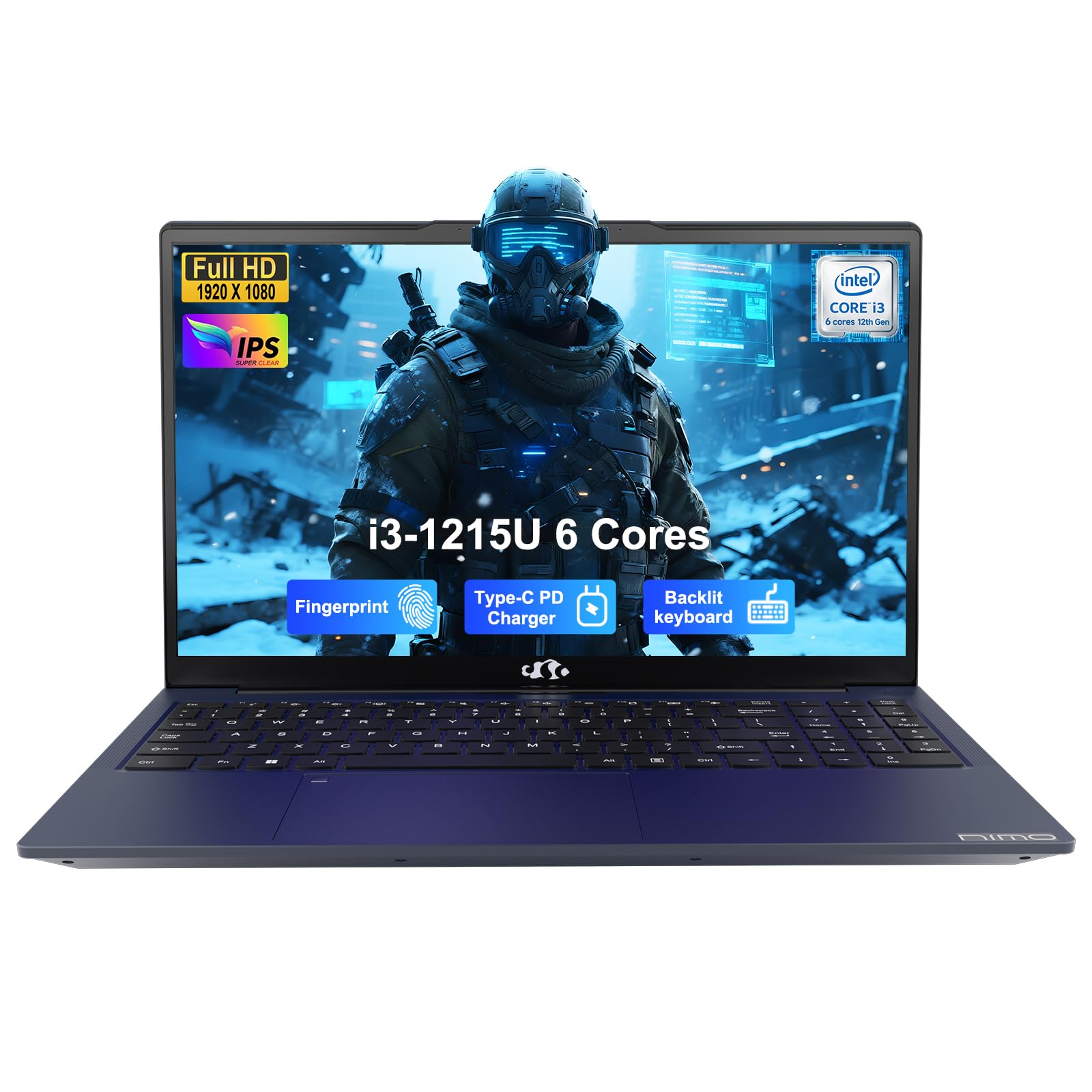
Image: The NIMO 15.6-inch IPS FHD Student Laptop, showcasinson design élégant.
2. Contenu de la boîte
Veuillez vérifier le contenu du colis pour vous assurer que tous les éléments sont présents :
- 1 x ordinateur portable NIMO N154
- 1 chargeur rapide USB-C 65 W PD
- 1 x Manuel d'utilisation (ce document)
- Windows 11 Famille (préinstallé)
3. Configuration initiale
3.1. Charger l'ordinateur portable
Before first use, fully charge your NIMO laptop using the included 65W USB-C PD Fast Charger. Connect the charger to the Type-C port on your laptop and a power outlet. The charging indicator light will illuminate.

Image: The 65W USB-C PD Fast Charger, capable of charging the laptop, tablet, and smartphone.
3.2. Mise sous tension et configuration initiale
Press the power button to turn on your laptop. Follow the on-screen instructions to complete the Windows 11 Home setup, including language selection, network connection, and user account creation.
4. Utilisation de votre ordinateur portable
4.1. Affichage
Your laptop features a 15.6-inch Full HD (1920x1080) IPS anti-glare display. This screen provides clear visuals and reduces eye strain during extended use. The 180° open angle allows for flexible viewpositions de travail.
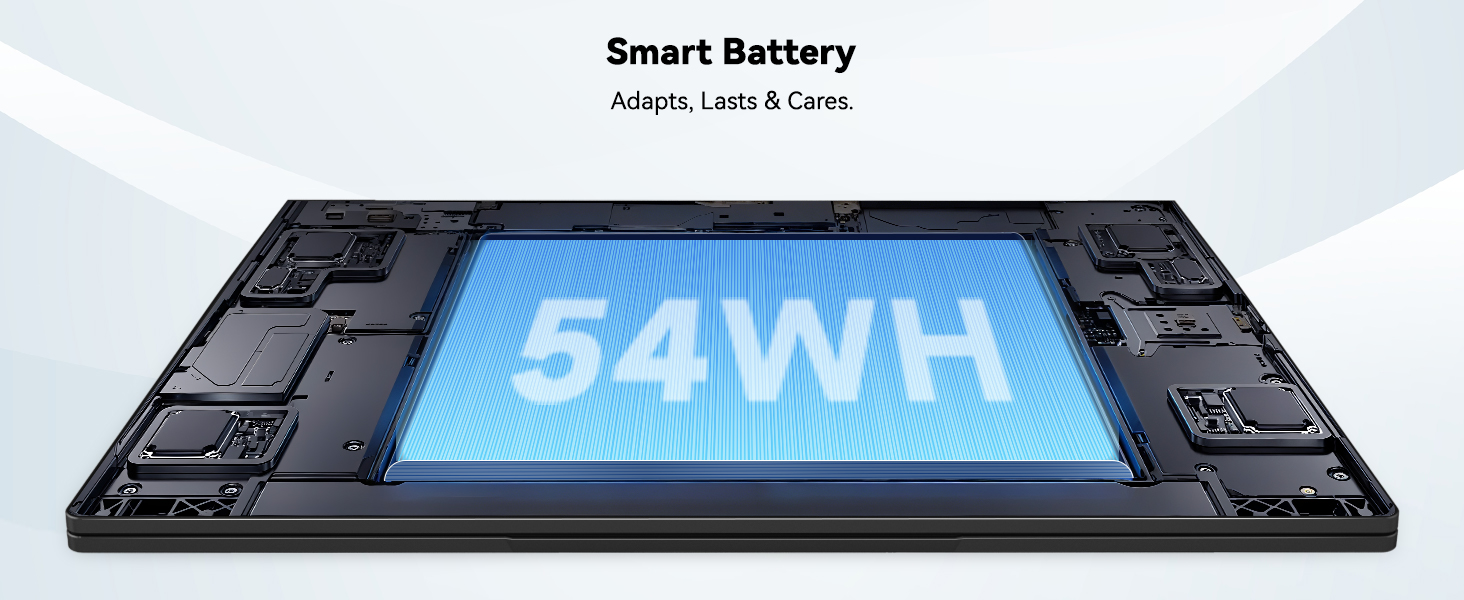
Image: The laptop's 15.6-inch Full HD IPS display with vibrant colors.
4.2. Clavier et pavé tactile
The ergonomic backlit keyboard allows for comfortable typing in various lighting conditions, with adjustable brightness. The touchpad includes an integrated fingerprint sensor for secure, one-touch login.

Image: Features of the laptop's input, including backlit keyboard, webProtection de la caméra, capteur d'empreintes digitales et clavier numérique.
4.3. Fingerprint Login
Utilize the fingerprint sensor on the touchpad for quick and secure access to your laptop. Configure your fingerprint in the Windows settings for enhanced security.

Image: Close-up of the integrated fingerprint scanner on the touchpad for secure login.
4.4. Ports et connectivité
The NIMO N154 laptop offers a variety of ports for versatile connectivity:
- Port USB 2.0: 1
- Ports USB 3.0: 3
- Port HDMI: For external display connections.
- Port de type C: Supports 65W Power Delivery for charging and data transfer.
- Emplacement pour carte micro SD : Pour étendre le stockage ou transférer files.
- Prise casque combinée : Pour l'entrée/sortie audio.
- Fente pour verrou Kensington : Pour des raisons de sécurité physique.
The laptop also features Wi-Fi 6 for fast and reliable wireless internet access.

Image: Diagram illustrating the various ports available on the NIMO laptop, including USB, HDMI, Type-C, Micro SD, headphone jack, and Kensington lock.
4.5. Audio et Webcame
Integrated speakers provide clear audio for video calls, online classes, and media consumption. The 2.0MP webcam is suitable for video conferencing, complemented by a privacy switch for enhanced security.

Image: Details on the 1080p FHD camera and privacy camera convenience features.
4.6. Processeur et performances
Powered by the 6-Core Intel i3-1215U processor, your laptop is designed for efficient multitasking, handling numerous browser tabs, spreadsheets, and video calls without significant slowdowns.
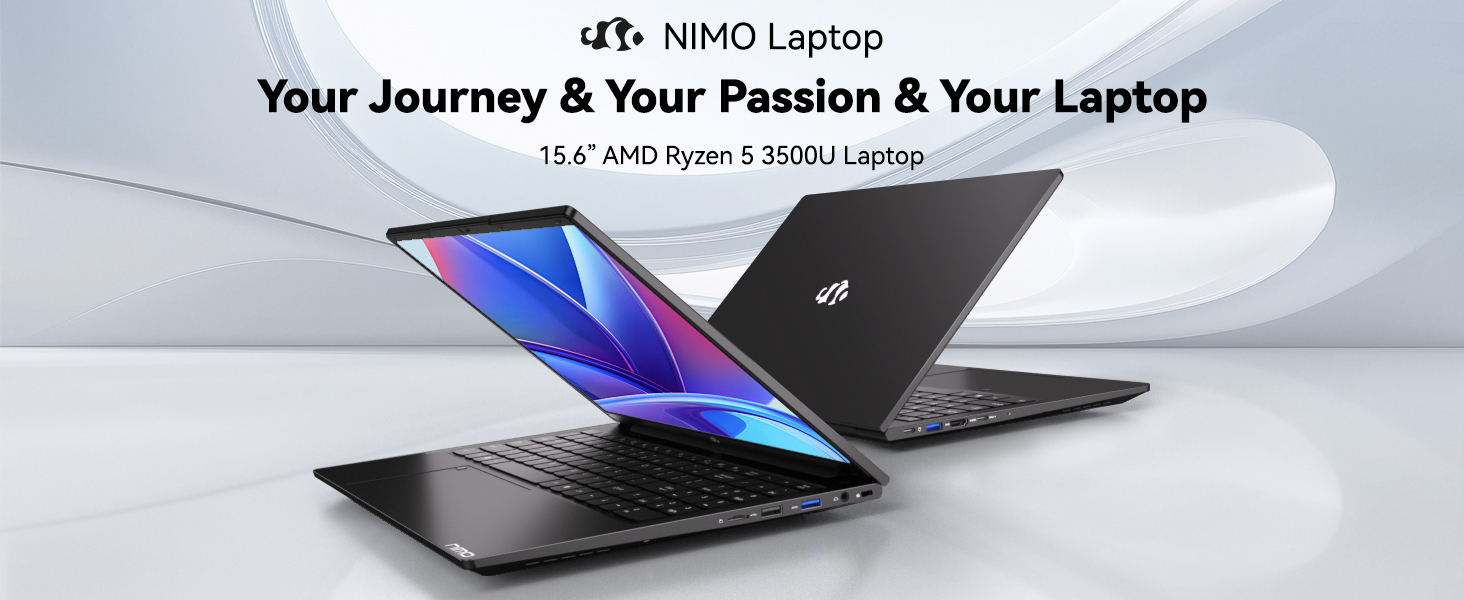
Image: Visual representation of the 12th Gen Intel Core i3-1215U Processor, highlighting its 6 cores, 8 threads, 15W power consumption, and 3.7 GHz Turbo Boost.
5. Entretien
5.1. Nettoyage
Regularly clean your laptop to ensure optimal performance and longevity. Use a soft, lint-free cloth for the screen and exterior. For stubborn marks, dampNettoyez le chiffon avec un peu d'eau ou un nettoyant adapté aux écrans. Évitez les produits chimiques agressifs.
5.2. Mises à jour logicielles
Keep your operating system and drivers updated to benefit from the latest security patches and performance improvements. Windows Update can be accessed through the Settings menu.
5.3. Entretien de la batterie
To maximize battery life, avoid extreme temperatures and fully discharging the battery frequently. For long-term storage, charge the battery to around 50-70%.

Image: An illustration of the laptop's internal battery, labeled 54WH, emphasizing smart battery management.
6. Dépannage
6.1. L'ordinateur portable ne s'allume pas
- Assurez-vous que le chargeur est correctement connecté à la fois à l'ordinateur portable et à une prise de courant fonctionnelle.
- Vérifiez si l'adaptateur secteur fonctionne correctement.
- Pour effectuer une réinitialisation matérielle, maintenez le bouton d'alimentation enfoncé pendant 10 à 15 secondes.
6.2. Problèmes de connectivité Wi-Fi
- Vérifiez que le Wi-Fi est activé dans les paramètres Windows.
- Redémarrez votre routeur et votre modem.
- Ensure your Wi-Fi drivers are up to date.
6.3. Performances lentes
- Fermez les applications inutiles qui s'exécutent en arrière-plan.
- Vérifiez et installez les mises à jour Windows en attente.
- Ensure your storage (SSD) has sufficient free space.
Pour obtenir de l'aide supplémentaire, veuillez consulter la section Garantie et assistance.
7. Spécifications
| Fonctionnalité | Spécification |
|---|---|
| Nom du modèle | NIMO N154 |
| Taille de l'écran | 15.6 pouces |
| Résolution de l'écran | 1920 x 1080 pixels (Full HD) |
| Processeur | Intel Core i3-1215U (6 cœurs, jusqu'à 4.4 GHz) |
| BÉLIER | 8 Go DDR4 (3200 MHz) |
| Disque dur | Disque SSD de 512 Go |
| Coprocesseur graphique | Graphiques intégrés |
| Système opérateur | Windows 11 Famille |
| Type sans fil | Wi-Fi 6 (802.11a/b/g/n/ac) |
| Ports USB 2.0 | 1 |
| Ports USB 3.0 | 3 |
| Durée de vie moyenne de la batterie | 9 heures |
| Poids de l'article | 3.75 livres |
| Dimensions du produit | 14.07 x 8.98 x 0.76 pouces |
| Caractéristiques spéciales | Lecteur d'empreintes digitales, audio HD, emplacement pour carte mémoire, clavier numérique |
8. Garantie et assistance
NIMO is committed to providing quality products and excellent customer service.
8.1. Informations sur la garantie
Your NIMO N154 laptop comes with a comprehensive Garantie de 2 ans, covering manufacturing defects and hardware malfunctions under normal use. This warranty ensures your investment is protected.

Image: Text indicating '2-Year Support' for Nimo products.
8.2. Politique de retour
Nous offrons un Politique de retour de 90 jours from the date of purchase. If you are not satisfied with your product, you may return it within this period according to the terms and conditions.

Image: Text indicating '90-Day Return' for Nimo products.
8.3. Contacter le support
Our dedicated US-based support team is available to assist you with any questions or issues. You can reach us via email at service@nimopc.com. We aim to provide professional and high-quality customer service.

Image: A customer service representative wearing a headset, representing professional customer assistance.