
Samsung U7900F
Manuel d'utilisation du téléviseur intelligent 4K Crystal UHD U7900F (2025) de 50 pouces de Samsung
Model: U7900F | Brand: Samsung
Introduction
This manual provides essential information for the setup, operation, and maintenance of your Samsung 50" Class Crystal UHD U7900F (2025) 4K Smart TV. Please read these instructions carefully to ensure proper use and to maximize your viewexpérience de travail.
1. Installation
1.1 Déballage et vérification des composants
Carefully remove the TV and all components from the packaging. Verify that all items listed in the packing list are present. Handle the screen with care to avoid damage.
1.2 Installation sur pied ou murale
Your TV comes with options for stand or wall mount installation. Ensure the TV is placed on a stable, level surface if using the stand, or securely mounted to a suitable wall structure if using the included wall mount.
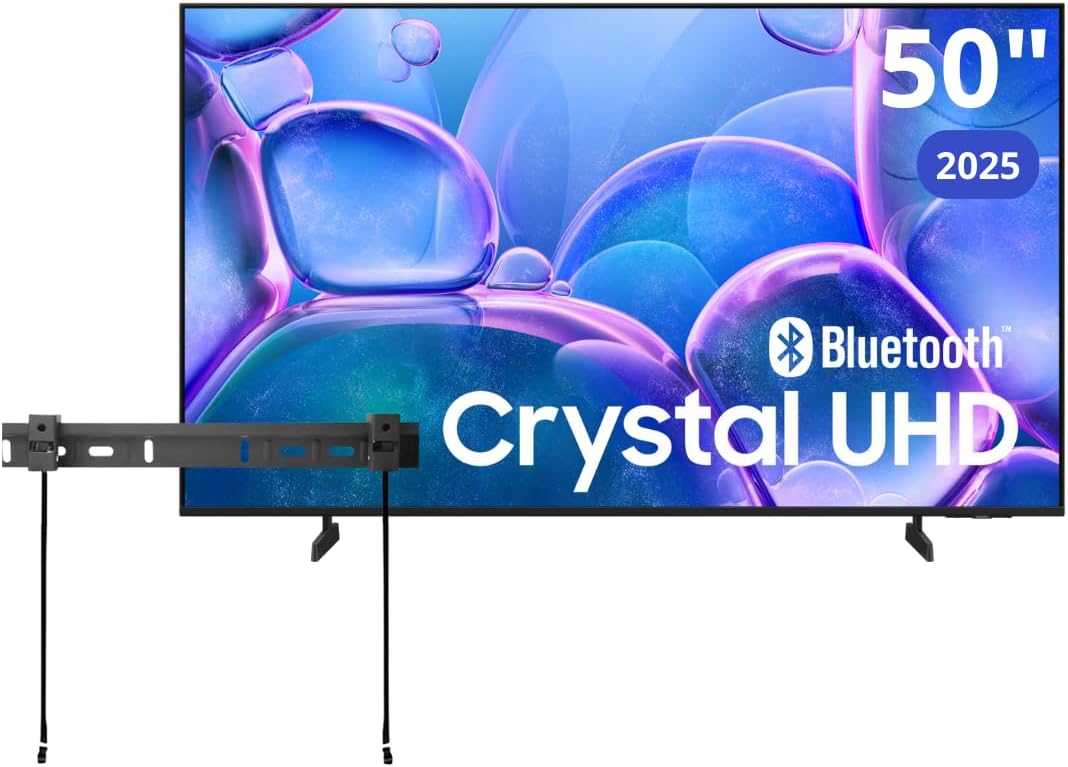
Image: Samsung 50-inch Crystal UHD U7900F TV shown with its included wall mount bracket.
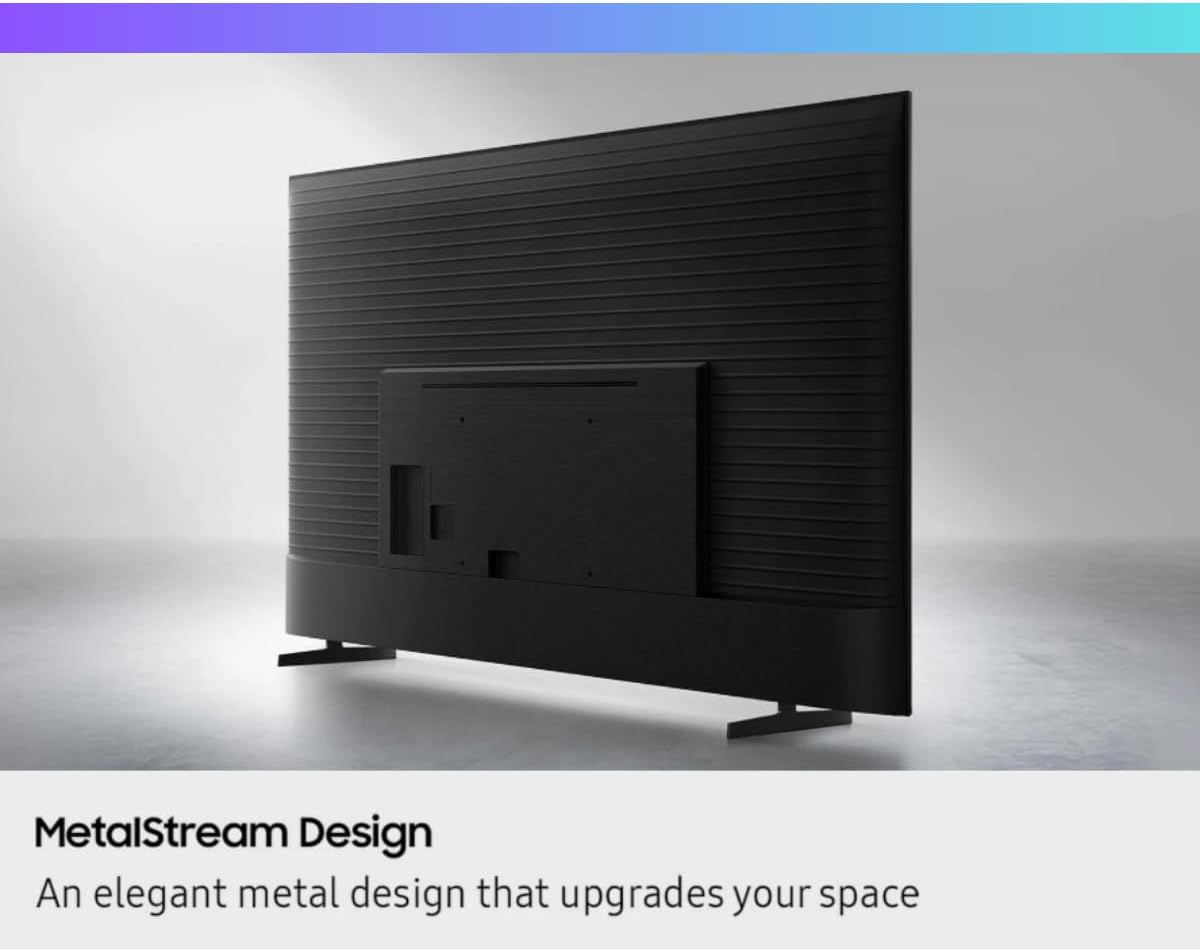
Image: A diagram detailing the installation process for the ultra-slim TV wall mount, including how to pull a cord to release the bracket.
1.3 Connexion de périphériques externes
Connect your external devices (e.g., cable box, Blu-ray player, gaming console) to the appropriate ports on the back of the TV. The U7900F features HDMI 2.1 (for 4K@120Hz, eARC) and two HDMI 2.0 ports.

Image : Une image détaillée view of the rear panel connectivity ports, including HDMI, USB, and Ethernet connections.
1.4 Mise sous tension et configuration initiale
Plug the power cord into an electrical outlet. Press the power button on the remote control. Follow the on-screen instructions to complete the initial setup, including language selection, network connection (Wi-Fi or Ethernet), and channel scanning.
2. Utilisation de votre téléviseur
2.1 Fonctions de la télécommande
The included remote control allows you to navigate the TV's interface, adjust settings, and access smart features. Familiarize yourself with the buttons for power, volume, channel, home, and voice control.
2.2 Fonctionnalités Smart TV (Tizen OS 6.5)
Your Samsung TV runs on Tizen OS 6.5, providing access to a wide range of streaming applications and smart functionalities. Navigate the home screen to find pre-installed apps like Netflix, YouTube, Hulu, Disney+, and more.

Image: A display showing a wide selection of streaming content and application icons, representing the 'Endless Free Content' feature.
2.3 Amélioration de l'image et du son
The Crystal Processor 4K with AI upscaling enhances detail and color accuracy. HDR10+ support provides vibrant visuals. Motion Xcelerator Turbo+ and Auto Motion Plus ensure smoother motion. Object Tracking Sound Lite delivers immersive audio.

Image : Une image détaillée view of the Samsung Crystal UHD Processor 4K chip, illustrating its role in 3D color mapping and upscaling for clear picture quality.

Image: A visual representation of the 'Color Booster' feature, showing how colors are reimagined with richer hues and increased intensity.
2.4 Voice Control and Smart Assistants
Utilize built-in voice assistants like Bixby, Alexa, and Google Assistant for hands-free control of your TV and connected smart home devices.
2.5 Fonctionnalités de jeu
For gamers, the TV offers a 60Hz native refresh rate, Motion Xcelerator Turbo+, ALLM (Auto Low Latency Mode), and VRR (Variable Refresh Rate) via HDMI 2.1 for a responsive gaming experience.
2.6 Mode Ambiant+
Transform your TV screen into a decorative element when not in use. Ambient Mode+ allows you to display customizable art, photos, or blend the screen with your room's decor.
2.7 multi View
Utiliser Multi View to display content from your TV and a compatible mobile device simultaneously on the screen.
3. Entretien
3.1 Nettoyer votre téléviseur
To clean the screen, gently wipe it with a soft, dry microfiber cloth. For the TV frame, use a soft, damp chiffon. Évitez d'utiliser des produits chimiques agressifs ou des matériaux abrasifs.
3.2 Mises à jour logicielles
Ensure your TV's software is up to date for optimal performance and security. You can usually check for updates through the TV's settings menu under 'Support' or 'Software Update'.
Image: The Samsung Knox Security logo prominently featured on a TV screen, symbolizing triple-layer protection for personal data.
4. Dépannage
Si vous rencontrez des problèmes avec votre téléviseur, consultez les problèmes courants et leurs solutions ci-dessous :
- Pas d'alimentation : Check if the power cord is securely connected to both the TV and the electrical outlet. Test the outlet with another device.
- Pas d'image/de son : Vérifiez que la bonne source d'entrée est sélectionnée. Vérifiez toutes les connexions câblées entre le téléviseur et les périphériques externes.
- La télécommande ne fonctionne pas : Remplacez les piles de la télécommande. Assurez-vous qu'aucun obstacle ne se trouve entre la télécommande et le capteur du téléviseur.
- Problèmes de connexion réseau : Redémarrez votre routeur et votre modem. Reconnectez le téléviseur à votre réseau Wi-Fi via le menu des paramètres.
- Les fonctionnalités intelligentes ne répondent pas : Essayez de redémarrer le téléviseur en le débranchant de la prise électrique pendant quelques minutes, puis en le rebranchant.
For more detailed troubleshooting, consult the e-Manual accessible through your TV's settings or visit the Samsung support website.
5. Spécifications
| Fonctionnalité | Spécification |
|---|---|
| Taille de l'écran | 50 pouces |
| Technologie d'affichage | LED, Crystal UHD |
| Résolution | 4K (3840 x 2160) |
| Taux de rafraîchissement | 60 Hz (Native), Motion Xcelerator Turbo+ |
| Prise en charge HDR | HDR10+ |
| Processeur | Crystal Processor 4K with AI Upscaling |
| Système opérateur | Tizen OS 6.5 |
| Assistants vocaux | Bixby, Alexa, Google Assistant |
| Connectivité | HDMI 2.1 (1), HDMI 2.0 (2), USB, Ethernet, Wi-Fi 5 (Dual-band), Bluetooth 5.2 |
| Sortie audio | 20W Speakers with Object Tracking Sound Lite |
| Caractéristiques spéciales | Ambient Mode+, Multi View, Samsung Knox Security, Smartphone Remote App |
| Dimensions du produit (L x H x P) | 47.4" x 29.9" x 5.6" |
| Poids de l'article | 31 livres |
6. Garantie et assistance
6.1 Informations sur la garantie
This product is a renewed item. Please refer to the specific warranty terms provided by the seller or Amazon Renewed for details on coverage and duration. Standard protection plans may also be available for purchase.
6.2 Assistance clientèle
For technical assistance, product inquiries, or warranty claims, please contact Samsung customer support or the seller from whom you purchased the renewed product. You can find contact information on the official Samsung website ou votre documentation d'achat.
Ask a question about this manual
Ask about setup, troubleshooting, compatibility, parts, safety, or missing instructions. Manuals+ will review the question and use this page’s manual context to help answer it.