
1. Introduction
Welcome to the FUNYET 16-inch Laptop Computer NY-08 user manual. This guide provides essential information for setting up, operating, maintaining, and troubleshooting your new laptop. Designed for versatility and performance, the FUNYET NY-08 is equipped with an Intel 13th Gen N150 processor, ample memory, and a vibrant display to support your daily computing needs, from productivity to entertainment.
Figure 1: The FUNYET 16-inch Laptop Computer, showcasinson design élégant et son grand écran.
2. Installation
2.1 Déballage et inspection initiale
Retirez soigneusement tous les composants de l'emballage. Assurez-vous que les éléments suivants sont présents :
- FUNYET 16-inch Laptop Computer
- Adaptateur secteur
- Manuel de l'utilisateur (ce document)
- Carte de garantie
2.2 Mise sous tension et premier démarrage
Connect the AC adapter to the laptop's DC port and a power outlet. Press the power button to turn on the laptop. Follow the on-screen instructions to complete the initial Windows 11 Pro setup, including language, region, and user account creation.
Figure 2: The laptop displaying the Windows 11 Pro operating system during initial setup.
2.3 Connexion au Wi-Fi
During the Windows setup or afterwards, navigate to the network settings. Select your desired Wi-Fi network from the list, enter the password if prompted, and click 'Connect'.
3. Utilisation de votre ordinateur portable
3.1 Windows 11 Proview
Your FUNYET laptop comes with Windows 11 Pro pre-installed, offering enhanced security, productivity features, and a redesigned user interface. Explore the Start Menu, Taskbar, and Widgets for a personalized experience.
3.2 Clavier et pavé tactile
The laptop features a full-size backlit keyboard for comfortable typing in various lighting conditions and a numeric keypad for efficient data entry. The integrated touchpad supports multi-touch gestures for navigation. A fingerprint scanner is integrated for secure and quick login.
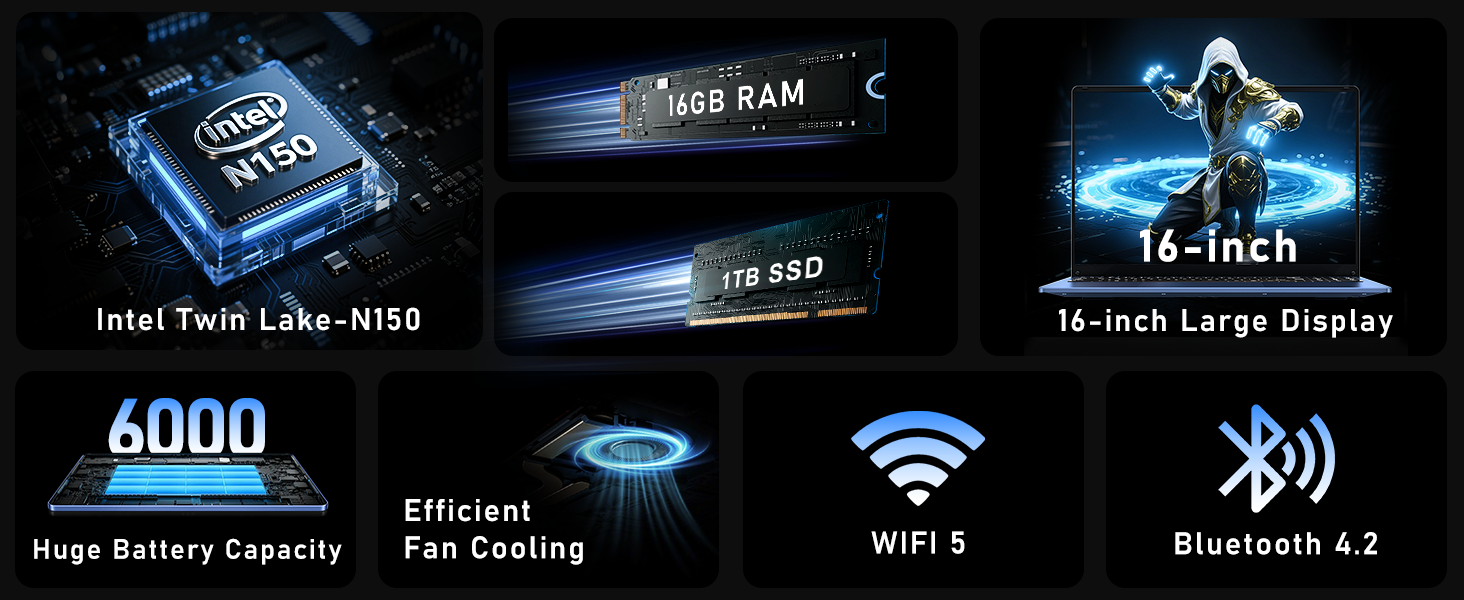
Figure 3: Close-up of the laptop's full-size backlit keyboard and numeric keypad.
3.3 Ports de connectivité
The laptop is equipped with various ports for external device connectivity:
- Port USB 2.0: Pour connecter des périphériques USB plus anciens.
- Ports USB 3.0: Deux ports pour le transfert de données à haut débit avec les appareils compatibles.
- Port mini-HDMI : Pour la connexion à des écrans ou projecteurs externes.
- Prise casque 3.5 mm: Pour la sortie audio vers des écouteurs ou des haut-parleurs externes.
- Port DC: For connecting the AC adapter to charge the laptop.
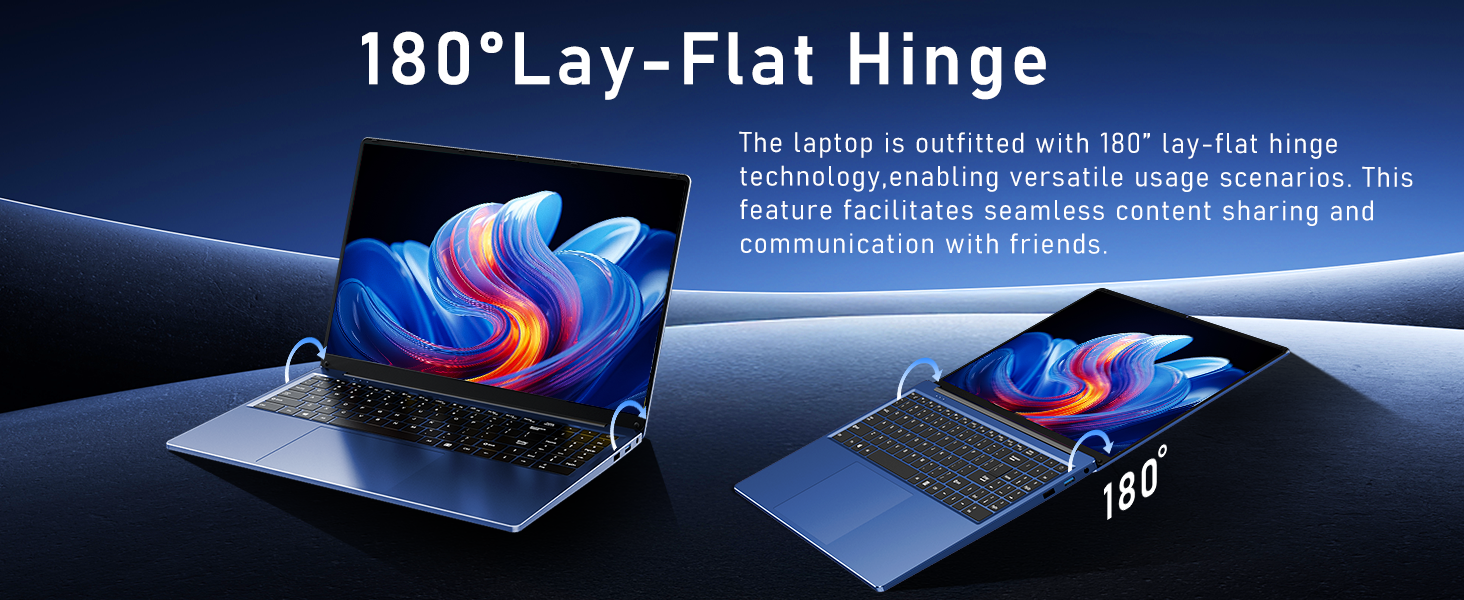
Figure 4: Diagram illustrating the various connectivity ports on the FUNYET laptop.
4. Principales caractéristiques
The FUNYET NY-08 laptop is engineered with components designed for optimal performance and user experience.
4.1 Advanced Processor
Equipped with the latest 13th generation Intel Alder Lake N150 processor, featuring a boost frequency of up to 3.6GHz, 4 cores, and 4 threads. This provides robust performance for multitasking, streaming, and light gaming.
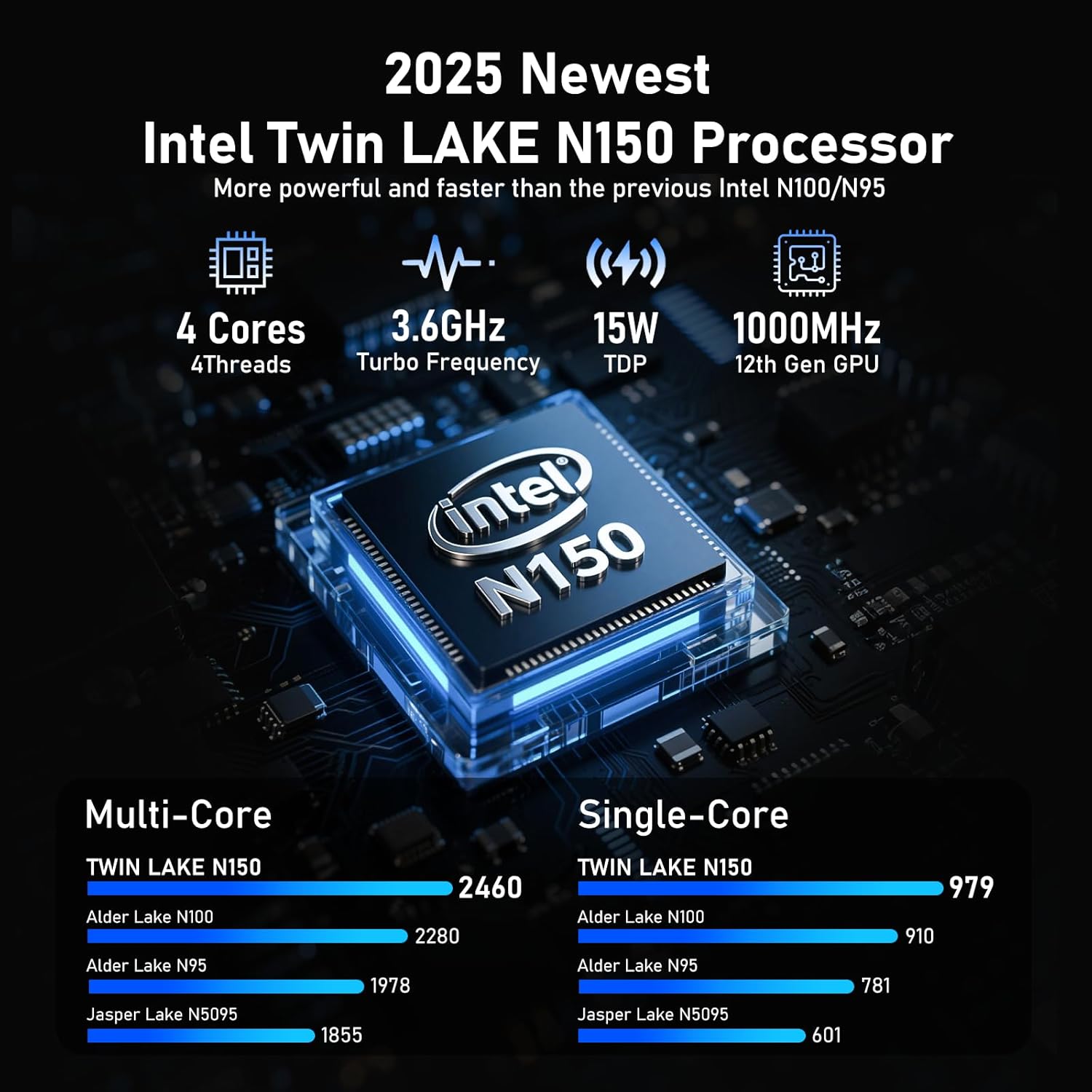
Figure 5 : Détaillé view of the Intel N150 processor, highlighting its core specifications.
4.2 Mémoire et stockage
With 16GB of DDR4 RAM and a 1TB high-speed SSD, the laptop ensures effortless multitasking and provides ample space for all your data, applications, and media files.
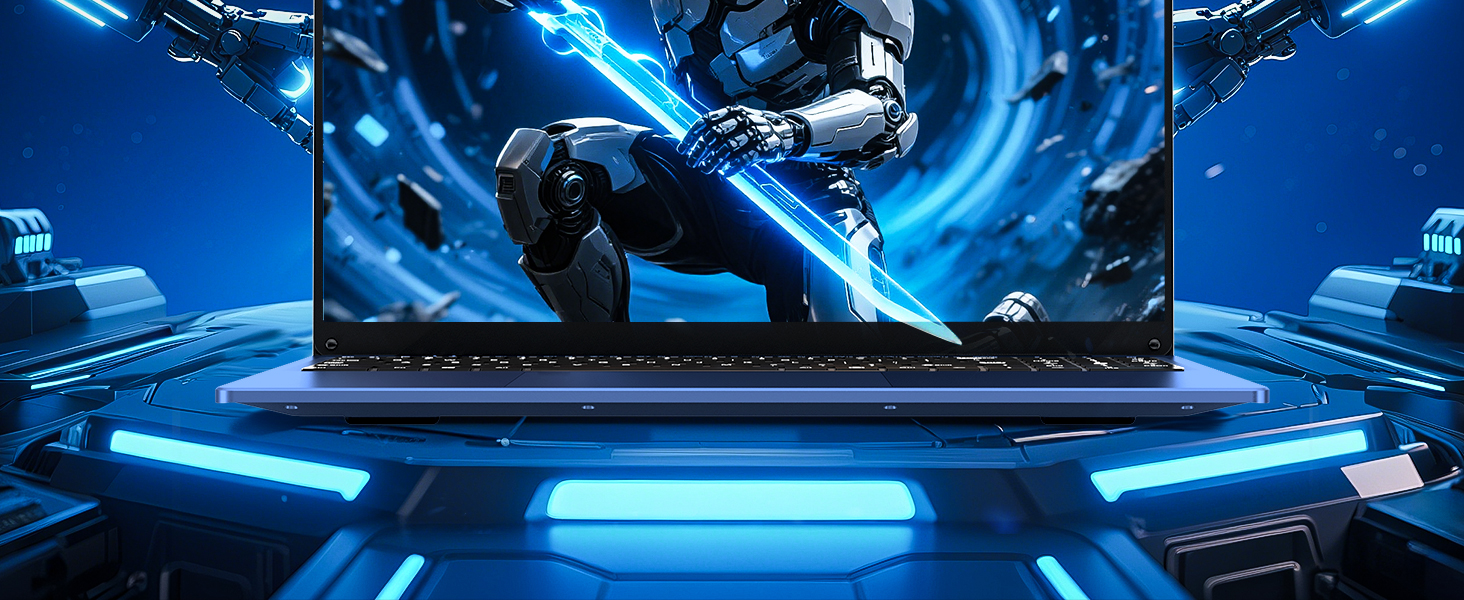
Figure 6: Visual representation of the 16GB RAM and 1TB SSD for high capacity and performance.
4.3 Visual Brilliance Display
Experience stunning visuals on the 16.0-inch Full HD IPS display with a 1920x1200 resolution. The 0.2-inch micro-bezel and 90% screen-to-body ratio provide an immersive viewing experience with vivid colors and eye protection features.

Figure 7: The laptop's 16-inch FHD IPS display, showcasing its visual clarity and narrow bezels.
4.4 Batterie longue durée
The laptop is equipped with a 6000mAh (46.2Wh) rechargeable battery, offering up to 6 hours of battery life, making it suitable for on-the-go use.
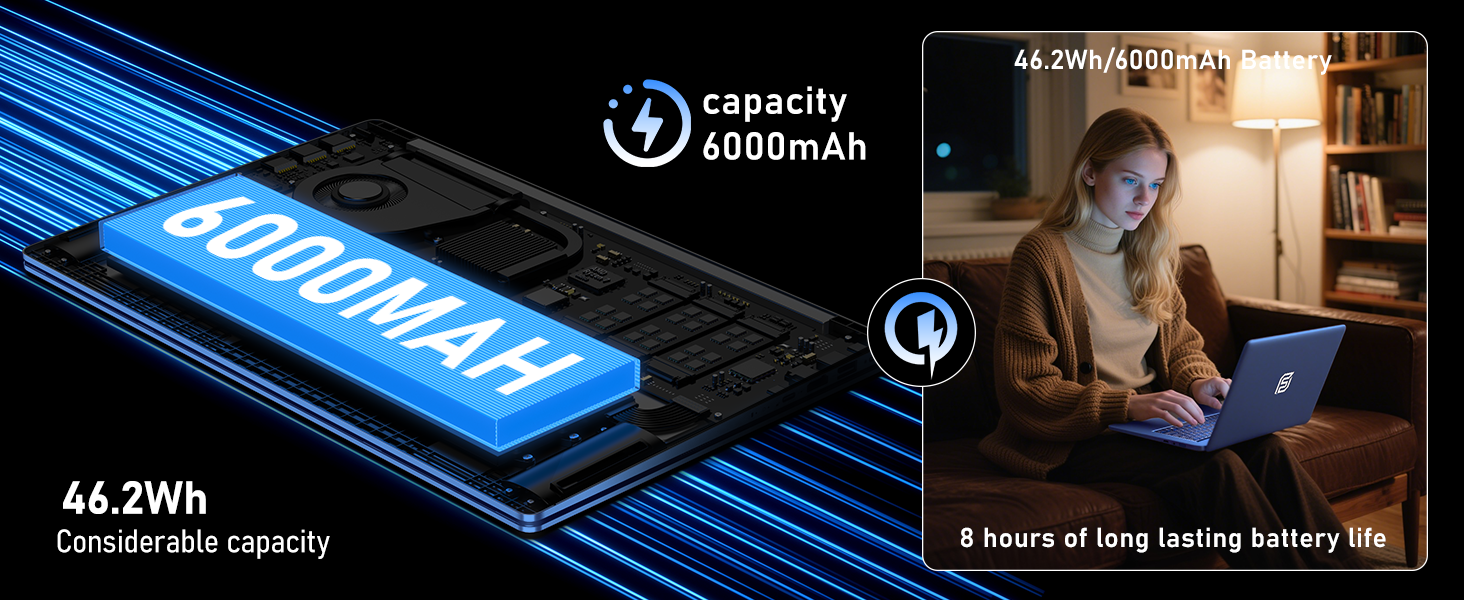
Figure 8: Illustration of the laptop's 6000mAh battery, providing extended usage.
4.5 Conception portable
With a slim 0.8-inch body and a weight of only 3.5 pounds, this laptop is highly portable. It also features a 180° lay-flat hinge, allowing for versatile usage scenarios and easy content sharing.
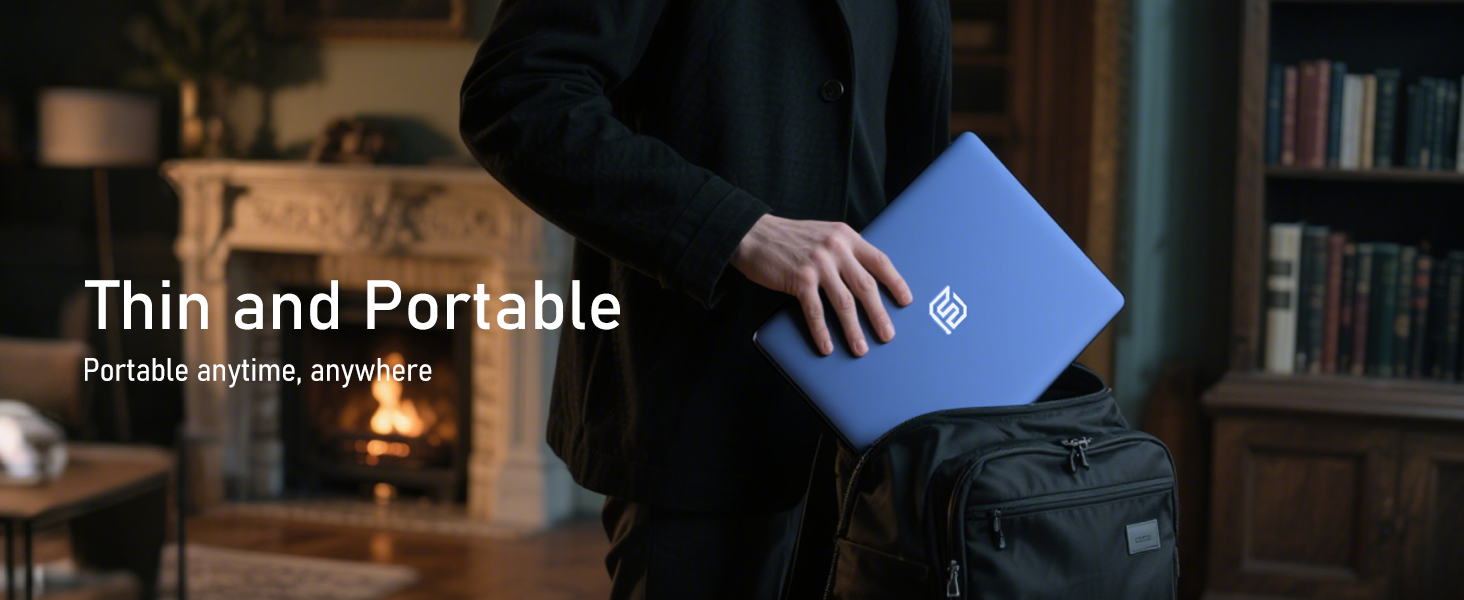
Figure 9: The laptop demonstrating its 180-degree lay-flat hinge for flexible use.
5. Entretien
To ensure the longevity and optimal performance of your FUNYET laptop, follow these maintenance guidelines:
- Nettoyage: Utilisez un chiffon doux non pelucheux pour nettoyer l'écran et l'extérieur. Évitez les produits chimiques agressifs.
- Mises à jour logicielles : Regularly update Windows 11 Pro and drivers to ensure security and performance.
- Entretien de la batterie: Évitez de décharger complètement la batterie fréquemment. Pour un stockage de longue durée, chargez-la à environ 50-70 %.
- Ventilation: Veillez à ce que les aérations de l'ordinateur portable ne soient pas obstruées afin d'éviter toute surchauffe.
6. Dépannage
Voici des solutions aux problèmes courants que vous pourriez rencontrer :
| Problème | Solution |
|---|---|
| L'ordinateur portable ne s'allume pas. | Vérifiez que l'adaptateur secteur est bien branché et que la prise de courant fonctionne. Pour effectuer une réinitialisation forcée, maintenez le bouton d'alimentation enfoncé pendant 10 à 15 secondes. |
| Pas de connexion Wi-Fi | Check if Wi-Fi is enabled in Windows settings. Restart your router and the laptop. Verify your Wi-Fi password. |
| Performances lentes | Close unnecessary applications. Check for background processes consuming resources. Ensure Windows and drivers are up to date. Run a disk cleanup. |
| Problèmes d'affichage | Adjust screen brightness. Ensure display drivers are updated. If connected to an external monitor, check cable connections. |
7. Spécifications
Detailed technical specifications for the FUNYET 16-inch Laptop Computer NY-08:
| Fonctionnalité | Détail |
|---|---|
| Nom du modèle | NY-08 |
| Taille de l'écran | 16 pouces |
| Résolution de l'écran | 1920 x 1200 pixels (FHD IPS) |
| Processeur | Processeur Intel Alder Lake N150 de 13e génération (jusqu'à 3.6 GHz, 4 cœurs, 4 threads) |
| BÉLIER | 16 Go DDR4 |
| Disque dur | Disque SSD 1 To |
| Système opérateur | Windows 11 Pro |
| Carte graphique | Integrated Celeron Graphics |
| Type sans fil | 5 GHz Radio Frequency (Wi-Fi 5) |
| Bluetooth | Bluetooth 4.2 |
| Ports USB | 1x USB 2.0, 2x USB 3.0 |
| Sortie vidéo | Mini HDMI |
| Prise audio | Casque 3.5mm |
| Autonomie de la batterie | Up to 6-8 Hours (6000mAh) |
| Poids de l'article | 3.5 livres |
| Dimensions du produit | 14 x 9 x 0.8 pouces |
| Dossier spécial | Backlit Keyboard, Fingerprint Scanner |
8. Garantie et assistance
Your FUNYET NY-08 laptop comes with a Garantie de 2 ans, ensuring peace of mind. For any issues or queries, our dedicated customer support team is available 24/7 to provide prompt and efficient assistance.
Coordonnées:
- Téléphone: +1 800-986-9631 (4AM-10PM PT)
- E-mail: funyetstore@outlook.com

Figure 10: FUNYET customer support information, including warranty and contact details.
9. Vidéos produits
9.1 FUNYET Gaming Laptop Overview
Vidéo 1 : Un officiel surview of the FUNYET Gaming Laptop, highlighting its design and core features. This video provides a visual introduction to the product's capabilities and aesthetics.
9.2 FUNYET Laptop for Gaming Features
Video 2: A detailed look at the FUNYET Laptop's features optimized for gaming and productivity. This video demonstrates the laptop's performance and various functionalities in action.