1. Introduction
Thank you for choosing the CHOYONG Voyager A9 Bluetooth Speaker and Internet Radio. This device combines a portable Bluetooth speaker with a global internet radio, offering versatile audio entertainment wherever you go. Featuring Wi-Fi, 4G connectivity, Bluetooth 5.3, a responsive touchscreen, and access to thousands of radio stations and millions of podcasts, the Voyager A9 is designed for a rich audio experience.
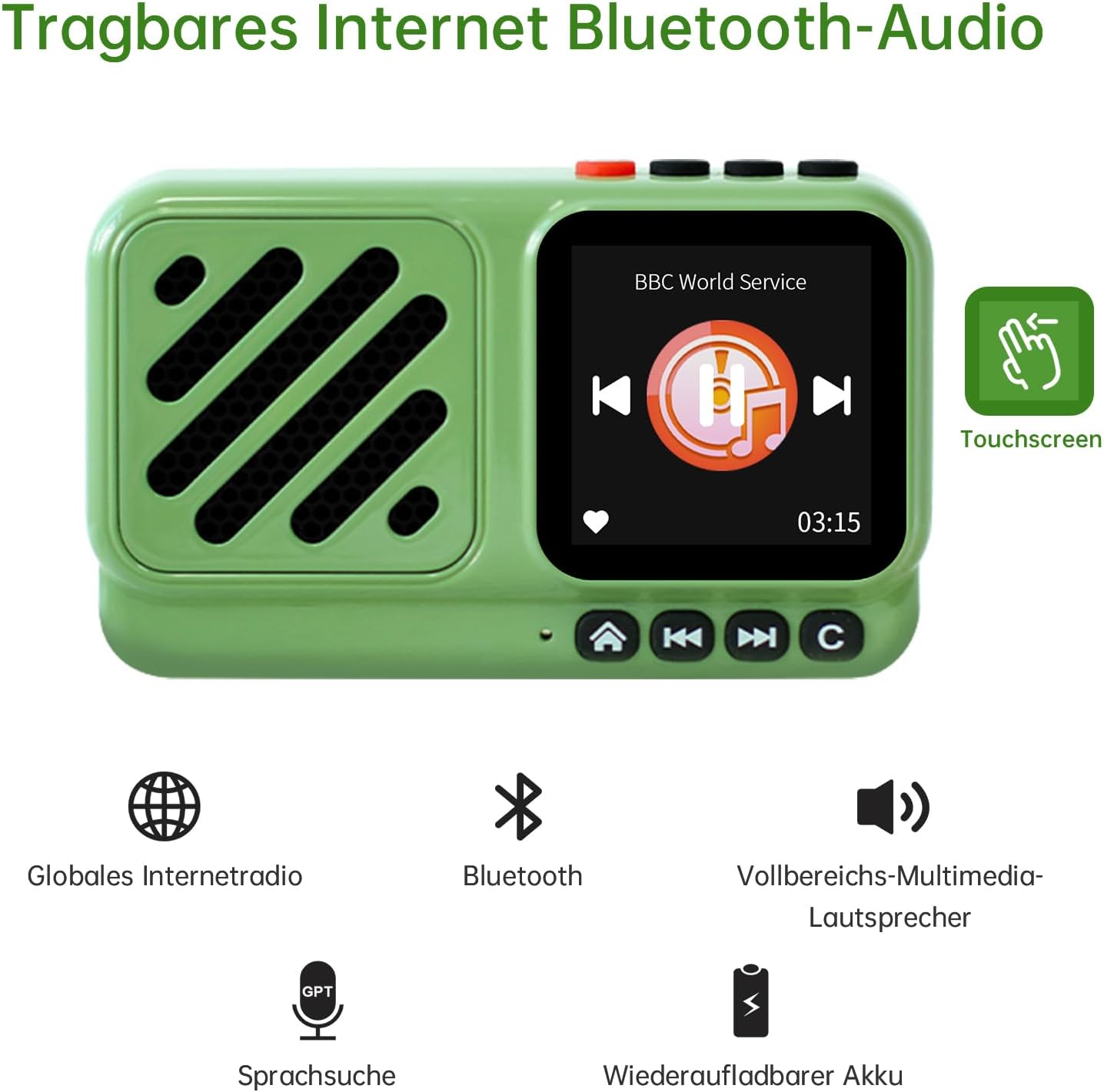
Figure 1 : Face avant view of the CHOYONG Voyager A9.
2. Produit terminéview
Caractéristiques principales :
- Touchscreen Bluetooth 5.3 Audio: Compatible with Android phones, smartphones, tablets, and other Bluetooth devices for fast connection. Features a high-definition, responsive touchscreen.
- Compact Design & Clear Audio: Equipped with a high-fidelity full-range speaker, delivering warm and full sound. The wireless radio speaker has a transmission distance of up to 33 feet, providing penetrating sound even outdoors. Audio output is handled by a 5-watt high-power amplifier for lossless wireless sound.
- Extensive Internet Radio Access: Listen to over 40,000 internet radio stations worldwide via 2.4 GHz Wi-Fi or SIM card. Stations are categorized by continent, country, province, city, type, and popularity. Bookmark favorite stations with one click.
- Podcast Library: Access approximately 10 million podcast episodes, including content from Spotify and Apple Podcasts.
- Voice Control with GPT: Directly voice on-demand stations and podcasts.
- Custom Station Addition: Supports independent addition of radio stations by entering a valid URL, compatible with audio formats such as MP3, AAC, and M3U8.
- Conception portable : Mini lightweight design, ideal for home, travel, or outdoor activities like cooking, picnics, walking, hiking, or gardening.
Composants:
- CHOYONG Voyager A9 Device
- Manuel du propriétaire (ce document)
- Câble de chargement USB-C (non explicitement mentionné, mais sous-entendu pour le chargement)

Figure 2: 4G and Wi-Fi dual-mode networking.
3. Installation
3.1 Chargement de l'appareil
Before first use, fully charge your Voyager A9. Connect the provided USB-C cable to the device's USB-C port and the other end to a compatible USB power adapter (not included). The charging indicator will show the charging status.
3.2 Mise sous/hors tension
- Pour allumer : Press and hold the power button (usually red) located on the top of the device until the screen illuminates.
- Pour éteindre : Press and hold the power button until a power-off prompt appears on the screen, then confirm your selection.
3.3 Connexion réseau (Wi-Fi / 4G)
The Voyager A9 supports both Wi-Fi and 4G (via SIM card or eSIM) for internet access.
- Connexion Wi-Fi :
- Depuis l'écran principal, accédez à « Paramètres ».
- Select 'Wi-Fi' and turn it 'ON'.
- Choisissez le réseau Wi-Fi souhaité dans la liste des réseaux disponibles.
- Saisissez le mot de passe Wi-Fi si le système vous y invite et connectez-vous.
- 4G (SIM Card / eSIM) Connection:
- For physical SIM card: Locate the SIM card slot on the side of the device. Insert a compatible 4G SIM card.
- For eSIM: The device has a built-in eSIM. Navigate to 'Settings' and select 'Data SIM Card' or 'SIM card selection' to manage eSIM settings and activate a data plan if available.
- Ensure mobile data is enabled in the settings if using a SIM/eSIM.

Figure 3 : Côté view with USB-C, 3.5mm audio jack, and SIM slot.
3.4 Couplage Bluetooth
To connect your Voyager A9 to other Bluetooth devices (e.g., headphones, external speakers):
- From the main screen, navigate to 'Settings' or swipe down to find the Bluetooth option.
- Select 'Bluetooth' and turn it 'ON'.
- Assurez-vous que votre périphérique Bluetooth externe est en mode de couplage.
- The Voyager A9 will scan for available devices. Select your device from the list to pair.
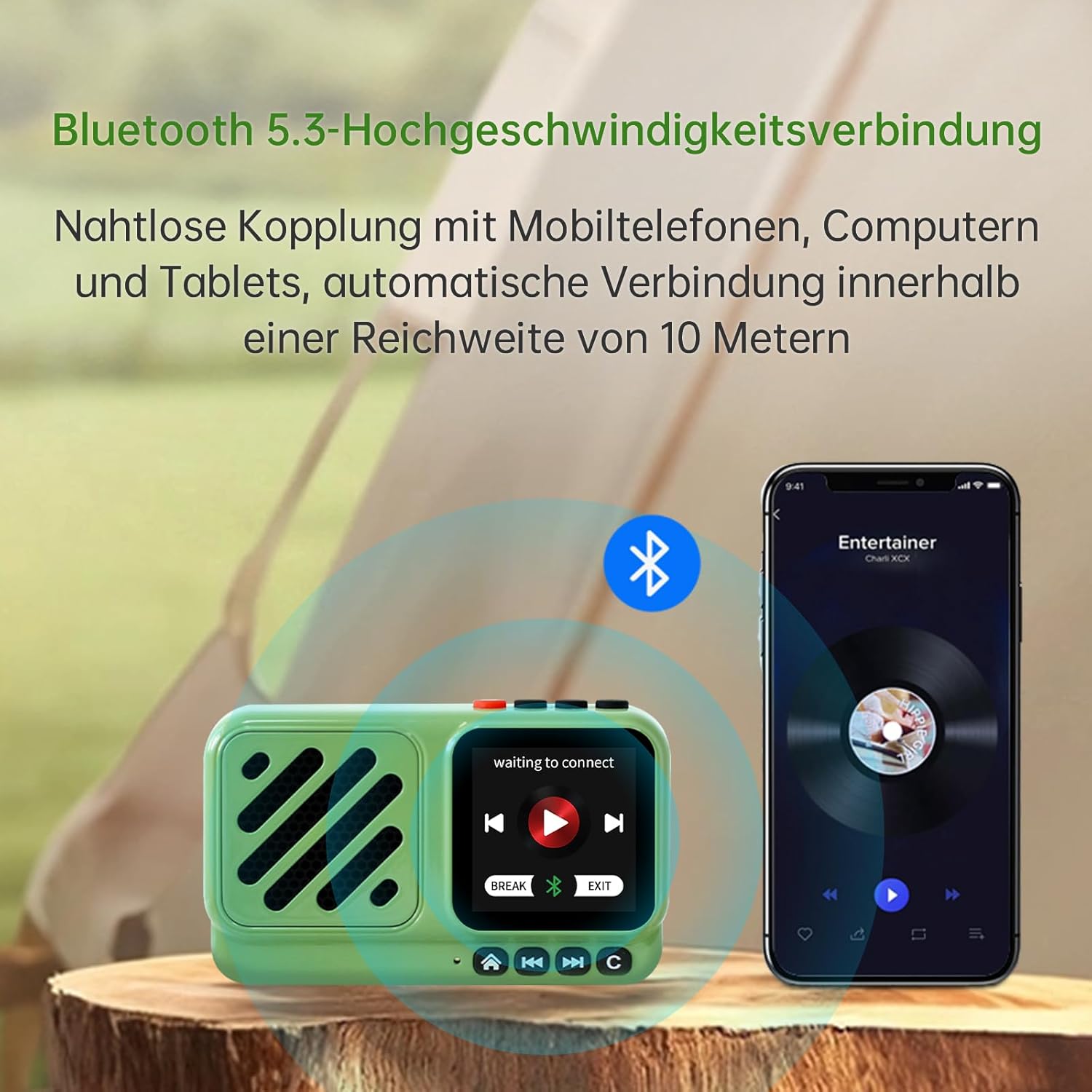
Figure 4 : Connexion Bluetooth 5.3 haut débit.
4. Mode d'emploi
4.1 Touchscreen and Physical Controls
The Voyager A9 features a responsive touchscreen for intuitive navigation and physical buttons for essential functions.
- Écran tactile : Swipe left/right or up/down to navigate menus and select options. Tap to confirm.
- Boutons physiques : Use the dedicated buttons for power, volume control (+/-), play/pause, and navigation (home, back, forward, menu).
4.2 Radio Internet
Access over 40,000 internet radio stations:
- From the main menu, select 'Internet Radio' or 'World Radio'.
- Parcourez les stations par continent, pays, genre ou popularité.
- Use the 'Search' function to find specific stations.
- Tap on a station to begin playback.
- To add a station to favorites, select the heart icon or 'Favorite' option.
- To manually add a station, select the 'Add' option and enter the valid URL (prend en charge les formats MP3, AAC, M3U8, etc.).
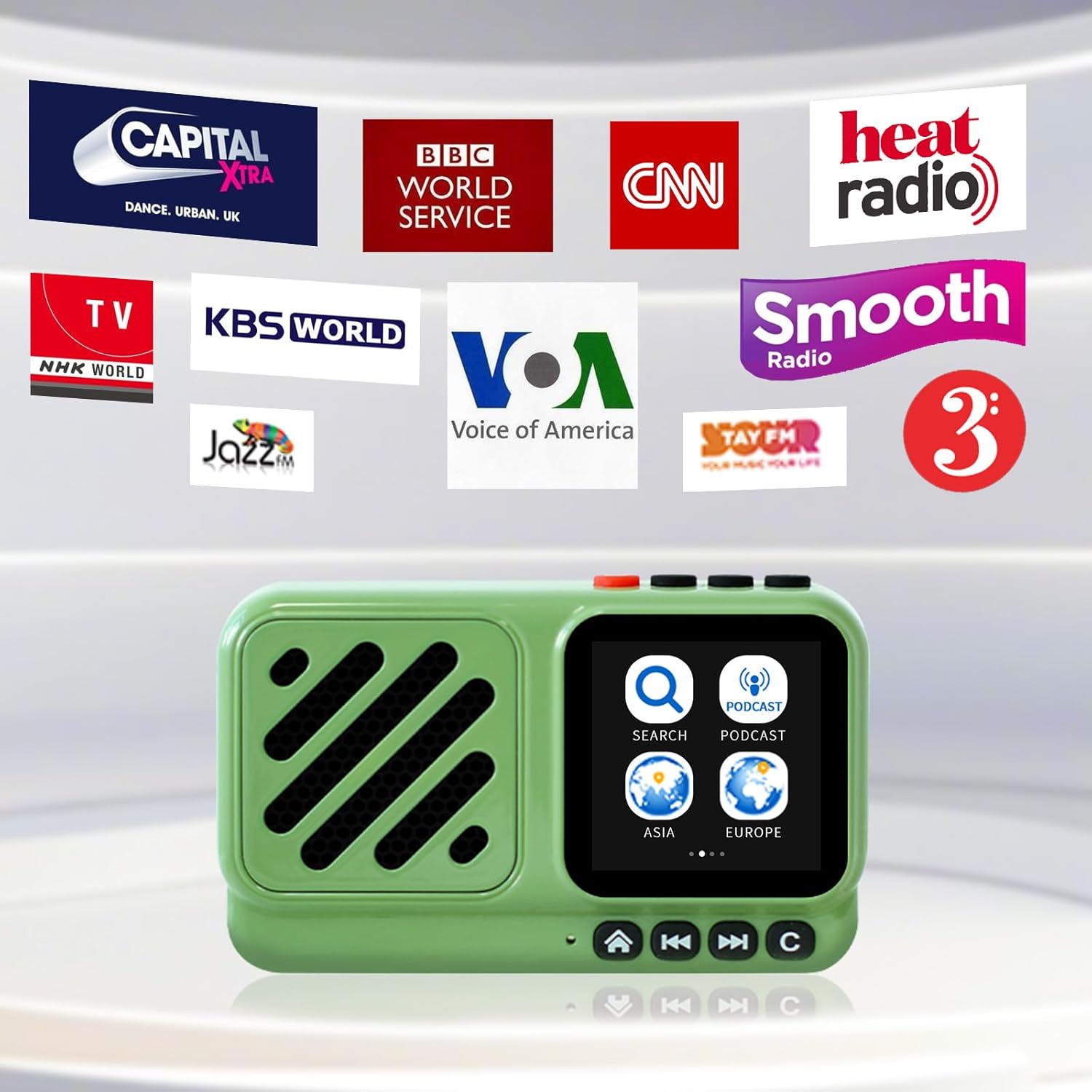
Figure 5: Access to global internet radio stations.
4.3 balados
Explore millions of podcast episodes:
- From the main menu, select 'Podcasts'.
- Browse by category (e.g., Music, News, Technology, Interviews) or use the 'Search' function.
- Tap on a podcast to view available episodes and select one to play.
4.4 Voice Search (GPT Integration)
Utilize the integrated GPT feature for voice-activated search:
- Press the dedicated voice search button (often integrated with the play/pause button or a microphone icon).
- Speak clearly to request a specific radio station, podcast, or genre.
- The device will process your request and display relevant results.

Figure 6: Quick and accurate voice search.
4.5 Affichage de l'horloge
The touchscreen can display various clock faces:
- Swipe on the clock display to cycle through different clock styles (analog, digital, themed).
5. Entretien
Pour garantir la longévité et les performances optimales de votre CHOYONG Voyager A9, suivez ces consignes d'entretien :
- Nettoyage: Use a soft, dry, lint-free cloth to clean the device. Do not use abrasive cleaners, solvents, or aerosol sprays.
- Résistance à l'eau : Cet appareil n'est pas étanche. Évitez tout contact avec l'eau ou une humidité excessive.
- Stockage: Conservez l'appareil dans un endroit frais et sec, à l'abri de la lumière directe du soleil et des températures extrêmes.
- Entretien de la batterie: Pour préserver la durée de vie de la batterie, évitez de la décharger complètement fréquemment. Rechargez l'appareil régulièrement, même si vous ne l'utilisez pas pendant une période prolongée.
6. Dépannage
If you encounter any issues with your Voyager A9, refer to the following common troubleshooting steps:
- L'appareil ne s'allume pas : Assurez-vous que l'appareil est complètement chargé. Branchez-le à une source d'alimentation et réessayez.
- Pas de son : Check the volume level on the device and any connected Bluetooth accessories. Ensure the correct audio source (Internet Radio, Podcast, Bluetooth) is selected.
- Cannot Connect to Wi-Fi/4G: Verify that your Wi-Fi network is active and you have entered the correct password. For 4G, ensure the SIM card is properly inserted and has an active data plan. Try restarting the device.
- Problèmes de couplage Bluetooth : Ensure both the Voyager A9 and the external device are in pairing mode and within range. Try unpairing and re-pairing the devices.
- Écran tactile qui ne répond pas : Essayez de redémarrer l'appareil. Si le problème persiste, assurez-vous que l'écran est propre et sec.
- Mauvaise qualité audio : Check your internet connection stability for streaming services. For Bluetooth, ensure the devices are within optimal range and there are no obstructions.
7. Spécifications
| Fonctionnalité | Détail |
|---|---|
| Dimensions du produit | 3.54 x 1.38 x 2.09 pouces (92 x 57 x 36 mm) |
| Poids de l'article | 4.4 onces (135 g) |
| Numéro de modèle de l'article | A9 |
| Piles | 1 Nonstandard Battery (1200mAh rechargeable lithium battery, included) |
| Technologie de connectivité | 4G network, Bluetooth 5.3, Wi-Fi (2.4G) |
| Technologie d'accordeur | Radio Internet |
| Sortie haut-parleur | 5W |
| Taille de l'écran | Écran tactile de 1.55 pouces |
| Caractéristiques spéciales | Addable internet radio stations, Global network radio station, Portable, Voice search station |
| Prise audio | 3.5 mm |
| Source d'énergie | Alimenté par batterie |
| Estimated Playback Time | Approximately 5 hours (varies with volume and screen brightness) |

Figure 7: Battery capacity and estimated playback.
8. Garantie et assistance
8.1 Informations sur la garantie
For specific warranty details, please refer to the warranty card included with your product or contact the seller directly. Keep your purchase receipt as proof of purchase for any warranty claims.
8.2 Assistance clientèle
If you require further assistance or have questions not covered in this manual, please contact CHOYONG customer support through the official website ou les coordonnées fournies par votre détaillant.
9. Vidéo produit
Video 1: Official product introduction video demonstrating the CHOYONG Voyager A9's design, features, and various functionalities including touchscreen navigation, connectivity options, and audio performance.