
CURRENT Satellite Color
CURRENT USA Satellite Color RGBW LED Aquarium Light (Model 4511) Instruction Manual
Pour les aquariums d'eau douce de 24 à 36 pouces
1. Introduction
The CURRENT USA Satellite Color RGBW Full-Spectrum LED Aquarium Light (Model 4511) is designed to provide comprehensive lighting for freshwater aquariums ranging from 24 to 36 inches. This light features advanced RGBW LEDs, allowing for a wide spectrum of colors to enhance the visual appeal of your aquatic environment and support plant growth. It includes an intuitive remote control for adjusting colors, selecting preset modes, and creating dynamic lighting effects. This manual will guide you through the installation, operation, and maintenance of your new aquarium light.
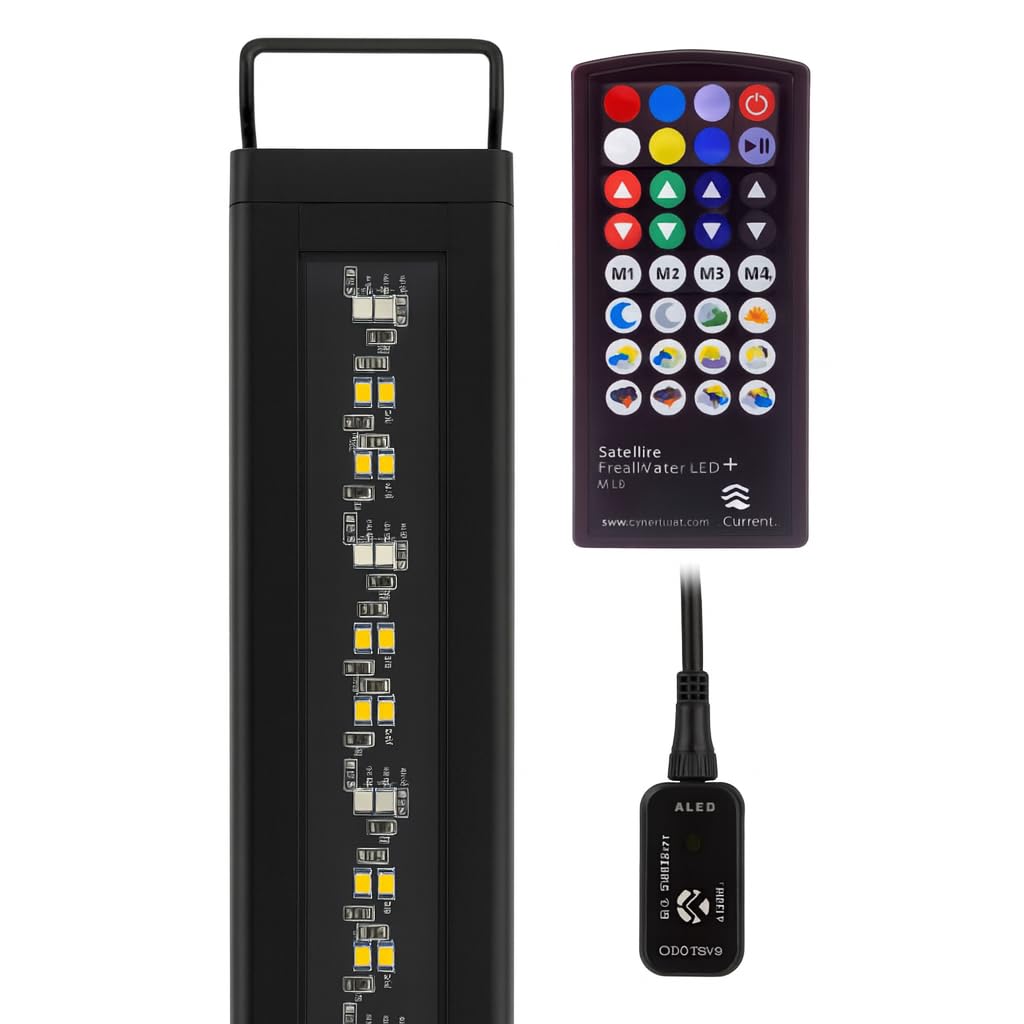
Image: The CURRENT USA Satellite Color RGBW LED Aquarium Light, showcasinson design élégant.
2. Consignes de sécurité importantes
- Lisez toutes les instructions avant d’utiliser ce produit.
- N’utilisez aucun appareil si son cordon ou sa prise est endommagé, s’il fonctionne mal, s’il est tombé ou s’il a été endommagé de quelque manière que ce soit.
- Pour éviter que la fiche ou la prise de l'appareil ne soit mouillée, placez le support d'aquarium et le réservoir d'un côté d'une prise murale pour empêcher l'eau de s'égoutter sur la prise ou la prise.
- L'utilisateur doit prévoir une boucle anti-goutte pour chaque câble reliant un accessoire d'aquarium à une prise. Cette boucle, qui correspond à la partie du câble située sous le niveau de la prise (ou du connecteur en cas d'utilisation d'une rallonge), empêche l'eau de s'écouler le long du câble et d'entrer en contact avec la prise.
- Débranchez toujours l'appareil lorsqu'il n'est pas utilisé, avant d'installer ou de retirer des pièces, et avant de le nettoyer. Ne tirez jamais sur le cordon pour débrancher la prise. Saisissez la prise et tirez dessus pour la débrancher.
- N'installez pas et ne stockez pas l'appareil dans un endroit où il sera exposé aux intempéries ou à des températures inférieures à zéro.
- Ensure the light fixture is securely mounted to prevent accidental submersion.
- Ce produit est destiné à un usage intérieur uniquement.
3. Contenu de la boîte
Upon unpacking your CURRENT USA Satellite Color RGBW LED Aquarium Light, please ensure all components are present:
- Satellite Color RGBW LED Light Fixture
- Adjustable Docking Legs (pre-attached or separate)
- IR Remote Control (with battery and spare battery)
- Power Supply (AC Adapter and DC connector with IR receiver)
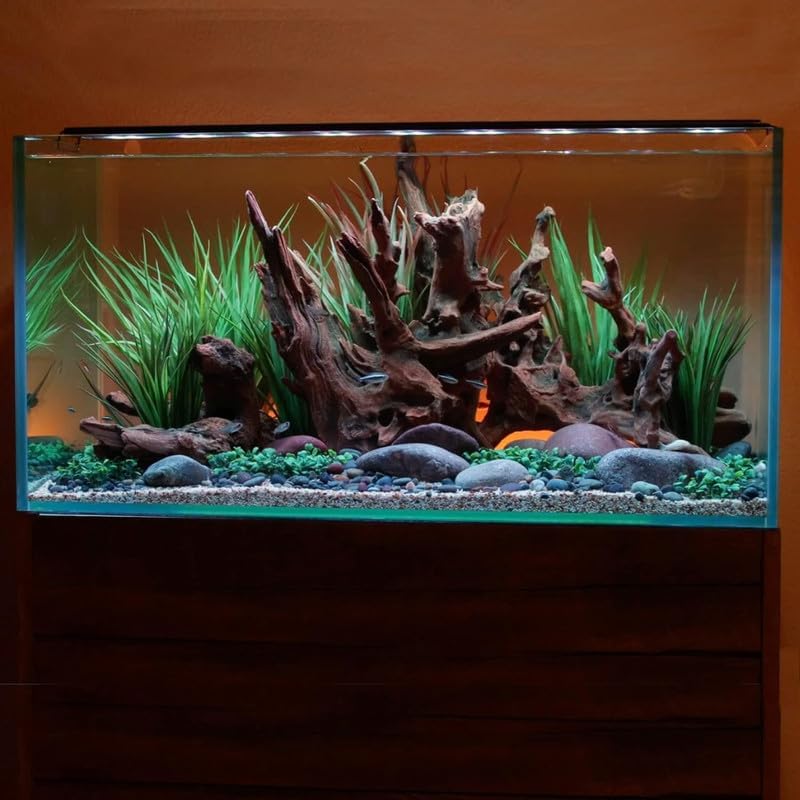
Image : Terminéview of the light fixture and its components.
4. Configuration et installation
- Déballez la lumière : Retirez soigneusement tous les composants de leur emballage. Vérifiez qu'ils ne sont pas endommagés.
- Attach/Adjust Docking Legs: If the docking legs are not pre-attached, slide them into the channels on each end of the light fixture. Adjust the legs to fit the width of your aquarium. The light is designed for tanks between 24 and 36 inches.
- Monter la lumière : Place the light fixture securely on the rim of your aquarium. Ensure the light is stable and centered over the tank.
- Connectez l'alimentation :
- Connect the DC connector from the light fixture to the power supply's IR receiver module.
- Plug the AC adapter into a standard electrical outlet. Create a drip loop with the power cord to prevent water from reaching the outlet.
- Mise sous tension initiale : The light should illuminate once connected to power. Use the remote control to turn it on/off and adjust settings.
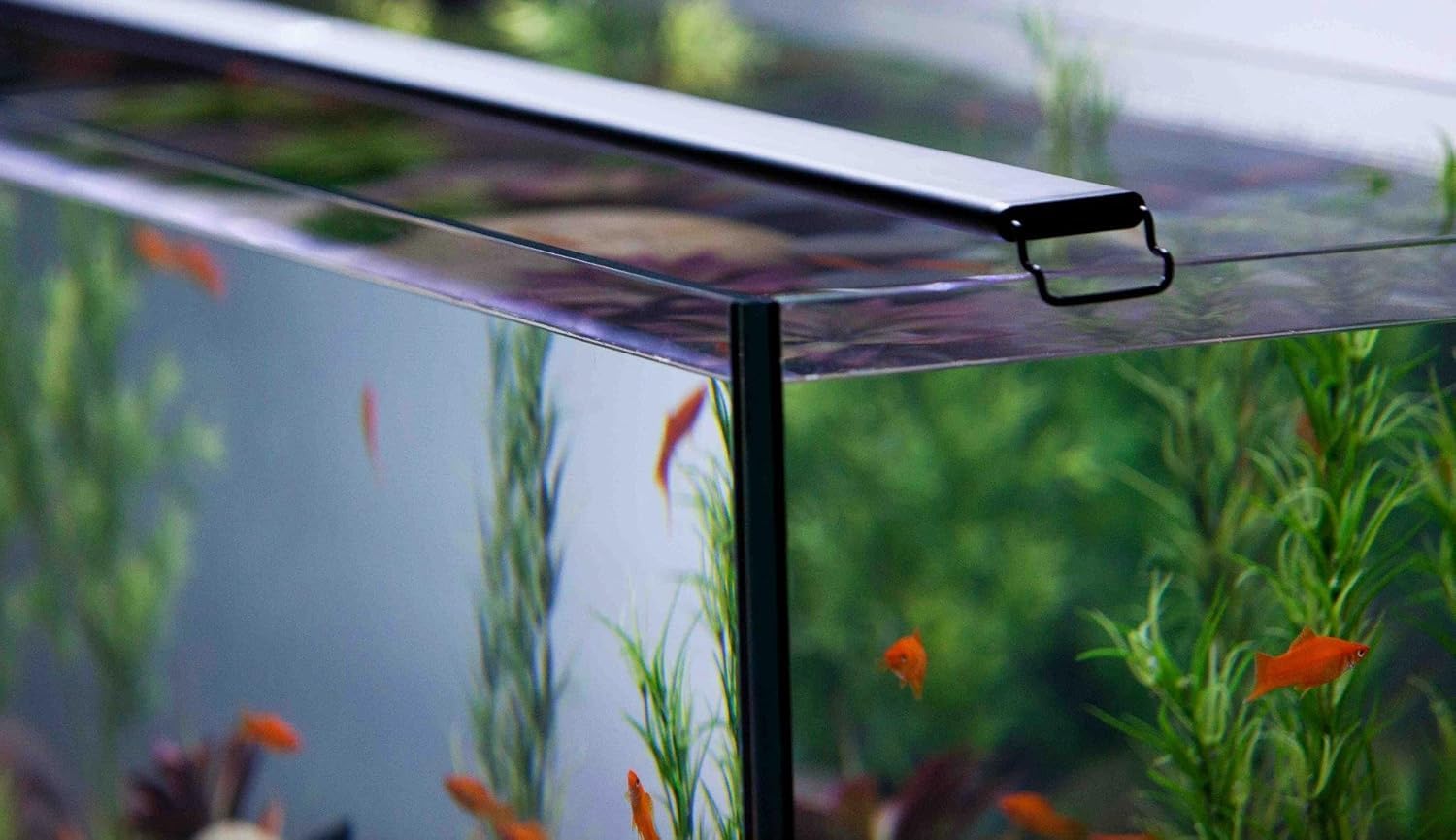
Image: The light fixture securely mounted on the edge of an aquarium.

Image: Close-up of the adjustable docking leg for tank mounting.
5. Fonctionnement
The Satellite Color LED light is controlled using the included IR remote. Ensure the remote is pointed towards the IR receiver module on the power cord for optimal response.
5.1 Fonctions de la télécommande

Image: The remote control for the Satellite Color LED light.
- Bouton d'alimentation (⬤): Allume ou éteint la lumière.
- Boutons de sélection des couleurs : Directly select various colors (Red, Green, Blue, White, Yellow, Cyan, Magenta, etc.).
- Réglage de la luminosité (▲ / ▼): Adjust the intensity of the selected color or overall brightness.
- Custom Color Buttons (M1, M2, M3, M4): Save and recall your preferred custom color settings. To save a custom color, adjust the light to your desired color and brightness, then press and hold one of the M buttons until the light flashes. To recall, simply press the corresponding M button.
- Dynamic Fade Modes: Buttons with sun, moon, and cloud icons activate pre-programmed lighting scenarios such as:
- Sunrise/Sunset simulations
- Moonlight effects
- Cloud cover simulations
- Storm effects (with lightning simulation)
5.2 Full Spectrum Color Options
The RGBW LEDs allow for a broad range of colors. Experiment with different combinations to highlight your fish and plants, or to create specific moods within your aquarium.
Video: Demonstrates the full spectrum color options available with the Freshwater Aquarium LED light. This video shows various color changes and effects.
6. Entretien
Regular maintenance ensures the longevity and optimal performance of your LED aquarium light.
- Nettoyage de l'appareil : Essuyez périodiquement le luminaire avec un chiffon doux et sec.amp Utilisez un chiffon pour enlever la poussière, les traces d'eau et les dépôts d'algues. Assurez-vous que la lampe est débranchée avant de la nettoyer. N'utilisez pas de nettoyants abrasifs ni de solvants.
- Vérification des connexions : Routinely inspect all electrical connections (power cord, DC connector) for any signs of wear, corrosion, or loose fittings.
- Matrice de LED : Avoid touching the LED diodes directly. If cleaning is necessary, use a soft, dry cloth.
7. Dépannage
| Problème | Cause possible | Solution |
|---|---|---|
| La lumière ne s'allume pas. | Pas d'alimentation, connexion défectueuse, pile de la télécommande déchargée. | Check power outlet. Ensure all connections are secure. Replace remote battery. |
| La télécommande ne répond pas. | Remote battery dead, IR receiver obstructed, remote too far or not aimed correctly. | Replace remote battery. Ensure clear line of sight to the IR receiver module. Point remote directly at the receiver. |
| Colors are not changing or dynamic modes do not activate. | Remote issue, internal malfunction. | Verify remote functionality (see above). Unplug the light for 30 seconds and plug back in to reset. If problem persists, contact customer support. |
| La lumière vacille ou faiblit de façon inattendue. | Alimentation électrique instable, connexion desserrée. | Check power connections. Ensure the power outlet is stable. |
8. Spécifications
- Numéro de modèle : Satellite Color (4511)
- Tank Size Compatibility: 24" - 36" Tanks
- Type de source lumineuse : LED RGBW
- Source d'alimentation : Électrique avec fil
- Type de commutateur : Télécommande
- Type de matériau: Métal, plastique
- Couleur: Noir
- Utilisation intérieure/extérieure : Intérieur
- Composants inclus : LED Light Fixture, Power Supply, Remote Control
- GTIN (UPC) : 842959045110
9. Garantie et assistance
9.1 Garantie du fabricant
This CURRENT USA Satellite Color RGBW LED Aquarium Light (Model 4511) is covered by a Garantie constructeur d'un an À compter de la date d'achat, cette garantie couvre les défauts de matériaux et de fabrication dans des conditions normales d'utilisation. Elle ne couvre pas les dommages résultant d'une mauvaise utilisation, d'un accident, d'une modification ou d'une réparation non autorisée.
Veuillez conserver votre preuve d'achat pour les réclamations au titre de la garantie.
9.2 Assistance clientèle
For technical assistance, warranty inquiries, or replacement parts, please contact CURRENT USA Customer Support:
- Website: www.current-usa.com
- E-mail: support@current-usa.com
- Téléphone: (Numéro sans frais, le cas échéant)
Lorsque vous contactez l'assistance, veuillez avoir à portée de main le numéro de modèle de votre produit (4511) et une preuve d'achat.
Ask a question about this manual
Ask about setup, troubleshooting, compatibility, parts, safety, or missing instructions. Manuals+ will review the question and use this page’s manual context to help answer it.