
1. Introduction
This manual provides essential information for using your OUKITEL C62 PRO Cell Phone. Please read it carefully to ensure proper operation and to maximize your device's potential. The OUKITEL C62 PRO is a feature-rich smartphone designed for daily use, offering a large display, efficient performance, and a long-lasting battery.
Vidéo: OUKITEL C62 PRO Cell Phone Overview. This video provides a general introduction to the OUKITEL C62 PRO smartphone, highlighting its design and key features.
2. Installation
2.1. Déballage et contenu de l'emballage
Upon opening your OUKITEL C62 PRO package, verify that all items are present:
- 1x OUKITEL C62 Pro Smartphone
- Câble de données 1x
- 1 chargeur USB-C
- 1x Manuel d'utilisation
- 1x étui pour téléphone
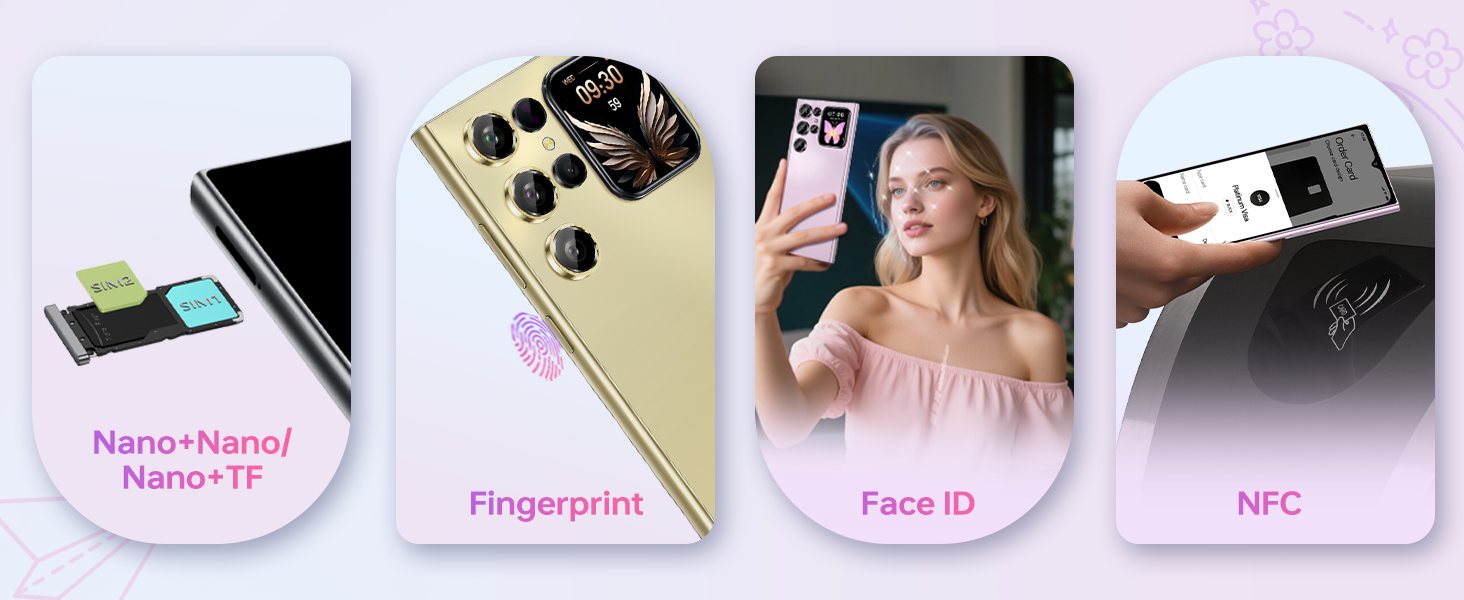
Image: The OUKITEL C62 PRO retail box displaying the smartphone and included accessories such as the data cable, Type-C charger, user manual, and phone case.
2.2. Installation de la carte SIM et de la carte TF
Pour installer votre/vos carte(s) SIM et/ou votre carte TF (microSD) :
- Repérez le tiroir SIM sur le côté de l'appareil.
- Insert the provided SIM ejector tool into the small hole on the SIM tray and press gently until the tray pops out.
- Insérez votre ou vos cartes Nano-SIM et/ou votre carte TF dans les emplacements prévus à cet effet sur le plateau. Assurez-vous que les contacts dorés sont orientés vers le bas.
- Repoussez délicatement le plateau dans l'appareil jusqu'à ce qu'il soit aligné avec le côté.
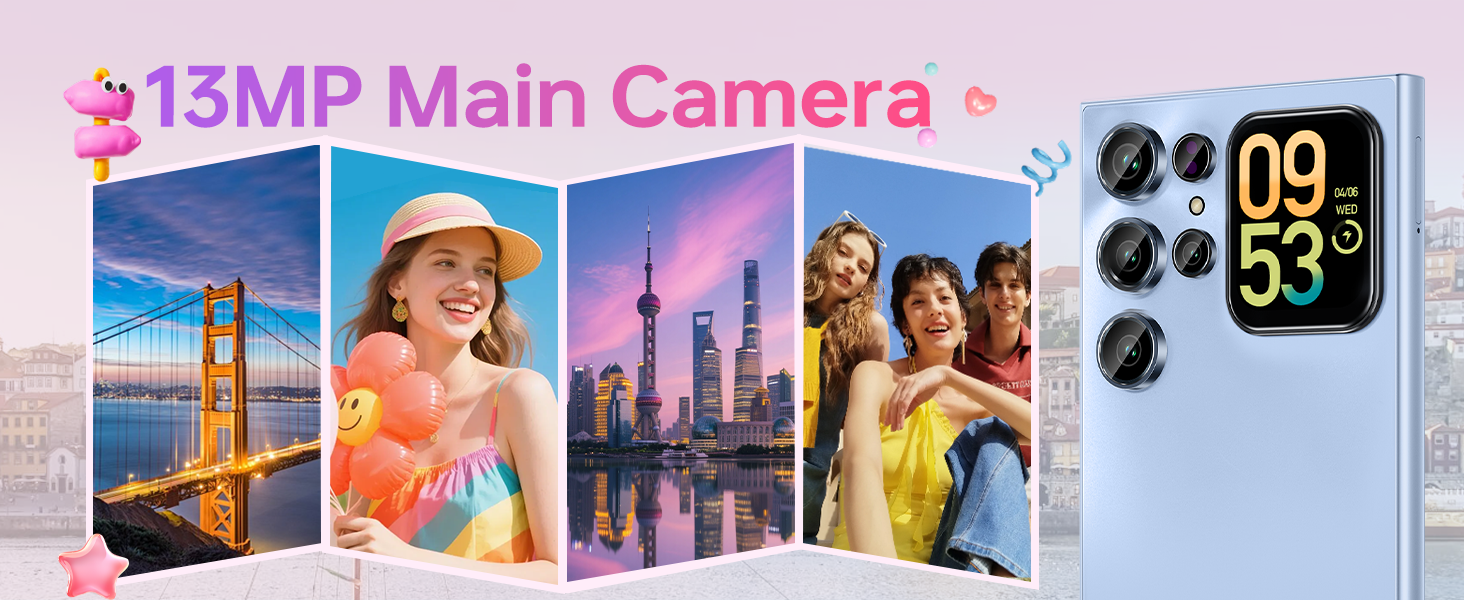
Image: Un gros plan view of the OUKITEL C62 PRO's SIM tray, illustrating the placement of Nano-SIM cards and a TF (microSD) card for dual SIM functionality or expanded storage.
2.3. Chargement de l'appareil
Before first use, fully charge your OUKITEL C62 PRO. Connect the Type-C cable to the phone's charging port and the other end to the Type-C charger. Plug the charger into a power outlet. The battery indicator on the screen will show charging progress.
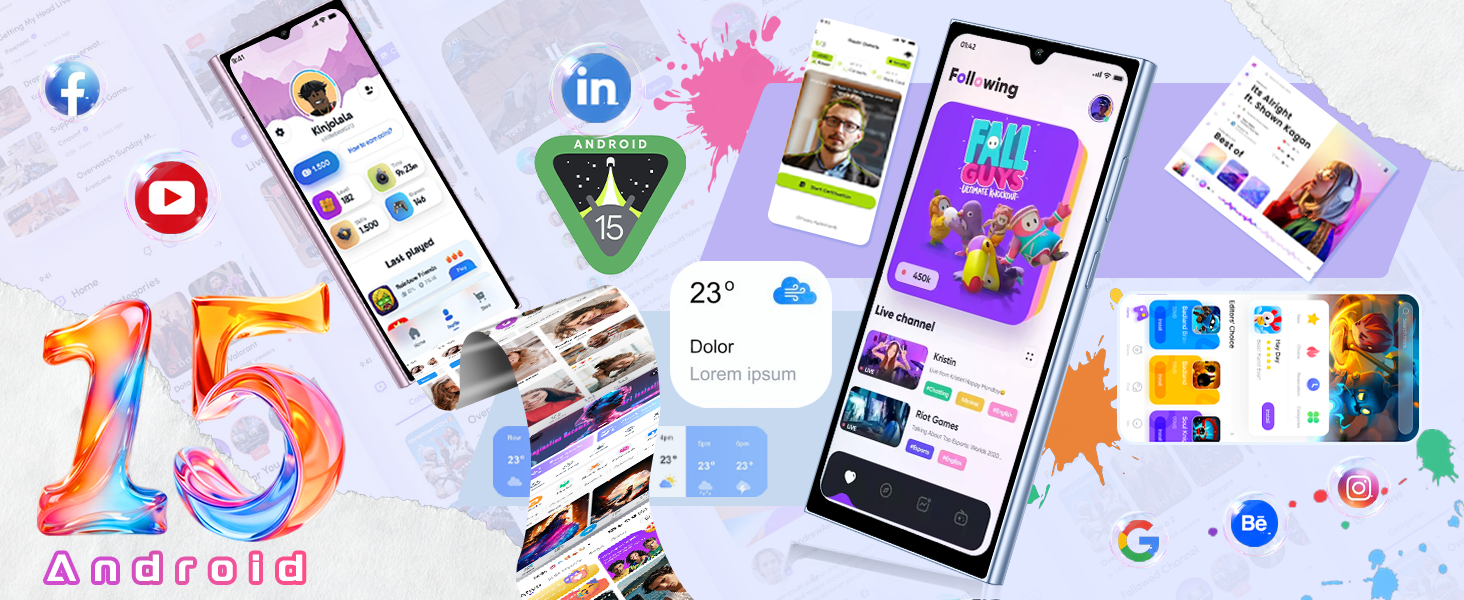
Image: An illustration highlighting the OUKITEL C62 PRO's 5150mAh battery capacity, indicating its long-lasting power for extended usage.
3. Utilisation de votre appareil
3.1. Marche/Arrêt
- Pour allumer : Maintenez le bouton Marche/Arrêt enfoncé jusqu'à ce que le logo OUKITEL apparaisse.
- Pour éteindre : Maintenez le bouton Marche/Arrêt enfoncé, puis sélectionnez « Éteindre » parmi les options affichées à l'écran.
- Recommencer: Maintenez le bouton Marche/Arrêt enfoncé, puis sélectionnez « Redémarrer » parmi les options.
3.2. Main Display (6.88-inch)
The OUKITEL C62 PRO features a large 6.88-inch display with a 90Hz refresh rate, providing smooth visuals and responsive touch interaction. Navigate through apps, browse the web, and enjoy multimedia content with clarity.
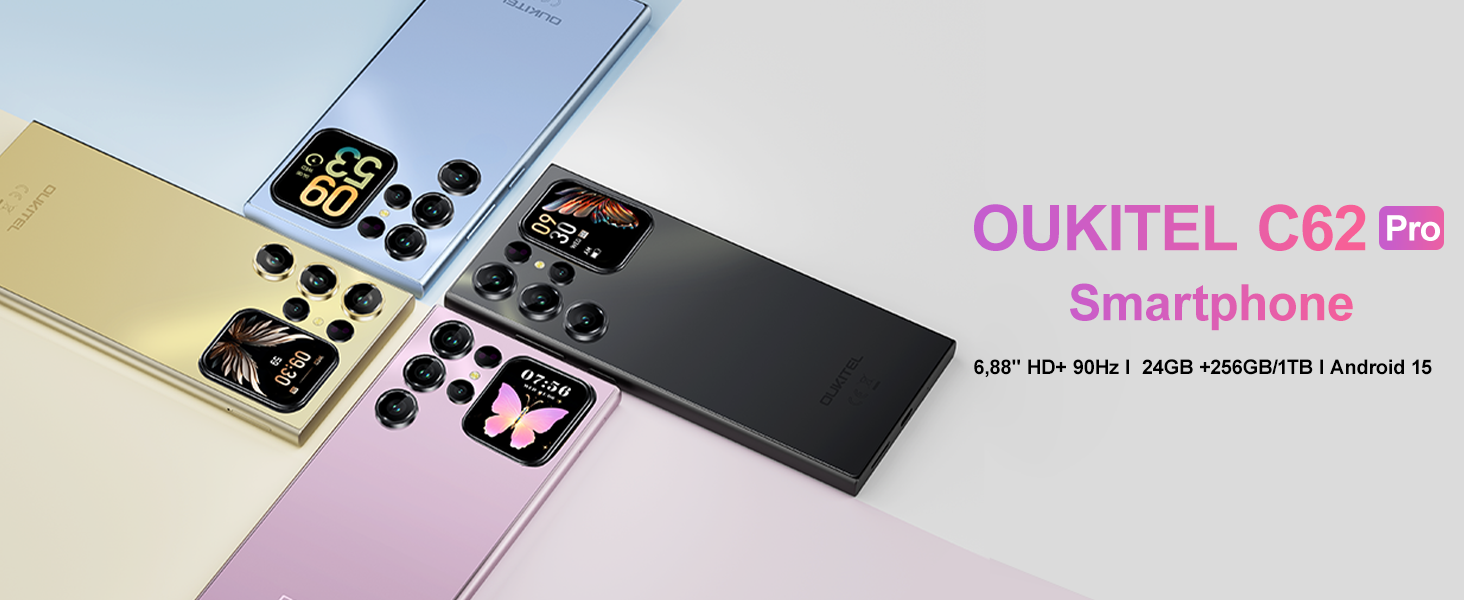
Image: The OUKITEL C62 PRO showcasing its expansive 6.88-inch main display with a high screen-to-body ratio, 450 nits brightness, 1080*2460 resolution, and 260 PPI pixel density.
3.3. Rear Screen (1.81-inch)
The innovative 1.81-inch rear screen provides quick access to essential information and functions without needing to unlock the main display. It can show the time, battery status, notifications, and caller information. It also serves as a convenient viewfinder for taking selfies with the main camera.
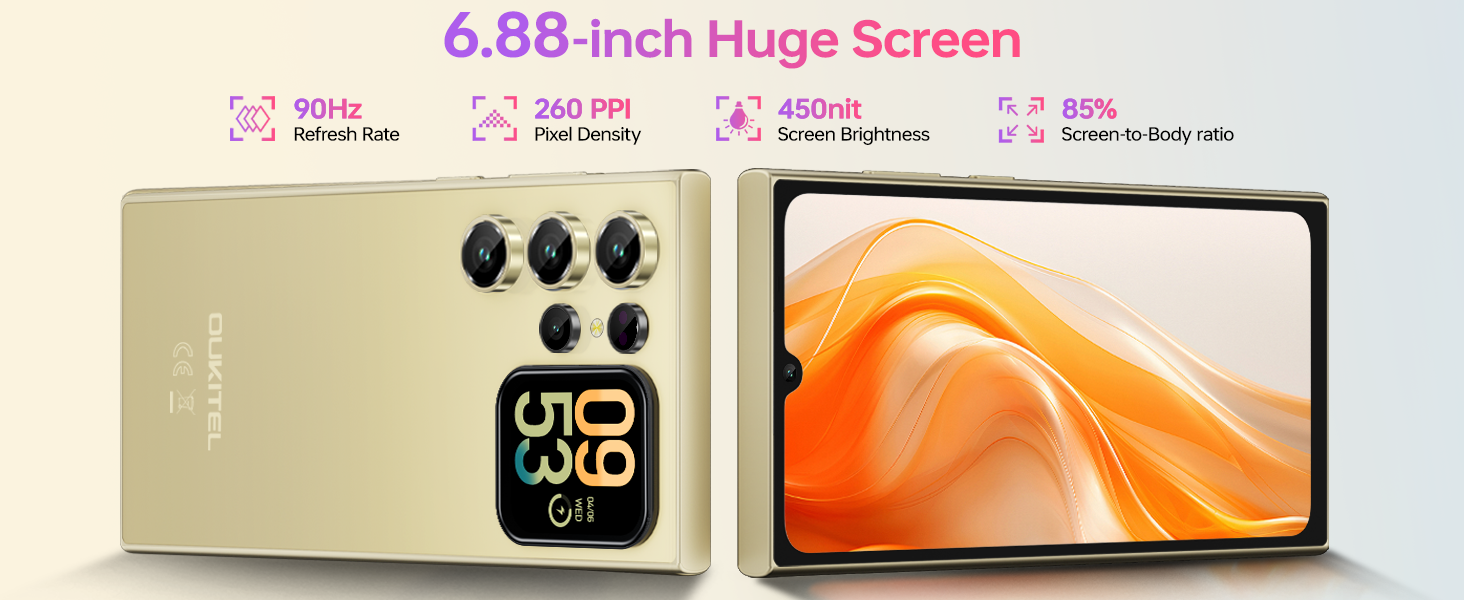
Image: The OUKITEL C62 PRO's 1.81-inch secondary display on the rear, demonstrating its ability to show various widgets like time, weather, music controls, and camera preview.
3.4. Fonctions de l'appareil photo
Your device is equipped with a 13MP main rear camera and a 5MP front camera. Access the camera application from the home screen or app drawer.
- Prendre des photos: Tap the shutter button to capture images.
- Enregistrement vidéo : Switch to video mode and tap the record button to start/stop recording. The phone supports 1080P video recording.
- Modes de prise de vue : Explore various modes such as Portrait, Night, Panorama, and Professional to enhance your photography.
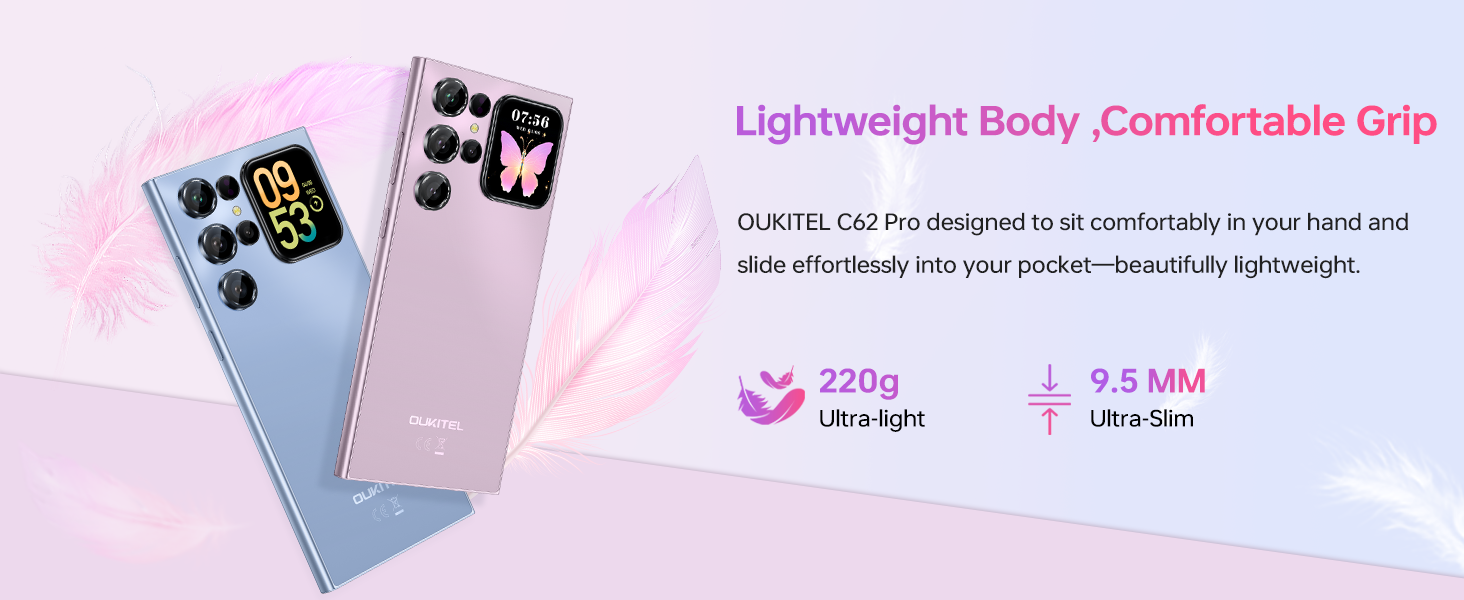
Image: The OUKITEL C62 PRO's 13MP main camera capturing vibrant landscape and group photos, demonstrating its capability for various shooting scenarios.
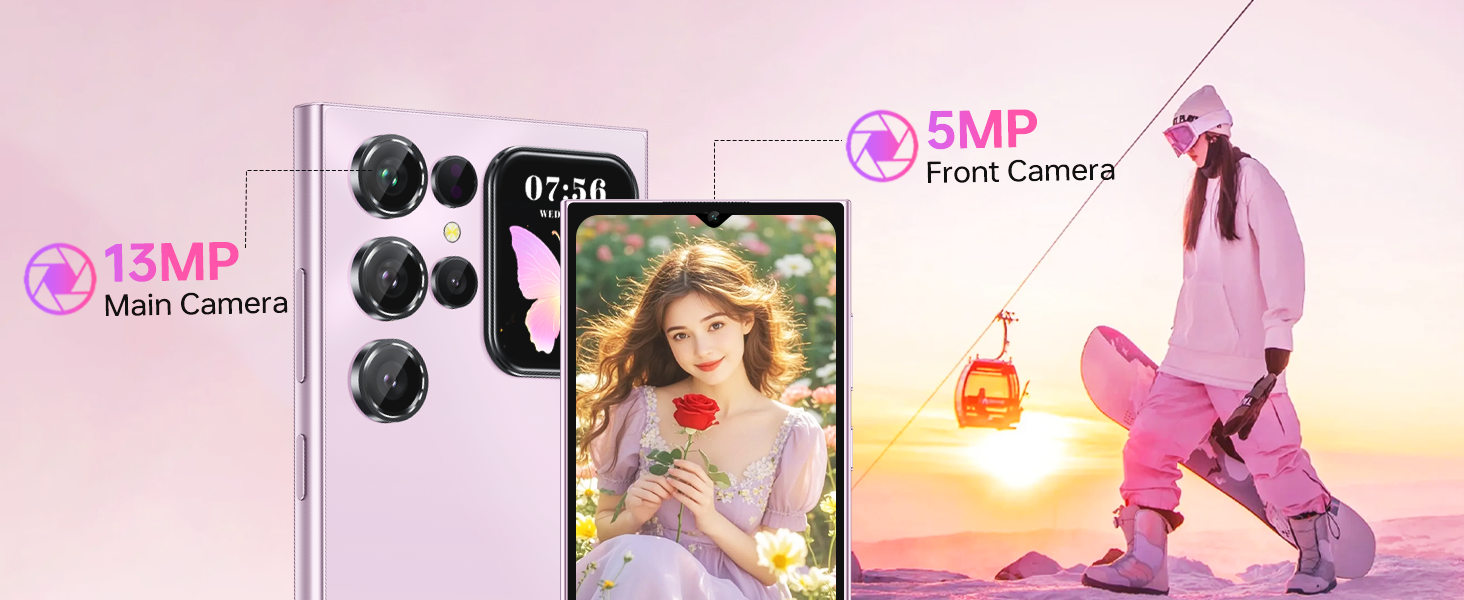
Image: The OUKITEL C62 PRO's 5MP front camera capturing clear selfies and group photos, highlighting its suitability for video calls and self-portraits.
3.5. Fonctions de sécurité
L'OUKITEL C62 PRO offre de multiples options de sécurité pour protéger votre appareil et vos données :
- Déverrouillage par reconnaissance faciale : Enregistrez votre visage pour un déverrouillage rapide et pratique.
- Détecteur d'empreintes digitales: Use your fingerprint for secure and fast access.
3.6. Connectivité
L'appareil prend en charge différentes options de connectivité :
- Double SIM 4G : Use two SIM cards simultaneously for different networks or numbers. (Note: Supports T-Mobile carrier; not compatible with AT&T/Verizon).
- NFC: Enable Near Field Communication for contactless payments and data exchange.
- GPS: Utilize GPS, GLONASS, Galileo, and Beidou for accurate navigation and location services.
- Bluetooth 5.0: Connectez-vous à des casques sans fil, des haut-parleurs et autres appareils compatibles Bluetooth.
- Wi-Fi (2.4 GHz + 5 GHz) : Connectez-vous aux réseaux sans fil pour accéder à Internet.

Image: Un plusview of the OUKITEL C62 PRO's connectivity features, including GPS for navigation, Bluetooth 5.0 for wireless connections, a Type-C port for charging and data, and dual-band Wi-Fi (2.4G+5G).
3.7. Gestion de la batterie
The 5150mAh battery provides extended usage time. To optimize battery life:
- Ajuster la luminosité de l'écran.
- Fermez les applications inutilisées qui s'exécutent en arrière-plan.
- Désactivez le Wi-Fi, le Bluetooth et le GPS lorsque vous ne les utilisez pas.
- Enable battery saver mode when the battery is low.
4. Entretien
4.1. Nettoyage de votre appareil
Utilisez un chiffon doux non pelucheux pour nettoyer l'écran et le boîtier de votre téléphone. Évitez d'utiliser des produits chimiques agressifs ou des matériaux abrasifs qui pourraient endommager l'appareil.
4.2. Mises à jour logicielles
Vérifiez et installez régulièrement les mises à jour logicielles pour garantir que votre appareil bénéficie des dernières fonctionnalités, correctifs de sécurité et améliorations de performances. Rendez-vous sur Paramètres > Système > Mise à jour du système pour vérifier les mises à jour.
4.3. Gestion du stockage
The OUKITEL C62 PRO comes with 256GB of internal storage, expandable up to 1TB with a TF card. Regularly manage your storage by deleting unnecessary filedésinstaller les applications inutilisées et déplacer les fichiers multimédias volumineux files to cloud storage or the TF card.
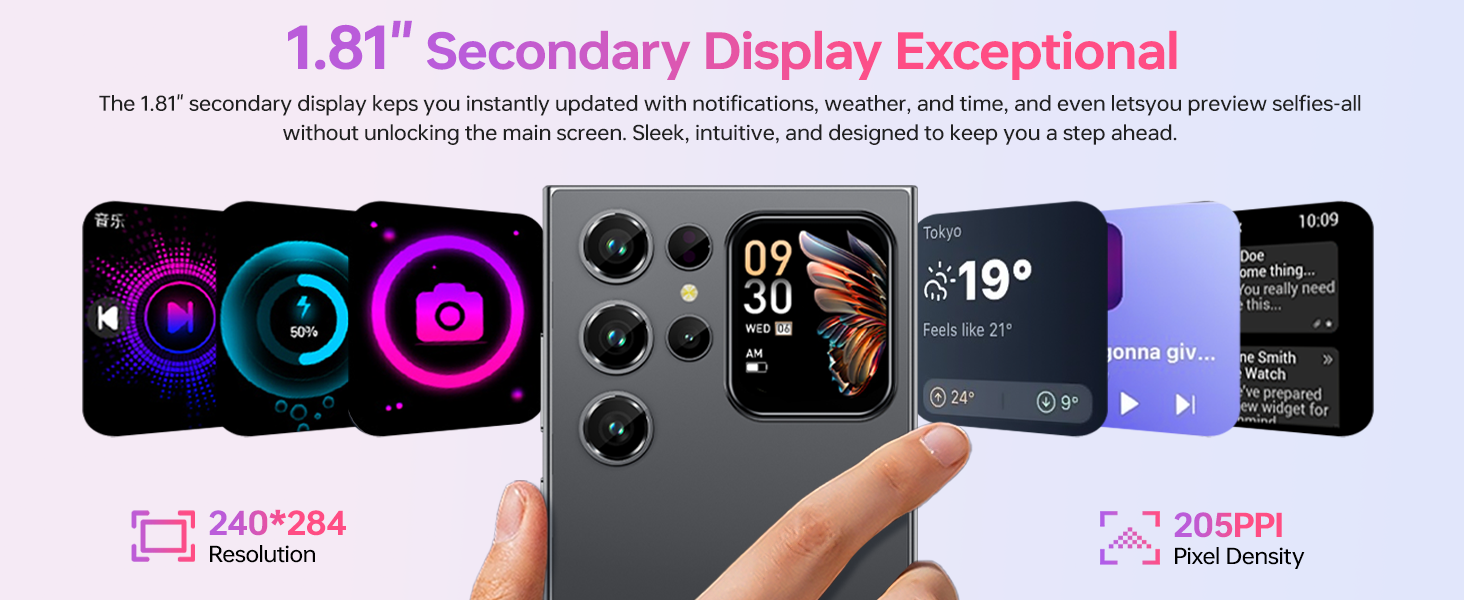
Image: An illustration of the OUKITEL C62 PRO's memory configuration, highlighting its 24GB RAM (8GB physical + 16GB virtual) and 256GB ROM, with support for up to 1TB expandable storage.
5. Dépannage
Si vous rencontrez des problèmes avec votre OUKITEL C62 PRO, consultez les solutions courantes suivantes :
- L'appareil ne s'allume pas : Assurez-vous que la batterie est chargée. Branchez le chargeur et attendez quelques minutes avant de tenter de rallumer l'appareil.
- Applications qui plantent ou se bloquent : Fermez l'application problématique et rouvrez-la. Si le problème persiste, videz le cache de l'application (Paramètres > Applications > [Nom de l'application] > Stockage > Vider le cache).
- Problèmes de connectivité réseau : Check if your SIM card is properly inserted. Restart the device. Verify that mobile data or Wi-Fi is enabled and that you have a valid signal.
- Performances lentes : Fermez les applications en arrière-plan. Videz le cache et les fichiers temporaires. files. Envisagez de désinstaller les applications inutilisées.
- Retour aux paramètres d'usine: As a last resort, if software issues persist, you can perform a factory reset. This will erase all data on your phone, so back up important information first. Go to Paramètres > Système > Options de réinitialisation > Effacer toutes les données (réinitialisation d'usine).
6. Spécifications
Below are the technical specifications for the OUKITEL C62 PRO Cell Phone:
| Fonctionnalité | Détail |
|---|---|
| Nom du modèle | OUKITEL C62 PRO |
| Système opérateur | Android 15 |
| Taille de l'écran | 6.88 pouces |
| Taux de rafraîchissement | 90 Hz |
| Taille de la mémoire RAM installée | 24 Go (8 Go physiques + 16 Go virtuels) |
| Capacité de stockage de la mémoire | 256 Go (extensible jusqu'à 1 To via carte TF) |
| Puissance nominale de la batterie | 5150 millièmeamp Heures |
| Caméra principale | 13 MP |
| Caméra frontale | 5 MP |
| Technologie cellulaire | 4G (T-Mobile supported) |
| Technologie de connectivité | Bluetooth 5.0, Wi-Fi (2.4 GHz + 5 GHz), NFC, GPS |
| Caractéristiques spéciales | Built-In GPS, Dual SIM, Expandable Memory, Supports Type-C, Supports USB OTG, 1.81" Rear Screen |
| Poids de l'article | 12.8 onces (environ 363 g) |
| Dimensions | 7.48 x 4.02 x 2.16 pouces |
7. Garantie et assistance
7.1. Informations sur la garantie
Your OUKITEL C62 PRO Cell Phone is covered by a limited manufacturer's warranty. Please refer to the warranty card included in your package for specific terms, conditions, and duration. Keep your proof of purchase for warranty claims.
7.2. Assistance clientèle
For technical assistance, troubleshooting, or service inquiries, please contact OUKITEL customer support through their official website or the contact information provided in your warranty documentation. You may also visit the Boutique OUKITEL sur Amazon pour plus d'informations sur le produit.