
1. Introduction
This manual provides essential information for the safe and efficient operation of your Xiaomi TV A Pro 2026 43-inch LED Smart TV. Please read this manual thoroughly before using the product and retain it for future reference.
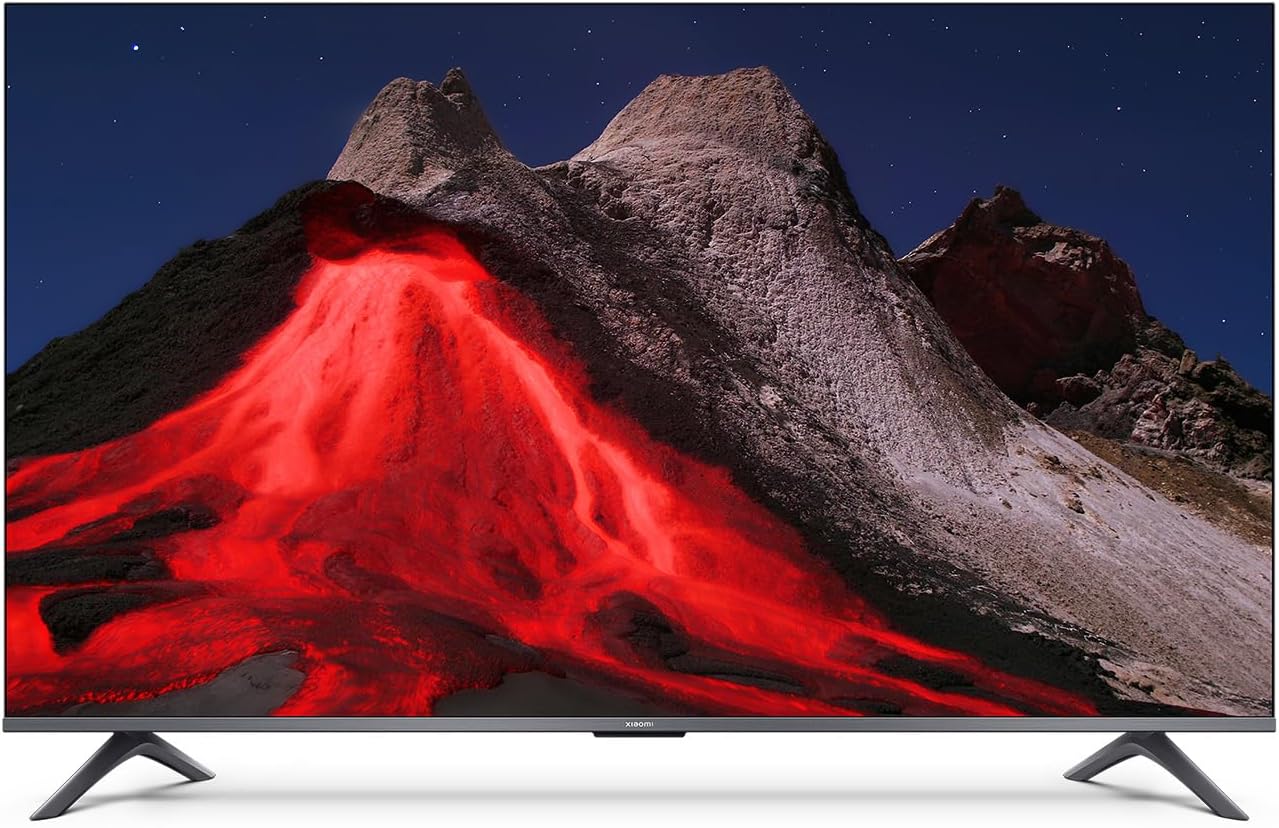
Illustration 1.1 : Avant view of the Xiaomi TV A Pro 2026 43-inch TV.
2. Consignes de sécurité
Always observe the following safety precautions to prevent electric shock, fire, or damage to the TV:
- N'exposez pas le téléviseur à la pluie ou à l'humidité.
- N'ouvrez pas le téléviseur casing; confier toute intervention à un personnel qualifié.
- Assurez une bonne ventilation autour du téléviseur.
- Tenez le téléviseur à l'écart de la lumière directe du soleil, des sources de chaleur et des flammes nues.
- Utilisez uniquement le cordon d'alimentation fourni avec le téléviseur.
- Débranchez le téléviseur pendant les orages ou lorsqu'il n'est pas utilisé pendant de longues périodes.
3. Installation
3.1. Déballage
Carefully remove the TV and all accessories from the packaging. The TV weighs approximately 31 kilograms. It is recommended that two people handle the TV during unpacking and installation.
3.2. Installation du support (montage sur table)
Pour installer le support de table :
- Placez le téléviseur face contre une surface douce et plane pour éviter d'endommager l'écran.
- Align the stand legs with the corresponding screw holes on the bottom of the TV.
- Fixez les pieds du support à l'aide des vis fournies. Assurez-vous qu'elles soient bien serrées.
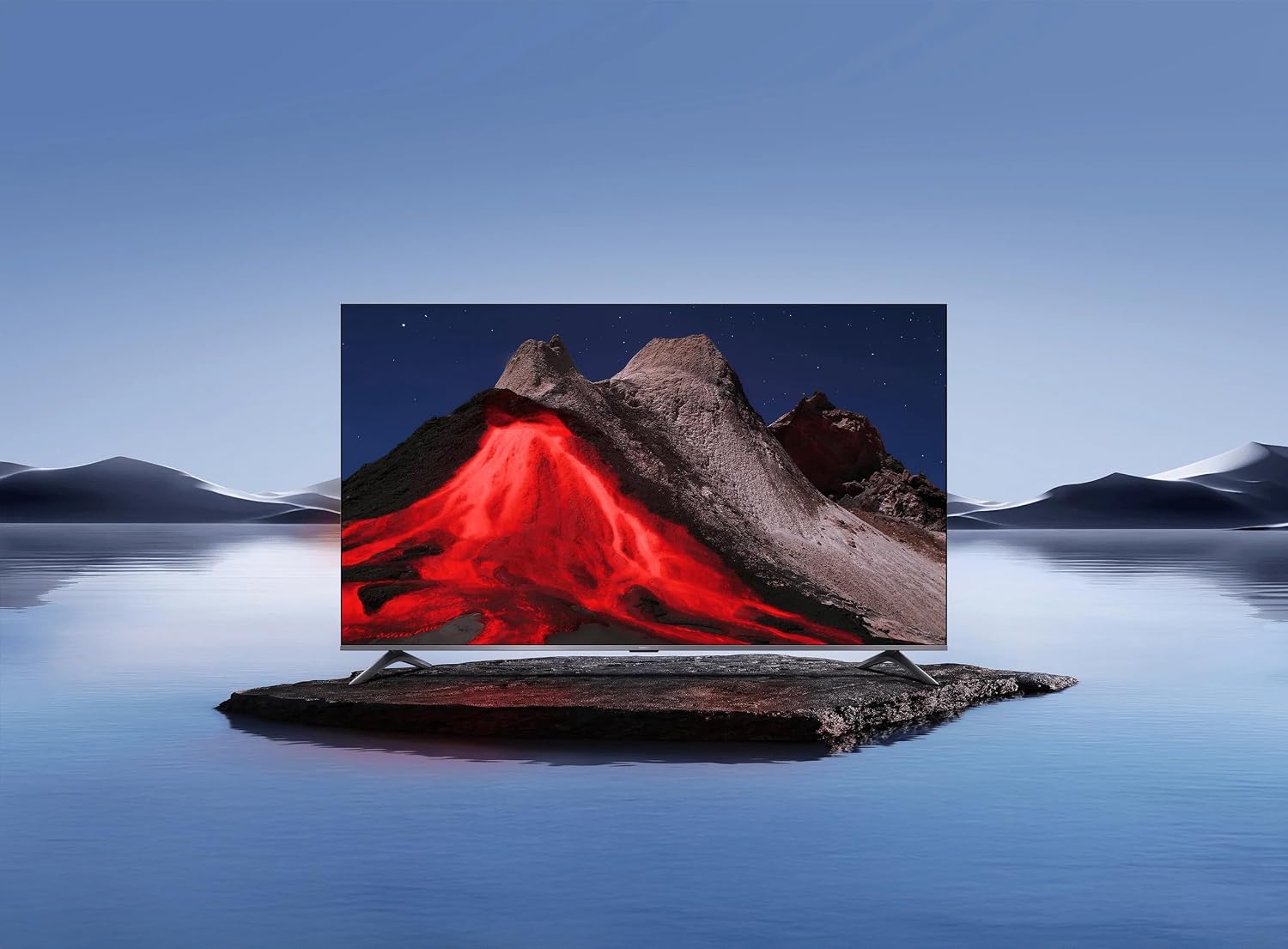
Image 3.1: Xiaomi TV A Pro 2026 43-inch mounted on its table stand.
3.3. Montage mural
If you choose to wall mount your TV, use a VESA-compliant wall mount kit (not included) that supports a 400 x 400 mm pattern. Follow the instructions provided with your wall mount kit. Ensure the wall can support the weight of the TV.

Image 3.2: Xiaomi TV A Pro 2026 43-inch wall-mounted.
3.4. Connexion des appareils
Connectez vos appareils externes au téléviseur à l'aide des ports disponibles :
- Ports HDMI : Pour connecter des lecteurs Blu-ray, des consoles de jeux, des décodeurs, etc.
- Ports USB : For connecting USB storage devices (e.g., flash drives) to play media. There is 1 USB 3.0 port.
- Port Ethernet: Pour une connexion internet filaire.
- Port infrarouge : For external IR blaster (if applicable).
- Câble d'alimentation: Branchez le câble d'alimentation au téléviseur, puis à une prise de courant.
3.5. Mise sous tension initiale
After connecting all cables, plug the TV into a power outlet. Press the power button on the remote control or on the TV itself. Follow the on-screen instructions to complete the initial setup, including language selection, network connection (Wi-Fi or Ethernet), and channel scanning.
4. Utilisation de votre téléviseur
4.1. Télécommande
The TV can be controlled using the provided remote control. It supports both traditional button input and voice control. Refer to the remote control guide for specific button functions.
4.2. Fonctionnalités de la Smart TV
Your Xiaomi TV A Pro 2026 runs on the Android operating system, providing access to a wide range of applications. Supported internet services include Netflix, Hulu, and Amazon Prime Video. Connect to the internet via Wi-Fi or Ethernet to access these features.
4.3. Intégration de l'assistant vocal
Utilize the integrated voice assistant for hands-free control. Press the dedicated voice button on your remote and speak commands to search for content, control playback, or adjust settings.
4.4. Paramètres d'image
Accédez au menu des paramètres d'image pour personnaliser votre viewexpérience en matière de :
- Résolution: The TV supports 1080p resolution.
- Taux de rafraîchissement : Enjoy smooth motion with a 120Hz refresh rate.
- Rapport hauteur/largeur : The standard aspect ratio is 16:9.
- Mise à l’échelle de l’IA : Enhances lower-resolution content to near 1080p quality.
- HDR/Quantum Dot Display: Provides enhanced contrast and color vibrancy.
4.5. Paramètres sonores
The TV features standard built-in speakers. Adjust volume, sound modes, and other audio settings through the sound menu.
5. Entretien
5.1. Nettoyer votre téléviseur
- Écran: Essuyez délicatement l'écran avec un chiffon doux non pelucheux. Pour les taches tenaces, frottez légèrement.ampen the cloth with water or a screen cleaner specifically designed for TVs.
- Corps: Utilisez un chiffon doux et sec pour essuyer le téléviseur.asing. N’utilisez pas de nettoyants abrasifs ni de solvants.
- Débranchez toujours le téléviseur avant de le nettoyer.
5.2. Mises à jour logicielles
Periodically check for software updates to ensure optimal performance and access to the latest features. Navigate to the settings menu, then select 'About' or 'System Update' to check for and install available updates. Ensure a stable internet connection during updates.
6. Dépannage
Si vous rencontrez des problèmes avec votre téléviseur, reportez-vous aux solutions courantes suivantes :
- Pas d'alimentation : Vérifiez que le câble d'alimentation est bien branché à la fois au téléviseur et à la prise de courant. Essayez une autre prise.
- Pas d'image/de son : Vérifiez la source d'entrée. Assurez-vous que les périphériques externes sont allumés et correctement connectés.
- Mauvaise qualité d'image : Adjust picture settings. Check the signal source quality.
- La télécommande ne fonctionne pas : Remplacez les piles. Assurez-vous qu'aucun obstacle ne se trouve entre la télécommande et le capteur infrarouge du téléviseur.
- Problèmes de connexion réseau : Redémarrez votre routeur. Vérifiez votre mot de passe Wi-Fi. Essayez une connexion Ethernet filaire.
If problems persist, consult the Xiaomi support website ou contacter le service client.
7. Spécifications
| Fonctionnalité | Spécification |
|---|---|
| Marque | XIAOMI |
| Nom du modèle | Un Pro 2026 |
| Taille de l'écran | 43 pouces |
| Technologie d'affichage | DIRIGÉ |
| Résolution | 1080p |
| Taux de rafraîchissement | 120 Hz |
| Rapport hauteur/largeur | 16:9 |
| Caractéristiques spéciales | AI Upscaling, Voice Assistant Integration, HDR or Quantum Dot Display |
| Technologie de connectivité | HDMI, USB, Ethernet, Infrared, Wi-Fi |
| Services Internet pris en charge | Netflix, Hulu, Amazon Prime Video |
| Système opérateur | Androïde |
| Méthode de contrôle | Télécommande, voix |
| Poids de l'article | 31 kilogrammes |
| Norme de montage VESA | 400 x 400 mm |
8. Garantie et assistance
8.1. Informations sur la garantie
Your Xiaomi TV A Pro 2026 is covered by a Garantie limitée. Please refer to the warranty card included with your product or visit the official Xiaomi webConsultez le site pour connaître les conditions générales détaillées relatives à la garantie et au service après-vente.
8.2. Assistance clientèle
For technical assistance, product inquiries, or warranty claims, please contact Xiaomi customer support through their official website ou les coordonnées fournies dans la documentation de votre produit.


