
Introduction
The LS2 Spectrum Bluetooth communication system, developed in collaboration with MIDLAND, is designed for LS2 helmets. It delivers premium audio quality from RCF, supports real-time intercom communication for up to four riders, and features an advanced AI-powered noise cancellation system. With its waterproof design and various additional functions, you can stay connected to your voice assistant or engage in clear conversations with other riders.
Contenu du colis
Vérifiez que tous les éléments énumérés ci-dessous sont inclus dans votre colis :
- 1 x LS2 Spectrum device
- 1 x Pair of 40 mm RCF speakers
- 1 x microphone
- 1 x Helmet mounting kit
- 1 x câble de chargement USB

Image: LS2 Spectrum Bluetooth Intercom packaging. The box displays the intercom unit, highlighting features such as Bluetooth connectivity, up to 800m distance, AI noise cancelling, support for up to 4 people, and RCF Ultra HD Sound.
Caractéristiques principales
- Bluetooth 5.1: Pour une connectivité sans fil stable et efficace.
- Système d'interphone bidirectionnel : Communicate with up to four riders simultaneously.
- Portée étendue : Up to 1200 meters for group communication.
- Connectivité universelle : Compatible with intercom systems from other brands.
- Longue durée de conversation : Up to 20 hours of continuous conversation.
- Conception imperméable à l'eau: Garantit la durabilité et la performance dans diverses conditions météorologiques.
- AI-Powered Noise Cancellation: Reduces background noise for clear audio.
- Ultra HD Audio by RCF: High-quality sound from 40 mm speakers.
- Conception ultra-mince : Integrates seamlessly with LS2 helmets.
- Compatibilité des appareils : Connects with smartphones, GPS devices, and TFT displays.
Instructions d'installation
1. Installation de l'interphone
- Choose a suitable location on the left side of your LS2 helmet for the intercom unit.
- Use the provided helmet mounting kit to securely attach the main unit. Ensure it is firmly in place and does not obstruct helmet functionality.
2. Installation des haut-parleurs et des microphones
- Place the 40 mm RCF speakers inside the helmet's ear pockets. Ensure they are positioned directly over your ears for optimal sound quality.
- Attach the microphone to the inside of the helmet, near your mouth, ensuring it is not obstructed and can pick up your voice clearly.
- Connect the speaker and microphone cables to the main intercom unit.
3. Charge initiale
Before first use, fully charge the LS2 Spectrum device using the provided USB charging cable. Connect the cable to the intercom unit and a standard USB power source. The charging indicator will show the charging status.
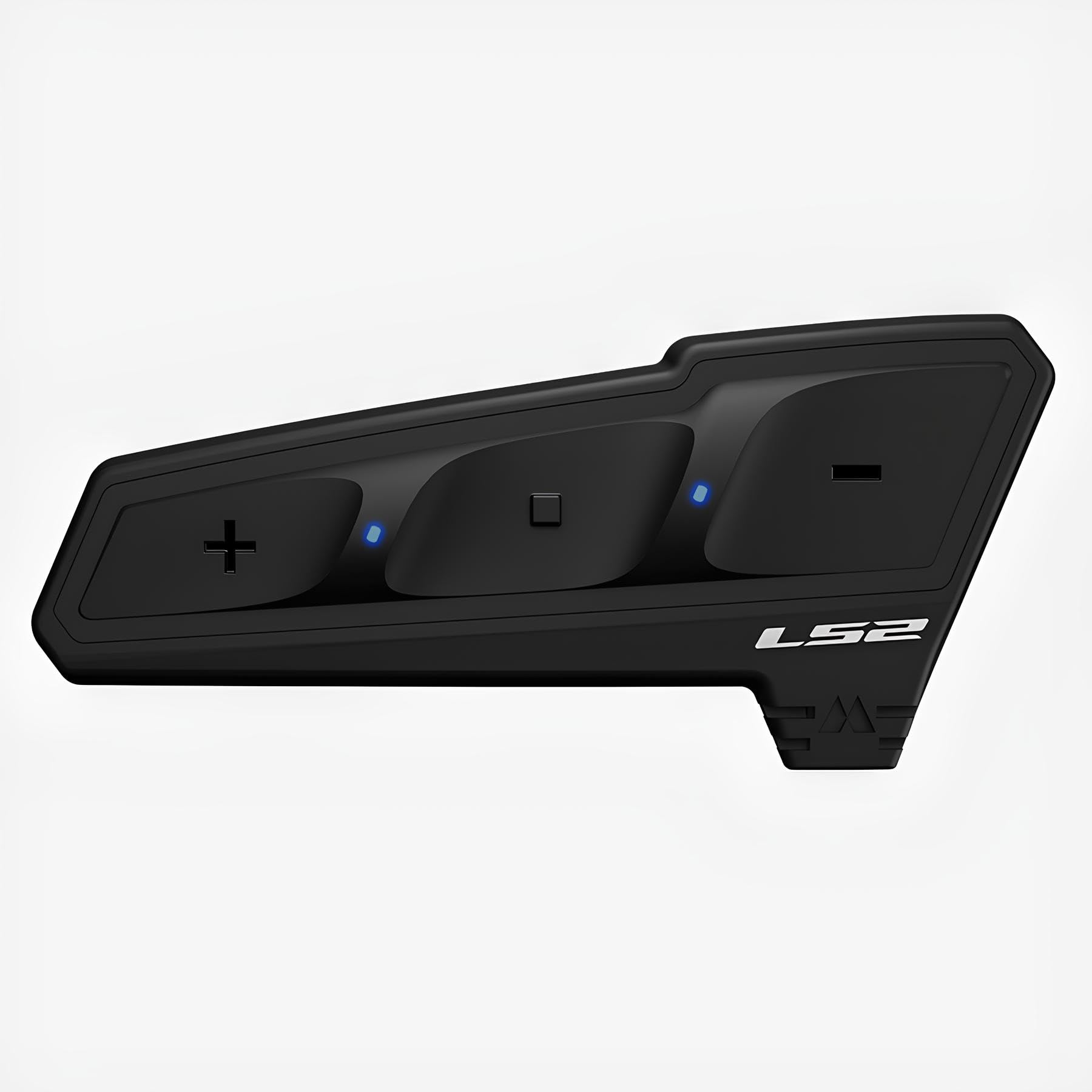
Image: The LS2 Spectrum Bluetooth Intercom device. This image shows the sleek, black unit with control buttons, designed to be mounted on a helmet.
Mode d'emploi
Marche/Arrêt
- Pour allumer : Press and hold the Power button for approximately 3 seconds until you hear an audible confirmation.
- Pour éteindre : Press and hold the Power button for approximately 5 seconds until you hear an audible confirmation.
Bluetooth Pairing (First Time)
- With the device off, press and hold the Power button for about 7 seconds until the LED indicator flashes red and blue, indicating pairing mode.
- On your smartphone or GPS device, enable Bluetooth and search for available devices.
- Select "LS2 Spectrum" from the list of found devices.
- Une fois l'appairage effectué, le voyant LED clignotera lentement en bleu.
Communication par interphone
- Lancement de l'interphone : Briefly press the Intercom button to start a conversation with a paired intercom unit.
- Fin de l'interphone : Briefly press the Intercom button again to end the conversation.
- Multi-Party Intercom: Follow the specific instructions in the full manual for pairing and managing up to four intercom units for group conversations.
Appels téléphoniques
- Répondre à un appel: Appuyez brièvement sur le bouton Téléphone.
- Terminer un appel : Appuyez brièvement sur le bouton Téléphone.
- Rejeter un appel: Appuyez sur le bouton Téléphone et maintenez-le enfoncé pendant 2 secondes.
- Numérotation vocale: If supported by your phone, briefly press the Voice Assistant button to activate voice dialing.
Lecture de musique
- Lecture/Pause : Appuyez brièvement sur le bouton Lecture/Pause.
- Piste suivante : Appuyez sur le bouton d'augmentation du volume pendant 2 secondes.
- Piste précédente: Appuyez sur le bouton de réduction du volume pendant 2 secondes.
Réglage du volume
- Augmenter le volume : Appuyez brièvement sur le bouton d’augmentation du volume.
- Diminuer le volume : Appuyez brièvement sur le bouton de réduction du volume.
Entretien
- Nettoyage: Utilisez un chiffon doux et sec.amp cloth to clean the exterior of the intercom unit. Avoid using harsh chemicals or abrasive cleaners.
- Stockage: When not in use for extended periods, store the device in a cool, dry place. Ensure it is fully charged before storing to prolong battery life.
- Entretien de la batterie: Do not expose the battery to extreme temperatures. Follow local regulations for battery disposal.
Dépannage
| Problème | Cause possible | Solution |
|---|---|---|
| L'appareil ne s'allume pas. | Batterie faible. | Chargez complètement l'appareil à l'aide du câble USB fourni. |
| Impossible de connecter le smartphone. | L'appareil n'est pas en mode de couplage ; le Bluetooth est désactivé sur le téléphone. | Ensure the intercom is in pairing mode (flashing red/blue). Enable Bluetooth on your phone and retry pairing. |
| Intercom communication is unclear or has static. | Out of range; interference; microphone not positioned correctly. | Move closer to the other intercom unit. Check for sources of interference. Adjust microphone position. |
| Aucun son provenant des haut-parleurs. | Haut-parleurs non connectés ; volume trop faible ; haut-parleurs défectueux. | Check speaker connections. Increase volume. If problem persists, contact support. |
Caractéristiques
- Version Bluetooth : 5.1
- Intercom Capacity: Jusqu'à 4 cavaliers
- Maximum Intercom Range: 1200 mètres
- Temps de conversation : Jusqu'à 20 XNUMX heures
- Technologie audio : RCF Ultra HD Audio, 40 mm speakers
- Suppression du bruit: Alimenté par l'IA
- Résistance à l'eau : Oui (étanche)
- Connectivité : Universal (compatible with other brands)
- Appareils compatibles : Smartphone, GPS, Tablet, TFT displays
- Port de charge : USB
- Matériel: Plastique
- Poids: Environ 330 g
- Dimensions: 11.7 x 11.2 x 10.7 cm (Package dimensions, actual device dimensions are ultra-thin)
Consignes de sécurité
Avertissement: This device may cause interference with other wireless devices. Always follow the operating instructions and battery disposal guidelines carefully to ensure safe use and environmental protection.
Do not attempt to disassemble or modify the device. Doing so may void the warranty and could result in injury or damage to the product.
Garantie et assistance
For warranty information and technical support, please refer to the official LS2 website or contact your authorized LS2 dealer. Keep your proof of purchase for warranty claims.
Remarque : Les conditions générales de garantie peuvent varier selon la région.