
NIMO Nimo N155
NIMO 15.6-inch FHD Laptop Nimo N155 User Manual
Modèle : Nimo N155
1. Introduction
This manual provides essential information for setting up, operating, and maintaining your NIMO 15.6-inch FHD Laptop Nimo N155. Please read this manual thoroughly before using your device to ensure proper function and longevity.

Figure 1: NIMO 15.6-inch FHD Laptop Nimo N155 Overview
The NIMO N155 laptop is equipped with an AMD Ryzen 7 6800H processor, 32GB DDR5 RAM, and a 1TB PCIe 4.0 SSD, designed for efficient performance in various computing tasks. It features a 15.6-inch Full HD IPS anti-glare display, a backlit keyboard, and an integrated fingerprint sensor for enhanced security and user experience.
2. Contenu de la boîte
Vérifiez que tous les éléments sont présents dans le colis :
- 1 x ordinateur portable Nimo N155
- 1 chargeur rapide USB-C 100 W PD
- 1 x Manuel d'utilisation (ce document)
- Système d'exploitation Windows 11 Famille (préinstallé)
3. Configuration initiale
3.1. Charger l'ordinateur portable
Before first use, connect the laptop to the power adapter and charge it fully. The Type-C 100W PD Fast Charger provides rapid charging capabilities.
- Connect the Type-C charger to a power outlet.
- Plug the Type-C connector into one of the Type-C ports on your laptop.
- The charge LED indicator will illuminate, indicating that the laptop is charging.

Figure 2: Connecting the Type-C 100W PD Fast Charger
3.2. Mise sous tension
Press the power button located on the keyboard to turn on the laptop. Follow the on-screen instructions to complete the initial Windows 11 setup, including language selection, network connection, and user account creation.
4. Composants et ports de l'ordinateur portable
Familiarize yourself with the various components and ports of your NIMO N155 laptop.

Figure 3 : Ports et connecteurs d'ordinateur portable
4.1. Ports du côté gauche
- Port USB 2.0: Pour connecter des périphériques USB plus anciens.
- Port USB 3.0: Pour connecter des périphériques USB haute vitesse.
- Emplacement pour carte micro SD : For reading and writing to Micro SD cards.
- Prise casque: Pour connecter des écouteurs ou des haut-parleurs externes.
- Fente pour verrou Kensington : Pour sécuriser votre ordinateur portable avec un verrou compatible.
4.2. Ports du côté droit
- LED de charge : Indique l'état de charge.
- Type-C (PD/Charging) Port: Primarily for power delivery and charging.
- Type-C (Multifunction) Port: Supports data transfer and display output.
- Ports USB 3.0 (x2) : Pour connecter des périphériques USB haute vitesse.
- Port HDMI: Pour la connexion à des écrans ou projecteurs externes.
4.3. Composants internes
- Processeur: AMD Ryzen 7 6800H (8 cœurs, 16 threads, jusqu'à 4.7 GHz).
- Graphique: Carte graphique intégrée AMD Radeon 680M.
- BÉLIER: 32GB DDR5 (upgradeable).
- Stockage: 1TB PCIe 4.0 SSD (upgradeable).
- Afficher: 15.6-inch FHD (1920x1080) IPS Anti-Glare Display.
- Webcame: 2.0 MP with privacy shield.
- Sans fil: 802.11a/b/g/n/ac (Wi-Fi 5) and Bluetooth 5.2.

Figure 4 : Détails du processeur AMD Ryzen 7 6800H

Figure 5: High-Speed RAM and PCIe SSD
5. Utilisation de votre ordinateur portable
5.1. Affichage
The 15.6-inch Full HD IPS display offers a resolution of 1920x1080 pixels. Adjust brightness and display settings through Windows settings (Right-click on desktop > Display settings).
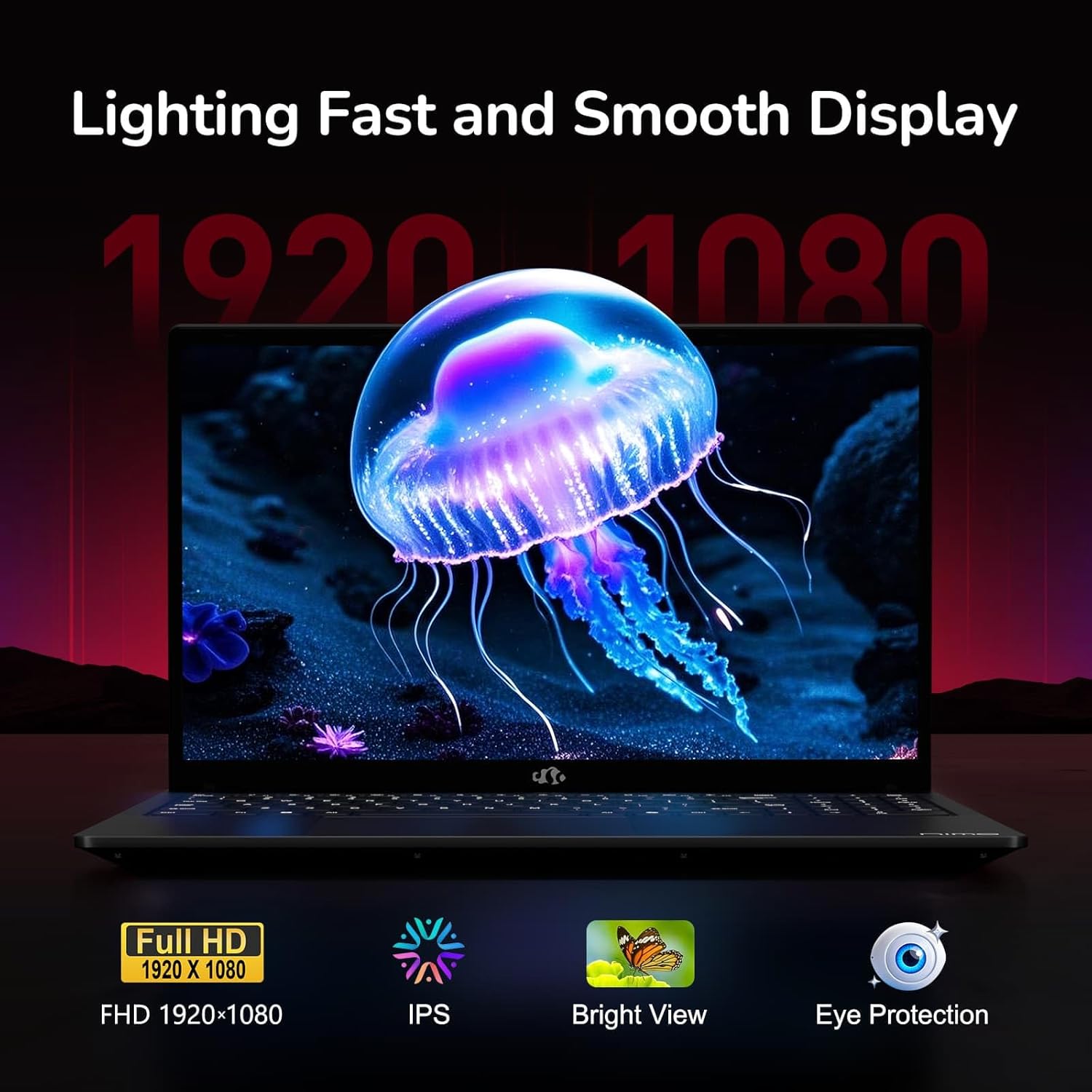
Figure 6: Laptop Display Features
5.2. Clavier et pavé tactile
The laptop features a backlit keyboard and a responsive touchpad with multi-touch gesture support. The integrated fingerprint sensor is located on the touchpad for secure login.
- Clavier rétroéclairé : Presse Fn + Fx (where Fx is the backlight key, typically F3 or F4) to adjust keyboard backlight brightness.
- Détecteur d'empreintes digitales: Enroll your fingerprints via Windows Settings > Accounts > Sign-in options for quick and secure access.
- WebProtection de la vie privée de la caméra : Slide the physical cover over the webcam for privacy when not in use.

Figure 7: Keyboard and Input Features

Figure 8: Seamless Security Integration (Fingerprint and Webcam Shield)
5.3. Gestion de l'alimentation
The laptop is equipped with a 4700mAh (53.58Wh) Lithium Polymer battery. Battery life can vary based on usage. To optimize battery life, adjust power settings in Windows and close unnecessary applications.

Figure 9 : Spécifications de la batterie
6. Maintenance et entretien
6.1. Nettoyage
- Utilisez un chiffon doux non pelucheux pour nettoyer l'écran et l'extérieur.
- Pour les marques tenaces, dampNettoyez le chiffon avec de l'eau ou un nettoyant pour écrans. Évitez les produits chimiques agressifs.
- Assurez-vous que l'ordinateur portable est éteint et débranché avant de le nettoyer.
6.2. Stockage et manutention
- Rangez l'ordinateur portable dans un endroit frais et sec, à l'abri de la lumière directe du soleil et des températures extrêmes.
- Évitez de placer des objets lourds sur l'ordinateur portable.
- N’exposez pas l’ordinateur portable à des liquides.
6.3. Mises à niveau
The NIMO N155 laptop supports detachable RAM and SSD, allowing for user upgrades. Refer to the official NIMO support website or contact customer service for detailed upgrade instructions to avoid voiding your warranty.
7. Dépannage
Cette section aborde les problèmes courants que vous pourriez rencontrer avec votre ordinateur portable NIMO N155.
| Problème | Solution possible |
|---|---|
| L'ordinateur portable ne s'allume pas. | Vérifiez que le chargeur est correctement branché et que la batterie est suffisamment chargée. Essayez une autre prise de courant. |
| L'écran est vide. | Check if the laptop is powered on. Adjust screen brightness. Connect to an external monitor to check if the issue is with the laptop's display. |
| Problèmes de connexion Wi-Fi. | Vérifiez que le Wi-Fi est activé dans les paramètres Windows. Redémarrez votre routeur et votre ordinateur portable. Mettez à jour les pilotes Wi-Fi. |
| Le rétroéclairage du clavier ne fonctionne pas. | Press the Fn key combined with the appropriate function key (e.g., F3 or F4) to toggle or adjust the backlight. |
| Le capteur d'empreintes digitales ne répond pas. | Ensure your finger is clean and dry. Re-enroll your fingerprints in Windows settings. Update fingerprint sensor drivers. |
Si vous rencontrez des problèmes non mentionnés ici ou si vous avez besoin d'aide supplémentaire, veuillez contacter le service client de NIMO.
8. Spécifications techniques
| Fonctionnalité | Spécification |
|---|---|
| Nom du modèle | Nimo N155 |
| Afficher | 15.6-inch FHD (1920x1080) IPS Anti-Glare |
| Processeur | AMD Ryzen 7 6800H (8 cœurs, 16 threads, jusqu'à 4.7 GHz) |
| Graphique | Carte graphique intégrée AMD Radeon 680M |
| BÉLIER | 32GB DDR5 4800 MHz (Dual-channel, upgradeable) |
| Stockage | SSD PCIe 4.0 de 1 To (extensible) |
| Système opérateur | Windows 11 Famille |
| Connectivité sans fil | Wi-Fi 5 (802.11a/b/g/n/ac), Bluetooth 5.2 |
| Ports | 1x USB 2.0, 3x USB 3.0, 2x Type-C (1x PD, 1x Multifunction), 1x HDMI, 1x Micro SD, 1x Headphone Jack, 1x Kensington Lock |
| Webcame | 2.0 MP (with privacy shield) |
| Batterie | 4700mAh / 53.58Wh Lithium Polymer |
| Adaptateur secteur | Chargeur rapide USB-C PD 100 W |
| Dimensions (L x l x H) | 14.07 x 8.98 x 0.76 pouces (357.4 x 228 x 19.2 mm) |
| Poids | 3.8 livres (1.7 kg) |
| Caractéristiques spéciales | Clavier rétroéclairé, lecteur d'empreintes digitales, audio HD, pavé numérique |
9. Garantie et assistance
9.1. Garantie du fabricant
Votre ordinateur portable NIMO N155 est livré avec un Garantie constructeur d'un anCette garantie couvre les défauts de matériaux et de fabrication dans des conditions normales d'utilisation. Veuillez conserver votre preuve d'achat pour toute réclamation au titre de la garantie.
9.2. Politique de retour
NIMO propose un Politique de retour sans tracas de 90 jours from the date of purchase. For details on eligibility and the return process, please refer to your purchase documentation or contact customer support.
9.3. Assistance clientèle
For technical assistance, warranty claims, or any other inquiries, please visit the official NIMO support website or contact their customer service team. Contact information can typically be found on the NIMO brand store page or included documentation.
NIMO Brand Store: Visit NIMO Store on Amazon
Ask a question about this manual
Ask about setup, troubleshooting, compatibility, parts, safety, or missing instructions. Manuals+ will review the question and use this page’s manual context to help answer it.