Manuel d'utilisation de la montre connectée ENOMIR GTX20
Modèle : GTX20
1. Introduction
The ENOMIR Smart Watch GTX20 is a versatile wearable device designed to enhance your daily life through seamless communication, comprehensive health monitoring, and advanced fitness tracking. Featuring a vibrant AMOLED display and robust connectivity, it is compatible with both iOS and Android devices.
2. Contenu de la boîte
Upon unboxing your ENOMIR Smart Watch GTX20, please ensure all components are present:
- ENOMIR Smart Watch GTX20 (with pre-installed band)
- Câble de charge magnétique
- Manuel d'utilisation

Image: Components included in the ENOMIR Smart Watch GTX20 packaging.
3. Installation
3.1. Chargement de l'appareil
Before initial use, fully charge your smartwatch. Connect the magnetic charging cable to the charging points on the back of the watch. Plug the USB end of the cable into a compatible USB power adapter (not included) or a computer's USB port.
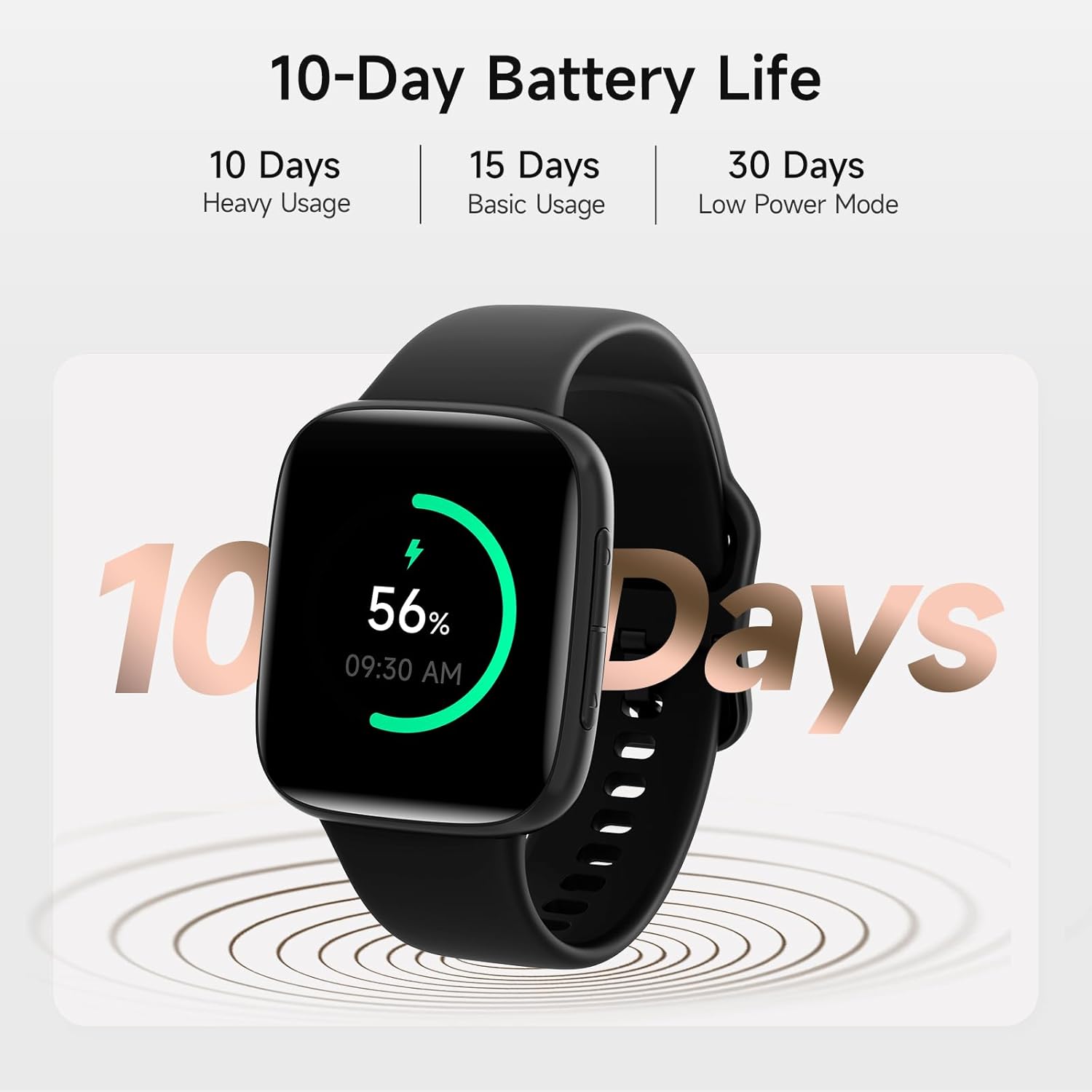
Image: The smartwatch displaying its battery life, indicating it is powered on and ready for use.
3.2. Appairage avec votre smartphone
- Téléchargez le Très en forme application disponible sur la boutique d'applications de votre smartphone (disponible pour iOS et Android).
- Assurez-vous que Bluetooth est activé sur votre smartphone.
- Open the VeryFit app and follow the on-screen instructions to search for and pair with your ENOMIR Smart Watch GTX20.
- Confirmez la demande de jumelage sur votre smartphone et sur votre montre connectée.
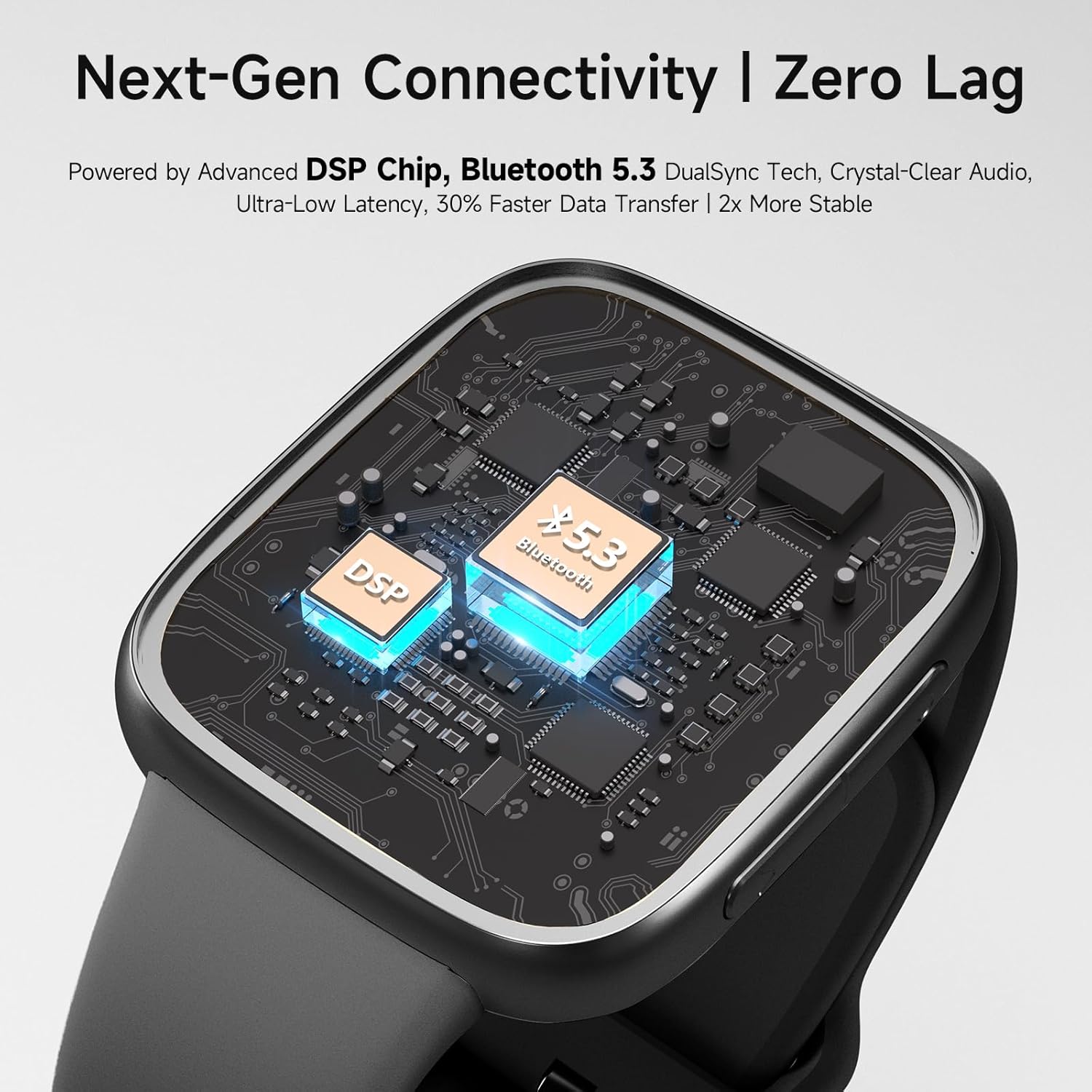
Image : Un interne view of the smartwatch's advanced Bluetooth 5.3 and DSP chip, enabling stable and fast data transfer.
4. Mode d'emploi
4.1. Affichage et navigation
The smartwatch features a 1.85-inch 2.5D Curved AMOLED touchscreen display. Navigate through menus and features by swiping across the screen and using the side buttons. The display offers clear visuals and vibrant colors, even in bright conditions.

Image: The smartwatch on a wrist, highlighting the wide viewing angle and vivid colors of its 2.5D Curved AMOLED screen.
4.2. Appels et notifications
With Bluetooth 5.3 and advanced DSP technology, the smartwatch allows for crystal-clear calls directly from your wrist. You will also receive real-time SMS and app notifications. Please note that replying to messages is not supported directly from the watch.

Image: The smartwatch showing an incoming call, with a smartphone displaying various app notifications, illustrating the call and notification reminder feature.
4.3. Surveillance de la santé
The GTX20 Smart Watch utilizes proprietary BioSync Nexus Technology for precise health insights. It continuously monitors your heart rate, blood oxygen (SpO2) levels, and sleep quality. This data helps you make informed decisions about your health and well-being.
- Surveillance de la fréquence cardiaque Surveillez votre fréquence cardiaque tout au long de la journée.
- Surveillance SpO2 : Mesurez votre saturation en oxygène dans le sang.
- Surveillance du sommeil : Analyze your sleep patterns (deep, light, REM sleep) for better rest insights.
- Surveillance du stress : Detect stress levels and receive alerts.

Image: The smartwatch monitoring heart rate during physical activity, providing real-time health data.
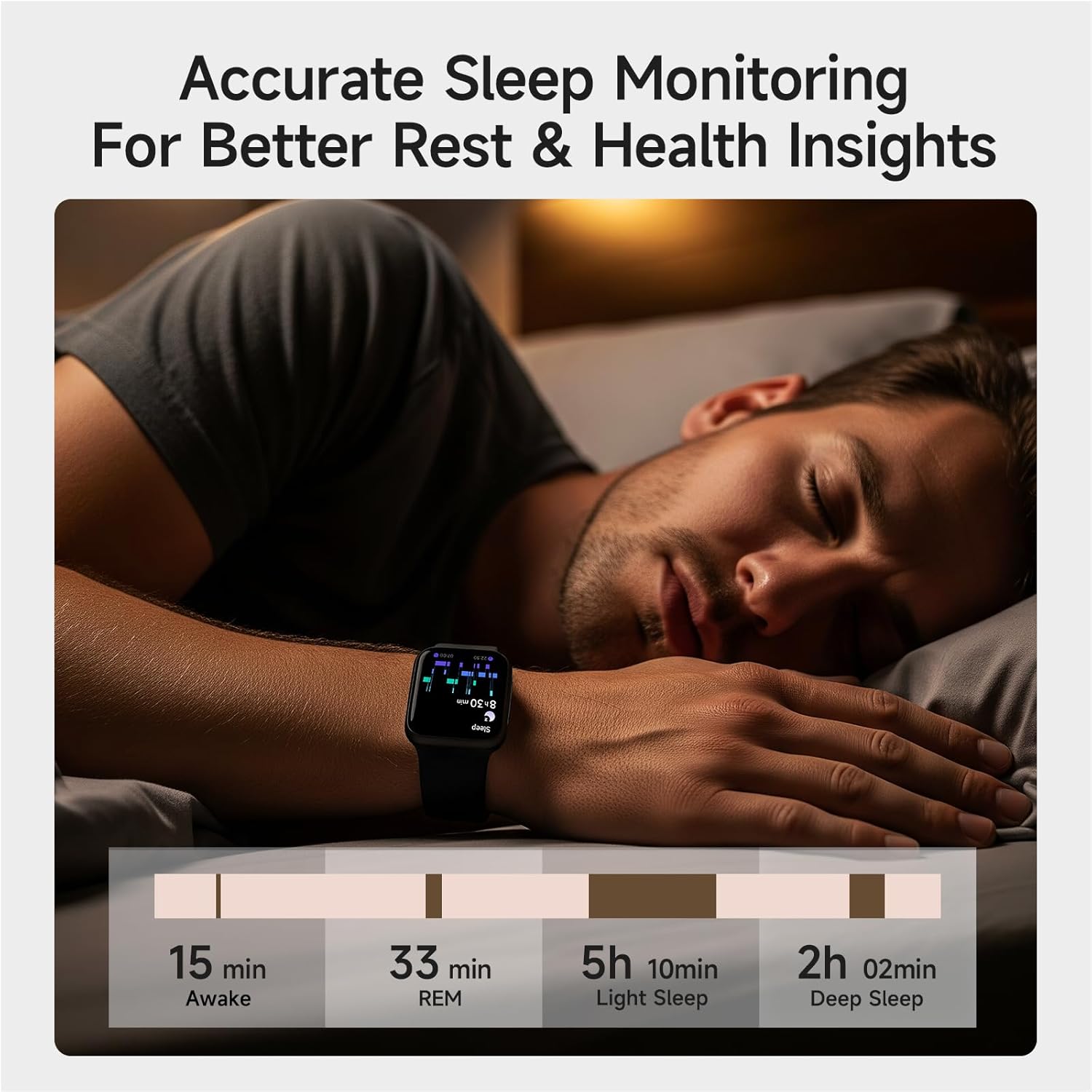
Image: The smartwatch tracking sleep, providing detailed insights into sleep stages for improved rest.
4.4. Advanced Fitness Tracking
Elevate your workouts with over 100 sport modes, including running, swimming, and yoga. The watch accurately tracks distance, calories burned, and steps taken. Its IP68 waterproof design ensures durability for various activities.

Image: The smartwatch being used for swimming, demonstrating its 3ATM waterproof rating and the variety of sport modes available.
4.5. Smart Features and Reminders
The ENOMIR Smart Watch GTX20 offers several smart features to keep you proactive and organized:
- Rappels concernant l'hydratation : Vous incite à rester hydraté.
- Alertes sédentaires : Vous rappelle de bouger après des périodes d'inactivité.
- Suivi du cycle menstruel : Provides insights for women's health.
- Contrôle de la musique : Manage your music playback directly from your wrist.
- Prévisions météorologiques: Recevez des mises à jour météo en temps réel.
- Réveil: Set alarms for daily routines.
- Trouver un téléphone : Localisez votre smartphone associé.
- Assistant vocal IA : Interagissez avec votre montre grâce aux commandes vocales.
- Cadran de montre à faire soi-même : Customize your watch face with personal photos.

Image: The smartwatch's AI Voice Assistant feature, demonstrating voice command capabilities for various functions.
5. Entretien
5.1. Nettoyer votre montre connectée
To maintain the appearance and functionality of your smartwatch, regularly clean the device and its band. Use a soft, lint-free cloth. For stubborn spots, dampHumidifiez légèrement le chiffon avec de l'eau. Évitez d'utiliser des produits chimiques agressifs ou des matériaux abrasifs.
5.2. Résistance à l'eau
The ENOMIR Smart Watch GTX20 has an IP68 waterproof rating, meaning it can withstand immersion in water up to 3 meters deep. It is suitable for swimming, sweating, and showering. However, it is not recommended for diving or high-pressure water activities.

Image: The smartwatch submerged in water, illustrating its 3ATM waterproof rating for various water-related activities.
6. Dépannage
If you encounter issues with your ENOMIR Smart Watch GTX20, please refer to the following common solutions:
- L'appareil ne s'allume pas : Ensure the watch is fully charged. Connect it to the charging cable and allow it to charge for at least 30 minutes before attempting to power on again.
- Impossible de connecter le smartphone : Ensure Bluetooth is enabled on your phone and the watch is within range. Restart both devices and try pairing again through the VeryFit app.
- Données sanitaires inexactes : Assurez-vous que la montre est bien ajustée à votre poignet, ni trop serrée ni trop lâche. Nettoyez les capteurs situés au dos de la montre.
- Les notifications ne s'affichent pas : Vérifiez les paramètres de notification de l'application VeryFit et les paramètres système de votre téléphone pour vous assurer que l'application est autorisée à afficher des notifications.
Pour obtenir de l'aide supplémentaire, veuillez contacter le service client.
7. Spécifications
| Fonctionnalité | Spécification |
|---|---|
| Modèle | GTX20 |
| Taille de l'écran | Écran AMOLED de 1.85 pouces |
| Connectivité | Bluetooth 5.3 |
| Capacité de la batterie | 350 millièmeamp Heures |
| Autonomie de la batterie | Jusqu'à 10 jours (utilisation typique) |
| Résistance à l'eau | 3 ATM (IP68) |
| Système opérateur | Compatible Android et iOS |
| Poids de l'article | 5.6 onces |
| Dimensions du colis | 10.91 x 7.48 x 0.75 pouces |
8. Garantie et assistance
The ENOMIR Smart Watch GTX20 comes with a Garantie de 5 ans covering hardware defects and accidental damage. For any technical issues or support inquiries, our Assistance technique 24h/7 et XNUMXj/XNUMX team is available to provide fast responses and resolutions.
For more information or to contact support, please visit the official ENOMIR website or refer to the contact details provided in the packaging.