1. Introduction
This manual provides instructions for the Generic Translator Earbuds 5.3, Model TM20. These earbuds offer real-time language translation, music playback, and call functionality. Please read this manual thoroughly before using the device to ensure proper operation and to maximize its features.
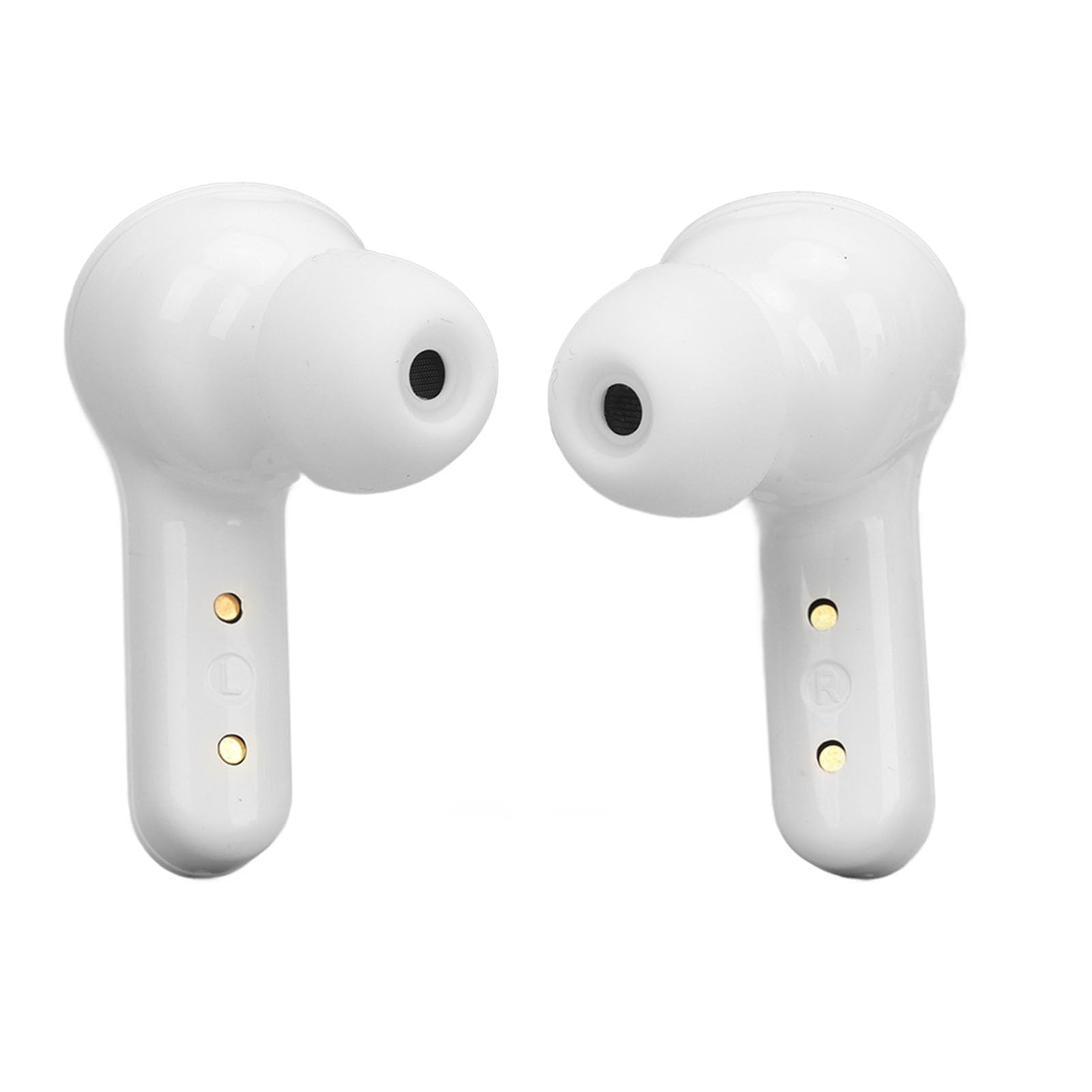
Image 1.1: Translator Earbuds 5.3 highlighting its multi-language translation feature.
2. Produit terminéview
The Translator Earbuds 5.3 are designed for seamless communication across language barriers and for general audio use. Key features include:
- Bluetooth 5.3 connectivity for stable connections.
- Intelligent noise reduction for clear audio.
- Support for 144 online languages (free for one year).
- Multiple translation modes: Touch mode, Speaker mode, Free Speech mode.
- High-capacity battery with charging case for extended use.
- Fingerprint control for music and calls.
- Système de son stéréo.

Image 2.1 : Terminéview of the Translator Earbuds 5.3 and charging case.

Image 2.2 : Profil latéralfile des écouteurs.

Image 2.3 : Inclinée view des écouteurs.
3. Installation
3.1 Chargement des écouteurs et de l'étui
Before first use, fully charge the earbuds and the charging case. The charging case has a built-in 250mAh lithium-ion battery, and each earbud has a 30mAh battery.
- Placez les écouteurs dans l’étui de chargement.
- Connectez le boîtier de chargement à une source d'alimentation à l'aide du câble USB fourni.
- L'affichage numérique du boîtier de charge indiquera l'état de charge et le niveau de la batterie.
Charging Time: 1-2 hours for a full charge.

Image 3.1: Earbuds, charging case, USB cable, and ear tips included in the package.

Image 3.2: Digital display on the charging case indicating battery status.

Image 3.3: USB charging port on the back of the charging case.
3.2 Couplage Bluetooth
Pour connecter les écouteurs à votre appareil :
- Assurez-vous que les écouteurs sont chargés et retirés de leur étui de chargement. Ils passeront automatiquement en mode appairage.
- Sur votre smartphone ou tablette, activez le Bluetooth.
- Rechercher available devices and select "TM20" (or similar name) from the list.
- Une fois la connexion établie, vous entendrez un signal sonore et les écouteurs seront prêts à l'emploi.
The earbuds are compatible with Android, iOS, and Windows devices.
4. Mode d'emploi
4.1 App Installation and Setup for Translation
For translation functionality, you need to download the dedicated application.
- Refer to the operating instructions included in the package for the specific APP name or QR code.
- Téléchargez et installez l'application sur votre smartphone.
- Open the APP and ensure your earbuds are connected via Bluetooth.
- Within the APP, select the language you want to translate from and the target language.
4.2 Modes de traduction
The earbuds support three primary translation modes:
- Mode tactile : Designed for two-person conversations.
- Chaque personne porte un écouteur.
- Click or double-click your earbud to speak. The spoken content will be translated in real-time and played through the other person's earbud.
- Mode haut-parleur : Suitable for one-on-one interactions where only one person wears an earbud.
- One person wears an earbud, and the other person holds the smartphone.
- Speak into the earbud, and the translation will be played through the phone's speaker. Conversely, the other person speaks into the phone, and the translation is heard through the earbud.
- Mode de liberté d'expression : For natural, real-time conversations between two earbud wearers.
- Both individuals wear an earbud.
- The system automatically detects and translates speech in real-time without requiring manual touch input for each turn.
The translation speed is approximately 0.2 seconds.
4.3 Music and Call Functions
The earbuds feature fingerprint control for audio playback and calls.
- Lire/mettre en pause la musique : Appuyez une fois sur l'écouteur.
- Chanson suivante : Appuyez deux fois sur l'écouteur droit.
- Chanson précédente : Appuyez deux fois sur l'écouteur gauche.
- Répondre/Terminer l'appel : Tap the earbud once during an incoming call.
- Rejeter l'appel : Press and hold the earbud for 2 seconds during an incoming call.

Image 4.1: Charging contacts on the earbuds.
5. Entretien
To ensure the longevity and optimal performance of your Translator Earbuds 5.3, follow these maintenance guidelines:
- Nettoyage: Utilisez un chiffon doux, sec et non pelucheux pour nettoyer les écouteurs et l'étui de chargement. N'utilisez pas de nettoyants abrasifs, d'alcool ni de solvants chimiques.
- Stockage: Rangez les écouteurs dans leur étui de chargement lorsqu'ils ne sont pas utilisés afin de les protéger de la poussière et des dommages.
- Évitez l'eau : The earbuds are not waterproof. Avoid exposure to water, moisture, or extreme humidity.
- Température: N’exposez pas l’appareil à des températures extrêmes (chaudes ou froides).
- Contacts de charge : Periodically check and gently clean the charging contacts on both the earbuds and the case to ensure a good connection.
6. Dépannage
| Problème | Cause possible | Solution |
|---|---|---|
| Les écouteurs ne s'appairent pas | Low battery; Bluetooth off; Out of range; Already paired to another device. | Charge earbuds; Ensure Bluetooth is on; Move closer to device; Disconnect from other devices. |
| Aucun son des écouteurs | Not connected; Volume too low; Earbuds not properly seated. | Check Bluetooth connection; Increase device volume; Re-insert earbuds. |
| La traduction ne fonctionne pas | APP not open; Incorrect language settings; No internet connection (for online translation). | Open the translation APP; Verify language settings; Ensure stable internet connection. |
| Durée de vie de la batterie courte | Earbuds not fully charged; Old battery. | Ensure full charge before use; Battery degradation is normal over time. |
7. Spécifications
| Modèle de produit | TM20 |
| Version Bluetooth | 5.3 |
| Chargement de la batterie | Environ 10 m (32.8 pieds) |
| Capacité de la batterie des écouteurs | 2 batterie lithium-ion de 30 mAh |
| Capacité de la batterie du boîtier de chargement | Batterie Lithium Ion 250mAh |
| Autonomie des écouteurs | 4 à 5 heure |
| Temps de charge | 1 à 2 heure |
| Temps de veille | 280 heures |
| Langues prises en charge | 144 online languages (free for one year) |
| Compatibilité | Android, iOS, Windows |

Image 7.1: Battery life indication for the earbuds and charging case.
8. Garantie et assistance
8.1 Informations sur la garantie
Ce produit est livré avec un Garantie de 3 mois from the date of purchase. The warranty covers manufacturing defects. It does not cover damage caused by misuse, accidents, unauthorized modifications, or normal wear and tear.
8.2 Assistance clientèle
For technical support, warranty claims, or further assistance, please contact your retailer or the manufacturer directly. Refer to the packaging or product documentation for specific contact details.